 ProMapRanker
Best Work Order Software in 2026


Mobile-first teams moving off paper · Pricing starts at: $20 per user per month
Key takeaways
- MaintainX, Fiix, and Limble offer free starting plans, so a small team can move off paper without an upfront subscription.
- Paid pricing clusters around 20 to 45 dollars per user per month for small and mid-size teams, while flat-fee and enterprise options suit larger crews.
- Mobile quality decides adoption: if technicians will not open the app on site, work orders will not get entered.
- Per-user pricing punishes broad use, so check how many free requester or viewer accounts each plan allows.
Quick comparison
| Pick | Great for | Pricing starts at | Free tier | |
|---|---|---|---|---|
| MaintainX | Mobile-first teams moving off paper | $20 per user per month | Yes | Visit |
 UpKeep | Small teams wanting fast mobile setup | $24 per user per month | Free trial | Visit |
 Limble | Teams wanting easy adoption | See website | Yes | Visit |
 Fiix | Manufacturers wanting a proven CMMS | $45 per user per month | Yes | Visit |
 eWorkOrders | Growing teams wanting flat-fee pricing | $380 per month | No | Visit |
 Coast | Facilities teams with custom workflows | $20 per user per month | Yes | Visit |
 eMaint | Multi-site plants needing compliance reporting | $69 per user per month | Free trial | Visit |
 FMX | Schools and multi-facility operations | $35 per user per month | Free trial | Visit |
The best work order software
Work order software, often called a CMMS, turns requests, repairs, and preventive maintenance into trackable jobs. The tools below all handle work orders, asset history, and scheduling, but they suit different team sizes and industries. Match the tool to your crew, not to the longest feature list.
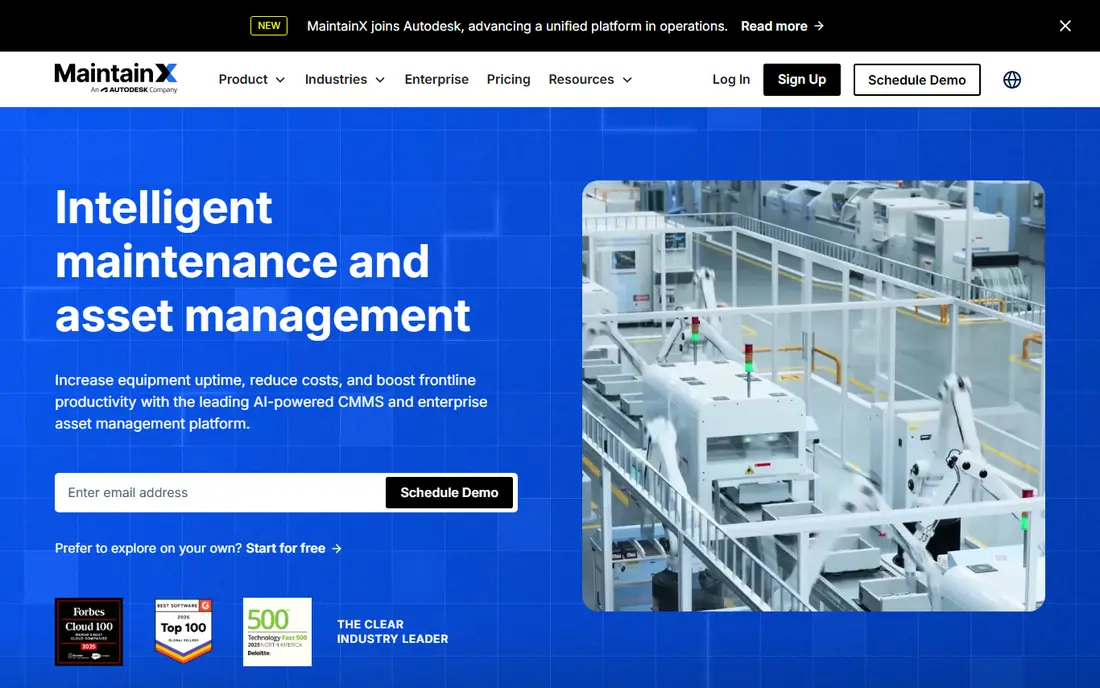
MaintainX is the easiest starting point for a team leaving paper or spreadsheets. Work orders, checklists, inspections, and team messaging live in one mobile app, and QR codes on equipment pull up the asset record in seconds. The free Basic plan covers unlimited work orders and unlimited requesters, which lets a small facility prove the workflow before paying.
Depth is the trade-off. Parts inventory, purchase orders, meter-based maintenance, and stronger analytics sit on higher tiers, so a plant with complex reliability needs should price the tier it will need in year two. For frontline teams that live on phones, MaintainX offers the shortest path to adoption.
- Free Basic plan with unlimited work orders
- Fast mobile adoption
- QR codes for asset lookup
- Advanced reporting and inventory sit on higher tiers
- Enterprise features need custom pricing
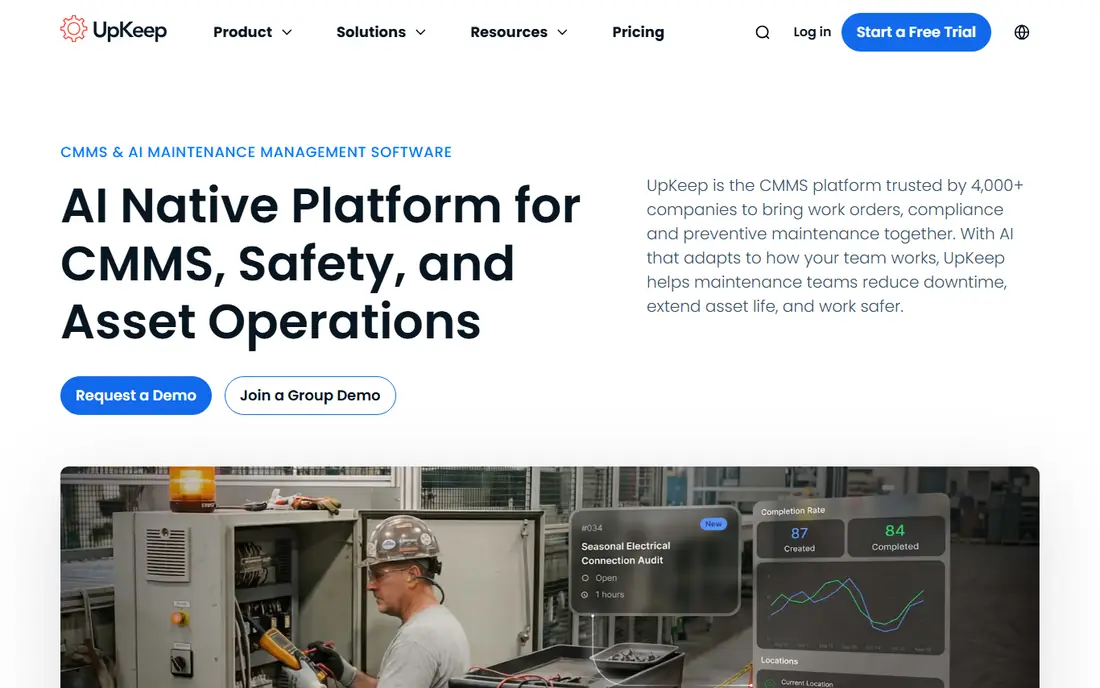
UpKeep suits small to mid-size teams that want a clean mobile app without a long implementation. Technicians can create, update, and close work orders from their phones, and managers get a clear view of open jobs, assets, and preventive schedules. The interface is straightforward, which helps teams that have never used a CMMS before.
The absence of a free ongoing plan means small teams must budget from the start, though a trial lets them test the fit first. Larger operations may also outgrow the entry tier when they need advanced analytics or integrations. For a small team that values speed and simplicity, UpKeep is a strong pick.
- Simple mobile work orders
- AI-assisted features for maintenance teams
- Quick setup for small crews
- No ongoing free plan
- Deeper reporting and integrations need higher tiers
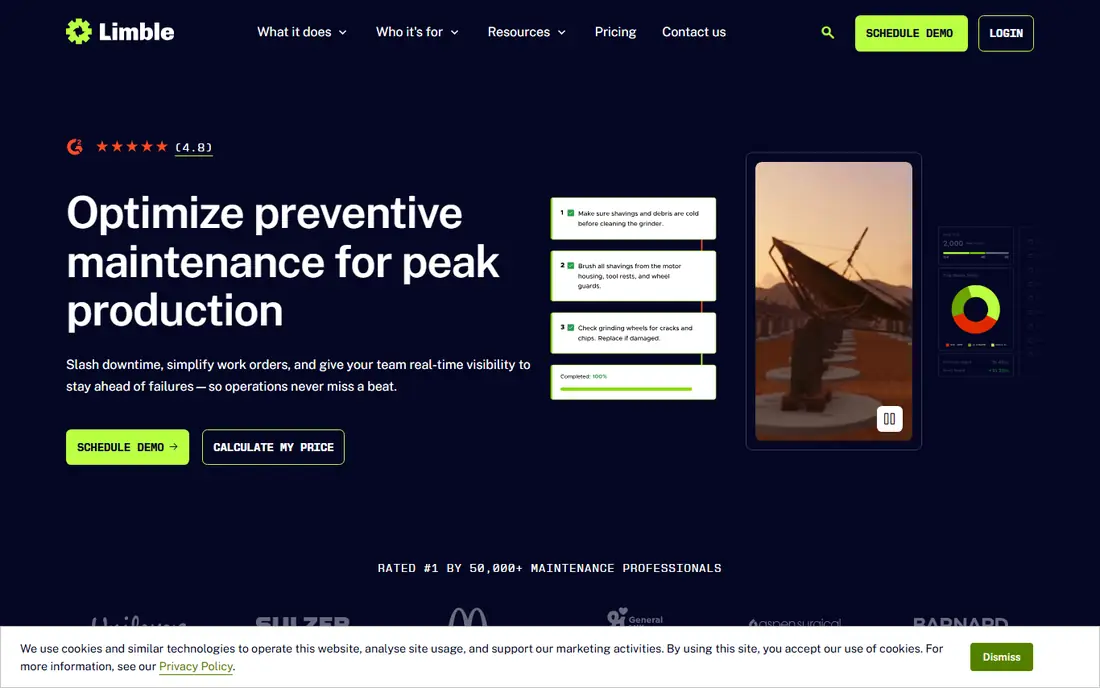
Limble is known for being easy to adopt, which matters more than feature depth for many operations teams. Work orders, preventive maintenance, asset tracking, and parts management are presented in a clear layout, and technicians can learn the mobile app with little training. Preventive schedules are a particular strength, since recurring jobs are easy to set up and track.
Pricing is the main uncertainty. Limble does not present a single simple entry price in the same way some rivals do, so teams need a quote or a demo to confirm cost. Teams that want transparent published pricing may prefer MaintainX or Fiix. Teams that want a tool their crew will actually use should still shortlist Limble.
- Easy to learn for technicians
- Strong preventive maintenance scheduling
- Good support reputation
- Pricing is not published as a simple entry price
- Advanced customization needs higher plans
Fiix, backed by Rockwell Automation, is a proven mid-market CMMS for manufacturers and asset-heavy operations. It handles work orders, preventive maintenance, asset hierarchies, and parts with more depth than entry-level tools, and its links to condition-monitoring data suit plants that track equipment health. Published pricing makes budgeting straightforward.
The entry price is higher than the cheapest options here, and the free plan is a starting point rather than a full system. Small teams with simple needs may not need Fiix depth. For manufacturers that want a mature tool with clear pricing, Fiix is a dependable choice.
- Clear published per-user pricing
- Solid asset and work order depth
- Condition-monitoring integrations
- Higher entry price than MaintainX or UpKeep
- Free plan limits advanced features
eWorkOrders breaks from per-user pricing with a flat monthly fee that covers unlimited users. That model changes the math once a team passes roughly 15 to 20 technicians, since adding users no longer adds cost. The tool covers work orders, preventive maintenance, asset management, and reporting in a single system.
For a tiny team, 380 dollars a month is a large commitment, and there is no free plan for extended testing. The value appears as the team grows and as more staff, from technicians to requesters, need access. Growing operations that hate per-seat surprises should compare eWorkOrders carefully against per-user tools.
- Flat monthly fee with unlimited users
- Work orders, preventive maintenance, and asset tracking
- Predictable cost at scale
- High starting cost for a very small team
- No free plan to test long term
Coast suits commercial facilities, property teams, and service operations that need flexible workflows. Work orders can be shaped around the way a facility actually runs, rather than forcing every job into one rigid template. The mobile app keeps technicians, managers, and requesters connected, and the free plan gives small teams a real starting point.
Coast is less focused on heavy manufacturing than Fiix or eMaint, so plants with deep reliability and condition-monitoring needs may find it thin. For facilities and service teams that value workflow flexibility at a low entry price, Coast is a practical option.
- Customizable workflows for facilities work
- Mobile-friendly job tracking
- Free plan for small teams
- Smaller ecosystem than the largest CMMS vendors
- Advanced manufacturing features are limited
eMaint, part of Fluke Reliability, suits multi-site operations that need consistent maintenance programs and audit-ready reporting. Work orders, assets, inventory, and preventive schedules can be standardized across sites, while local teams still manage their own jobs. Compliance reporting is a clear strength for regulated plants.
Cost and setup are the trade-offs. The entry price is higher than the tools aimed at small teams, and configuration takes more time than a plug-and-play app. Enterprises that need control, consistency, and reporting depth will find that effort worthwhile. Small teams should start with a simpler tool.
- Configurable multi-site maintenance programs
- Compliance-grade reporting
- Long track record in manufacturing
- Higher entry price
- Implementation and configuration take more effort
FMX combines work order management with facilities scheduling, which suits schools, churches, municipalities, and multi-location operations. A facilities team can manage maintenance requests, room scheduling, and asset records in one system, rather than splitting them across tools. The multi-site view helps managers compare sites and workloads.
Manufacturing depth is not the focus, so plants with complex asset hierarchies should look elsewhere. There is also no free ongoing plan, though a trial is available. For education and public facilities, FMX is a well-matched and practical choice.
- Facilities scheduling plus work orders
- Good fit for schools and municipalities
- Clear multi-site view
- Less manufacturing depth than Fiix or eMaint
- No ongoing free plan
How we picked these
We compared official pricing pages, feature pages, and documentation, and we checked recent work order and CMMS guides to confirm entry prices in October 2026. We favored tools that were actively maintained, offered a mobile app for technicians, and published pricing or a free tier or trial. We left out quote-only tools with no verifiable entry point, and tools that only handled ticketing with no asset or preventive maintenance features.
How to choose the right work order system
Start with team size and pricing model. A team of three technicians should start free with MaintainX or Fiix, while a team of 30 should compare per-user totals against a flat-fee option such as eWorkOrders. Next, list your must-have features: preventive maintenance, parts inventory, asset history, and reporting are the usual dividing lines between entry and mid-market tools.
Then run a pilot with real technicians, not just managers. Give the app to the people who will close work orders on site, and watch whether jobs get entered, photos get attached, and checklists get completed. A tool that managers love but technicians avoid will fail, no matter how good its dashboard looks. Check integrations last, since most teams only need a few: accounting, parts suppliers, or building systems.
Implementation tips
Import assets in stages, starting with critical equipment, and use QR codes or asset tags to speed up lookup on site. Set up preventive schedules for the jobs that already repeat, and keep custom fields to a minimum at launch. Review open work orders weekly at first, and adjust workflows based on what technicians actually report, rather than adding features before the basics work.
Frequently asked questions
What is the best work order software?
MaintainX is the best work order software for most small teams, thanks to its free plan and mobile app. Fiix suits manufacturers that need more depth, while eWorkOrders suits larger teams that want flat-fee pricing.
What are the best work order apps for small teams?
MaintainX, Fiix, and Limble all offer free plans, and UpKeep and Coast offer low entry prices with mobile apps. Small teams should start free, prove the workflow with real jobs, and only pay when they need inventory, reporting, or multi-site features.
What is the best work order system app for facilities?
FMX and Coast are strong for facilities work, since both combine work orders with scheduling and multi-site views. MaintainX also works well for facilities teams that mainly need fast mobile work orders.
How much does work order software cost?
Entry prices in this guide range from free plans to about 20 to 45 dollars per user per month, with eMaint at 69 dollars and eWorkOrders at a flat 380 dollars a month. Total cost depends on user count, so model your whole team before comparing headline prices.
Can work order software replace spreadsheets?
Yes, for most teams. A CMMS replaces spreadsheet tracking with assigned jobs, asset history, preventive schedules, and reports, and it gives technicians a mobile app for updates on site. The gain depends on adoption, so pilot the app with technicians before rolling it out widely.
Sources
See where you really rank - block by block
ProMapRanker scans Google Maps across a grid of your service area. Simple monthly plans from $19, white-label on every plan.
Start freeKeep reading
 zoho inventory alternatives
6 Alternatives to Zoho Inventory, Compared on Price and Fit
Zoho Inventory alternatives: 6 tools compared on price, free plans and fit. Katana leads the list for manufacturers. Fit and flaws are laid out for each entry.
Read → zoho crm alternatives
Best Zoho CRM Alternatives (2026)
Need Zoho CRM alternatives? We compare 7 tools on cost, free access and who each suits. Every pick gets a straight assessment. Built for quick decisions.
Read → zelle alternatives
Best Zelle Alternatives in 2026
Compare the best Zelle alternatives for sending money to friends, paying sellers and moving funds abroad, with honest notes on fees, speed and safety in 2026.
Read →