 ProMapRanker
Best IAM Tools in 2026: 8 Platforms Compared

Key takeaways
- Okta is our pick for vendor neutral workforce identity, while Microsoft Entra ID is the clear choice for Microsoft 365 shops.
- Auth0 suits product teams building customer login, and Keycloak suits teams that want open source self hosting.
- Cisco Duo is the fastest win for multi factor authentication, and JumpCloud suits small IT teams moving away from Active Directory.
- Ping Identity and OneLogin fit mid market and enterprise teams with hybrid or complex federation needs.
Quick comparison
| Pick | Great for | Pricing starts at | Free tier | |
|---|---|---|---|---|
 Okta | Vendor neutral workforce IAM | $6 per user per month | No | Visit |
 Microsoft Entra ID | Microsoft 365 organisations | $7 per user per month | Yes | Visit |
 Ping Identity | Hybrid and federation | $3 per user per month | No | Visit |
 Auth0 | Customer login for apps | $35 per month | Yes | Visit |
 Cisco Duo | Fast MFA rollout | $3 per user per month | Yes | Visit |
 JumpCloud | Cloud directory plus devices | $9 per user per month | No | Visit |
 OneLogin | Mid market SSO simplicity | $4 per user per month | No | Visit |
 Keycloak | Open source self hosted IAM | Free | Yes | Visit |
The best IAM tools
We compared single sign on, multi factor authentication, lifecycle management, integrations, and pricing. IAM tools control who can sign in, what they can access, and how that access is removed when someone leaves.
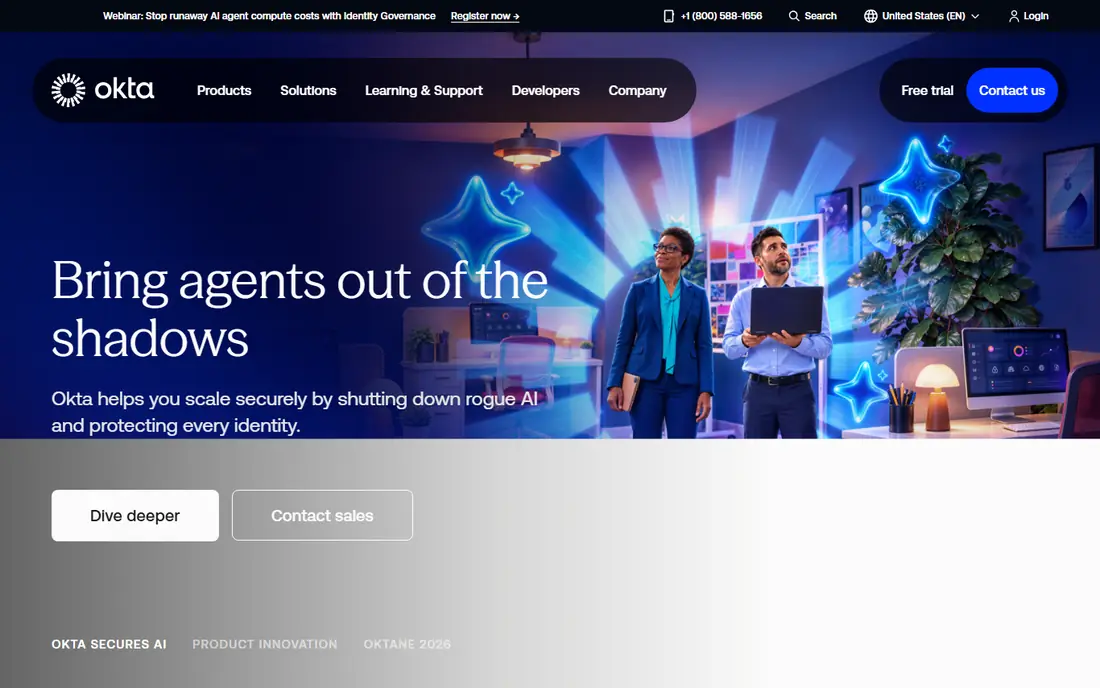
Okta is the best of breed workforce identity platform for teams that do not want to be tied to one vendor stack. Single sign on covers thousands of apps, and multi factor authentication adds a second check at login. Lifecycle tools automate joining, moving, and leaving, which reduces manual access work.
Pricing starts from 6 dollars per user per month, with higher tiers for lifecycle, governance, and privileged access. An annual minimum can apply, so small teams should confirm the total commitment. For mid market and enterprise teams that need broad app coverage, Okta remains the reference point.
- Very broad integration catalogue
- Strong SSO and MFA
- Add ons for governance and privileged access
- Costs climb as add ons stack
- Annual minimum applies on some plans
Microsoft Entra ID, formerly Azure Active Directory, is the obvious pick for organisations already on Microsoft 365. Users sign in once, Conditional Access sets rules based on device, location, and risk, and admin tools sit inside the Microsoft console IT teams already use. A free tier comes with Microsoft cloud subscriptions.
Paid plans add depth. P1 costs 7 dollars per user per month, P2 costs 10 dollars, and the Entra Suite costs 12 dollars, with prices varying by billing and bundle. Outside the Microsoft stack, integration is workable but less broad than Okta. If your stack is Microsoft first, Entra ID is hard to beat.
- Deep Microsoft 365 and Azure integration
- Conditional Access
- Free tier with cloud subscriptions
- Less neutral outside Microsoft
- Advanced features need P2 or Suite plans
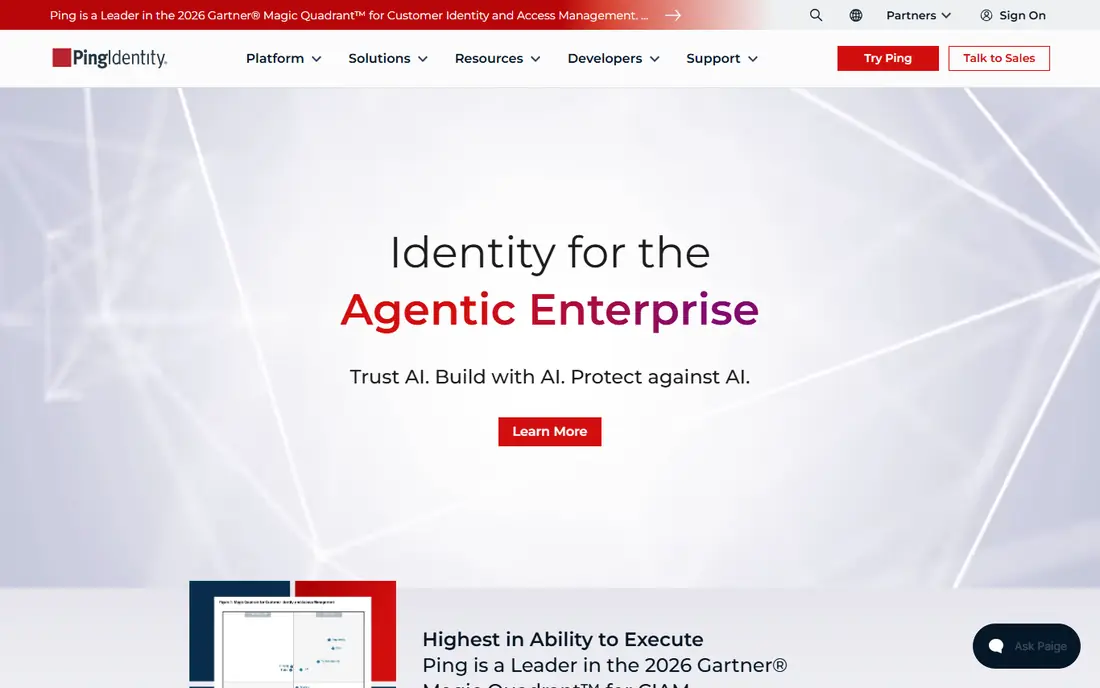
Ping Identity suits large organisations with hybrid infrastructure and complex federation needs. PingOne for Workforce starts from 3 dollars per user per month on some plans, with higher tiers for advanced features. Standards based federation helps connect partners, legacy systems, and cloud apps that do not share one vendor.
The catch is scale and complexity. Some plans carry a 5,000 user minimum, and advanced setups need skilled identity engineers. Smaller teams will find simpler tools faster to run. For enterprises spanning cloud and on premises systems, Ping depth is a real advantage.
- Strong federation and standards support
- Cloud, on premises, and hybrid deployment
- Broad integrations
- Minimum user counts on some plans
- Complex setup for advanced use
- Sales led pricing
Auth0, now part of Okta, is built for customer facing apps rather than employee login. Developers add sign up, login, social login, and multi factor authentication with SDKs and APIs, without building identity from scratch. A free plan covers small customer apps, with paid plans from 35 dollars per month for B2C use.
Tier jumps are the watch point. B2B plans start higher, and enterprise identity connections add cost per connection. For a product team launching an app, Auth0 saves months of identity work. For employee only access, a workforce IAM tool is usually a better fit.
- Developer friendly
- Free plan for customer apps
- Social and enterprise login options
- Prices jump between tiers
- Enterprise identity connections cost extra
Cisco Duo is the fastest multi factor win in this list. Add a second factor to logins, check device trust, and protect VPN and app access with minimal setup. The free plan covers up to 10 users, and Essentials starts at 3 dollars per user per month, with Advantage at 6 dollars and Premier at 9 dollars.
Duo is not a full replacement for Okta or Entra ID. Single sign on and advanced policies sit on higher tiers, and governance features are thinner. Use Duo when MFA is the urgent gap, and pair it with a directory or SSO tool for full identity management.
- Free plan for up to 10 users
- Very fast MFA setup
- Device trust checks
- Full SSO and advanced policies need higher tiers
- Not a full identity governance tool
JumpCloud suits small IT teams that want a cloud directory without Active Directory servers. It manages users, devices, and access across Windows, macOS, and Linux from one console. Device Management starts at 9 dollars per user per month on annual billing, with SSO at 11 dollars and Device Identity at 13 dollars.
Full platform tiers are quote based, so total cost needs a sales conversation for larger setups. The console also takes time to learn well. For teams with mixed device fleets and no on premises directory, JumpCloud replaces several separate tools.
- Cloud directory plus device management
- Cross platform Windows, Mac, and Linux support
- SSO included on higher tiers
- Platform tiers are quote based
- Learning curve for full setup
OneLogin, now part of One Identity, is a mid market friendly SSO and MFA tool. Advanced starts at 4 dollars per user per month, with Professional at 8 dollars. HR driven provisioning helps automate access when staff join or change roles, and the interface is simpler than enterprise rivals.
The catalogue is smaller than Okta, and some advanced features need the higher tier. For a mid sized company that wants solid SSO and MFA without enterprise complexity, OneLogin offers good value. Larger teams with complex governance needs should compare Okta and Ping first.
- Simple SSO and MFA setup
- HR driven provisioning
- Low list price
- Advanced features gated to higher tiers
- Smaller integration catalogue than Okta
Keycloak is the open source option for teams that want full control. Self host it, use standard protocols like SAML and OpenID Connect, and build single sign on, MFA, and fine grained authorisation without per user licence fees. That control suits regulated teams and developers with identity skills.
The cost is operational, not licence based. You host, patch, back up, and scale it yourself, and setup takes real effort. For a team without identity engineers, a cloud IAM service will be cheaper in time. For a team with those skills, Keycloak is a strong and flexible choice.
- Free open source software
- Self hosting control
- Fine grained authorisation and standard protocols
- Needs hosting and upkeep
- Resource heavy at scale
- Steeper learning curve
How we picked these
We compared official pricing and feature pages, plus public reviews of SSO, MFA, provisioning, and deployment options. We kept tools that are live in October 2026 and that cover workforce, customer, or MFA use cases, with a mix of cloud and self hosted options. Where pricing is quote based or varies by bundle, we used the published entry figure or wrote See website in the product field where needed.
What to check before you choose
Start with who you are managing. Workforce IAM covers employees, while customer IAM covers app users, and the two have different pricing and features. Picking the wrong type leads to a poor fit, even with a good product.
Check app coverage next. List the apps staff must reach, and confirm SSO and provisioning support for each one. A tool that covers 90 percent of apps still leaves manual work for the rest, so count the gaps, not just the total catalogue size.
MFA and Conditional Access
Turn on MFA for all users, especially admins, before you worry about advanced features. Conditional Access rules, based on device and risk, add a second layer. Test rules with a pilot group first, since a strict rule can lock out legitimate users.
Joining, moving, and leaving
Automate access changes from HR data where possible. When someone leaves, access should be removed quickly and completely, across apps. Test the leaving workflow, not just the joining one, since stale access is a common security gap.
Cost model
Workforce tools usually charge per user, while customer tools charge per monthly active user. Model both against your real user counts, including contractors and seasonal staff. Add governance, privileged access, and support costs to the base price.
Frequently asked questions
What is the best IAM platform for a small business?
Cisco Duo is a strong start for MFA, and JumpCloud suits small teams that also need device management. Microsoft Entra ID suits small Microsoft 365 shops. Start with MFA and SSO for core apps, and add governance only when headcount or compliance demands it.
What is the top IAM software for enterprises?
Okta leads for vendor neutral workforce identity, Microsoft Entra ID leads for Microsoft shops, and Ping Identity leads for hybrid and federation heavy estates. All three need a proper rollout plan. Compare app coverage, governance depth, and total cost, not just the entry price.
Is Keycloak really free?
Keycloak software is free and open source, but hosting, upkeep, and support cost time and infrastructure. For a skilled team, total cost can still be lower than a cloud service. For a team without identity engineers, a cloud IAM tool is usually cheaper overall.
What is the difference between IAM and MFA?
IAM is the full system for identity, access, and lifecycle management. MFA is one part of IAM, adding a second check at login, such as an app code or security key. Every IAM rollout should include MFA, but MFA alone does not manage who can access which app.
How do I choose between Okta and Microsoft Entra ID?
Choose Entra ID if your stack is Microsoft 365 and Azure, since integration and Conditional Access are built in. Choose Okta if you need vendor neutral app coverage across many non Microsoft tools. Many large companies use both, with Entra ID for Microsoft apps and Okta for the rest.
Sources
See where you really rank - block by block
ProMapRanker scans Google Maps across a grid of your service area. Simple monthly plans from $19, white-label on every plan.
Start freeKeep reading
 best resource management software
Best Resource Management Software in 2026
We compared the best resource management software for scheduling, capacity and utilization, with current pricing and free trials, to help teams choose well.
Read → best reporting tools
Best Reporting Tools in 2026
Compare the best reporting tools for dashboards, scheduled reports, and business insights, from Power BI and Tableau to Looker Studio for every team size.
Read → best remote support software
Best Remote Support Software in 2026
Looking for the best remote support software? We compare 9 tools on price, security, session controls, and fit for helpdesks, MSPs, and small teams in 2026.
Read →