 ProMapRanker
Software for Managing Content Workflows: Best Picks of 2026

Executing content work in one workspace · Pricing starts at: $9 per seat per month
Direct answer
For executing content work in one workspace, Monday.com is where this list starts. Listed starting prices: Monday.com from $9 per seat per month, Smartsheet from $12 per Member/month and Asana from $10.99 per user per month. Look at Wrike for enterprise content delivery with control, and at Smartsheet for governed, spreadsheet-style content execution. The full list of 5 tools follows, with prices and free plan facts.
This ProMapRanker guide covers 5 software for managing content workflows. Each profile lists a starting price, free plan details, strengths and drawbacks, so you can drop poor fits quickly.
Key takeaways
- Number one here is Monday.com, a fit for executing content work in one workspace.
- Monday.com, Asana, Airtable: these are the 3 tools out of 5 that offer a free plan.
- Airtable suits structured content databases and automation.
- Asana comes with a trade-off: can feel heavy for very straightforward content calendars.
- Starting prices begin at $9 per seat per month with Monday.com.
Quick comparison
| Pick | Great for | Pricing starts at | Free tier | |
|---|---|---|---|---|
| Monday.com | Executing content work in one workspace | $9 per seat per month | Yes | Visit |
 Wrike | Enterprise content delivery with control | See website | Not stated | Visit |
 Smartsheet | Governed, spreadsheet-style content execution | $12 per Member/month | Not stated | Visit |
 Asana | Team content planning and automation | $10.99 per user per month | Yes | Visit |
 Airtable | Structured content databases and automation | $20 per user a month | Yes | Visit |
Software for Managing Content Workflows compared in detail
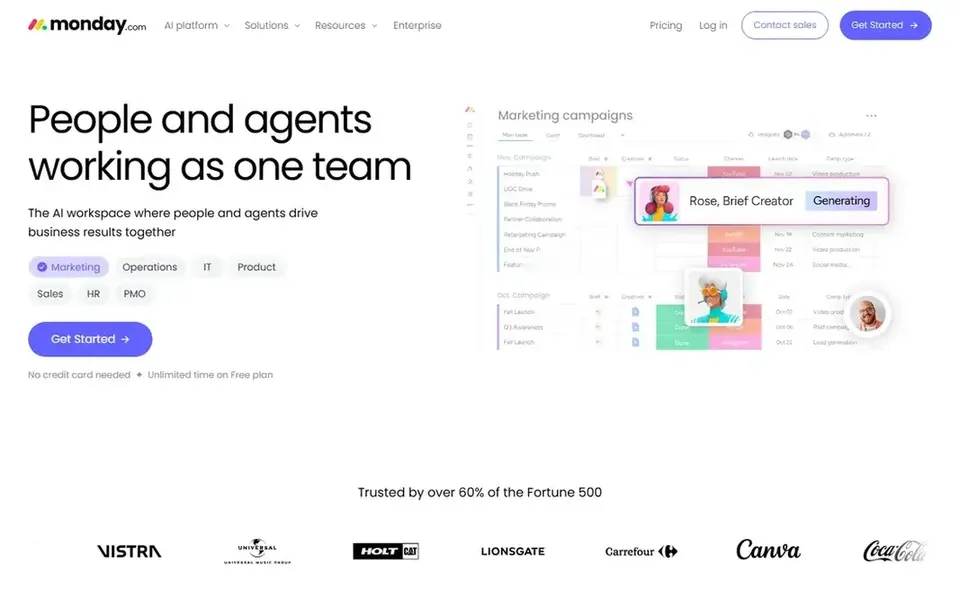
Where Monday.com fits: executing content work in one workspace. For content workflows, it does well when you want a customizable board that tracks items from idea to publication whereas keeping related operations in the same workspace.
The breadth of configuration choices can slow down teams that just want a ready-made content process, and consistency relies on how well the workspace is organized. Monday.com is positioned as an AI workspace for people and agents, letting teams execute, manage and operate together in one place. On cost, Monday.com starts like this: $9 per seat per month. Monday.com has a free plan.
Drawbacks to consider: Adaptable setup needs clear conventions.
- Adaptable boards for content pipelines
- AI agents work alongside people
- Numerous choices can overwhelm new users
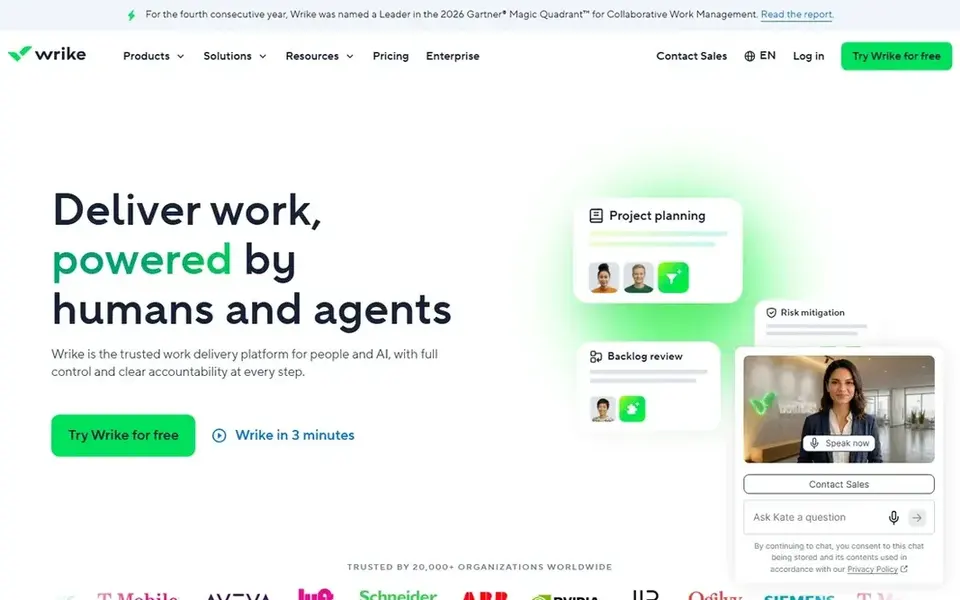
Think of Wrike for enterprise content delivery with control. Wrike is an AI-powered enterprise work management product positioned as a work delivery tool for people and AI, helping organizations reach outcomes whereas keeping control of how work gets done.
Limits to weigh: Targeted at bigger organizations.
Its enterprise orientation can mean more setup and administration than a small content team wants. If your workflow is straightforward and contained, a lighter board or document-based tool is probably a better match. Check the vendor site for Wrike pricing; none is listed in this comparison. On free options: Not stated.
- AI-powered work management
- Focus on delivery outcomes
- May be more than small teams need
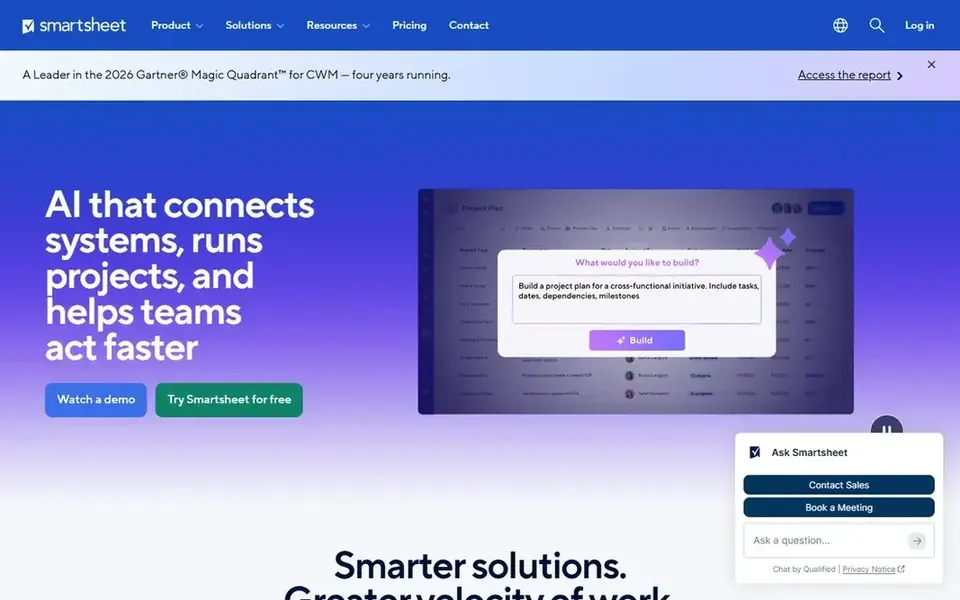
Smartsheet is designed for governed, spreadsheet-style content execution. Smartsheet calls itself the execution hub for enterprise work, where people and AI get work done together with the governance and visibility enterprises need.
Drawbacks to consider: Spreadsheet metaphor is not for everyone.
The starting price for Smartsheet: $12 per Member/month. Free options: Not stated.
- Governance and visibility features
- People and AI working together
- Best value at bigger scale
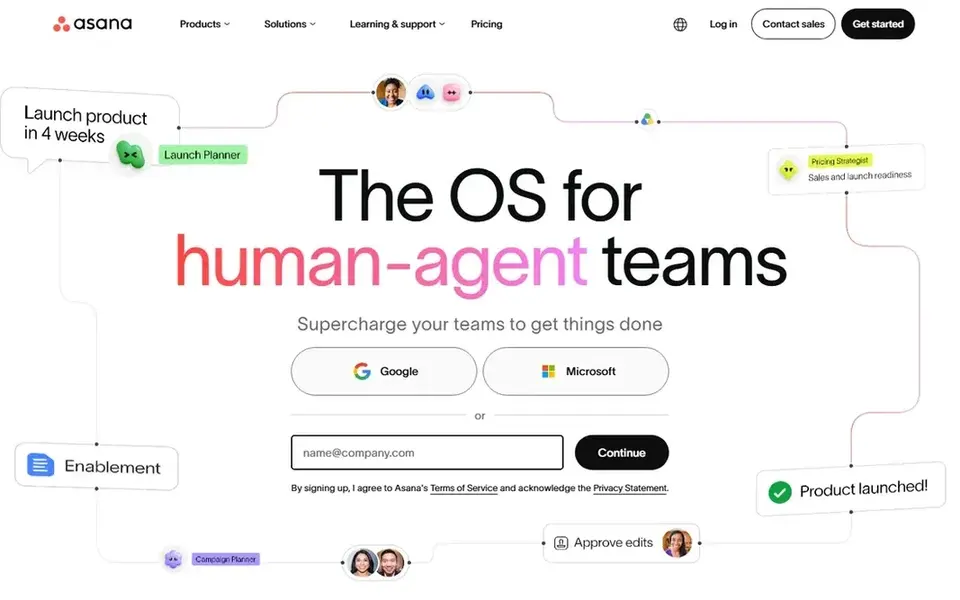
Asana was built for team content planning and automation. If you primarily want a light visual board for a handful of content items, a more straightforward board tool may be the better choice.
For everyday use, for content workflows, it suits teams that want structured projects, assigned tasks and automation around recurring publishing steps. The starting price for Asana: $10.99 per user per month. Asana offers a free plan.
Watch-outs: Setup takes planning upfront.
- Workflow automation features
- Designed for collaboration with AI agents
- Can feel heavy for very straightforward content calendars
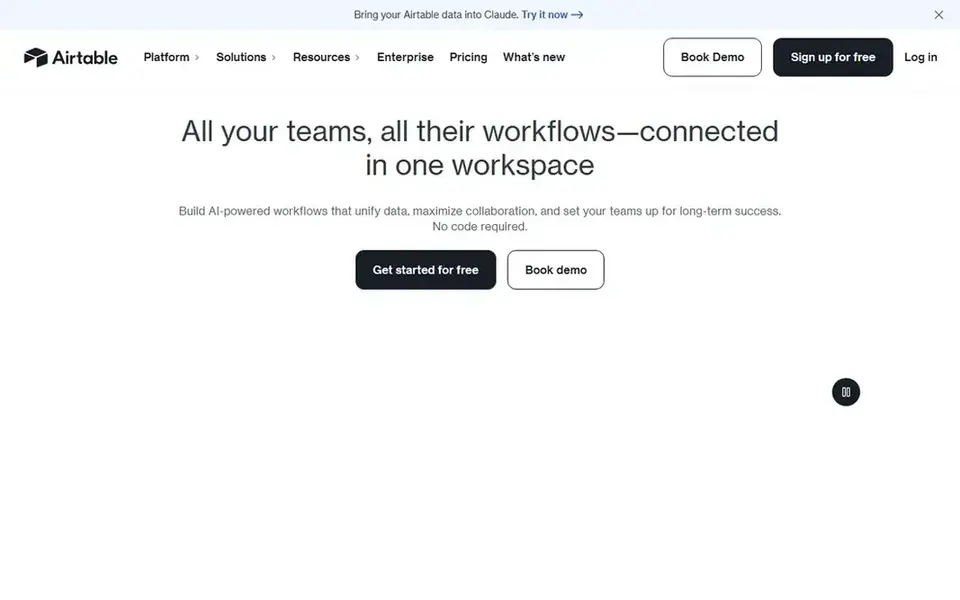
Pick Airtable if this describes you: structured content databases and automation. Since it is built around structured data, it takes planning to set up tables and views well, and casual contributors may find it less at once easy-to-learn than a board.
Trade-offs to know: Needs some planning to structure data.
Airtable lets teams build AI workflows, apps and agents, and its homepage notes live collaboration and automation of repetitive tasks and manual work. On top of that, if you only need task checklists, a more straightforward project tool will get you moving quicker. Starting cost for Airtable: $20 per user per month. Airtable offers a free plan.
- Custom apps built on your data
- Automation of repetitive tasks
- Can be complicated for casual users
Our selection method
Selection started from tools commonly considered for software for managing content workflows, then narrowed to 5 that have clear pricing information or a clear quote process. Treat prices as a snapshot: vendors change plans often, so check the vendor site for the figure that applies today. Order on the page follows fit for the typical buyer first, then price transparency and free access. Your own requirements should decide the final pick.
Questions to settle before buying
- Get a written quote from Wrike; the list shows no starting price for them.
- Read the fine print on the free plans from Monday.com, Asana and Airtable; seat, project and feature caps differ.
- Before choosing Monday.com, weigh its main limit: plenty of choices can overwhelm new users.
- See whether Smartsheet offers onboarding or training, and whether it is included in the price.
- Work out what Monday.com costs with your real seat count, add-ons and usage, not just the entry price.
Frequently asked questions
Is Monday.com the right pick for everyone comparing software for managing content workflows?
No single tool suits every team. Monday.com comes first because it fits executing content work in one workspace, while Wrike suits enterprise content delivery with control and Smartsheet suits governed, spreadsheet-style content execution. Match the tool to your own size, budget and workflow before deciding.
Which options for software for managing content workflows have a free plan?
Monday.com, Asana and Airtable offer a free plan in this list. Free plans usually cap users, projects or features, so check the limits on the vendor page.
Which tool is a good match for a small content team?
Monday.com comes first here and is built for executing content work in one workspace. Buyers with other needs may prefer Wrike (for enterprise content delivery with control) or Smartsheet (for governed, spreadsheet-style content execution). Compare costs and limits first.
What is the cheapest option for software for managing content workflows in this list?
On published monthly entry prices, Monday.com is the lowest here at $9 per seat per month. Entry price is only part of the cost, because seats, add-ons and billing terms can change the total. All 5 picks in this software for managing content workflows comparison list a starting price, free plan details and the main limits on their cards above.
Can I try these tools before paying?
Often, yes. Monday.com, Asana and Airtable have a free plan. Use your own data and a real task during the test, and check what the free tier or trial limits before you rely on it.
Sources
See where you really rank - block by block
ProMapRanker scans Google Maps across a grid of your service area. Simple monthly plans from $19, white-label on every plan.
Start freeBrowse all guides
← Content Ops Software for Teams: 5 Options Compared in 2026Client Portal Software for Project-Based Agencies (2026) →
 best collaboration content management software
Best Collaboration Content Management Software in 2026
6 products for the best collaboration content management software, ranked by fit, with starting costs and free tiers. Real limits included. See which fits.
Read → best ai cloud content collaboration software
Best AI Cloud Content Collaboration Software in 2026
Need the best AI cloud content collaboration software? We compare 6 tools on cost, free access and who each suits. Prices and drawbacks included. Choose faster.
Read → best gantt software for event planning agencies
5 Best Gantt Software for Event Planning Agencies in 2026
Need the best gantt software for event planning agencies? We compare 5 tools on cost, free access and who each suits. Caveats come with every verdict.
Read → google keep alternatives
Best Google Keep Alternatives in 2026
Compare the best google keep alternatives for quick notes, lists, and reminders, with Notion, OneNote, Obsidian, Bear, Simplenote, and more free plans.
Read → best ai coding platforms for software teams
7 Best AI Coding Platforms for Software Teams for 2026
7 best AI coding platforms for software teams, with entry costs, free tiers and the buyer each one serves. Concise write-ups of every option. Details below.
Read → best second brain app
Best Second Brain App in 2026
Compare the best second brain apps for notes, links and personal knowledge, with free plans, pricing, sync options and honest limits for each today in 2026.
Read →More in Project Management & Productivity · All guides A to Z by date · Latest guides