 ProMapRanker
Best Web Meeting Software in 2026

Key takeaways
- Zoom remains the meeting-first pick for many teams, while Google Meet and Microsoft Teams win when a team already pays for that office suite.
- Free plans are useful for short calls, but group time limits and participant caps push regular teams to a paid plan.
- Webex and GoTo Meeting suit larger or more controlled organisations, while Whereby and Jitsi Meet suit simple or embedded calls.
- Check recording, captions, breakout rooms, and webinar limits before you choose, because those features vary more than basic video quality.
Quick comparison
| Pick | Great for | Pricing starts at | Free tier | |
|---|---|---|---|---|
 Zoom Workplace | Meeting-first teams | $14.16 per user per month | Yes | Visit |
 Google Meet | Google Workspace teams | $7 per user per month | Yes | Visit |
 Microsoft Teams | Microsoft 365 teams | $4 per user per month | Yes | Visit |
 Webex | Enterprise meetings | See website | Yes | Visit |
 GoTo Meeting | Simple reliable meetings | $12 per organizer per month | No | Visit |
 Zoho Meeting | Zoho users and small teams | See website | Yes | Visit |
 Whereby | Browser-first small meetings | $8.99 per month | Yes | Visit |
 Jitsi Meet | Free simple meetings | Free | Yes | Visit |
 RingCentral Video | Phone and video in one system | See website | Yes | Visit |
 Livestorm | Webinars and client sessions | See website | Yes | Visit |
The best web meeting software
We compared ease of joining, meeting limits, recording and captions, webinar support, and pricing. These ten cover office suites, meeting-first tools, and lighter browser options.
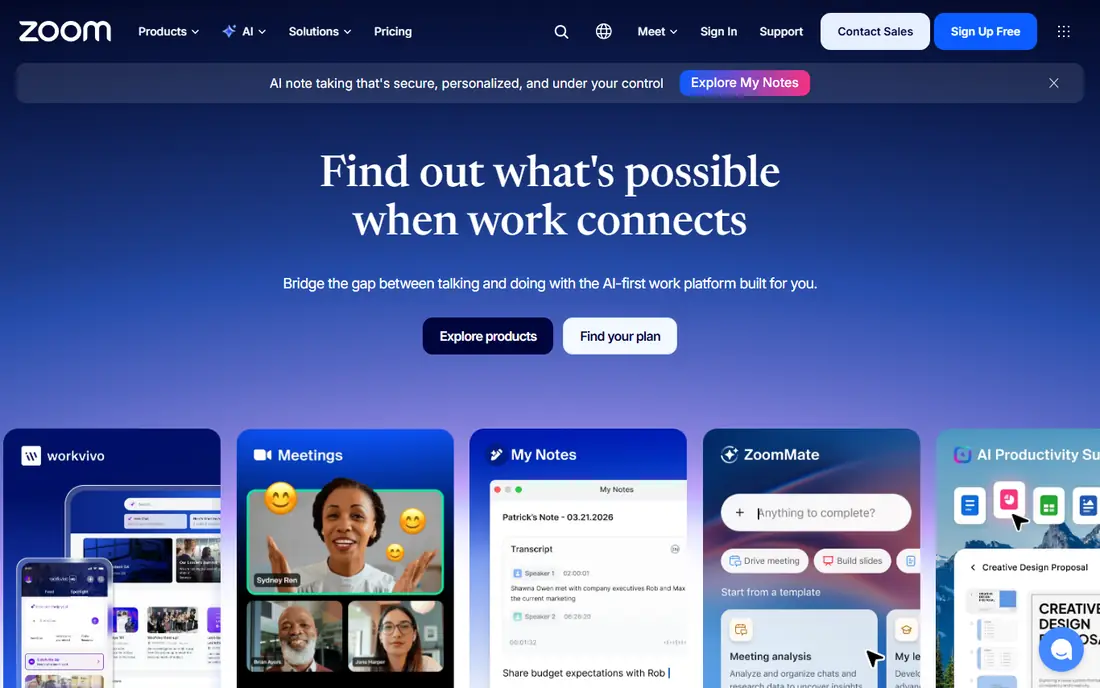
Zoom Workplace is the default many guests already know, which reduces joining friction for client calls and interviews. It covers meetings, webinars, breakout rooms, recording, and whiteboards, and it scales from a small team to large events with add-ons. For teams where meetings are the main work, that breadth is hard to beat.
The free plan caps group meetings at 40 minutes, so regular teams need a paid plan. Webinar and large-meeting add-ons also add cost on top of the base licence. Still, for meeting-first teams, our pick is Zoom because guests rarely need instructions to join.
- Familiar joining experience
- Breakout rooms and webinars
- Wide room and phone add-ons
- Add-ons raise cost
- Free group meetings are time limited
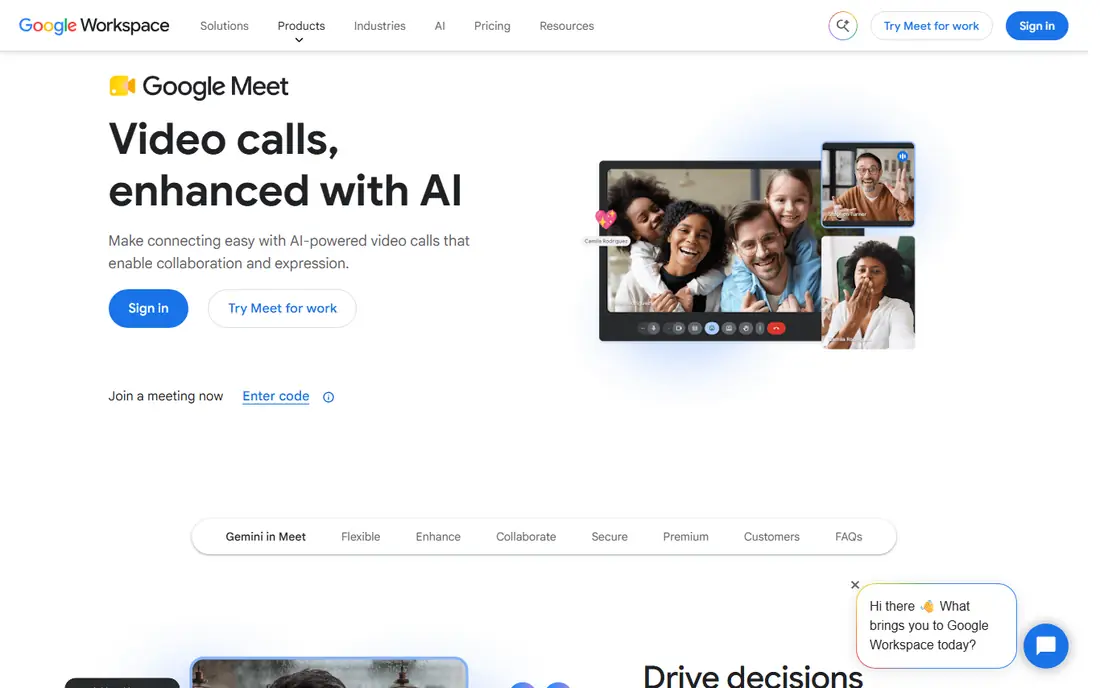
Google Meet fits teams that already live in Google Workspace, because scheduling, joining, and sharing sit inside Calendar and Gmail. Guests can often join from a browser link, and live captions help in noisy rooms and for accessibility. Paid Workspace plans raise participant limits and add recording and noise cancellation options.
Meet is less suited to large marketing webinars with registration and lead tools, where a dedicated webinar product fits better. For internal meetings and client calls inside a Google-first company, it is simple, reliable, and good value at the entry Workspace price.
- Browser joining with no install for many guests
- Tight Calendar and Gmail links
- Live captions
- Fewer webinar marketing features than dedicated webinar tools
- Meeting size varies by plan
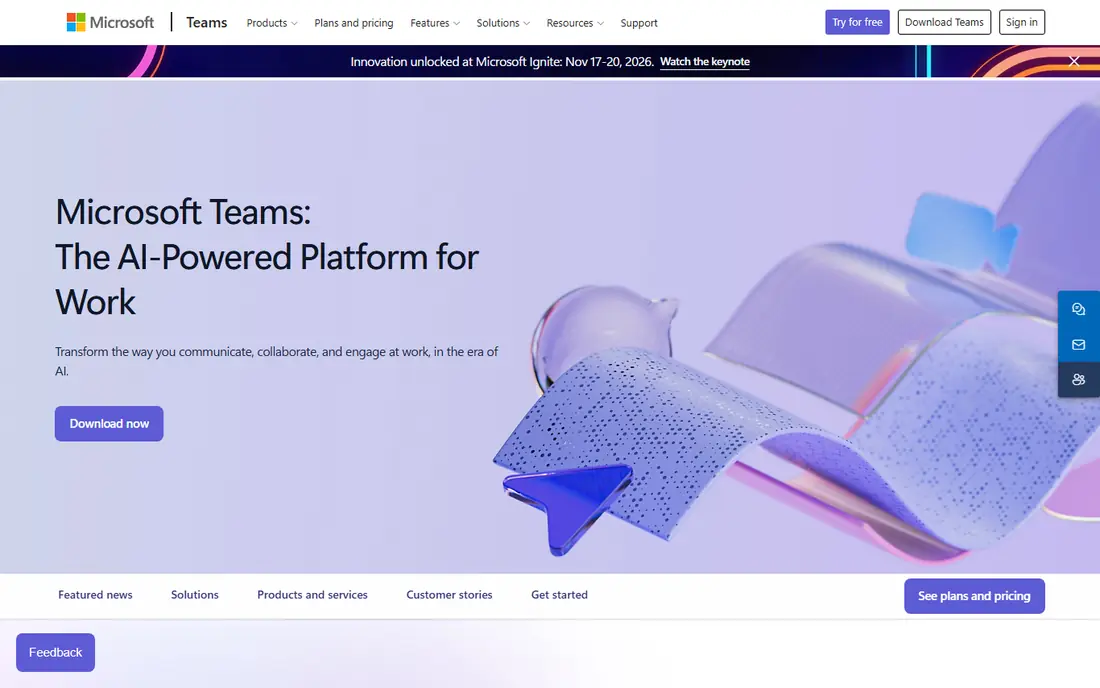
Microsoft Teams is more than a meeting app, because chat, channels, files, and apps sit around the call. That suits internal teams that already use Word, Excel, SharePoint, and Outlook, since a meeting can start from a chat thread and end with shared notes. Teams Essentials offers a low entry price, while full Microsoft 365 plans add larger meetings, webinars, and town halls.
The downside is complexity. Guests and new users can find the many tabs and settings harder to learn than a single-purpose meeting link. For a Microsoft 365 company, though, Teams usually costs less than buying a separate meeting tool for everyone.
- Meetings plus chat and files in one hub
- Strong Microsoft 365 links
- Town halls and webinars
- Interface can feel busy
- Best value needs a Microsoft 365 plan
Webex has long served large organisations, and it shows in admin controls, security options, and support for large webinars and events. The free plan covers basic meetings, while paid suites add webinars, events, and calling features. Companies with Cisco room hardware get a smoother room experience as well.
Small teams may find the range of suites and add-ons confusing, and public pricing is less direct than Zoom or Teams. If your organisation needs strict admin control, large events, and room systems, Webex is worth a formal trial. If you only need weekly team calls, a simpler tool will be faster to adopt.
- Enterprise admin controls
- Webinar and event scale
- Cisco hardware support
- Pricing is harder to compare upfront
- Interface feels enterprise heavy for small teams
GoTo Meeting keeps the focus on the call itself, with straightforward scheduling, screen sharing, and meeting controls. It suits teams that want a dependable meeting link without a full collaboration suite, and organizers can host from desktop or mobile. The entry plan is priced per organizer rather than per attendee, which helps for guest-heavy calls.
The trade-off is scope. GoTo Meeting does not replace team chat, file storage, or a full office suite, so teams may still pay for those tools separately. If meetings are a standalone need and simplicity matters, it remains a solid and predictable choice.
- Clear meeting controls
- Screen sharing and drawing tools
- Mobile joining
- No free plan
- Fewer chat and collaboration extras than suite tools
Zoho Meeting covers video meetings and webinars from a browser, which helps small teams and Zoho customers avoid a separate vendor. It links with other Zoho apps, and the free plan lets a team test basic meetings before paying. Moderator controls, screen sharing, and recording cover the common needs for training and client sessions.
It does not match the room hardware ecosystem or third-party app range of the largest rivals. For a team already using Zoho CRM, Books, or Workplace, the shared login and billing can still make it the practical pick. Check the webinar attendee cap on your plan before a large public session.
- Browser-based meetings and webinars
- Zoho app links
- Low-friction guest joining
- Smaller ecosystem than Zoom or Teams
- Advanced webinar features vary by plan
Whereby is built around a simple room link that guests open in a browser, which makes it good for interviews, support calls, and small team meetings. Paid plans add longer meetings, larger rooms, recording, and branding, while an embedded option lets product teams add video inside their own app or site. The learning curve is short, even for non-technical guests.
Large webinars and enterprise governance are not its main strengths, so big organisations may need a heavier platform. For a small team that values fast joining and a clean interface over suite features, Whereby is a pleasant change from heavier tools.
- Simple room links
- No download for many guests
- Embedded room option for products
- Less suited to very large meetings
- Fewer enterprise admin features
Jitsi Meet lets people start a meeting from a browser with no install and, for many calls, no account. That makes it ideal for community groups, classrooms, and quick calls where cost is the main barrier. The open source code also lets technical teams host their own server and control data and branding.
The catch is support and scale. There is no large vendor support team behind a free public instance in the same way as a paid suite, and large meetings need a well-run server. For simple, low-stakes calls, Jitsi Meet is hard to beat on price. For business-critical events, pair it with a paid tool or host it properly.
- Free to use
- No account needed for many calls
- Open source self-hosting option
- Fewer admin and support options
- Quality depends on server and connection
RingCentral Video suits companies that want phone calls, messaging, and video meetings under one vendor and one admin console. Meetings include screen sharing, breakout rooms, and recording on paid plans, while webinars suit training and announcements. That single-system approach can simplify billing and support for a growing company.
The downside is bundle complexity. A team that only needs video may pay for phone and messaging features it does not use, and the best price often depends on a quote. If your company is already replacing a phone system, RingCentral deserves a close look. If not, a video-only tool is simpler.
- Video, phone, and messaging in one system
- Meeting and webinar options
- Admin controls
- Pricing varies by bundle
- More system than a team needing video alone may want
Livestorm is aimed at webinars, demos, training, and client-facing sessions rather than everyday internal chat. Attendees join from a browser, hosts get registration pages, polls, chat, and replay options, and analytics show attendance and engagement. That makes it a good second tool for marketing and customer education teams.
It is not the cheapest way to run a daily standup, and larger attendee counts move you to higher plans. For a team that runs regular public or client sessions, though, Livestorm adds structure that a basic meeting link lacks. Test a live session with real guests before a major event.
- Browser joining
- Webinar registration and engagement tools
- Recording and analytics
- Meeting use is less central than webinar use
- Attendee caps vary by plan
How we picked these
We compared official feature pages, pricing pages, and public reviews, and we kept only tools that are live and fit web meetings, video conferencing, or webinars in October 2026. We weighed joining ease, meeting and webinar limits, recording and captions, admin controls, and price at entry level. We did not claim hands-on testing, and we favored tools with a clear free or paid path for US teams.
What to check before you choose
Start with the suite you already pay for. If your team uses Google Workspace or Microsoft 365, Meet or Teams will usually be cheaper and easier than adding a separate licence for everyone. Only move to a meeting-first tool when webinars, rooms, or guest experience justify the extra cost.
Next, test joining as a guest. Send a link to someone outside your company, ask them to join from a phone and a laptop, and note any download, login, or audio problem. Then check the limits that matter for your largest regular call: participant count, time limit, recording storage, breakout rooms, and captions.
Finally, match the tool to the event type. Internal standups need speed, client demos need a clean guest experience, and public webinars need registration, polls, and replay. One tool can cover all three, but many teams do well with a suite tool for internal calls plus a webinar tool for public sessions.
Frequently asked questions
What is the best web meeting platform for small teams?
Zoom is a strong default for small teams because guests know it and it covers meetings and webinars. Google Meet or Microsoft Teams may be cheaper when the team already pays for that suite. Test guest joining before you decide, because ease of joining matters more than extra features for small teams.
What is the best web conferencing platform for webinars?
Livestorm, Zoom Webinars, Webex Webinars, and GoTo Webinar style tools suit webinars better than a basic meeting link, because they add registration, polls, and analytics. Choose based on attendee count, branding, and replay needs. A basic meeting tool can host a small training session, but it lacks webinar controls at scale.
Are free web meeting tools good enough?
Free plans work well for short one-to-one calls and small group check-ins, but most cap group time or participants. Regular teams, client calls, and recorded training usually need a paid plan. Jitsi Meet and the free tiers of Zoom, Meet, and Teams are good ways to test before paying.
Do guests need to install software to join?
Many guests can join from a browser on Google Meet, Whereby, Jitsi Meet, and Livestorm, while Zoom and Teams often offer a browser option but work best with an app. Always send a test link and a dial-in option for important calls. A browser join helps when a guest cannot install software on a work device.
Which tool is best for Microsoft 365 users?
Microsoft Teams is the natural pick for Microsoft 365 users, because it shares login, calendar, files, and chat with the rest of the suite. Teams Essentials is a lower-cost entry point for companies that do not need the full Microsoft 365 bundle. Zoom remains an option when meetings and webinars are the main job.
How do we choose between Zoom, Meet, and Teams?
Choose the suite you already use for email, calendar, and files, unless meetings are a separate priority. Zoom wins on guest familiarity and meeting-first features, Meet wins on simplicity inside Google Workspace, and Teams wins on chat and Microsoft 365 integration. Price each option for your actual headcount, not a single user.
Sources
See where you really rank - block by block
ProMapRanker scans Google Maps across a grid of your service area. Simple monthly plans from $19, white-label on every plan.
Start freeKeep reading
 zscaler alternatives
Best Zscaler Alternatives in 2026
Looking for zscaler alternatives? We compare 9 SASE and zero trust platforms on architecture, data protection, pricing, and fit for your network and team.
Read → zapier alternatives free
Best Zapier Alternatives Free in 2026
Nine automation tools for zapier alternatives free in 2026, all with genuinely free tiers, plus free plan limits, starting prices and upgrade paths explained.
Read → which platform is best for online reputation
Which Platform Is Best for Online Reputation in 2026
Wondering which platform is best for online reputation? We compare 8 review, listing, and response tools for small and multi-location businesses and agencies.
Read →