 ProMapRanker
Content Collaboration Software: Best Picks of 2026
Direct answer
For docs blended with tables and apps, Coda is where this list starts. Listed starting prices: Airtable from $20 per user a month and Notion from $10 per member a month. Airtable is better for structured content and workflow automation, and Box is better for secure content management and sharing. The remaining 3 options are covered below with prices and limits.
If you are comparing content collaboration software, this page covers 6 tools in one place: what each is best for, what it costs to start, whether it has a free plan, and the main limit to know about.
Key takeaways
- This list starts with Coda, which is built for docs blended with tables and apps.
- For flexible docs, wikis and AI workspace, Notion is worth a look.
- Starting prices begin at $10 per member per month with Notion.
- A free plan is available from 2 of the 6 tools: Airtable, Notion.
Quick comparison
| Pick | Great for | Pricing starts at | Free tier | |
|---|---|---|---|---|
 Coda | Docs blended with tables and apps | See website | Not stated | Visit |
 Airtable | Structured content and workflow automation | $20 per user a month | Yes | Visit |
 Box | Secure content management and sharing | See website | Not stated | Visit |
 Confluence | Team knowledge bases and documentation | See website | Not stated | Visit |
 Microsoft 365 | Integrated productivity with capable security | See website | Free trial | Visit |
 Notion | Adaptable docs, wikis and AI workspace | $10 per member a month | Yes | Visit |
Content Collaboration Software compared in detail
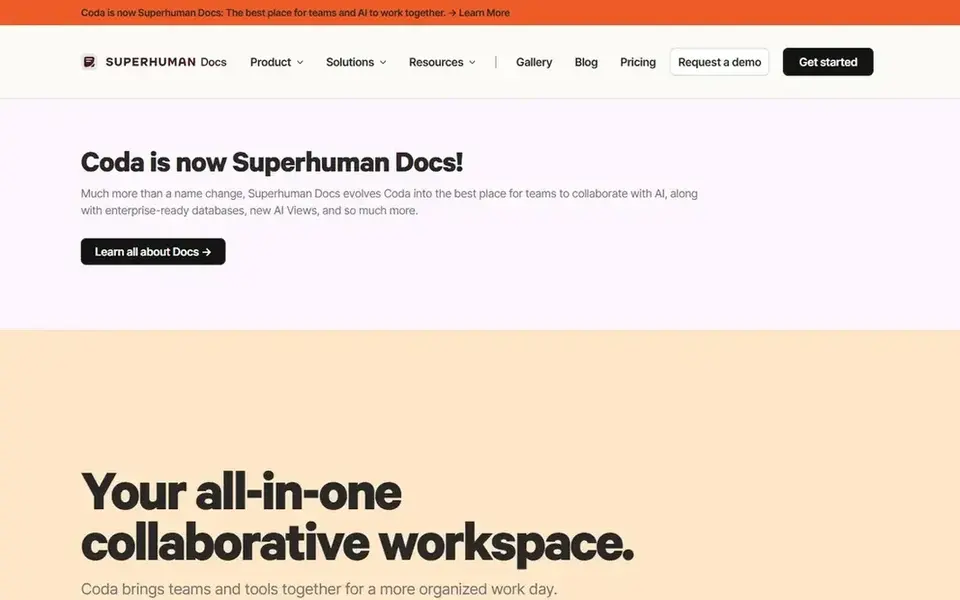
Coda serves docs blended with tables and apps. The building-block approach carries a ramp-up time, and elaborate documents can become hard for occasional contributors to follow.
Drawbacks to consider: Complicated docs can overwhelm newcomers.
Coda does not show a starting price in this comparison, so check the vendor site for current pricing. As for free access: Not stated.
- Handy for structured content
- Merges docs
- Building blocks take time to learn
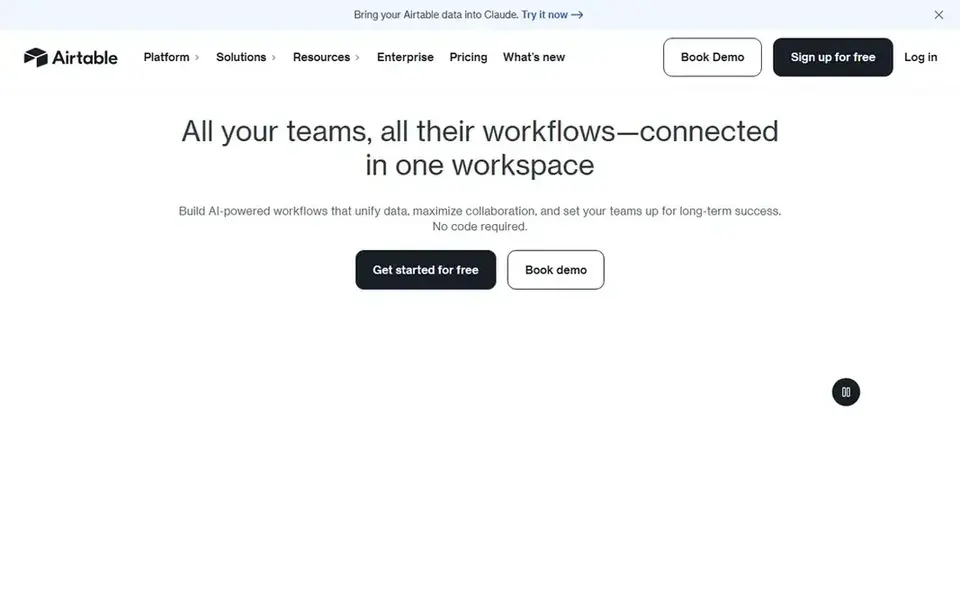
Choose Airtable for structured content and workflow automation. It suits teams whose content is organized as records, for example editorial calendars, asset libraries, campaign trackers and review pipelines.
Watch-outs: Less suited to long-form writing.
What you pay to start with Airtable: $20 per user per month. You can start on Airtable without paying.
- Live collaboration on records
- Automates repetitive manual work
- Setup needs planning
Choose Box for secure content management and sharing. Pick Box when secure storage, sharing and workflow automation around content are the central requirements.
Where it is weaker: May need companion editing tools.
Worth adding: centralized management keeps permissions and workflows consistent. Box shows no starting price here, so confirm the cost on the vendor site. Free options: Not stated.
- Internal and external collaboration
- Intelligent content management focus
- Less emphasis on document authoring
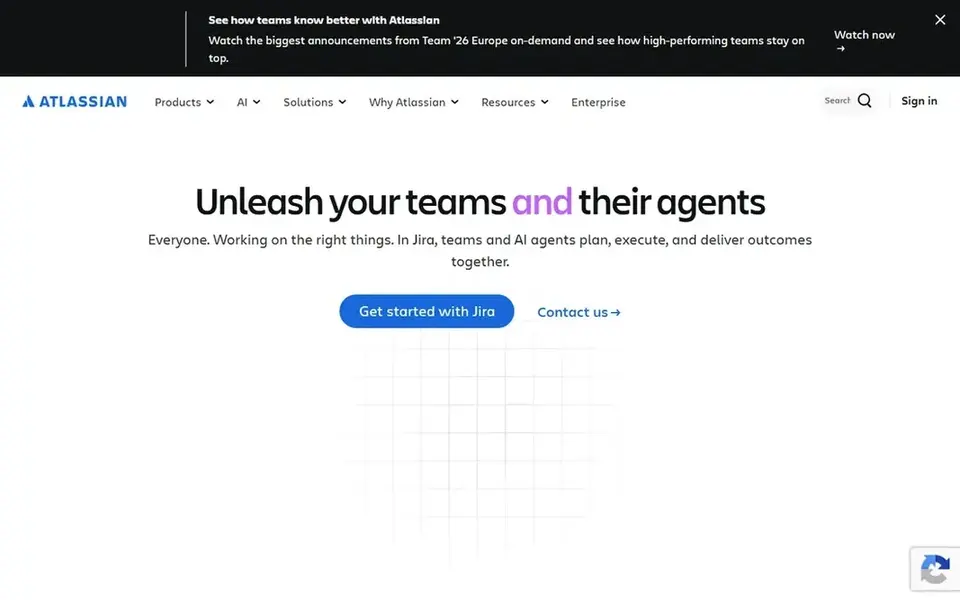
Confluence works best for team knowledge bases and documentation. It suits organizations that treat documentation as a core asset, for example engineering, product and support teams that require persistent pages, spaces and shared context.
Where it is weaker: Best value inside its wider ecosystem.
In daily use, the structure encourages consistent documentation practices across departments. No starting price is listed for Confluence here; confirm pricing on the vendor site. Free options: Not stated.
- AI drafting and summarization
- Purpose-built for shared knowledge
- Can feel heavy for straightforward notes
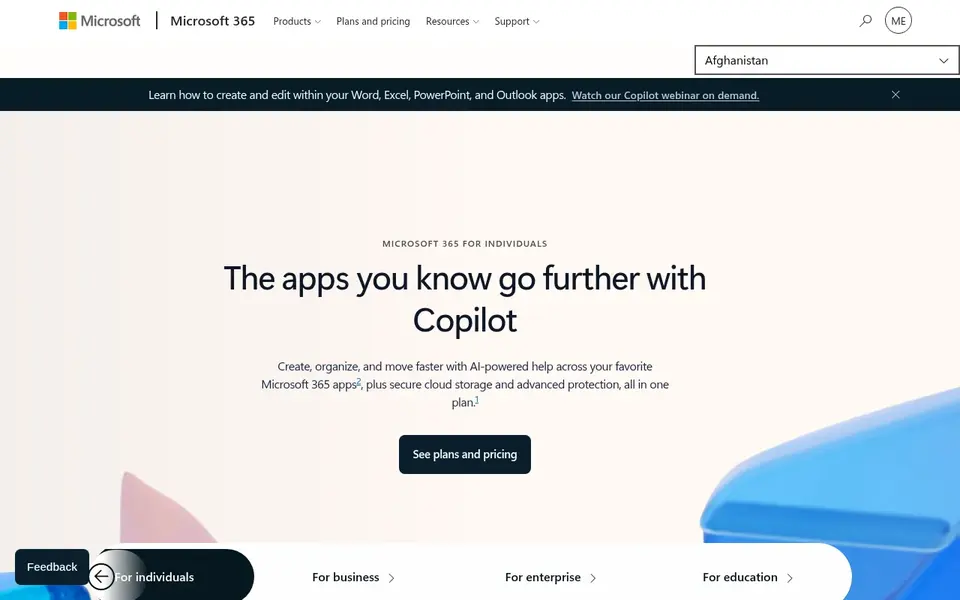
Microsoft 365 targets integrated productivity with solid security. Bigger firms commonly value the consistent administration and security posture across the suite.
Choose Microsoft 365 when integration with a familiar productivity ecosystem and security are priorities, and pair it with a focused content tool if needed. Since the suite spans many apps, teams can end up duplicating content across overlapping tools except when they set clear conventions. Check the vendor site for Microsoft 365 pricing; none is listed in this comparison. As for free access: Free trial.
Where it falls short: Overlapping tools can confuse choices.
- AI features included
- Cloud services with security focus
- Feature depth varies across apps
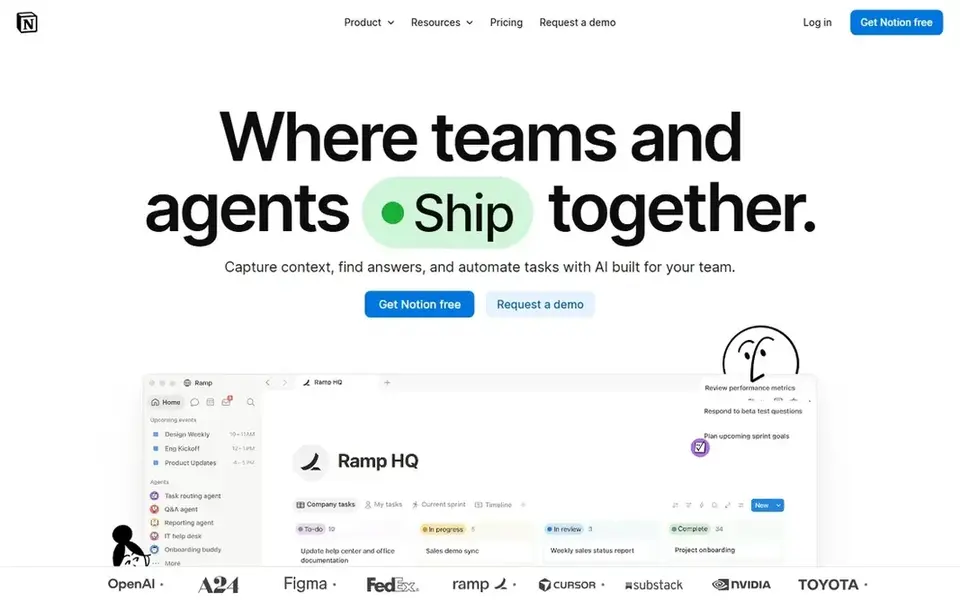
Notion is a good fit for adaptable docs, wikis and AI workspace. Notion positions itself as an AI workspace that works for you, letting teams build custom agents, search across connected apps and automate busywork.
Its strength is adaptability, so content creators, product teams and small operations can shape pages around their own processes. From a buyer's view, teams with strict compliance or heavy document control requirements may prefer a more structured product. Entry price for Notion: $10 per member per month. Notion has a free plan.
Downsides: Adaptable structure needs governance.
- Merges docs
- AI agents and cross-app search
- Large workspaces can get cluttered
How we chose
ProMapRanker looked at what each vendor publishes: pricing, plan limits, feature coverage for content collaboration software and stated drawbacks. No hands-on testing is claimed. Where a price is missing, the vendor does not list one publicly or ties it to a quote. Always confirm before budgeting. The order reflects how well each tool fits the most common buying scenario for content collaboration software, then price clarity, then free plan access. It is a starting point, not a verdict.
What to confirm before you sign up
- Ask Coda, Box, Confluence and Microsoft 365 for a written quote, since no starting price is shown.
- Look at free plan limits closely: Airtable and Notion have one, and the caps decide whether it is usable for real work.
- Use real work to test the free trial from Microsoft 365, rather than a demo project.
- Read the limits listed for Coda first: building blocks take time to learn.
- See whether Notion offers onboarding or training, and whether it is included in the price.
- Before you load data into Box, check what an export looks like and who can run it.
Frequently asked questions
How are the tools for content collaboration software ordered?
The order follows typical fit for content collaboration software, with Coda first and Notion last, then price clarity and free access. It is editorial judgement, not a score, so another team could rank the tools differently.
Can these tools replace each other entirely?
A secure content system like Box may sit alongside an authoring workspace, and productivity suites often overlap with dedicated wikis. Map your workflows first, then choose the smallest set of tools that spans them.
Which options for content collaboration software have a free plan?
Airtable and Notion offer a free plan in this list. Free plans usually cap users, projects or features, so check the limits on the vendor page. One other tool offers a trial instead.
What is the cheapest option for content collaboration software in this list?
On published monthly entry prices, Notion is the lowest here at $10 per member per month. Entry price is only part of the cost, because seats, add-ons and billing terms can change the total. All 6 picks in this content collaboration software comparison list a starting price, free plan details and the main limits on their cards above.
How should we evaluate AI features in collaboration software?
Look at what the AI actually does, for example drafting, summarizing or searching across connected apps, and whether it suits your content workflows. Confirm availability in the edition you would use.
Can I try these options before paying?
Often, yes. Airtable and Notion have a free plan and Microsoft 365 offers a free trial. Use your own data and a real task during the test, and check what the free tier or trial limits before you rely on it.
Sources
See where you really rank - block by block
ProMapRanker scans Google Maps across a grid of your service area. Simple monthly plans from $19, white-label on every plan.
Start freeBrowse all guides
← Best AI Platforms for Managing Content Workflows in 2026Best Enterprise Content Collaboration Platforms (2026) →
 best team chat software for agencies
Team Chat Software for Agencies: Best Picks of 2026
6 best team chat software for agencies, compared on pricing, free plans and best-fit use. Each tool gets a one-line verdict. Last reviewed November 2026.
Read → best security awareness content library for remote workers
Security Awareness Content Library for Remote Workers (2026)
5 best security awareness content library for remote workers, compared on pricing, free plans and best-fit use. Real limits included. Read before you buy.
Read → best content experience platforms for remote teams
5 Strong Content Experience Platforms for Remote Teams in 2026
Best content experience platforms for remote teams, compared. 5 tools with published prices, free plans and limits. Weak spots flagged for every entry. No hype.
Read → best configuration management software
Best Configuration Management Software in 2026
Compare the best configuration management software in 2026, including Ansible, Puppet, Chef, Salt, Terraform, CFEngine, and Pulumi for teams of all sizes.
Read → best walkie talkie app
Best Walkie Talkie App in 2026
Find the best walkie talkie app and best push to talk app in 2026, with free options for families and paid plans for fleets, dispatch, and field teams.
Read → flock alternatives
Best Flock Alternatives in 2026
Compare 9 Flock alternatives for team messaging, with channels, free plans, pricing details and honest trade-offs for small teams and larger organisations.
Read →More in Project Management & Productivity · All guides A to Z by date · Latest guides