 ProMapRanker
5 Strong Content Experience Platforms for Remote Teams in 2026
Direct answer
If you need self-maintaining knowledge base, Slite is the first tool to look at here. Listed starting prices: Slite from $10 per user a month, Airtable from $20 per user per month and Notion from $10 per member per month. Airtable is the stronger choice for building AI workflows and apps, while Guru suits governed knowledge for enterprise AI. Prices, free plans and limits for all 5 tools follow.
Choosing content experience platforms for remote teams usually comes down to price, fit and limits. This ProMapRanker guide sets 5 tools side by side on those three points, with the facts kept short and checkable.
Key takeaways
- The list opens with Slite, aimed at self-maintaining knowledge base.
- 3 of 5 tools offer a free plan: Slite, Airtable, Notion.
- One limit worth knowing about Slite: may be less adaptable for project management.
- The lowest published monthly entry price here is $10 per user per month, from Slite.
Quick comparison
| Pick | Great for | Pricing starts at | Free tier | |
|---|---|---|---|---|
 Slite | Self-maintaining knowledge base | $10 per user a month | Yes | Visit |
 Airtable | Building AI workflows and apps | $20 per user per month | Yes | Visit |
 Guru | Governed knowledge for enterprise AI | See website | Not stated | Visit |
 Coda | Blending docs, spreadsheets, and apps | See website | Not stated | Visit |
 Notion | All-in-one workspace for docs and projects | $10 per member per month | Yes | Visit |
Content Experience Platforms for Remote Teams profiles
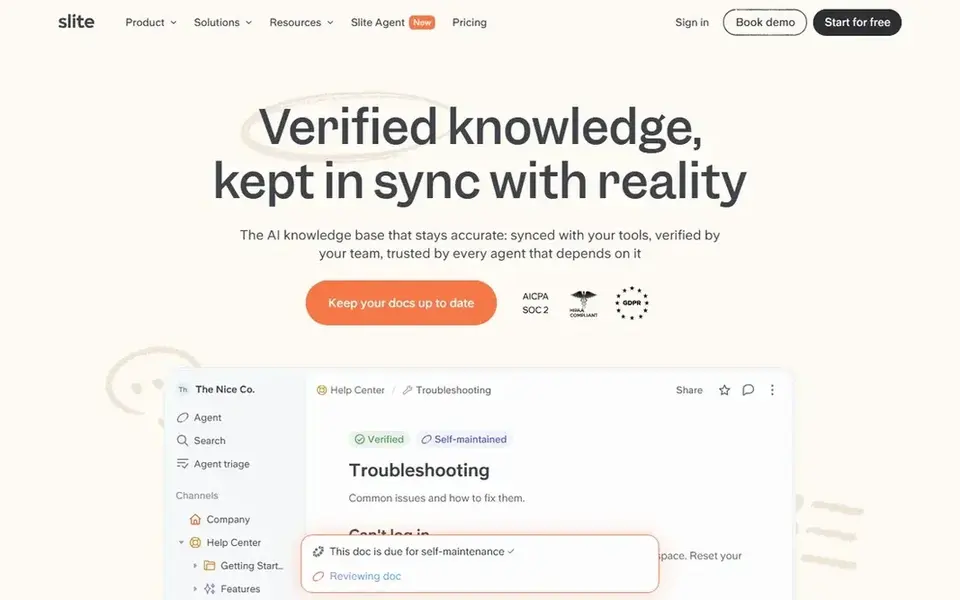
Slite is designed for self-maintaining knowledge base. Slite is an AI knowledge base that stays accurate by connecting to the tools where work happens.
Honest limits: Restricted customization compared with all-in-one tools.
As for the details, teams wanting a single tool for everything might find it less adaptable. Worth adding: pick Slite if accuracy and low-maintenance knowledge sharing are your primary goals. Slite pricing: $10 per user per month. Slite offers a free plan.
Where Slite stands out: AI-ready knowledge base.
- Links to tools where work happens
- Concentrates on accurate
- May be less adaptable for project management
Airtable is a good fit for building AI workflows and apps. It makes it possible for live collaboration, automates repetitive tasks, and simplifies business processes.
Drawbacks to consider: Can need setup for complicated workflows.
For everyday use, remote teams use Airtable to run content operations, campaigns, and asset libraries with a spreadsheet-like interface that links to other tools. On cost, Airtable starts like this: $20 per user per month. You can start on Airtable without paying.
- Enterprise-ready AI workflows
- Automates repetitive tasks
- Less suited for long-form docs
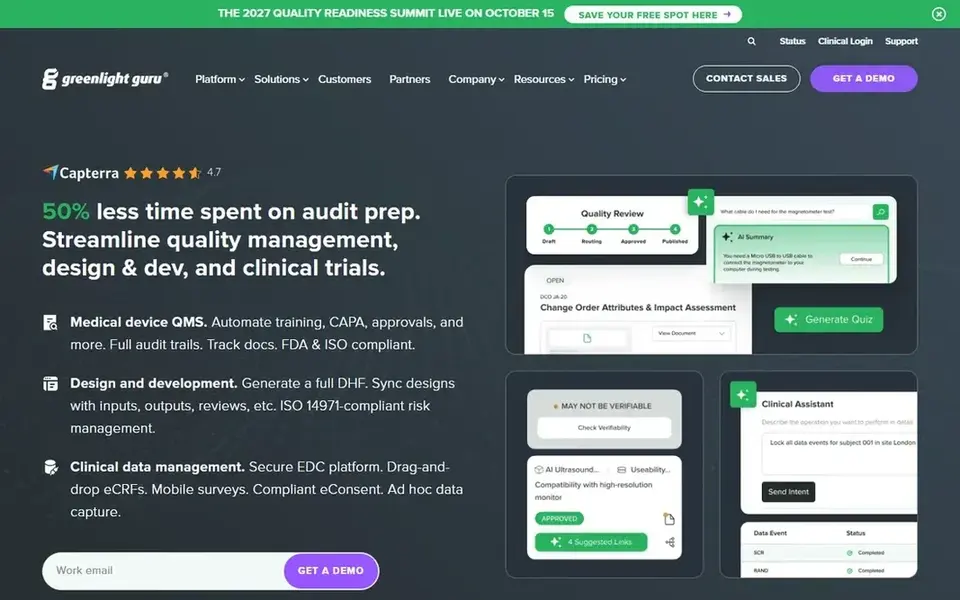
Guru targets governed knowledge for enterprise AI. Consider Guru when governance and trust in AI answers are critical. In practice, Guru's enterprise focus may be heavier than what small teams need, and setup can need dedicated admin effort.
The main drawbacks: May be complicated for small teams.
It may not be the best fit if you want a straightforward, light wiki. Guru is a governed knowledge layer for enterprise AI. Pricing for Guru is not stated here, so ask the vendor for current figures. As for free access: Not stated.
- Aims to cut confidently wrong AI answers
- Continuously boosts accuracy
- Enterprise focus could be more than needed
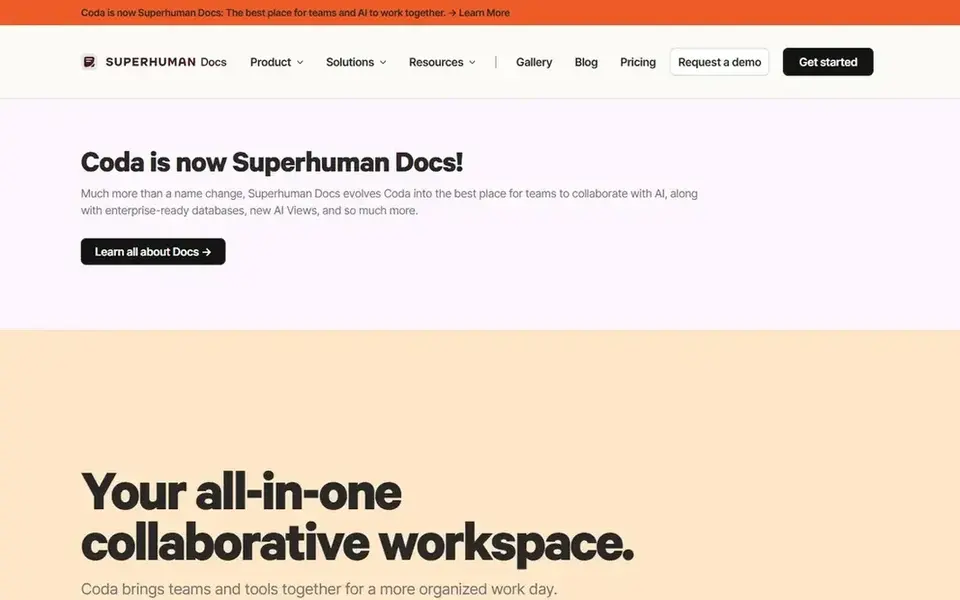
Coda serves blending docs, spreadsheets, and apps. Coda's adaptability means teams may have to invest time in learning its building blocks, and straightforward document needs might be overkill.
Honest limits: Needs time to learn advanced features.
It may not be ideal if you prefer a traditional wiki or knowledge base. No starting price is listed for Coda here; confirm pricing on the vendor site. Free access: Not stated.
- AI features for intelligence
- Builds apps without separate tools
- Can be overwhelming for simple needs
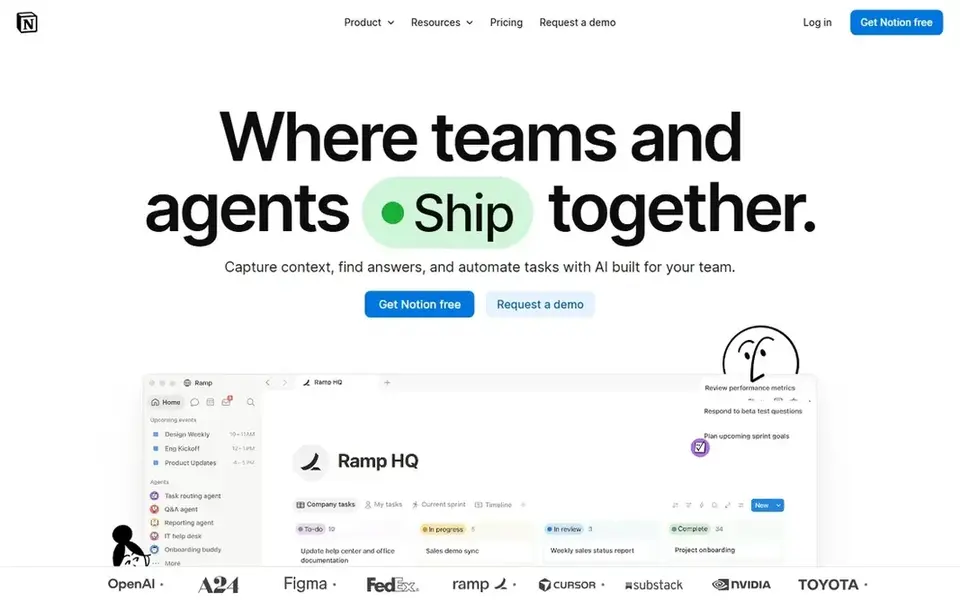
Notion works best for all-in-one workspace for docs and projects. Notion is an AI workspace that lets teams build custom agents, search across connected apps, and automate busywork. For everyday use, consider a more specialized tool if accuracy and governance are top priorities.
Upsides: AI agents and automation features.
More specifically, since Notion is highly configurable, teams can end up with sprawling workspaces that are hard to navigate without clear conventions. It may not be the best fit if you need strict governance or dedicated enterprise knowledge management from day one. The starting price for Notion: $10 per member per month. Notion has a free plan. Watch-outs: Can become complicated without structure.
- Merges docs, wikis
- Adaptable for plenty of team workflows
- Advanced features may need setup
Selection criteria
Each tool was reviewed on what its vendor publishes: price, plan limits, core features and stated drawbacks. We did not run hands-on tests. Plan names, prices and limits change often. Treat the figures here as a starting point and verify them with the vendor. The order reflects how well each tool fits the most common buying scenario for content experience platforms for remote teams, then price clarity, then free plan access. It is a starting point, not a verdict.
Before you commit
- Get a written quote from Guru and Coda; the list shows no starting price for them.
- Look at free plan limits closely: Slite, Airtable and Notion have one, and the caps decide whether it is usable for real work.
- Read the limits listed for Slite first: may be less adaptable for project management.
- Test the integrations you rely on with Guru before committing; some connectors sit on upper tiers.
- Verify that exporting from Coda is possible on your plan and covers all your records.
Frequently asked questions
Is Slite the right pick for everyone comparing content experience platforms for remote teams?
No single tool suits every team. Slite comes first because it fits self-maintaining knowledge base, while Airtable suits building AI workflows and apps and Guru suits governed knowledge for enterprise AI. Match the tool to your own size, budget and workflow before deciding.
Do these tools publish their prices?
Not all of them. Guru and Coda publish no starting price, so expect a quote request for those. The rest, Slite included, show a starting price, though seats and billing terms still change the final cost.
How are the tools for content experience platforms for remote teams ordered?
The order follows typical fit for content experience platforms for remote teams, with Slite first and Notion last, then price clarity and free access. It is editorial judgement, not a score, so another team could rank the tools differently.
Which products are best for AI-powered knowledge management?
For most readers this guide would start with Slite, built for self-maintaining knowledge base. Airtable is the alternative for building AI workflows and apps, and Guru for governed knowledge for enterprise AI. The right answer depends on budget and workflow.
Can I try these tools before paying?
Often, yes. Slite, Airtable and Notion have a free plan. Use your own data and a real task during the test, and check what the free tier or trial limits before you rely on it.
Sources
See where you really rank - block by block
ProMapRanker scans Google Maps across a grid of your service area. Simple monthly plans from $19, white-label on every plan.
Start freeBrowse all guides
← 5 Content Engineering Platforms for Teams Ranked for 2026Security Awareness Content Library for Remote Workers (2026) →
 best collaborative editing software for content teams
5 Best Collaborative Editing Software for Content Teams for 2026
Best collaborative editing software for content teams in 2026: 5 tools with starting prices, free plans and limits. Honest caveats for every entry. No filler.
Read → best capacity planning software for creative agencies
5 Best Capacity Planning Software for Creative Agencies for 2026
Searching for the best capacity planning software for creative agencies? Here are 5 options with prices and free plans. Compare costs and catches in one place.
Read → best team messaging software for agencies
Team Messaging Software for Agencies: Best Picks of 2026
Best team messaging software for agencies: 6 contenders ranked by fit, with entry costs and free tiers. We note where every tool falls short. Numbers first.
Read → best project management scheduling software
6 Best Project Management Scheduling Software Options for 2026
Need the best project management scheduling software? We compare 6 tools on cost, free access and who each suits. Real limits included. Decide faster.
Read → best law firm time tracking software
Law Firm Time Tracking Software in 2026
Weighing the best law firm time tracking software? We lined up 6 products by cost, free access and fit. Each pick comes with its main catch. Prices included.
Read → prtg alternatives
Best PRTG Alternatives in 2026
Looking for PRTG alternatives? We compare 9 network monitoring tools on price, deployment, and fit for small teams, MSPs, and large networks today. in 2026.
Read →More in Project Management & Productivity · All guides A to Z by date · Latest guides