 ProMapRanker
5 Best Collaborative Editing Software for Content Teams for 2026

Docs plus searchable team workspace · Pricing starts at: $10 per member per month
Direct answer
For Docs plus searchable team workspace, Notion is where this list starts. Listed starting prices: Notion from $10 per member per month and Quip from $10 per user a month. For a different need, Quip covers documents and chat inside Salesforce and Zoho Writer covers everyday word processing with DOCX support. Details, prices and limits for the rest of the 5 tools are below.
ProMapRanker compared 5 collaborative editing software for content teams. The goal is a practical shortlist: published prices, free plan facts, best-fit use cases and honest limits for every entry.
Key takeaways
- Notion is the opening pick, best for Docs plus searchable team workspace.
- For shared knowledge and project documentation, Confluence is worth a look.
- Notion is the lowest-priced starter here at $10 per member per month.
- Notion comes with a trade-off: can be overwhelming for straightforward drafting.
Quick comparison
| Pick | Great for | Pricing starts at | Free tier | |
|---|---|---|---|---|
| Notion | Docs plus searchable team workspace | $10 per member per month | Yes | Visit |
 Quip | Documents and chat inside Salesforce | $10 per user a month | No | Visit |
 Zoho Writer | Everyday word processing with DOCX support | See website | Yes | Visit |
 Google Docs | Live co-writing and straightforward review | See website | Not stated | Visit |
 Confluence | Shared knowledge and project documentation | See website | Not stated | Visit |
The 5 tools in detail
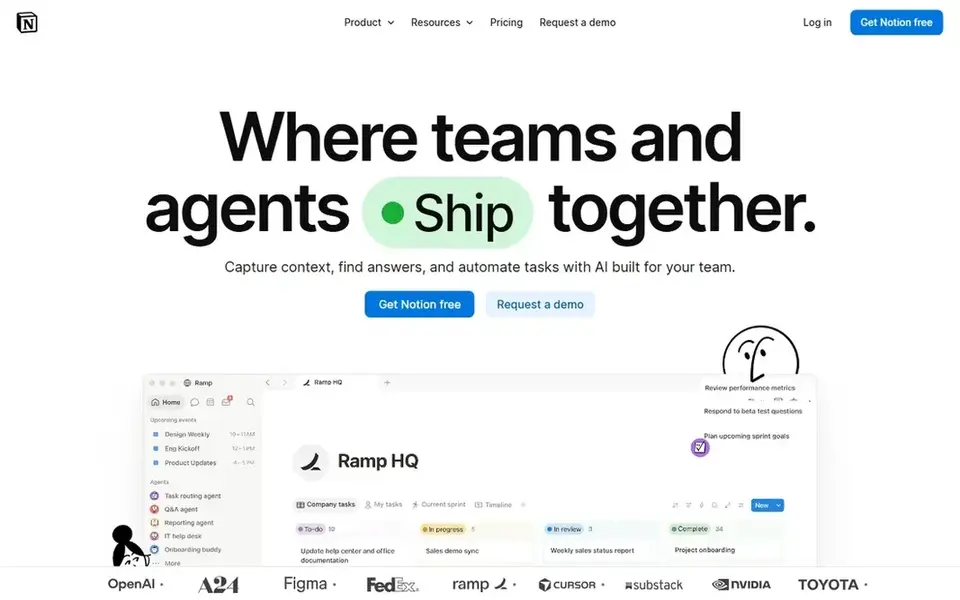
Think of Notion for Docs plus searchable team workspace. For content teams, it can hold briefs, editorial calendars, and published drafts in a connected system instead of scattered files.
Beyond that, Notion's adaptability can become a drawback if the team only needs a straightforward word processor, since setting up structure takes time. Notion cost at the entry level: $10 per member per month. A free plan is available with Notion.
The main drawbacks: Structure needs planning.
- Agents in one place
- Automation for busywork
- Can be overwhelming for straightforward drafting
Quip was built for documents and chat inside Salesforce. Quip offers live collaborative documents, spreadsheets, and chat embedded inside Salesforce. Quip's value is closely tied to Salesforce, so teams outside that ecosystem may not benefit from the integration.
If you do not use Salesforce, a standalone editor is likely simpler. For everyday use, choose Quip when your content workflow already runs through Salesforce and you want documents and chat in the same place. Entry price for Quip: $10 per user per month. Quip does not include a free plan.
Where it is weaker: Restricted appeal outside that ecosystem.
- Live documents and spreadsheets
- Chat embedded with documents
- Most handy for Salesforce-centric teams
Zoho Writer is built with everyday word processing with DOCX support in mind. Zoho Writer is an online word processor for creating, editing, sharing, reviewing, and publishing documents, with support for DOCX and PDF. The homepage describes it as approachable and completely free, making it a practical choice for teams that require entry-level collaborative editing without extra complexity.
Strengths: Share, review.
Drawbacks to consider: Best fit within Zoho ecosystem. Beyond that, Zoho Writer is less established for advanced live collaboration than browser-first editors. Teams outside the Zoho ecosystem may prefer a standalone tool. From a buyer's view, if you need deep co-editing features or deep integrations, compare with a dedicated collaborative editor. Check the vendor site for Zoho Writer pricing; none is listed in this comparison. Free access exists with Zoho Writer.
- Works with DOCX and PDF
- Approachable word processor
- Less known for advanced collaboration
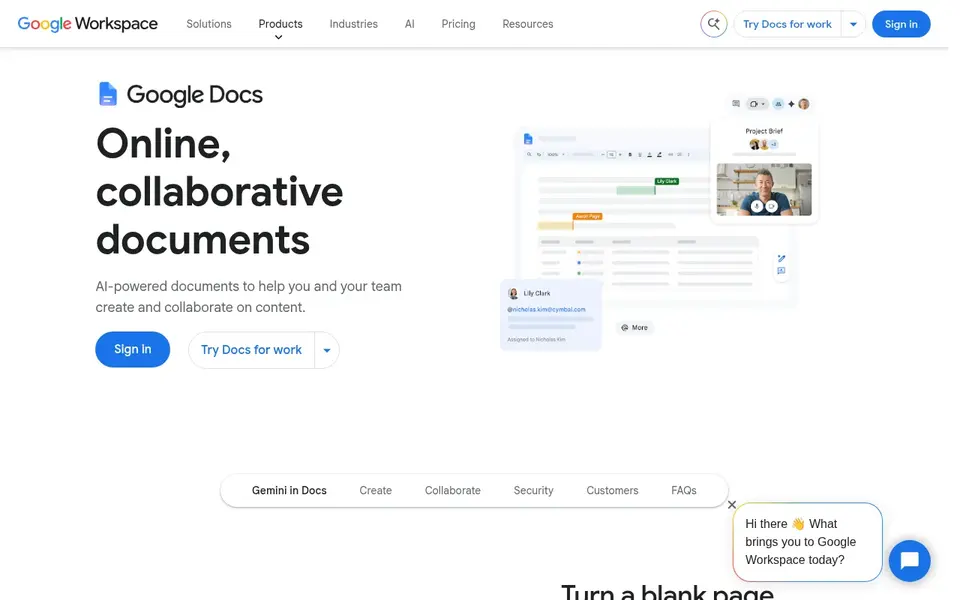
Choose Google Docs for live co-writing and straightforward review. Google Docs is a browser-based document editor designed for live collaboration. In practice, several people can type in the same file, leave comments, and suggest edits without version conflicts.
The homepage also notes AI-assisted drafting and templates, which can accelerate repetitive formats. From a buyer's view, Google Docs is less suited to highly designed documents or strict print layouts, where a page-layout tool is a better match. Google Docs does not show a starting price in this comparison, so check the vendor site for current pricing. Free options: Not stated.
Honest limits: Complicated docs can get unwieldy.
- Live multi-user editing
- Comment and suggestion workflow
- Restricted advanced layout control
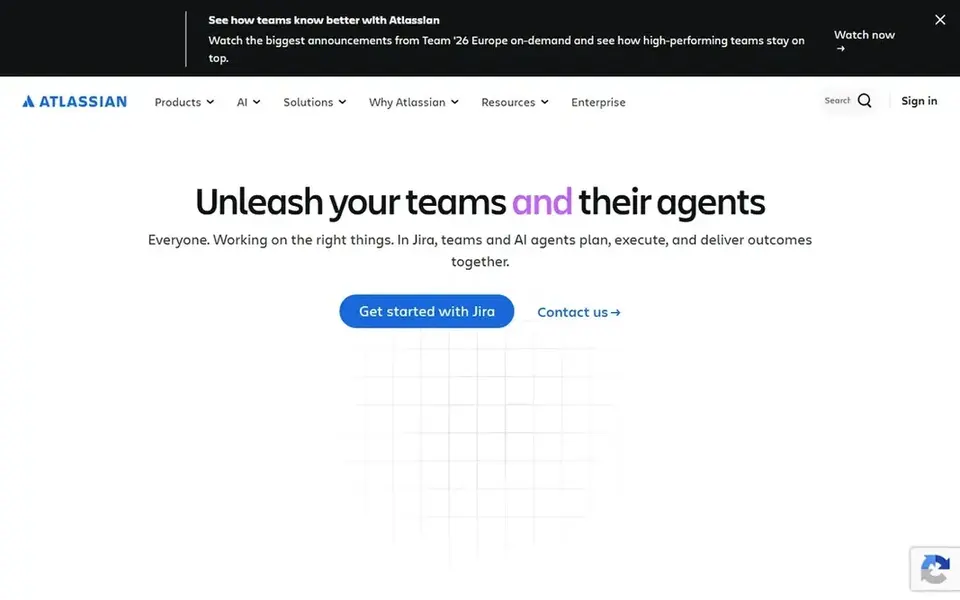
Confluence is designed for shared knowledge and project documentation. Consider Confluence when shared, long-lived documentation is central to your workflow. For everyday use, Confluence is not the lightest choice for fast article drafting.
Its strength in knowledge management can feel like overhead for small teams. On top of that, if your content work is largely short documents with quick turnaround, a more straightforward editor may be a better fit. Beyond that, the homepage positions it as an AI workspace for knowledge and collaboration. So teams that value documentation structure will get more from it. No starting price is listed for Confluence here; confirm pricing on the vendor site. Trial and free access: Not stated.
Points against: Can feel formal for fast drafts.
- AI drafting and summaries
- A decent match for project documentation
- Best value when used with related Atlassian tools
How we chose
The comparison looks at four things: starting price, free access, how well the feature set matches collaborative editing software for content teams, and the main limit of each tool. Treat prices as a snapshot: vendors change plans often, so check the vendor site for the figure that applies today. The order reflects how well each tool fits the most common buying scenario for collaborative editing software for content teams, then price clarity, then free plan access. It is a starting point, not a verdict.
Before you commit
- Confirm the entry price on the vendor page. For Zoho Writer, Google Docs and Confluence that means a quote rather than a fixed price.
- Read the fine print on the free plans from Notion and Zoho Writer; seat, project and feature caps differ.
- Before choosing Notion, weigh its main limit: can be overwhelming for straightforward drafting.
- Before rolling out Quip, verify the integrations your workflow depends on.
- Ask Confluence about contract length, onboarding fees and user minimums before you sign.
Frequently asked questions
Which options for collaborative editing software for content teams have a free plan?
Notion and Zoho Writer offer a free plan in this list. Free plans usually cap users, projects or features, so check the limits on the vendor page.
Can I try these tools before paying?
Often, yes. Notion and Zoho Writer have a free plan. Use your own data and a real task during the test, and check what the free tier or trial limits before you rely on it.
Do these tools publish their prices?
Not all of them. Zoho Writer, Google Docs and Confluence publish no starting price, so expect a quote request for those. The rest, Notion included, show a starting price, though seats and billing terms still change the final cost.
Is Notion the right pick for everyone comparing collaborative editing software for content teams?
No single tool suits every team. Notion comes first because it fits Docs plus searchable team workspace, while Quip suits documents and chat inside Salesforce and Zoho Writer suits everyday word processing with DOCX support. Match the tool to your own size, budget and workflow before deciding.
Which collaborative editor is easiest for content teams to adopt?
Google Docs is commonly the quickest to adopt since it runs in the browser and supports live co-editing with minimal setup. Teams that already use Microsoft tools may find Word equally familiar.
Sources
See where you really rank - block by block
ProMapRanker scans Google Maps across a grid of your service area. Simple monthly plans from $19, white-label on every plan.
Start freeBrowse all guides
← 5 Best Capacity Planning Software for Creative Agencies for 20265 Content Engineering Platforms for Teams Ranked for 2026 →
 best team messaging software for agencies
Team Messaging Software for Agencies: Best Picks of 2026
Best team messaging software for agencies: 6 contenders ranked by fit, with entry costs and free tiers. We note where every tool falls short. Numbers first.
Read → best resource planning software for creative agencies
6 Best Resource Planning Software for Creative Agencies for 2026
6 best resource planning software for creative agencies, with entry costs, free tiers and the buyer each one serves. Short verdicts, no fluff. Start here.
Read → best file sharing software for creative agencies
5 Best File Sharing Software for Creative Agencies in 2026
Searching for the best file sharing software for creative agencies? Here are 5 options with prices and free plans. Real limits included. See which fits.
Read → best day planner app
Best Day Planner App in 2026: 8 Apps Compared
Find the best day planner app for your schedule and work style. We compared 8 planners on tasks, calendar views, reminders, and free plans for 2026. now
Read → best exterior paint for lime render services
Best Exterior Paint for Lime Render Services in 2026
Best exterior paint for lime render services compared: 8 mineral, silicate and breathable paints for lime render, with lime compatibility notes for 2026.
Read → best authoring tools
Best Authoring Tools in 2026
Compare the best authoring tools for elearning in 2026, with SCORM and xAPI support, pricing, ease of use and the right fit for teams and solo authors.
Read →More in Project Management & Productivity · All guides A to Z by date · Latest guides