 ProMapRanker
Best Enterprise Content Collaboration Platforms (2026)

Storage, sharing and document tracking · Pricing starts at: See website
Direct answer
This list puts Dropbox Business first for storage, sharing and document tracking. Listed starting prices: Notion from $10 per member a month and Miro from $8 per member a month. Notion fits adaptable AI-assisted team workspaces; Miro fits visual ideation and product development alignment. Prices, free plans and limits for all 6 tools follow.
This ProMapRanker guide covers 6 enterprise content collaboration platforms. Each profile lists a starting price, free plan details, strengths and drawbacks, so you can drop poor fits quickly.
Key takeaways
- Dropbox Business is the opening pick, best for storage, sharing and document tracking.
- The cheapest monthly starting price in the list is $8 per member per month, offered by Miro.
- A fair warning about Notion: adaptability demands upfront design.
- Free plans exist at 2 of 6 tools (Notion, Miro).
- Box is the one to check for secure internal and external content workflows.
Quick comparison
| Pick | Great for | Pricing starts at | Free tier | |
|---|---|---|---|---|
| Dropbox Business | Storage, sharing and document tracking | See website | Not stated | Visit |
 Notion | Adaptable AI-assisted team workspaces | $10 per member a month | Yes | Visit |
 Miro | Visual ideation and product development alignment | $8 per member a month | Yes | Visit |
 Confluence | Structured team knowledge and documentation | See website | Not stated | Visit |
 Microsoft SharePoint | Organizations standardized on Microsoft 365 | See website | Not stated | Visit |
 Box | Secure internal and external content workflows | See website | Not stated | Visit |
Our 6 enterprise content collaboration platforms
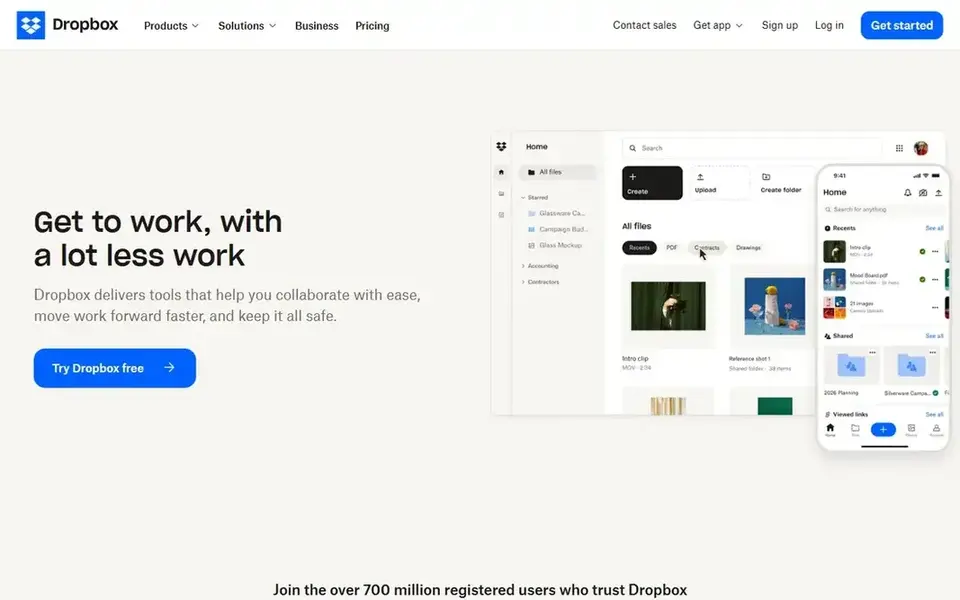
Dropbox Business is a good fit for storage, sharing and document tracking. Dropbox Business goes beyond storage, offering products for cloud storage and sharing, eSignature, document tracking and backup.
Trade-offs to know: Collaboration features are narrower.
Its collaboration scope is narrower than platforms built around wikis, intranets or visual workspaces, so enterprises needing structured knowledge bases may outgrow it. In daily use, consider it when file-centric simplicity matters more than deep content organization. Dropbox Business does not show a starting price in this comparison, so check the vendor site for current pricing. Free plan details: Not stated.
- Backup products for more straightforward operations
- ESignature and document tracking features
- Less depth for enterprise knowledge management
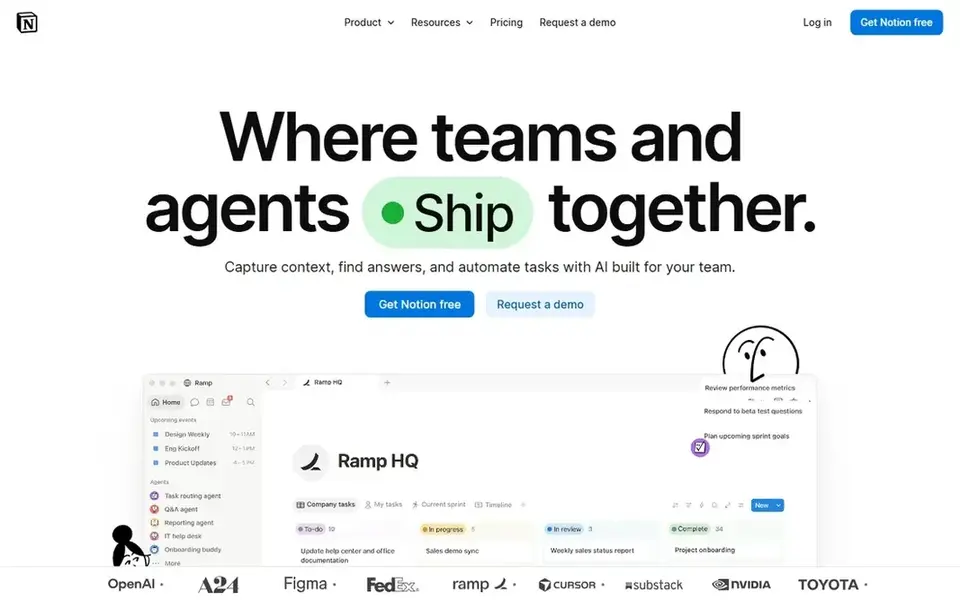
Notion is built with adaptable AI-assisted team workspaces in mind. It suits enterprises that want an adaptable, customizable workspace for notes, wikis and light project tracking without adopting multiple separate tools.
Trade-offs to know: Adaptability demands upfront design.
Worth adding: enterprises with strict compliance and records requirements should confirm administrative controls and may pair Notion with a more governed content product. Starting cost for Notion: $10 per member per month. Free access exists with Notion.
- Automation of routine busywork
- Adaptable workspace structure
- Governance features are lighter

Where Miro fits: visual ideation and product development alignment. Miro is not designed as a governed content repository, so records, permissions and long-form documentation belong elsewhere.
Downsides: Not a document management system.
Miro calls itself an AI innovation workspace that accelerates product development from ideation to launch, aligning teams and breaking tool silos on one visual system. Miro pricing: $8 per member per month. Miro offers a free plan.
- Supports ideation through launch
- Visual workspace for team alignment
- Boards need facilitation discipline
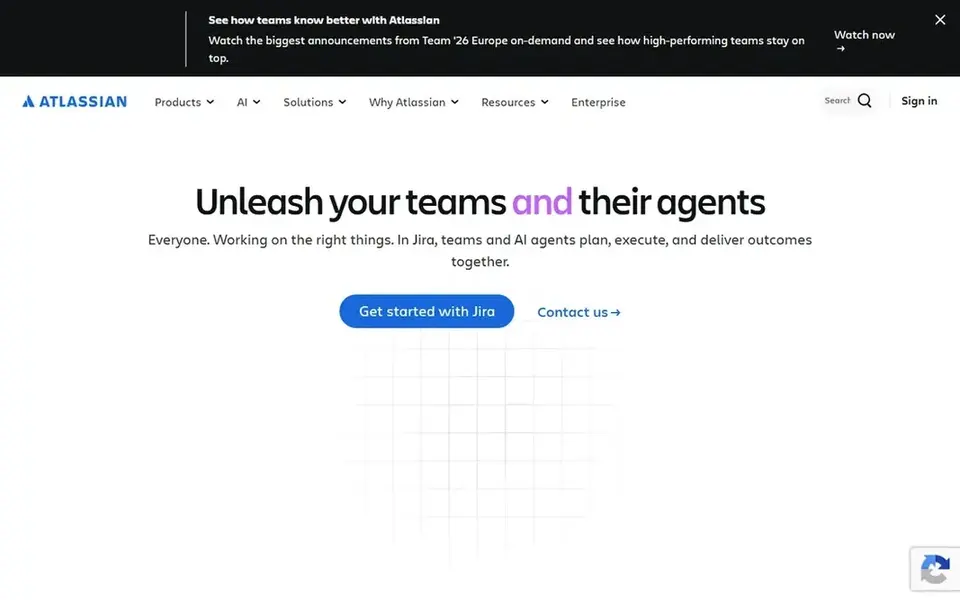
In short, Confluence is for structured team knowledge and documentation. Confluence is described as an AI workspace for knowledge and collaboration, where teams produce and share knowledge and use AI to draft, summarize and find answers so projects move quicker.
What Confluence does well: AI drafting.
Watch-outs: Less suited to visual brainstorming.
- Decent fit for project documentation
- Summarizing and answers
- Can become cluttered without page hygiene
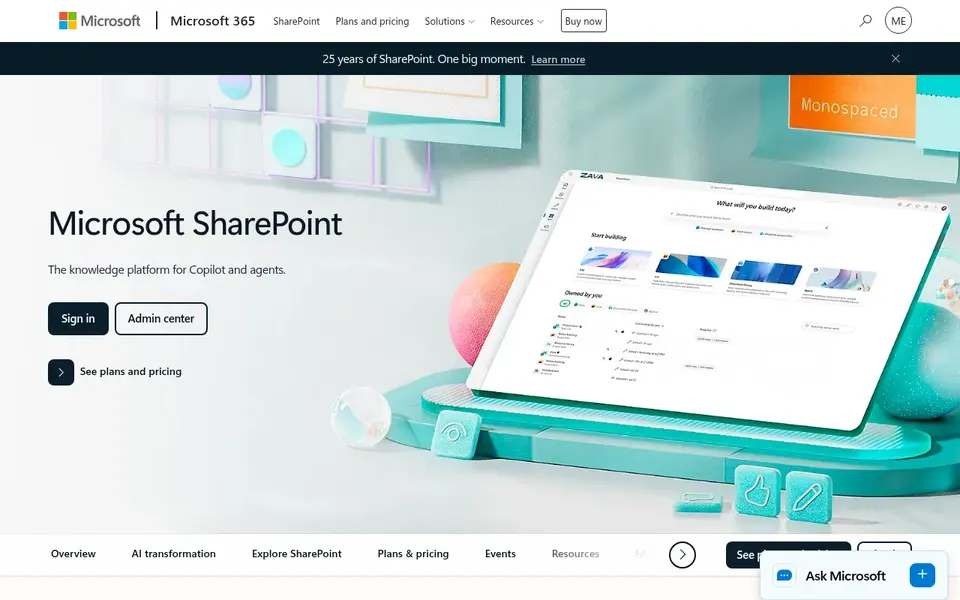
Microsoft SharePoint makes the most sense for organizations standardized on Microsoft 365. SharePoint is Microsoft's collaborative content management product, positioned for creating, sharing and governing trusted knowledge. Its homepage flags collaboration, communication, automation and AI experiences woven across Microsoft 365.
Organizations outside the Microsoft ecosystem should weigh whether the integration benefits justify the overhead, and compare lighter document tools before committing. As for the details, the tradeoff is complexity: site structure, permissions and governance take deliberate planning, and smaller teams may find it heavier than needed. Microsoft SharePoint shows no starting price here, so confirm the cost on the vendor site. Free plan details: Not stated.
Where it falls short: Best value assumes Microsoft ecosystem.
- Built-in automation and AI experiences
- Capable content governance and secure file sharing
- Administration can be complicated
For secure internal and external content workflows, Box is a natural candidate. It suits enterprises where content security and controlled sharing with partners or clients matter as much as internal teamwork, and where automatic approval or routing steps around documents are part of daily operations.
From a buyer's view, evaluate whether your priority is secure content operations or in-document collaboration before choosing it. Box does not show a starting price in this comparison, so check the vendor site for current pricing. As for free access: Not stated.
Where it is weaker: Less suited to rich document authoring.
- External collaboration on one system
- Workflow automation for content processes
- Value relies on governance needs
What to check before you buy
- Ask Dropbox Business, Confluence, Microsoft SharePoint and Box for a written quote, since no starting price is shown.
- Read the fine print on the free plans from Notion and Miro; seat, project and feature caps differ.
- Read the limits listed for Dropbox Business first: less depth for enterprise knowledge management.
- Ask Miro whether prices are locked for the first term and what happens at renewal.
- Test how quickly Confluence answers a pre-sales question; it hints at how support will feel later.
Frequently asked questions
Which product is a good match for enterprises already using Microsoft tools?
For most readers this guide would start with Dropbox Business, built for storage, sharing and document tracking. Notion is the alternative for adaptable AI-assisted team workspaces, and Miro for visual ideation and product development alignment. The right answer depends on budget and workflow.
Do these tools publish their prices?
Not all of them. Dropbox Business, Confluence, Microsoft SharePoint and Box publish no starting price, so expect a quote request for those. The rest, Notion included, show a starting price, though seats and billing terms still change the final cost.
Which options for enterprise content collaboration platforms have a free plan?
On this list, Notion and Miro include a free plan. Caps on seats, usage or features are common, so test the free plan against your real workload.
What should I check for secure external collaboration?
Look at how each system takes care of sharing with partners or clients, permission granularity and protection of sensitive data. Box explicitly emphasizes external collaboration and data protection, whereas others vary in depth.
How are the tools for enterprise content collaboration platforms ordered?
The order follows typical fit for enterprise content collaboration platforms, with Dropbox Business first and Box last, then price clarity and free access. It is editorial judgement, not a score, so another team could rank the tools differently.
Is Dropbox Business the right pick for everyone comparing enterprise content collaboration platforms?
No single tool suits every team. Dropbox Business comes first because it fits storage, sharing and document tracking, while Notion suits flexible AI-assisted team workspaces and Miro suits visual ideation and product development alignment. Match the tool to your own size, budget and workflow before deciding.
Sources
See where you really rank - block by block
ProMapRanker scans Google Maps across a grid of your service area. Simple monthly plans from $19, white-label on every plan.
Start freeBrowse all guides
← Content Collaboration Software: Best Picks of 2026Best Resource Allocation Software for Agencies in 2026 →
 best ai platforms for managing content workflows
Best AI Platforms for Managing Content Workflows in 2026
Best AI platforms for managing content workflows: 5 tools compared on price, free plans and fit. Each pick comes with its main catch. See the full list.
Read → best team chat software for agencies
Team Chat Software for Agencies: Best Picks of 2026
6 best team chat software for agencies, compared on pricing, free plans and best-fit use. Each tool gets a one-line verdict. Last reviewed November 2026.
Read → best security awareness content library for remote workers
Security Awareness Content Library for Remote Workers (2026)
5 best security awareness content library for remote workers, compared on pricing, free plans and best-fit use. Real limits included. Read before you buy.
Read → tray.io alternatives
Best Tray.io Alternatives in 2026
The best tray.io alternatives for app integration and workflow automation in 2026, compared on price, ease of use, app coverage and enterprise controls.
Read → google sheets alternatives
Google Sheets Alternatives in 2026
Find the best Google Sheets alternatives for free spreadsheets, linked databases, and project grids, with pricing and Excel file compatibility in 2026.
Read → best sop software
Best SOP Software in 2026: 8 Tools Compared
Compare the best SOP software for writing, training and tracking standard operating procedures, with prices and free plans for small teams in 2026 now.
Read →More in Project Management & Productivity · All guides A to Z by date · Latest guides