 ProMapRanker
Best SOP Software in 2026: 8 Tools Compared


Full SOP library for small teams · Pricing starts at: $99 per month
Key takeaways
- SweetProcess and Waybook suit teams that want a single library of procedures with clear ownership and approvals.
- Scribe and Tango suit teams that want to capture a screen process fast and turn it into a written guide.
- Trainual and Process Street suit larger or process-heavy teams, but both now use quote-based pricing, so request a quote early.
- A wiki alone rarely works for SOPs, because it lacks read confirmation, version control and task tracking.
Quick comparison
| Pick | Great for | Pricing starts at | Free tier | |
|---|---|---|---|---|
| SweetProcess | Full SOP library for small teams | $99 per month | Free trial | Visit |
 Scribe | Auto-captured screen guides | $25 per user per month | Yes | Visit |
 Whale | SOPs plus training flows | Free | Yes | Visit |
 Trainual | SOPs turned into training paths | See website | No | Visit |
 Process Street | Checklist-driven workflow runs | See website | Free trial | Visit |
 Tallyfy | Tracked, repeatable workflows | $300 per user per year | Free trial | Visit |
 Waybook | SOPs plus onboarding at scale | $99 per month | Free trial | Visit |
 Tango | Quick browser-based step guides | $15 per user per month | Yes | Visit |
The best SOP software
Standard operating procedures fail when they live in scattered documents that no one updates. Good SOP software gives each procedure an owner, a version history and a way to check that staff have read it or completed it. We compared tools on writing, capture, training, approvals and pricing, using vendor pages and public reviews in October 2026.
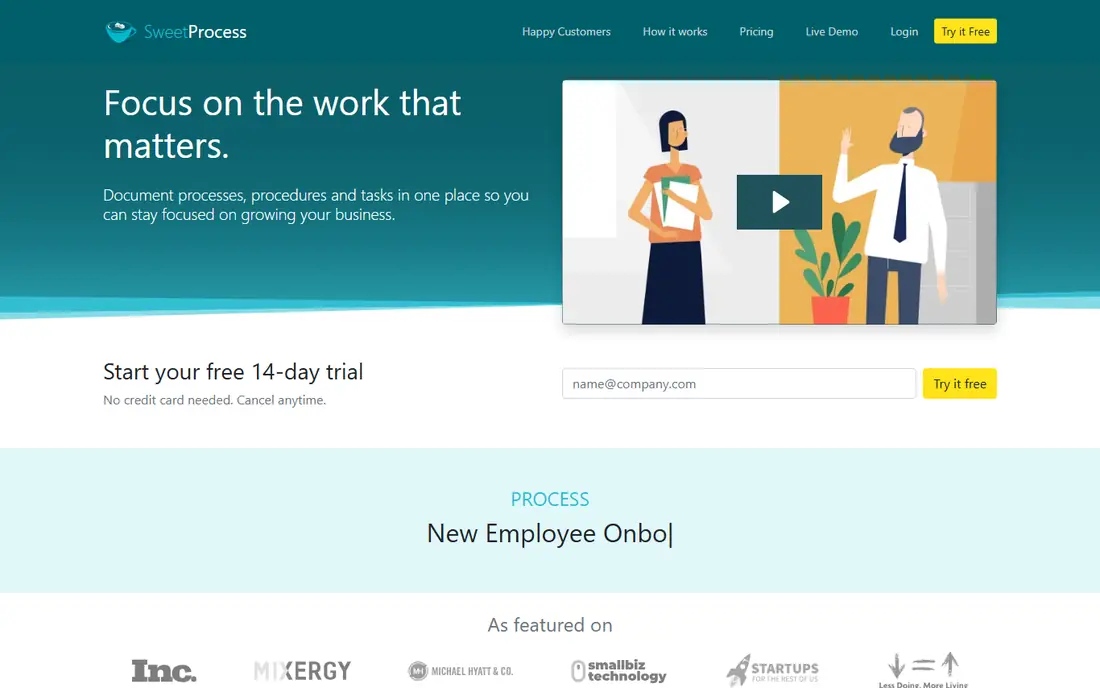
SweetProcess is our pick for a small team that wants procedures written down properly without buying an enterprise system. You can document a procedure, assign it, set recurring tasks and track who has completed it, all from one library. The flat price for up to 10 users also makes budgeting simple for a small business, with a per-user charge beyond that.
The limit is training depth. It covers procedures and tasks well, but it does not match Trainual or Waybook for structured onboarding paths with tests. If your main need is a reliable, searchable procedure library that staff actually use, SweetProcess is a strong, low-friction choice.
- Flat team pricing for up to 10 users
- Procedures, policies and tasks in one place
- Approval and version history
- Training paths are lighter than Trainual
- Design feels plain
- No ongoing free plan
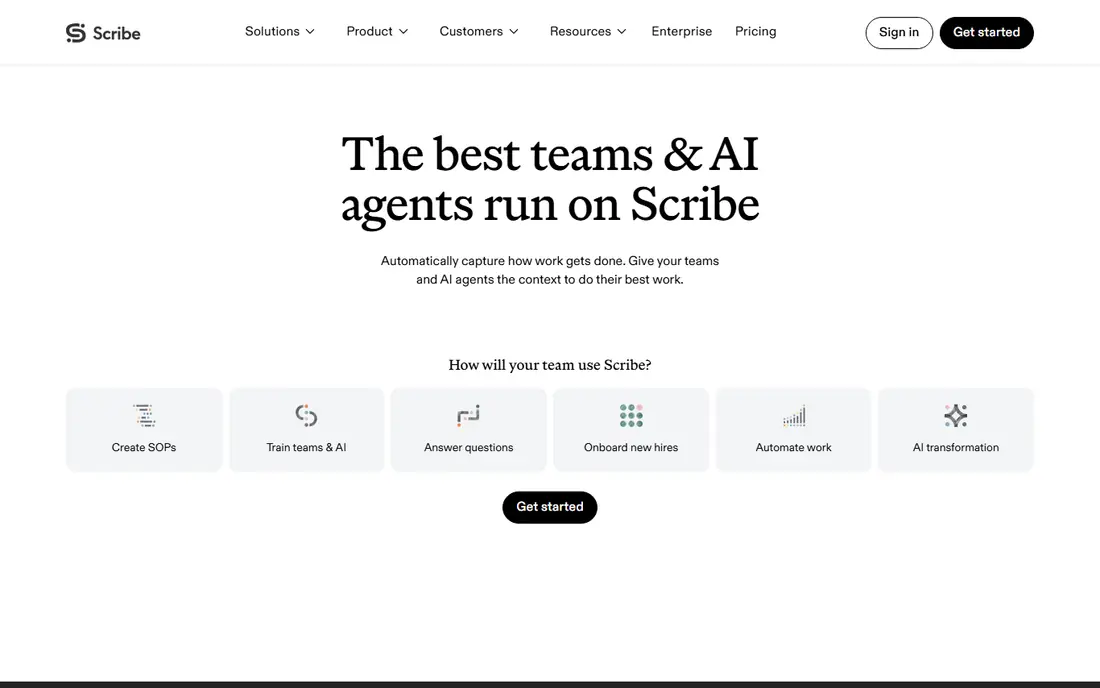
Scribe solves the hardest part of SOP writing: getting the first draft done. Record a process in your browser or on desktop, and Scribe turns clicks and keystrokes into a step-by-step guide with screenshots and text you can edit. That speed matters for software processes that would otherwise never be documented because writing them by hand takes too long.
It is not a complete SOP system on its own. You still need a place for approvals, version control and read tracking, unless you pair it with a library tool. Use Scribe to capture guides fast, then store the approved versions where your team already looks for procedures.
- Records screen steps automatically
- Free basic plan
- Guides are easy to share and edit
- Capture tool, not a full SOP system
- Governance needs another tool
- Paid seats add up for large teams
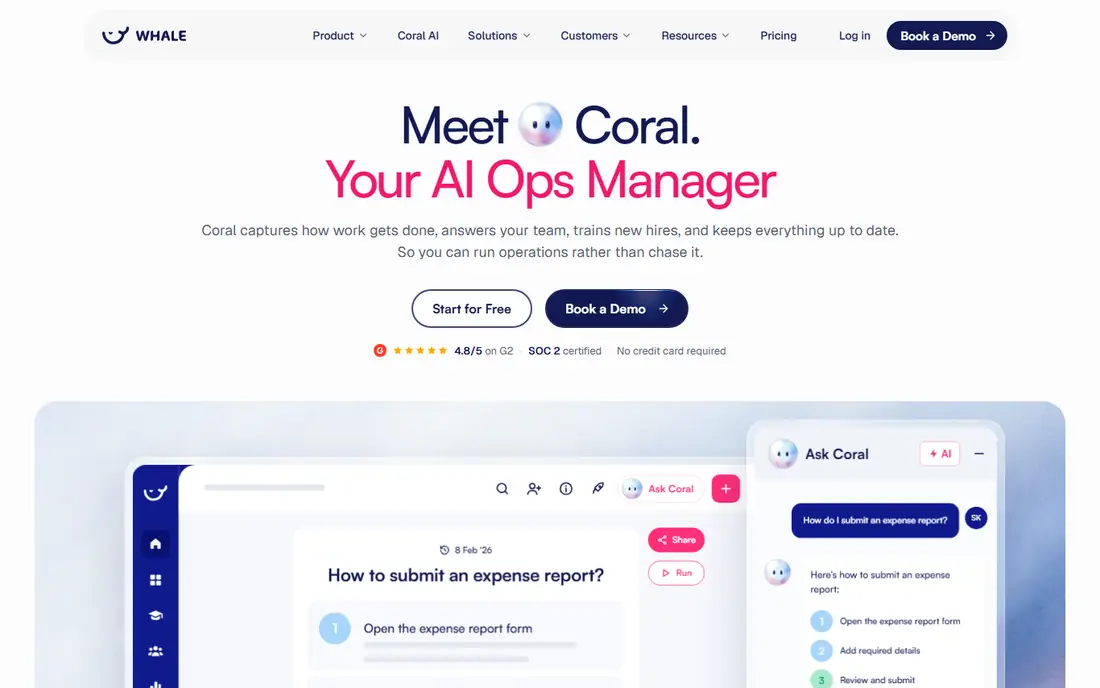
Whale combines SOP documentation with training in one tool, which suits teams that hire often. You can capture a process, turn it into a training flow, add a quiz and see who has completed it. The free tier lets a small team start without a subscription, which is useful for testing whether staff will actually use the system.
The paid Scale plan starts at $249 per month, so the jump from free to paid is large. Teams with many authors should also check per-creator pricing before committing. For a growing team that wants SOPs and training together, Whale is still one of the most complete options at the free starting point.
- Free tier for small teams
- SOP capture plus training and quizzes
- Screen recorder included
- Paid Scale plan is a jump in price
- Smaller template range than some rivals
- Setup needs care for large libraries
Trainual is built around training, not just documents. Procedures become role-based paths, new hires work through them in order, and managers can test completion rather than assume reading happened. That structure helps businesses with repeatable roles, such as franchises, agencies and service firms with regular hiring.
Pricing is now quote-based, with past in-app listings around $249 per month for a core plan, so do not budget from an old price list. Request a current quote and ask about setup fees. If your main problem is onboarding consistency, Trainual is worth that sales call, but if you only need a procedure library, a cheaper tool will do.
- Structured role-based training
- Tests and completion tracking
- Strong onboarding templates
- Quote-based pricing
- Setup fee reported in past listings
- Heavier to set up than a simple library
Process Street suits work that must happen the same way every time, such as client onboarding, monthly reporting or compliance checks. A procedure becomes a checklist run, with required fields, approvals and assignments, so managers can see exactly where each run stands. That tracking is its main advantage over a static document library.
It is less suited as a pure handbook. Writing and browsing long reference procedures feels secondary to running checklists. Pricing is also quote-based at present, with a 14-day trial, so request a quote early. Pick Process Street when execution tracking matters more than reference reading.
- Runs procedures as checklists with approvals
- Conditional logic
- Strong for repeatable client work
- Quote-based pricing now
- Documentation is secondary to workflow runs
- Can feel like a workflow tool first
Tallyfy turns a described job into a tracked workflow, with tasks, deadlines and visibility for managers. It suits operations teams that run the same processes weekly and need to know what is stuck, what is late and who owns the next step. The per-year full-seat price is published, which helps budgeting compared with quote-only rivals.
It is not the best reference library for long procedures that staff read occasionally. If you need both a library and workflow tracking, pair Tallyfy with a document tool or choose SweetProcess or Whale. For pure repeatable workflow control, Tallyfy is a clean, focused pick.
- Clear workflow tracking
- Lightweight automation
- Full seats priced per year
- Full-seat cost adds up
- Less of a reference library
- Smaller brand than rivals
Waybook suits ops-heavy teams that need SOPs, onboarding and proof of reading in one system. Read confirmation shows who has read each document and when, quizzes attach to documents, and role-based paths give each new hire the right documents in order. Published pricing at $99 per month for 20 members on annual billing also makes it easier to compare than quote-only tools.
The template library is smaller than Trainual, so teams that want many ready-made playbooks may need to write more themselves. The trial is also short at seven days. For a team of 20 to 200 people that wants structure without enterprise pricing, Waybook is a practical middle ground.
- Published pricing
- Read confirmation
- Role-based onboarding paths and quizzes
- Smaller template library than Trainual
- 7-day trial only
- Less workflow automation than Process Street
Tango is similar to Scribe in spirit: capture a browser workflow once and get a clean step guide. It handles branching paths well, which helps when a process changes based on an answer or a screen state. The free tier covers a small team, and the paid team plan starts at $15 per user per month on annual billing.
Like Scribe, it needs a home for approved procedures, ownership and training tracking. Use it when your team documents many screen processes and wants speed above all. For a full SOP system with approvals and training, pair it with SweetProcess, Waybook or Whale.
- Fast browser capture
- Free tier for small teams
- Handles branching steps
- Guide maker, not a full SOP system
- Paid seats add up
- Governance needs a library tool
How we picked these
We compared vendor pricing pages, feature pages and public reviews in October 2026, and we kept tools that support real SOP work: writing, versioning, ownership, capture or completion tracking. Where a vendor moved to quote-based pricing, we wrote See website rather than repeating an old price. We left out general wikis as main picks, because they lack the SOP controls most teams need.
How to choose SOP software for your team
Start with the job that fails today. If procedures are never written, pick a capture tool such as Scribe or Tango and pair it with a library. If procedures exist but no one follows them, pick a checklist tool such as Process Street or Tallyfy. If new hires learn by shadowing and guessing, pick a training-led tool such as Trainual, Waybook or Whale.
Next, assign an owner to every procedure before you migrate anything. Software will not fix an SOP that no one owns, and a library full of unowned documents becomes stale within months. Set a review date on each procedure, and check read or completion data monthly at first. That habit matters more than which tool you choose.
Keep procedures short and task-focused
A procedure that tries to cover every edge case will not be read. Write the normal path first, in short steps, and link edge cases separately. Test each new SOP with a person who has not done the job before, and fix the steps they stumble on. That test is the fastest way to find gaps before a real mistake does.
Frequently asked questions
What is the best SOP management software for a small business?
SweetProcess suits most small businesses that want a full procedure library at a flat price. Waybook suits teams that also need onboarding paths, while Scribe suits teams that need fast capture.
What is the best software for SOPs and training together?
Trainual, Waybook and Whale all combine SOPs with training paths and completion tracking. Trainual is the most training-led, Waybook offers clearer published pricing, and Whale offers a free tier to start.
Is there free SOP software?
Scribe, Whale and Tango offer free tiers, though each limits seats, guides or features. A free tier works for testing, but most growing teams need a paid plan for approvals, unlimited procedures or training tracking.
How is SOP software different from a wiki?
A wiki stores pages, while SOP software adds owners, version history, approvals, read confirmation and task tracking. Those controls are what keep procedures current and prove that staff have seen them.
Should I use Process Street or SweetProcess?
Use Process Street when work must run as a tracked checklist every time. Use SweetProcess when you need a searchable library of procedures, policies and recurring tasks.
Sources
See where you really rank - block by block
ProMapRanker scans Google Maps across a grid of your service area. Simple monthly plans from $19, white-label on every plan.
Start freeKeep reading
 zoho inventory alternatives
6 Alternatives to Zoho Inventory, Compared on Price and Fit
Zoho Inventory alternatives: 6 tools compared on price, free plans and fit. Katana leads the list for manufacturers. Fit and flaws are laid out for each entry.
Read → zoho crm alternatives
Best Zoho CRM Alternatives (2026)
Need Zoho CRM alternatives? We compare 7 tools on cost, free access and who each suits. Every pick gets a straight assessment. Built for quick decisions.
Read → zelle alternatives
Best Zelle Alternatives in 2026
Compare the best Zelle alternatives for sending money to friends, paying sellers and moving funds abroad, with honest notes on fees, speed and safety in 2026.
Read →