 ProMapRanker
Best Flock Alternatives in 2026

Key takeaways
- Slack and Microsoft Teams are the safest mainstream swaps for Flock, with the largest integration libraries and broad adoption.
- Google Chat suits teams already on Google Workspace, while Discord suits community style teams that rely on voice.
- Mattermost, Rocket.Chat and Zulip suit teams that want self hosting, open source control or threaded discussion.
- Zoho Cliq and Chanty suit smaller budgets, especially for teams already using Zoho or teams that need a simple chat tool.
- Message history limits on free plans matter more than headline prices, so check how far back your team can search.
Quick comparison
| Pick | Great for | Pricing starts at | Free tier | |
|---|---|---|---|---|
 Slack | Mainstream team chat | See website | Yes | Visit |
 Microsoft Teams | Microsoft 365 teams | See website | Yes | Visit |
 Google Chat | Google Workspace teams | See website | Yes | Visit |
 Discord | Community and voice teams | Free | Yes | Visit |
 Mattermost | Self hosted team chat | See website | Yes | Visit |
 Rocket.Chat | Open source team chat | See website | Yes | Visit |
 Zulip | Threaded team discussion | See website | Yes | Visit |
 Zoho Cliq | Zoho ecosystem teams | See website | Yes | Visit |
 Chanty | Simple small team chat | See website | Yes | Visit |
The best Flock alternatives
Flock offers team messaging with channels, video, polls and built-in productivity tools. The alternatives below cover the same core job, but they differ on integrations, history limits, self hosting and price. The right pick often follows the tools your team already uses each day.
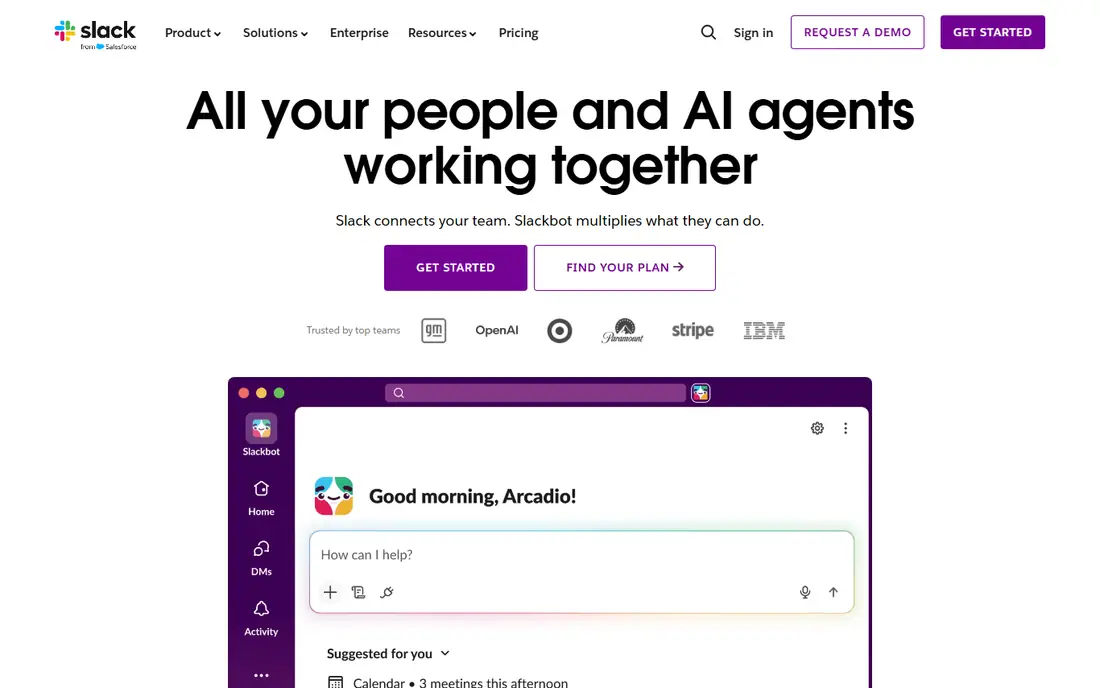
Slack is the most direct mainstream alternative to Flock. Channels, direct messages, threads, huddles and a vast app directory cover most team chat needs, and most new hires already know how it works. Paid plans add longer history, more storage and workflow automation, which helps larger teams stay organised.
The main catch is the free plan. Message history is limited, so a small team that relies on searching old decisions may need a paid plan sooner than expected. If your team is small and your history needs are light, the free plan can still work well.
- Huge integration library
- Familiar channels and threads
- Strong search and workflow tools on paid plans
- Free plan limits message history
- Costs rise with each seat on larger teams
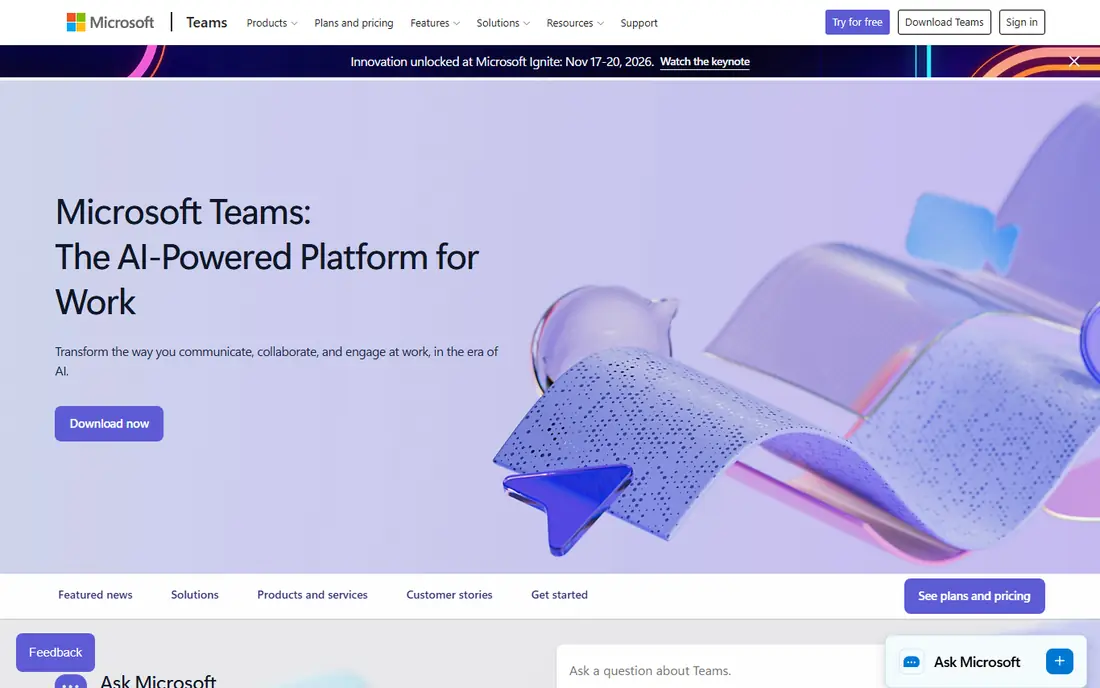
Microsoft Teams suits organisations already using Outlook, Word, Excel and SharePoint. Chat sits beside meetings, file storage and Office apps, so a team can move from a message to a document or a call without switching tools. Admin controls and compliance options also suit larger or regulated teams.
Teams can feel heavy for a small team that only wants chat. If you do not use Microsoft 365, Slack or a lighter tool may be simpler. If you already pay for Microsoft 365, Teams is often the obvious choice.
- Deep Microsoft 365 integration
- Chat, meetings and files in one place
- Strong admin controls for larger organisations
- Interface can feel busy
- Best value comes with a Microsoft 365 subscription
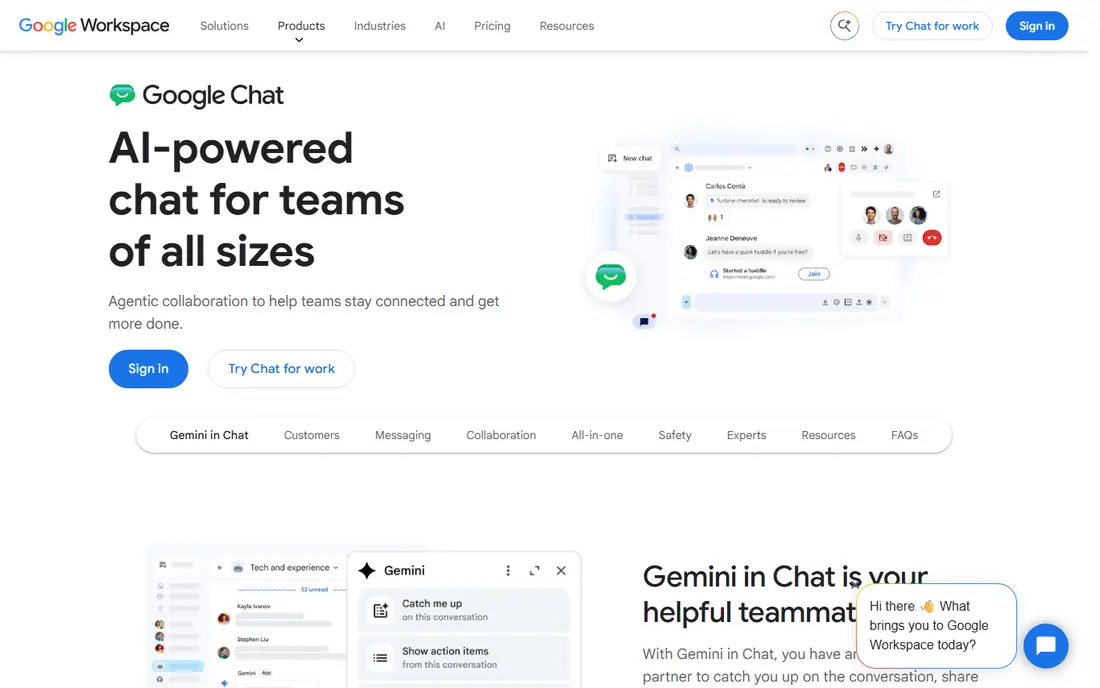
Google Chat is the natural pick for teams on Gmail, Drive and Calendar. Spaces organise project discussion, files and tasks, and Drive sharing works without extra setup. For a team that lives in Google tools, Chat keeps conversation close to documents and meetings.
It is less feature rich as a standalone chat product than Slack or Teams, and its integration library is smaller. If your team needs many third party bots and workflows, a broader platform may fit better.
- Smooth Google Workspace integration
- Spaces for projects
- Simple chat and file sharing with Drive
- Standalone chat features are lighter than Slack
- Best experience needs Google Workspace
Discord works well for creative, gaming and community teams that rely on voice and informal chat. Servers, channels, roles and voice rooms are free, and the app is familiar to many younger teams. For a small team that talks while it works, Discord can feel more natural than a formal business chat tool.
Formal business needs are the limit. Admin, compliance and guest controls are weaker than in Slack or Teams, and Discord is not built as a corporate messaging product. It suits community and creative teams more than regulated offices.
- Free core chat and voice
- Strong voice channels
- Flexible servers and roles for communities
- Less suited to formal business admin
- Paid Nitro is personal, not a business seat plan
Mattermost is built for teams that want control over their data. You can self host it, set retention and access controls, and integrate it with developer tools such as GitHub, GitLab and Jira. That makes it popular with engineering, government and regulated teams that cannot put chat data on a public cloud without conditions.
Self hosting is also the catch. Someone must install, update and back up the server, which adds work for a small team without IT support. A hosted plan removes that burden but costs more than the free self hosted version.
- Open source and self hosting options
- Strong security and admin controls
- Good for technical and regulated teams
- Self hosting needs technical care
- Smaller integration library than Slack
Rocket.Chat is another open source option with channels, direct messages, voice and video, plus options for customer chat. Teams that want to customise the interface, add their own integrations or keep data on their own servers will find it flexible. Its community edition suits technical teams with hosting skills.
For a non-technical small team, setup and maintenance can be a barrier. Check the current cloud pricing and support options before you commit, since enterprise tiers are often quoted rather than listed as a simple monthly price.
- Open source and self hosting
- Chat, voice and video in one tool
- Customisation for larger deployments
- Paid cloud pricing is quote based in some tiers
- Setup can be complex for small teams
Zulip organises chat by stream and topic, so a busy channel does not turn into a single unreadable thread. That structure helps large teams, open source projects and research groups that discuss many subjects at once. You can follow a topic, mute the rest, and find past decisions more easily than in a flat chat log.
The learning curve is real. New users may find topics confusing at first, and the free cloud plan limits searchable history. Teams that stick with the model often value it highly, but it needs a short onboarding period.
- Topic based threads keep discussion organised
- Open source and self hosting
- Useful for large, busy teams
- Thread model takes time to learn
- Free cloud plan limits message history
Zoho Cliq is a strong pick if your team already uses Zoho CRM, Projects, Mail or Desk. Chat connects to those apps, so you can share records, start calls and automate simple tasks without extra tools. The free plan covers smaller teams, and paid plans remain low cost compared with larger suites.
Outside the Zoho world, its appeal drops. Third party integrations are fewer than in Slack, so teams that rely on many external apps may miss options. If Zoho is already your stack, Cliq is a natural fit.
- Smooth Zoho app integration
- Channels, calls and bots
- Free plan for smaller teams
- Integration library outside Zoho is smaller
- Best value needs other Zoho apps
Chanty suits small teams that want chat plus simple tasks without a complex setup. Messages, tasks and file sharing sit in one clean interface, and unlimited history on paid plans removes a common frustration with free chat tools. The free plan covers very small teams, which makes it easy to test.
Its limits show at scale. Integrations and admin controls are thinner than in the largest platforms, so a growing company may outgrow it. For a small team that values simplicity over breadth, Chanty is a practical Flock alternative.
- Simple interface
- Unlimited message history on paid plans
- Task management built into chat
- Smaller integration library
- Fewer enterprise admin features than Slack or Teams
How we picked these
We compared official product and pricing pages for team messaging tools live in October 2026. We favoured tools with channels, direct messages and search, plus a mix of mainstream, open source and budget options. We did not claim hands-on testing, and we used See website where pricing was quote based or varied by billing period.
What to check before you choose
Start with your existing stack. A team on Microsoft 365 will usually get more from Teams, a Google Workspace team from Google Chat, and a Zoho team from Cliq, because files, calendars and contacts already connect. A team with no dominant stack can choose on chat features alone, where Slack has the broadest integration library.
Next, check history, guests and admin needs. Free plans often limit how far back you can search, which matters when decisions live in chat. If you work with clients or contractors, check guest access and permissions. Finally, run a short pilot with your real channels and integrations, and ask the team whether messages are easy to find a week later.
Frequently asked questions
What is the best Flock alternative for a small business?
Slack is the safest mainstream pick, while Chanty and Zoho Cliq suit smaller budgets. If your team already uses Microsoft 365 or Google Workspace, Teams or Google Chat may be better value because they come with tools you already pay for.
Is there a free Flock alternative with unlimited history?
Some tools offer unlimited history on paid plans, and a few free plans are generous, but most free cloud plans limit searchable history. Self hosted Mattermost, Rocket.Chat and Zulip can offer unlimited history on your own server, subject to your storage and retention settings.
Can I self host a Flock alternative?
Yes. Mattermost, Rocket.Chat and Zulip all offer self hosting, with open source editions. Self hosting gives you control over data and retention, but it needs someone to install, update and back up the system.
Which alternative is best for developers?
Mattermost and Rocket.Chat suit developer teams, with integrations for GitHub, GitLab and Jira, plus self hosting options. Slack also works well for developers thanks to its large integration library, though it is a hosted product.
How hard is it to move from Flock to another chat tool?
Moving channels and members is usually straightforward, but full message history migration can be limited. Export what you can from Flock, set a clear cutover date, and keep the old workspace read only for a short period while the team settles into the new tool.
Sources
See where you really rank - block by block
ProMapRanker scans Google Maps across a grid of your service area. Simple monthly plans from $19, white-label on every plan.
Start freeKeep reading
 zoro.to alternatives
Best Zoro.to Alternatives in 2026
We compare the best zoro.to alternatives in 2026, listing only legal licensed anime streaming services, from Crunchyroll to free options for fans today.
Read → zip alternatives
Best Zip Alternatives in 2026
We compare the best zip alternatives for buy now, pay later in 2026, covering pay-in-4 plans, fees, spending limits, and credit reporting options today.
Read → yesware alternatives
Best Yesware Alternatives in 2026
Compare the best yesware alternatives for sales email tracking, templates, and sequences, with current pricing and honest tradeoffs for small sales teams.
Read →