 ProMapRanker
Content Calendar Software for Teams in 2026: Top 5 Compared

Governed enterprise content execution · Pricing starts at: $12 per Member/month
Direct answer
Our first pick is Smartsheet, best for governed enterprise content execution. Listed starting prices: Smartsheet from $12 per Member/month, Monday.com from $9 per seat per month and Asana from $10.99 per user a month. Monday.com is better for adaptable boards with AI workspace support, and Asana is better for work management with automated workflows. All 5 tools are compared below on price, free plan and limits.
If you are comparing content calendar software for teams, this page covers 5 tools in one place: what each is best for, what it costs to start, whether it has a free plan, and the main limit to know about.
Key takeaways
- Top of the list is Smartsheet, which targets governed enterprise content execution.
- Trello is the one to check for straightforward visual boards for content planning.
- 3 of 5 tools offer a free plan: Monday.com, Asana, Trello.
- CoSchedule comes with a trade-off: centred on social content instead of all project types.
Quick comparison
| Pick | Great for | Pricing starts at | Free tier | |
|---|---|---|---|---|
| Smartsheet | Governed enterprise content execution | $12 per Member/month | Not stated | Visit |
 Monday.com | Adaptable boards with AI workspace support | $9 per seat per month | Yes | Visit |
 Asana | Work management with automatic workflows | $10.99 per user a month | Yes | Visit |
 CoSchedule | Calendar-first social content planning | $29 a month | Free trial | Visit |
 Trello | Straightforward visual boards for content planning | $5 per user a month | Yes | Visit |
The 5 tools in detail

Where Smartsheet fits: governed enterprise content execution. Smartsheet is aimed at enterprise execution, so smaller teams may find it more structure than they need. Content calendars can be built as structured sheets with dates, owners and status, giving managers a consistent view across programs.
In practice, for a lighter visual calendar, compare Trello, and for social-first planning, compare CoSchedule. Smartsheet positions itself as the execution hub for enterprise work, where people and AI get work done together with the governance and visibility large organizations need. Smartsheet starts at: $12 per Member/month. Free plan details: Not stated.
The main drawbacks: Pitched at enterprise needs instead of small teams. Best features of Smartsheet: Grid-based structure familiar to planners.
- Execution hub with governance and visibility
- Supports people and AI working together
- Less calendar-first in presentation
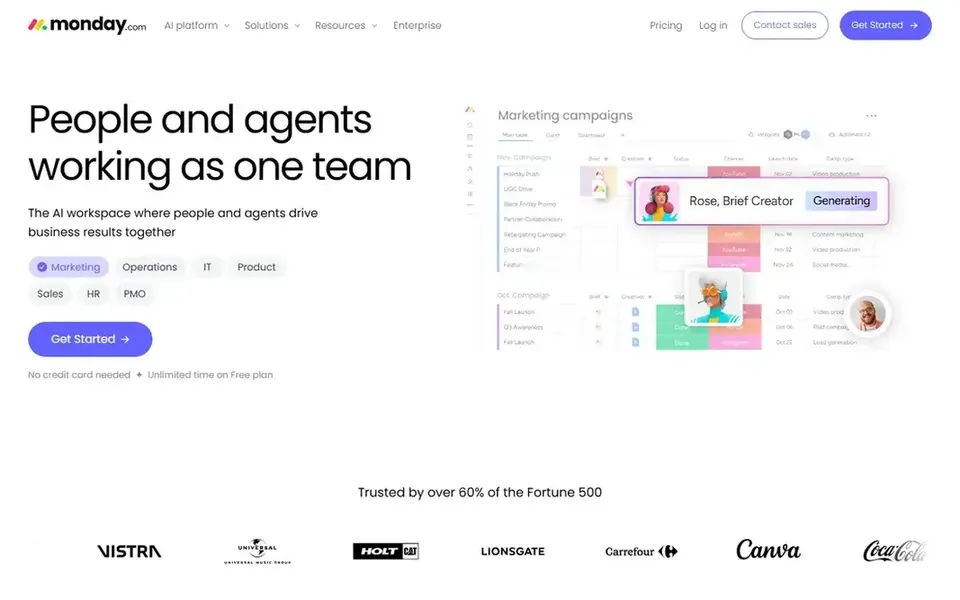
Where Monday.com fits: adaptable boards with AI workspace support. Monday.com presents itself as an AI workspace where agents work side by side with people. As for the details, the product is wide, so teams that only need a straightforward editorial calendar may find it heavier than necessary.
More specifically, teams build boards and views to track work. A content calendar can live as one view within that structure whereas planning, execution and reporting stay connected. On cost, Monday.com starts like this: $9 per seat per month. Monday.com offers a free plan.
The main drawbacks: Calendar views are one part of a bigger product.
- Visual boards teams can shape to their workflow
- Supports managing and operating work together
- Configuration choices can take time to settle
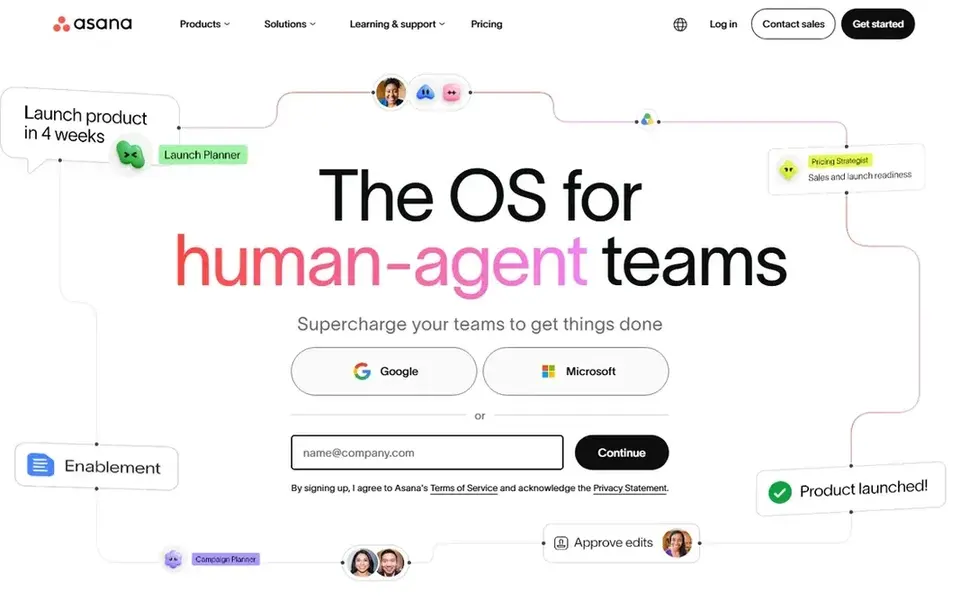
Where Asana fits: work management with automatic workflows. Content teams can organize briefs, approvals and publishing as connected tasks and surface them in calendar views, which fits organizations that want content planning tied to the rest of their project work and automation.
The starting price for Asana: $10.99 per user per month. Asana offers a free plan.
Drawbacks to consider: Setup effort grows with workflow complexity.
Where Asana stands out: automate and execute workflows together.
- Supports critical recurring processes
- Plan
- Calendar is one view among multiple

CoSchedule works best for calendar-first social content planning. The calendar is the center of the product, so teams plan posts, schedule publishing to the major social networks, reply to audiences and measure results without leaving the tool.
Trade-offs to know: Teams needing deep project management may need another tool.
On cost, CoSchedule starts like this: $29 per month. On free options: Free trial.
- Calendar is the core interface
- Plan and publish to major social networks
- Concentrated on social content instead of all project types
In short, Trello is for straightforward visual boards for content planning. It suits small teams and straightforward editorial processes where clarity and speed matter more than deep configuration.
For everyday use, Trello stays deliberately straightforward, so teams with complicated approval chains or in-depth reporting can outgrow it. What you pay to start with Trello: $5 per user per month. A free plan is available with Trello.
What to check first: Calendar relies on how boards are structured.
- Inbox and Planner keep to-dos organized
- Works across desktop and mobile
- Less depth for complex workflows
Selection criteria
We compared the tools on published pricing, free plan or trial availability, feature coverage for content calendar software for teams, and the limits each vendor documents. Figures are shown as the vendors publish them. Billing terms, seat minimums and add-ons can change the real cost. We ordered the tools by general fit, then by how clearly pricing is shown, then by free access. A buyer with unusual needs may reorder them.
Before you commit
- Confirm the entry price on the vendor page: Trello starts at $5 per user per month, but seat counts and billing terms change the total.
- Read the fine print on the free plans from Monday.com, Asana and Trello; seat, project and feature caps differ.
- Take the trial from CoSchedule and push a live task through it before you pay.
- Read the limits listed for Smartsheet first: aimed at enterprise needs instead of small teams.
- Price Asana for your actual team size; headline prices rarely include add-ons or overage.
- Confirm minimum seats and billing terms with Monday.com before you commit to an annual plan.
Frequently asked questions
Can I try these tools before paying?
Often, yes. Monday.com, Asana and Trello have a free plan and CoSchedule offers a free trial. Use your own data and a real task during the test, and check what the free tier or trial limits before you rely on it.
Is Smartsheet the right pick for everyone comparing content calendar software for teams?
No single tool suits every team. Smartsheet comes first because it fits governed enterprise content execution, while Monday.com suits flexible boards with AI workspace support and Asana suits work management with automated workflows. Match the tool to your own size, budget and workflow before deciding.
What is the cheapest option for content calendar software for teams in this list?
On published monthly entry prices, Trello is the lowest here at $5 per user per month. Entry price is only part of the cost, because seats, add-ons and billing terms can change the total.
Which options for content calendar software for teams have a free plan?
On this list, Monday.com, Asana and Trello include a free plan. Caps on seats, usage or features are common, so test the free plan against your real workload. One other tool offers a trial instead.
Sources
See where you really rank - block by block
ProMapRanker scans Google Maps across a grid of your service area. Simple monthly plans from $19, white-label on every plan.
Start freeBrowse all guides
← 5 Best Cloud Content Collaboration Software for Startups for 2026Best Content Collaboration Platforms for Distributed Teams (2026) →
 best writing platforms with content detection
6 Best Writing Platforms with Content Detection Options for 2026
Need the best writing platforms with content detection? We compare 6 tools on cost, free access and who each suits. Weak spots flagged for every entry. No hype.
Read → best platforms for managing large content teams
5 Best Platforms for Managing Large Content Teams in 2026
5 best platforms for managing large content teams, with entry costs, free tiers and the buyer each one serves. Pros and cons for every tool. Pick by budget.
Read → best in class content workflow management tools
6 Best In Class Content Workflow Management Tools for 2026
6 best in class content workflow management tools, compared on pricing, free plans and best-fit use. Every profile names its biggest catch. Straight answers.
Read → best time tracking software for nonprofits
6 Best Time Tracking Software for Nonprofits for 2026
Shortlisting the best time tracking software for nonprofits? 6 products compared on cost, free access and ideal buyer. Every tool lists pros and cons.
Read → best note taking app for meetings
Best Note Taking App for Meetings in 2026
Find the best note taking app for meetings, from Otter and Fireflies to Fathom and Fellow, on price, transcription, summaries, privacy, and team fit now.
Read → best group chat app
Best Group Chat App in 2026: 9 Apps Compared
Searching for the best group chat app? We compare nine free and paid group messaging apps for friends, families, communities, and work teams, updated for 2026.
Read →More in Project Management & Productivity · All guides A to Z by date · Latest guides