 ProMapRanker
Best Note Taking App for Meetings in 2026


Live transcription and collaboration · Pricing starts at: $8.33 per user per month
Key takeaways
- Fathom is the best free start for individuals, with unlimited recording and capped AI summaries.
- Fireflies is the best all-round team choice, with wide integrations and multilingual transcription.
- Otter is the best choice for live transcription and collaborative notes during the meeting itself.
- Fellow suits teams that need agendas, action items, and stronger admin controls in one place.
- Always tell attendees when a meeting is being recorded, and check consent rules in your state or workplace.
Quick comparison
| Pick | Great for | Pricing starts at | Free tier | |
|---|---|---|---|---|
| Otter | Live transcription and collaboration | $8.33 per user per month | Yes | Visit |
 Fireflies | All-round team notes and integrations | $10 per user per month | Yes | Visit |
 Fathom | Free unlimited recording for individuals | Free | Yes | Visit |
 Fellow | Agendas, notes, and admin controls | $7 per user per month | Yes | Visit |
 Notta | Multilingual transcription on a budget | $8.17 per month | Yes | Visit |
 tl;dv | Shareable clips and highlights | $18 per user per month | Yes | Visit |
 Granola | Bot-free notes with privacy focus | $14 per user per month | Yes | Visit |
 Read AI | Cross-meeting search and summaries | $15 per user per month | Yes | Visit |
 MeetGeek | Affordable AI notes for small teams | $9.99 per user per month | Yes | Visit |
The best note taking apps for meetings
These apps record, transcribe, and summarize meetings, and they also extract action items you can follow up. Prices are shown billed annually where vendors publish that rate, and free limits matter, so we note them for each product.
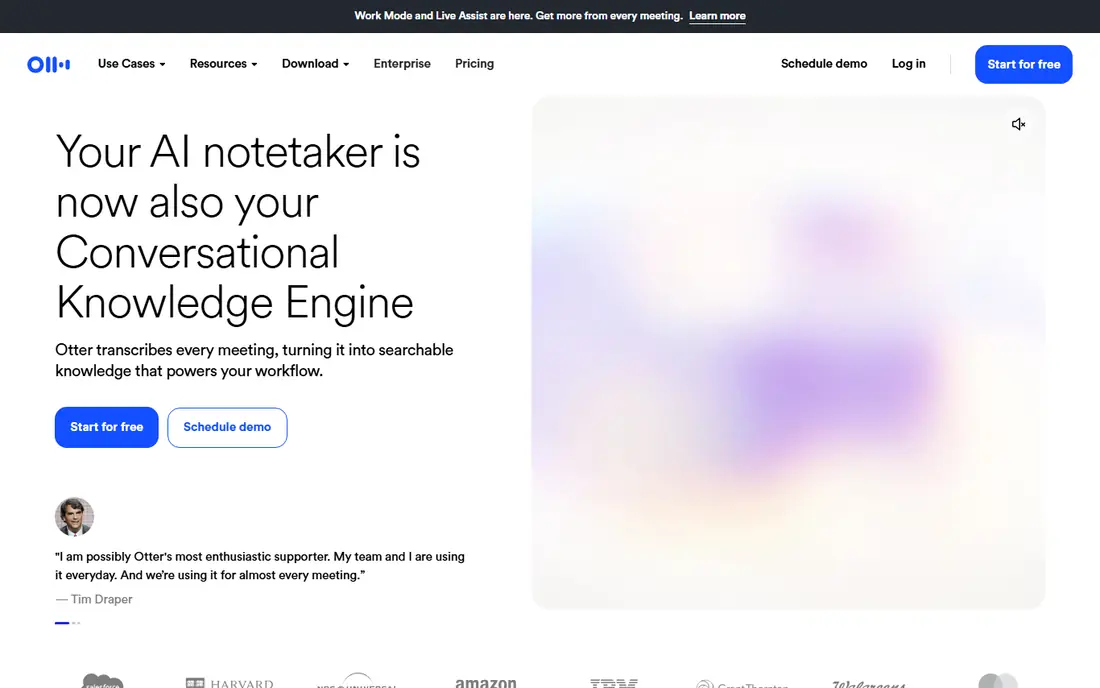
Otter stands out during the meeting, not just after it. It transcribes speech live, labels speakers, and lets teammates highlight points and add comments while the discussion is still fresh. That live view helps in interviews, classes, and fast meetings where a summary alone would miss nuance. It works with Zoom, Google Meet, and Microsoft Teams.
The free plan is limited to 300 minutes per month and 30 minutes per conversation in recent vendor and review sources, so heavy users will hit the cap quickly. Pro is listed at 8.33 dollars per user per month billed annually. If live notes and collaboration matter more than post-meeting summaries, Otter is the pick. If you mainly need a free archive, Fathom gives more recording room.
- Live transcription during meetings
- Collaborative notes and highlights
- Zoom, Meet, and Teams support
- Free plan caps minutes and conversation length
- Advanced features need higher plans
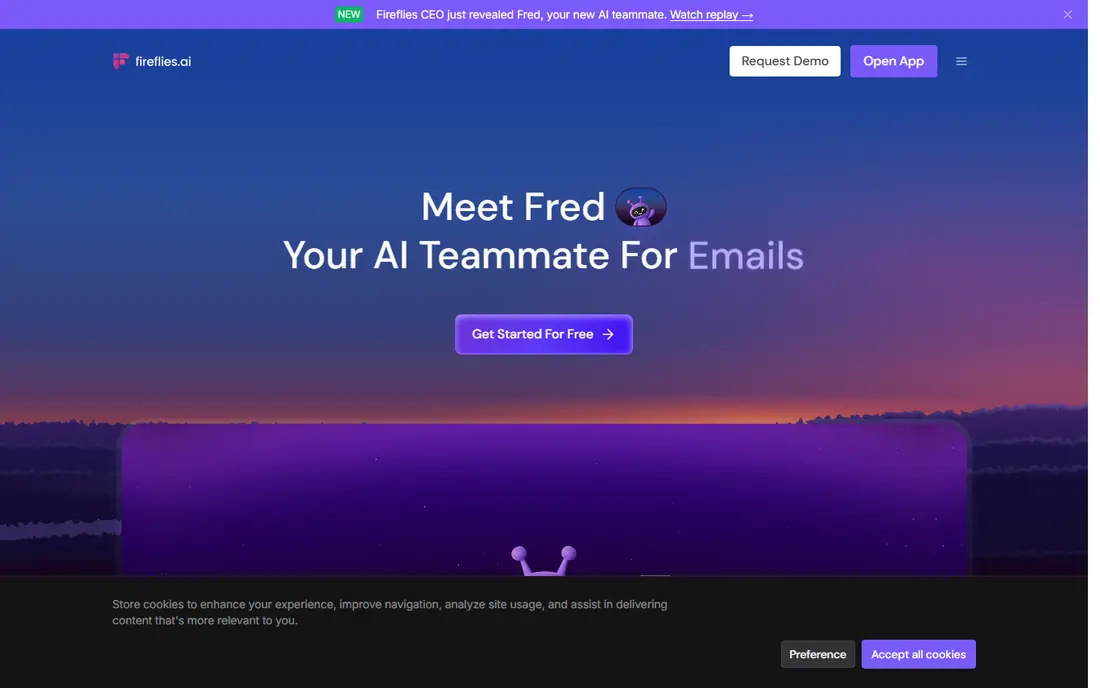
Fireflies is the safest default for teams. It joins Zoom, Meet, Teams, and other platforms, transcribes in many languages, and produces AI summaries with action items. Its free plan offers unlimited transcription with limited team storage, and its integration list covers Salesforce, HubSpot, Slack, Asana, and Notion, so notes flow into the tools teams already use.
The catches are video and credits. Video recording sits on Business plans and above, and paid plans govern summaries with AI credits, so very heavy teams should map credits to meeting volume. Pro is listed at 10 dollars per seat per month billed annually. For a team that wants one tool for capture, search, and follow-up, Fireflies is hard to beat.
- Unlimited transcription on free plan
- Many integrations
- AI summaries and searchable history
- Video recording needs higher plans
- Paid summaries use AI credits on some plans
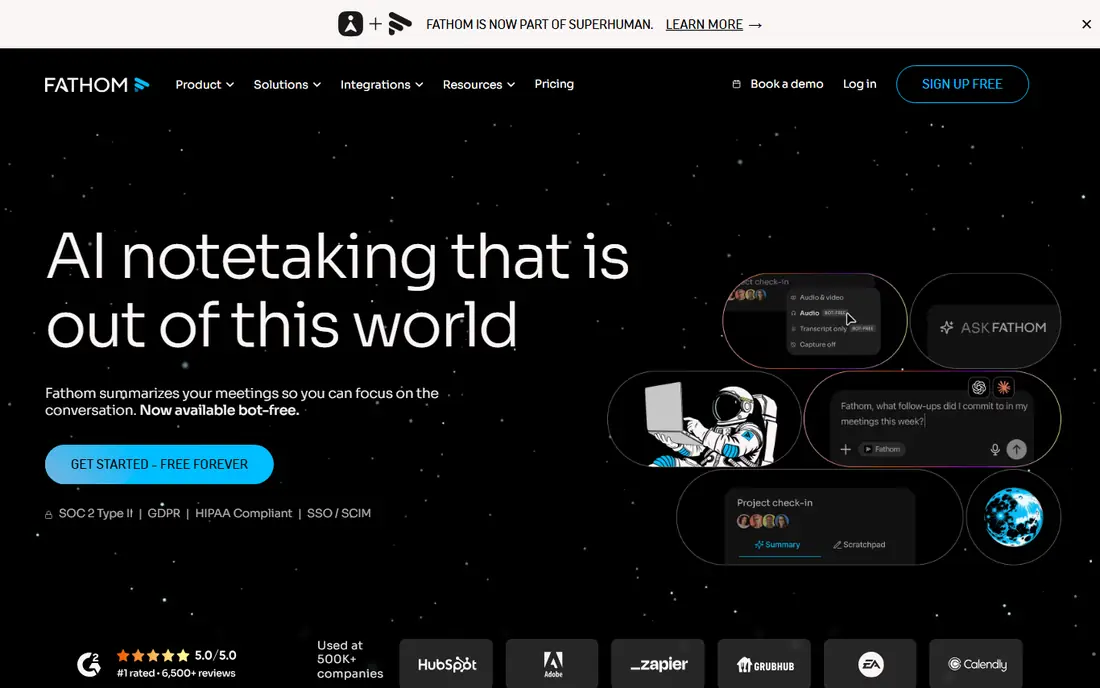
Fathom is the best free option for individuals who record a lot. The free plan offers unlimited recording and transcription, with AI summaries limited in number, which is more generous than most rivals for capture alone. The interface is simple: record, get a transcript, get a summary, and share the parts that matter.
Paid plans start with Team at 15 dollars per user per month billed annually in recent sources, with individual Premium listed around 16 dollars per month in other sources, so check the current Fathom pricing page for your use case. Fathom is less of a full meeting management system than Fellow, but for clean capture and summaries at low cost, it is excellent.
- Unlimited recording and transcription on free plan
- Simple summaries
- Zoom, Meet, and Teams support
- AI summaries are capped on free plan
- Advanced team features need paid plans
Fellow treats the meeting as a workflow, not just a recording. You build an agenda before the call, capture notes and action items during it, and follow up from the same record after it. It offers both bot recording and bot-free recording, supports Zoom, Meet, Teams, and Slack Huddles, and includes admin controls that regulated teams need.
The free plan caps AI notes and recordings per user for life, so individuals will outgrow it if they record often. Team is listed at 7 dollars per user per month billed annually. Fellow suits teams that want structure and search across meetings, and it suits less well a solo user who only wants a transcript. For team-wide meeting intelligence, Fellow is a strong pick.
- Meeting agendas and action items
- Bot and bot-free recording
- Strong admin and security controls
- Free AI notes are capped for life
- Full value needs team adoption
Notta is a good budget choice for multilingual teams. It transcribes meetings in many languages, offers translation, and works with Zoom, Meet, Teams, and Webex. The free plan gives 120 minutes per month with a short per-conversation cap, while Pro is listed at 8.17 dollars per month billed annually.
Notta is lighter on meeting workflow than Fellow or Fireflies. It has fewer agenda and CRM features, and its summaries are simpler. That is fine if your main need is an accurate transcript in more than one language at a low price. If you need deep integrations or team action tracking, Fireflies or Fellow will serve you better.
- Multilingual transcription
- Translation features
- Low starting price
- Free plan caps minutes and conversation length
- Meeting features are lighter than Fireflies
tl;dv, pronounced too long did not watch, is built for people who miss meetings and need the key moments fast. It records, transcribes, and lets you clip highlights with timestamps, then share those clips with teammates who can watch the important two minutes instead of the full hour. That clip workflow suits product teams, sales teams, and managers with back-to-back calls.
The paid price is higher than Fireflies or Otter, at 18 dollars per user per month billed annually for Pro in recent sources. The free plan covers limited AI notes, so test the clip workflow before you pay. If your team shares meeting moments often, tl;dv earns its price. If you only need transcripts, a cheaper tool will do.
- Shareable clips and timestamps
- AI notes and highlights
- Zoom, Meet, and Teams support
- Higher starting paid price
- AI notes are limited on free plan
Granola takes a different approach: it records from your own device instead of sending a bot into the meeting. That avoids the awkward bot participant many attendees dislike, and it works for Zoom, Meet, Teams, Slack Huddles, and in-person meetings. The free plan offers unlimited meeting notes with limited history, and the app is known for a clear stance on not training AI on user meeting data in its stated policy.
Business is listed at 14 dollars per user per month in recent sources. Granola is less suited to teams that need bot-based capture for meetings they do not attend, since it depends on a participant running the app. For individuals and small teams who value privacy and a clean notes experience, Granola is a strong modern choice.
- Bot-free recording from your device
- Unlimited meeting notes on free plan
- Cross-device use
- Free history is limited to 30 days in recent sources
- Business plan needed for full team features
Read AI goes beyond one meeting at a time. It summarizes meetings, mail, and messages, and lets you search across them for decisions and follow-ups. That cross-tool search helps managers who need to answer what was agreed last month without opening ten transcripts. It supports Zoom, Meet, Teams, and more than 50 connected tools in vendor sources.
The free plan is limited to a small number of meetings per month in recent sources, and paid plans start at 15 dollars per user per month. Read AI is more than a note taker, and its price reflects that. If you only need a transcript, choose a cheaper tool. If you need a searchable record across work tools, Read AI is worth a trial.
- Search across meetings, mail, and messages
- AI summaries and action items
- Many integrations
- Free plan caps meetings per month
- Price is higher than basic note tools
MeetGeek is a practical low-cost option for small teams. It records and transcribes meetings, produces AI summaries with action items, and supports major meeting platforms. The free plan covers a few hours per month, while Pro is listed at 9.99 dollars per user per month billed annually, with Business at 17 dollars per user per month in recent sources.
MeetGeek does not match Fireflies on integrations or Fellow on meeting workflow, but it covers the core job at a lower price. For a small team that needs reliable notes without enterprise features, MeetGeek is a good value pick. Check storage limits and language support for your team before you commit, since those vary by plan.
- Low starting paid price
- AI summaries and action items
- Broad meeting platform support
- Free plan caps hours per month
- Integrations are narrower than Fireflies
How we picked these
We compared official pricing pages, feature pages, and recent meeting tool reviews, and we kept only tools that record, transcribe, and summarize real meetings in October 2026. We checked free limits, paid prices billed annually where published, platform support, search features, and privacy controls. Where pricing differed across sources, we used the most recent vendor-aligned figure and wrote See website only where a price could not be confirmed cleanly.
How to choose and use a meeting note app well
Start with consent and privacy. Tell attendees at the start of the call that notes are being recorded, and check your workplace policy and local consent rules before you record. Some tools offer bot-free recording, which feels less intrusive, while others join as a visible bot. Pick the approach your attendees accept, and store recordings only as long as you need them.
Next, match the tool to the meeting type. Live transcription suits interviews and fast discussions. Clips suit teams that share highlights. Agendas and action items suit recurring team meetings. Search across meetings suits managers and researchers. One tool rarely wins on all four, so prioritize the meeting type you have most often.
Finally, close the loop after the meeting. Review the AI summary for errors, assign owners and dates to action items, and share only the summary or clips that teammates need. An accurate transcript that no one reads is not useful. A short summary with clear owners, sent the same day, is the real value of these tools.
Frequently asked questions
What is the best app for taking meeting notes?
Fireflies is the best all-round choice for teams, with wide integrations and generous transcription. Fathom is the best free start for individuals, and Otter is best for live transcription. Fellow is best if you also want agendas and team action tracking in the same tool.
What are the best note taking apps for meetings on Zoom and Teams?
Otter, Fireflies, Fathom, Fellow, and tl;dv all support Zoom, Google Meet, and Microsoft Teams. Granola adds bot-free recording for those platforms, while Notta adds multilingual support. Check your exact platform version and admin settings before you rely on bot recording.
Are meeting note apps free?
Most offer a free plan, but limits differ a lot. Fathom offers unlimited recording with capped AI summaries, Fireflies offers unlimited transcription with limited storage, and Otter and Notta cap monthly minutes. Free plans suit light use, while regular team use usually needs a paid plan.
Is it legal to record a meeting with an AI note taker?
Rules vary by state, country, and workplace policy, and some places require consent from all parties. Always announce recording at the start, follow your employer policy, and do not record private conversations without clear permission. This article is not legal advice, so check local rules for your situation.
How do I get action items from meeting notes?
Most tools on this list extract action items automatically and let you send them to task tools such as Asana, Notion, or Slack. Review the items before you share them, since AI can miss owners or dates. Assign each item an owner and a due date in the same day, or the action will be lost in the transcript.
Sources
See where you really rank - block by block
ProMapRanker scans Google Maps across a grid of your service area. Simple monthly plans from $19, white-label on every plan.
Start freeKeep reading
 zoro.to alternatives
Best Zoro.to Alternatives in 2026
We compare the best zoro.to alternatives in 2026, listing only legal licensed anime streaming services, from Crunchyroll to free options for fans today.
Read → zip alternatives
Best Zip Alternatives in 2026
We compare the best zip alternatives for buy now, pay later in 2026, covering pay-in-4 plans, fees, spending limits, and credit reporting options today.
Read → yesware alternatives
Best Yesware Alternatives in 2026
Compare the best yesware alternatives for sales email tracking, templates, and sequences, with current pricing and honest tradeoffs for small sales teams.
Read →