 ProMapRanker
Best Content Collaboration Platforms for Distributed Teams (2026)
Direct answer
For live team communication, Slack is where this list starts. Listed starting prices: Slack from $4.38 per user per month, Miro from $8 per member per month and Notion from $10 per member a month. Microsoft 365 is better for integrated productivity and security, and Confluence is better for structured team knowledge base. The remaining 3 options are covered below with prices and limits.
Choosing content collaboration platforms for distributed teams usually comes down to price, fit and limits. This ProMapRanker guide sets 6 tools side by side on those three points, with the facts kept short and checkable.
Key takeaways
- The list opens with Slack, aimed at real-time team communication.
- One limit worth knowing about Confluence: may be less adaptable for freeform docs.
- Only 3 of the 6 tools have a free plan (Slack, Miro, Notion), so check the caps.
- Starting prices begin at $4.38 per user per month with Slack.
Quick comparison
| Pick | Great for | Pricing starts at | Free tier | |
|---|---|---|---|---|
 Slack | Live team communication | $4.38 per user per month | Yes | Visit |
 Microsoft 365 | Integrated productivity and security | See website | Free trial | Visit |
 Confluence | Structured team knowledge base | See website | Not stated | Visit |
 Coda | Docs, spreadsheets, and apps combined | See website | Not stated | Visit |
 Miro | Visual collaboration and ideation | $8 per member per month | Yes | Visit |
 Notion | All-in-one AI workspace | $10 per member a month | Yes | Visit |
The full content collaboration platforms for distributed teams list
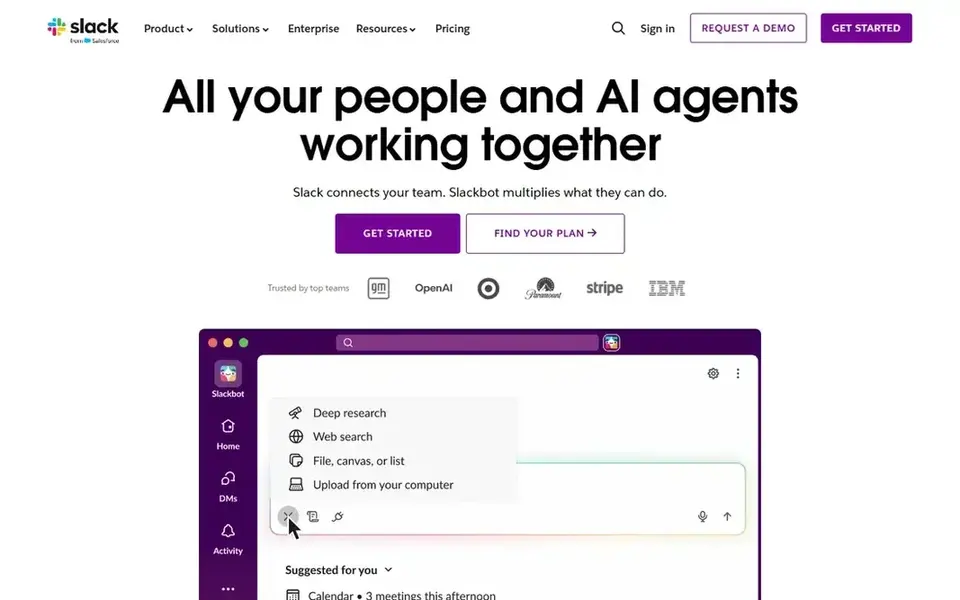
Pick Slack if this describes you: live team communication. Slack is not a full content collaboration product for creating and storing long-form documents.
Trade-offs to know: Not a document editor.
It may also become overwhelming without clear channel guidelines. The starting price for Slack: $4.38 per user per month. Slack has a free plan.
- Links teams securely
- Automates workflows
- Can become noisy without rules
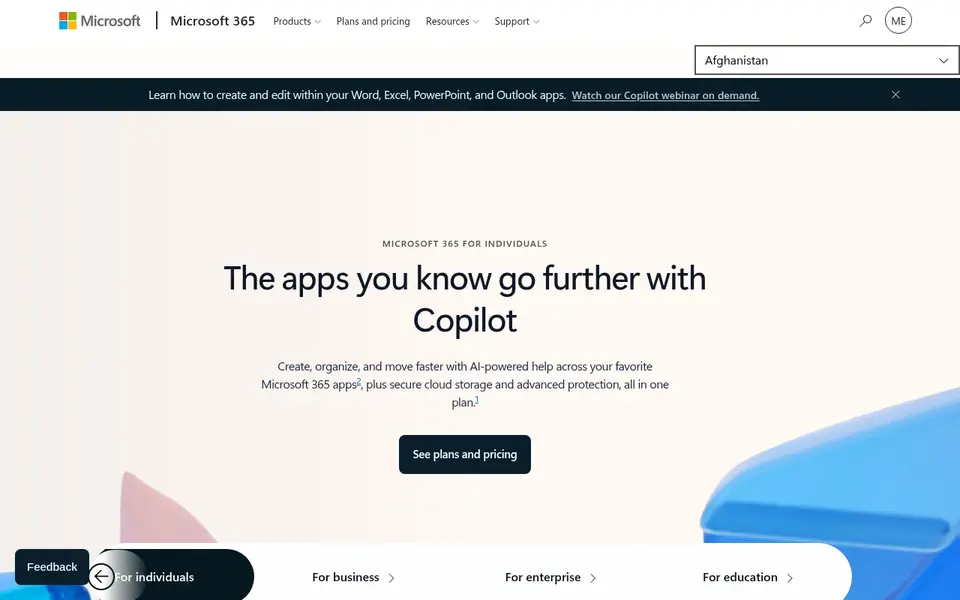
Microsoft 365 is built with integrated productivity and security in mind. Microsoft 365 can be complicated to set up and run, especially for teams without IT support.
It may also bundle more features than a small team needs. If you prefer a more straightforward, web-first collaboration suite, a lighter choice might be easier to adopt. Microsoft 365 shows no starting price here, so confirm the cost on the vendor site. On free options: Free trial.
Limits to weigh: May be more than small teams need.
- World-class security and AI
- Cloud services included
- Can be complicated to administer
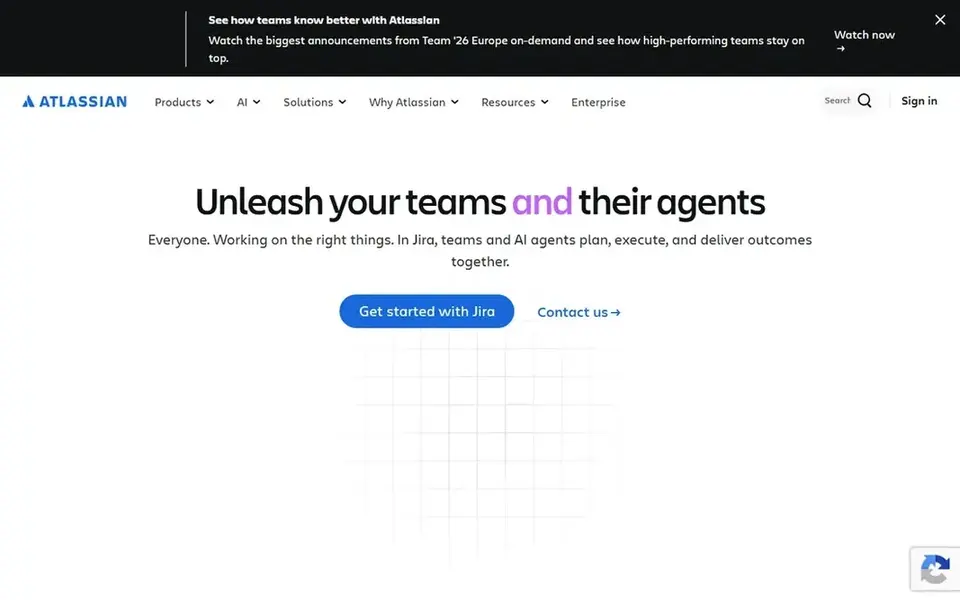
Where Confluence fits: structured team knowledge base. Confluence is a team workspace aimed at creating and sharing knowledge. It uses AI to help draft, summarize, and find answers, which can accelerate project work for distributed teams.
On top of that, Confluence may be more structured than teams that want a freeform, all-in-one workspace need. It can also feel heavyweight for very small groups. From a buyer's view, if you prioritize live chat over documentation, a messaging system might be a better fit. Confluence shows no starting price here, so confirm the cost on the vendor site. Free options: Not stated.
Honest limits: Can feel heavy for small teams.
- Helps projects move quicker
- AI drafting and summarization
- May be less adaptable for freeform docs
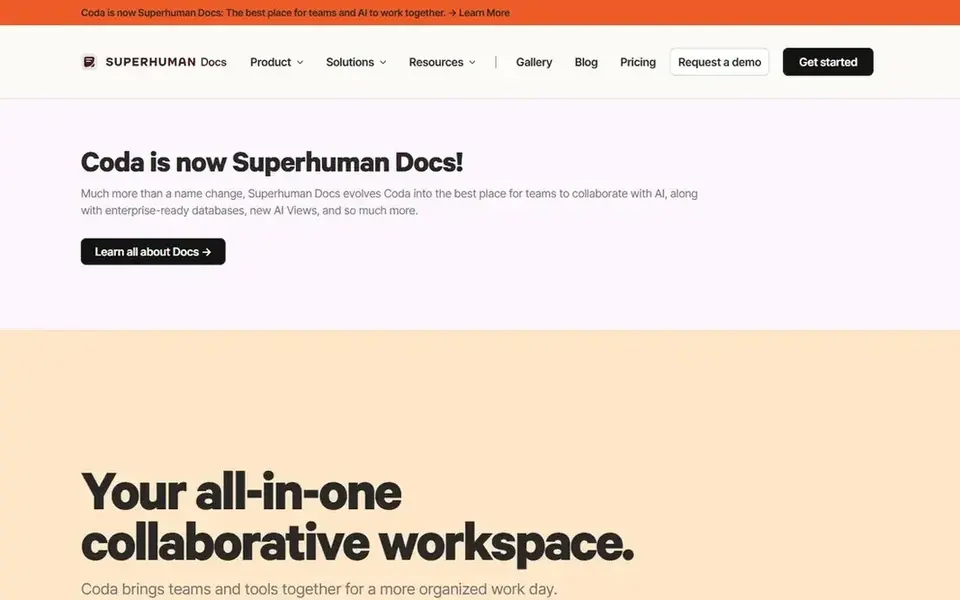
In short, Coda is for docs, spreadsheets, and apps combined. In daily use, Coda's power can come with a ramp-up time, notably for teams unfamiliar with formula-driven tools. It may also duplicate features found in separate spreadsheet or project tools.
In daily use, the system is geared toward teams that require more structure than a plain doc but less than a full app builder. On top of that, if your team needs a more straightforward document editor, a lighter product could be sufficient. Coda shows no starting price here, so confirm the cost on the vendor site. On free options: Not stated.
Honest limits: May overlap with other tools.
Main advantages: AI-powered assistance.
- Blends docs and spreadsheets
- Built-in application logic
- Can be complicated to master

Miro targets visual collaboration and ideation. Miro is an AI innovation workspace that helps teams accelerate product development from ideation to launch. It makes it possible for distributed teams to align visually, break tool silos, and ship what customers need in one AI-powered visual system.
It is a strong match for brainstorming, diagramming, and visual planning sessions. Worth adding: if your team primarily needs text-based collaboration, a document-centric product would be a better fit. Price to start with Miro: $8 per member per month. Miro offers a free plan.
Where it is weaker: Can need facilitation skills.
- AI-powered visual system
- Breaks down tool silos
- Less suited for text-heavy docs

Choose Notion for all-in-one AI workspace. Notion is an AI workspace that lets teams build custom agents, search across connected apps, and automate busywork.
Where it falls short: Can need setup time.
The product emphasizes getting more done faster through AI-assisted workflows and an adaptable page structure. Its adaptability can mean a steeper ramp-up time for teams that only need basic document collaboration. Price to start with Notion: $10 per member per month. You can start on Notion without paying.
- Merges docs, databases, AI
- Adaptable for numerous team workflows
- May feel complicated for simple needs
How we built this list
ProMapRanker looked at what each vendor publishes: pricing, plan limits, feature coverage for content collaboration platforms for distributed teams and stated drawbacks. No hands-on testing is claimed. Where a vendor does not publish a price, the entry says quote. Where a price depends on seats or billing term, the entry says so. The ranking is editorial: typical fit first, then clear pricing, then free access. If your needs are unusual, read the profiles rather than relying on position.
What to check before you buy
- Get a written quote from Microsoft 365, Confluence and Coda; the list shows no starting price for them.
- Check what the free option really includes: Slack, Miro and Notion offer a free plan, and usage caps differ.
- Use real work to test the free trial from Microsoft 365, rather than a demo project.
- Read the limits listed for Slack first: not a document editor.
- Read the plan comparison for Microsoft 365 carefully; key features often start on a higher tier.
- Run a one or two week pilot of Miro with the people who will use it every day.
Frequently asked questions
What is the cheapest option for content collaboration platforms for distributed teams in this list?
On published monthly entry prices, Slack is the lowest here at $4.38 per user per month. Entry price is only part of the cost, because seats, add-ons and billing terms can change the total. All 6 picks in this content collaboration platforms for distributed teams comparison list a starting price, free plan details and the main limits on their cards above.
How are the tools for content collaboration platforms for distributed teams ordered?
Slack sits first and Notion last because the order follows typical fit for content collaboration platforms for distributed teams, then price clarity and free access. It is a judgement call, so read each profile for fit and limits.
Do these tools publish their prices?
Not all of them. Microsoft 365, Confluence and Coda publish no starting price, so expect a quote request for those. The rest, Slack included, show a starting price, though seats and billing terms still change the final cost.
How do I choose between Notion and Confluence?
Notion supplies an adaptable, all-in-one workspace with custom agents and automation. Choose Notion for adaptability and Confluence for a more structured, wiki-style knowledge base.
Is Slack the right pick for everyone comparing content collaboration platforms for distributed teams?
No single tool suits every team. Slack comes first because it fits real-time team communication, while Microsoft 365 suits integrated productivity and security and Confluence suits structured team knowledge base. Match the tool to your own size, budget and workflow before deciding.
Sources
See where you really rank - block by block
ProMapRanker scans Google Maps across a grid of your service area. Simple monthly plans from $19, white-label on every plan.
Start freeBrowse all guides
← Content Calendar Software for Teams in 2026: Top 5 ComparedBest Task Management Software for Creative Agencies in 2026 →
 best cloud content collaboration software for startups
5 Best Cloud Content Collaboration Software for Startups for 2026
5 best cloud content collaboration software for startups, with entry costs, free tiers and the buyer each one serves. Short, factual notes on every option.
Read → best writing platforms with content detection
6 Best Writing Platforms with Content Detection Options for 2026
Need the best writing platforms with content detection? We compare 6 tools on cost, free access and who each suits. Weak spots flagged for every entry. No hype.
Read → best platforms for managing large content teams
5 Best Platforms for Managing Large Content Teams in 2026
5 best platforms for managing large content teams, with entry costs, free tiers and the buyer each one serves. Pros and cons for every tool. Pick by budget.
Read → best project management software for nonprofits
8 Strong Project Management Software for Nonprofits in 2026
Best project management software for nonprofits: 8 contenders ranked by fit, with entry costs and free tiers. With pricing notes and limits. Jump to the table.
Read → best geospatial software
Best Geospatial Software in 2026
Compare the best geospatial software for mapping, spatial analysis, and location data, from free desktop GIS to cloud platforms for teams and developers.
Read → best remote control software
Best Remote Control Software in 2026
Compare the best remote control software for personal access, IT support and unattended machines, with current pricing, security notes and free options.
Read →More in Project Management & Productivity · All guides A to Z by date · Latest guides