 ProMapRanker
Best Remote Control Software in 2026


All-round remote support and access · Pricing starts at: See website
Key takeaways
- TeamViewer is the most widely recognized choice, but its commercial pricing is premium, so smaller teams often get better value elsewhere.
- AnyDesk wins on connection speed, Splashtop wins on price for remote work, and RemotePC is the cheapest way to keep your own computers always reachable.
- Zoho Assist and ScreenConnect are built for support teams, with per-technician pricing and tools for unattended machines.
- Chrome Remote Desktop and RustDesk cost nothing for basic personal use, and RustDesk adds self-hosting for privacy-minded users.
- Check whether you need attended support, unattended access or both, because the cheapest plan for one job is often wrong for the other.
Quick comparison
| Pick | Great for | Pricing starts at | Free tier | |
|---|---|---|---|---|
| TeamViewer | All-round remote support and access | See website | Yes | Visit |
 AnyDesk AnyDesk | Fast low-latency connections | $23 per month | Yes | Visit |
 Splashtop Splashtop | Affordable remote work access | $5 per user per month | Free trial | Visit |
 RemotePC RemotePC | Cheap always-on access to your own machines | $22.12 per year | Free trial | Visit |
 Zoho Assist Zoho Assist | Small support teams | $12 per technician per month | Yes | Visit |
 ScreenConnect ScreenConnect | MSPs and IT departments | See website | Yes | Visit |
 Chrome Remote Desktop Chrome Remote Desktop | Free personal remote access | Free | Yes | Visit |
 RealVNC Connect RealVNC Connect | Cross-platform VNC access | $8.25 per month | Free trial (14 days) | Visit |
 Parsec Parsec | Low-latency creative and gaming work | $9.99 per user per month | Yes | Visit |
 RustDesk RustDesk | Open-source self-hosted access | Free | Yes | Visit |
The best remote control software
Remote control software covers three different jobs, and mixing them up leads to the wrong purchase. Personal access means reaching your own computer from elsewhere. Attended support means connecting to someone else's machine with their permission. Unattended access means managing machines nobody is sitting at. The tools below cover all three, and we note which job each one suits best.
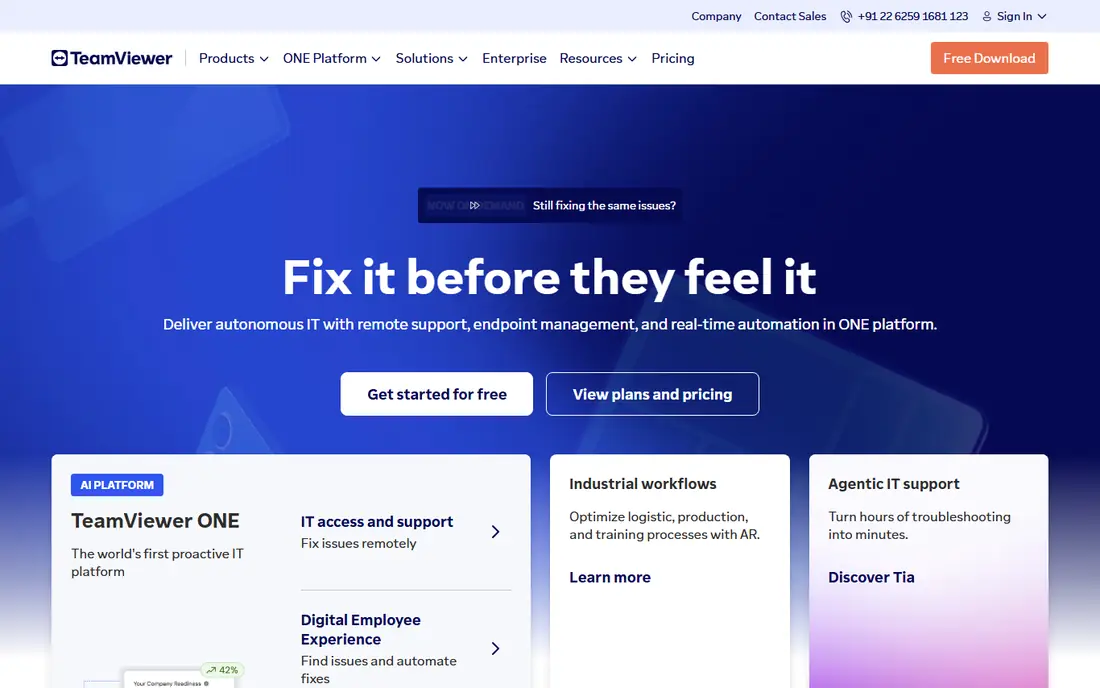
TeamViewer is the name most people already know, and that familiarity helps when you need to talk a client through installing it. It covers attended support, unattended access and file transfer across Windows, Mac, Linux, iOS and Android, and it adds session tools that larger support teams rely on. Security credentials are strong, with compliance coverage that regulated businesses look for.
The price is where buyers pause. Commercial plans are premium, and the free personal tier is strictly for non-commercial use, with sessions interrupted when the system suspects business use. If you run a support business or manage many endpoints, get a written quote and compare it against Splashtop and Zoho Assist before committing. For a single well-known tool that clients accept without explanation, TeamViewer still leads.
- Very broad device support including mobile and IoT
- Strong security and compliance credentials
- Free for personal use
- Commercial pricing is premium and quote-based in many cases
- Free version flags suspected commercial use
- Some features need higher tiers
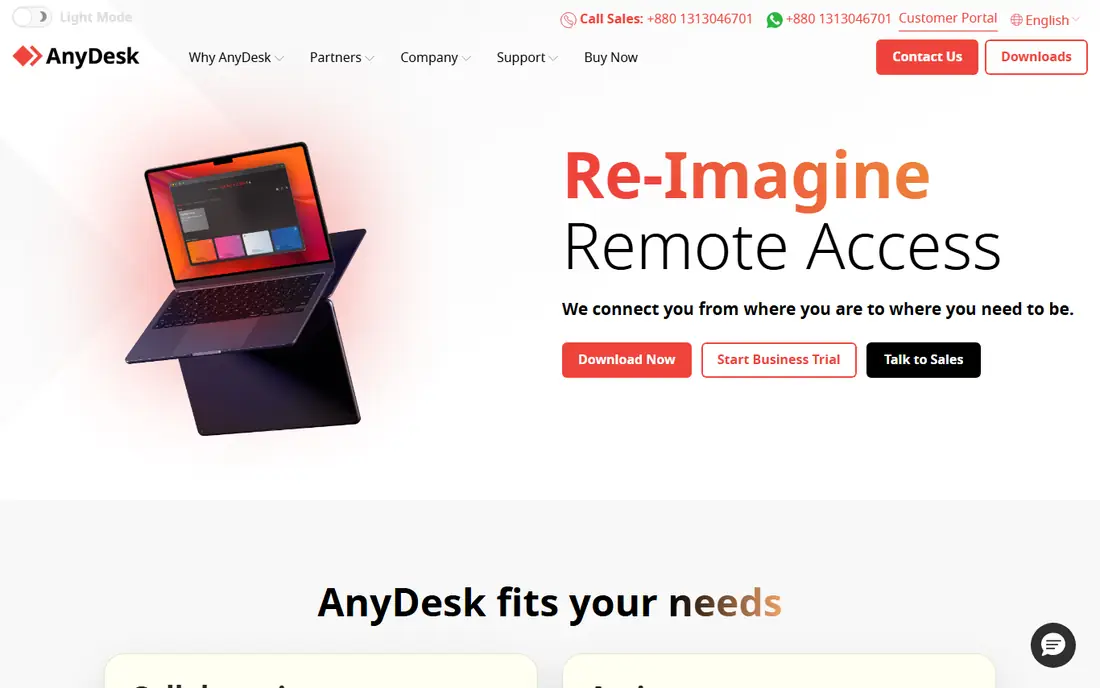
AnyDesk feels fast in a way that shows up on the first connection. Its lightweight client launches quickly, and the DeskRT codec keeps the remote screen responsive even when the connection is not ideal. That matters for support technicians who jump between machines all day and for users working on a remote desktop for hours at a time.
Pricing starts at $23 per month for the Solo plan, with higher tiers adding address book management, session logging and multi-user features. The free tier covers personal use. It is a strong pick when speed and a small download matter more than a full IT management suite, and it runs on an unusually wide range of devices, including Raspberry Pi.
- Lightweight client that starts quickly
- Low-latency performance on slower links
- Free for personal use
- Commercial plans climb with team features
- Fewer built-in management tools than larger platforms
- Session controls need care on shared machines
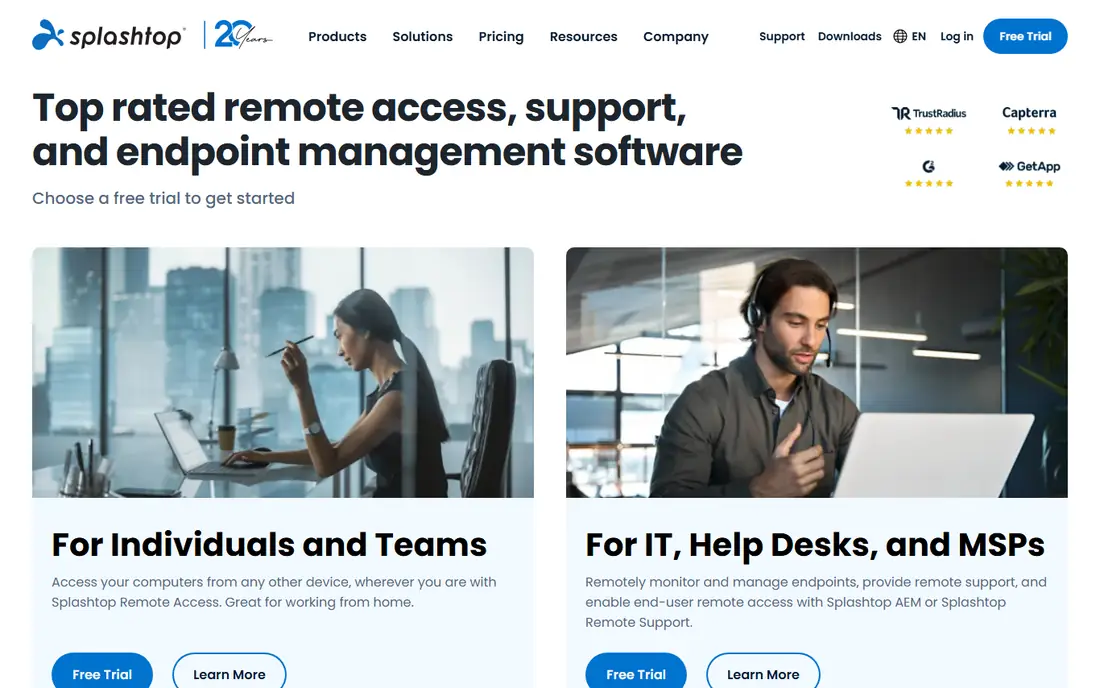
Splashtop undercuts most rivals on price for remote work access, starting at $5 per user per month for Business Access. That plan suits employees who need to reach an office computer from home, and its streaming quality holds up well for design and media tasks that punish lag. Separate SOS plans cover attended support, so a support team prices that product on its own.
The split product line is the thing to watch. Buying Business Access does not automatically give you the support toolkit, and vice versa, so map your use case to the right product before checkout. For straightforward remote work at a low per-user cost, Splashtop is hard to beat.
- Low entry price for remote work
- Good streaming quality for media work
- Separate SOS product for attended support
- Support and access products are sold separately
- Some advanced features need higher tiers
- Free plan is trial only
RemotePC is the budget answer for people who mainly need to reach their own computers. A consumer plan at $22.12 per year for one computer is far below the monthly prices charged elsewhere, and it still includes unattended access, file transfer and remote printing. Small business plans scale by computer count rather than by technician, which suits a shop with many machines and few support staff.
The interface is plain, and it lacks the deeper helpdesk features of dedicated support platforms. If your job is mostly reaching your own machines, that plainness is a fair trade for the price. If you sell support to clients, a technician-priced tool will serve you better.
- Very low yearly price for one computer
- Unattended access included
- File transfer and remote printing included
- Interface feels basic next to rivals
- Support features are thinner than Zoho Assist or ScreenConnect
- Scaling to many machines raises the price
Zoho Assist prices by technician rather than by computer, which changes the math for support teams. At $12 per technician per month on the Standard plan, a two-person helpdesk can support many client machines without paying per endpoint. It includes unattended access, file transfer, session recording and the ability to reboot a remote machine and reconnect, which support work needs constantly.
Teams already using Zoho products get the most from it, since contacts and tickets tie in more naturally. Standalone buyers still get a capable tool, but reporting and integrations are simpler than what ScreenConnect or TeamViewer offer at enterprise tiers. For a small support team on a budget, it is the value pick.
- Low per-technician price
- Unattended access and reboot tools included
- Free plan for basic use
- Best value inside the Zoho ecosystem
- Reporting is simpler than enterprise rivals
- Higher tiers needed for some integrations
ScreenConnect, from ConnectWise, is designed around the way managed service providers actually work. Multiple technicians can share sessions, hand off machines and run commands across endpoints, and the platform includes automation and integration options that small tools skip. A free single-technician option makes it unusually accessible for a one-person IT practice.
The trade is complexity and pricing. Larger plans are quote-based, and the full feature set assumes an IT team that will configure it properly. Casual users who only need to reach one home computer should pick Chrome Remote Desktop or RemotePC instead. For IT departments and MSPs, ScreenConnect is one of the most capable choices here.
- Built for multi-technician support teams
- Single-technician free option
- Strong session management and automation
- Pricing is quote-based for many plans
- Setup suits IT teams more than casual users
- Overkill for one personal computer
Chrome Remote Desktop is the simplest free option, and simplicity is the whole point. Install the extension, sign in with a Google account, and you can reach your own computers or help a family member with a one-time access code. There is nothing to buy, no trial to expire and no seat counting.
It lacks the tools support teams need, such as session logging, multi-technician queues and unattended fleet management. File transfer is also not part of the basic experience. For personal use and occasional family support, those gaps rarely matter, and the price cannot be beaten.
- Completely free
- Runs in the browser with no paid tier
- Simple setup with a Google account
- No file transfer in the basic flow
- No multi-user support features
- Needs Chrome and a Google account
RealVNC Connect comes from the team behind the original VNC protocol, and it shows in platform coverage. It runs on Windows, Mac, Linux, Raspberry Pi and mobile, and it supports direct connections for users who prefer not to route everything through a vendor cloud. Starting at $8.25 per month on annual billing, it is a mid-priced option with a clear pedigree.
Setup takes more care than Chrome Remote Desktop or AnyDesk, and the interface will not win design awards. Users who value an open VNC standard, direct connectivity and Raspberry Pi support will accept that. Users who want one-click support sessions may prefer Zoho Assist or Splashtop SOS.
- Long-standing VNC standard with broad platform support
- Direct connections without always needing the cloud
- Raspberry Pi support
- Interface feels dated
- Setup takes more steps than browser-based rivals
- Some features need higher tiers
Parsec started in gaming, and that origin explains its strength. It is tuned for interactive work where every millisecond of lag matters, such as remote game development, video editing and 3D work. The free tier covers personal use, and Teams at $9.99 per user per month adds management features for small creative teams.
It is not a helpdesk platform. There is no technician queue, ticketing integration or unattended fleet toolset to match ScreenConnect. Buy Parsec when the remote machine is a creative workstation you actively drive for hours, and buy a support tool when your job is fixing other people's computers.
- Extremely low latency for interactive work
- Good for game and creative remote desktops
- Free tier for personal use
- Built for interactive sessions, not IT fleet management
- Support features are limited
- Teams pricing adds up for large groups
RustDesk is the open-source alternative for users who do not want their remote sessions routed through a vendor. You can use the public relay servers for free, or run your own server so connection data stays under your control. The client covers Windows, Mac, Linux, iOS and Android, and the core remote desktop features work without a paid license.
Self-hosting is the catch. Setting up and maintaining a server takes technical skill, and performance depends on how well that server is run. Support teams that need ticketing, reporting and compliance tooling will still want a commercial platform. For privacy-minded individuals and technically confident teams, RustDesk is a genuine free option rather than a limited trial.
- Free and open source
- Self-hosting keeps traffic on your own server
- Works across major desktop and mobile platforms
- Self-hosting needs technical setup
- Support features are basic
- Relay performance depends on your server
How we picked these
We compared official pricing pages, feature documentation and public reviews for tools that are actively maintained in October 2026. We required each tool to support attended or unattended remote control on current operating systems, and we favored tools with clear pricing and a free tier or trial. Prices quoted are starting figures on annual billing unless stated otherwise, and where a vendor prices by quote we wrote See website.
What to check before you buy
Decide first whether you need attended support, unattended access or both, then count the right unit. Technician-priced tools win when a few people support many machines, while per-computer tools win when many machines are used by few people. A free personal tier never covers commercial support, so do not build a business on it.
Security checks matter as much as price. Turn on two-factor authentication, use strong unattended passwords, limit who can connect without approval, and review session logs regularly. Test the tool on your slowest real connection and your oldest real machine, since marketing demos rarely show either.
Frequently asked questions
What is the best remote control software for personal use?
Chrome Remote Desktop is the simplest free choice for reaching your own computers, and AnyDesk adds speed and a lightweight client at no cost for personal use. RemotePC is the cheapest paid step up if you want always-on access with file transfer and printing.
Which remote control app is best for IT support teams?
Zoho Assist suits small teams on price, while ScreenConnect suits MSPs and IT departments that need multi-technician sessions and automation. TeamViewer suits teams that need the most widely recognized brand and broad compliance coverage.
Is there secure remote desktop software for business use?
Yes, and the tools here use encrypted connections, with options for two-factor authentication and unattended access controls. The safest setup also depends on your habits, so enable two-factor authentication, restrict unattended access to known accounts, and keep the client updated.
What is the best software for remote access to a computer at work?
Splashtop Business Access is priced for exactly that job, starting at $5 per user per month. Parsec is a better fit if the work computer runs creative or interactive workloads where low latency matters.
Is AnyDesk free?
AnyDesk is free for personal use, with paid plans starting at $23 per month for commercial use. The paid tiers add team management, session logging and other business features.
What is the best remote connection software for a Mac?
All the tools here support Mac, but TeamViewer, AnyDesk and RealVNC Connect have the broadest Mac coverage alongside Windows and Linux. Chrome Remote Desktop is the simplest free Mac option if you only need occasional personal access.
Sources
See where you really rank - block by block
ProMapRanker scans Google Maps across a grid of your service area. Simple monthly plans from $19, white-label on every plan.
Start freeKeep reading
 free kahoot alternatives
Free Kahoot Alternatives in 2026
We compared free Kahoot alternatives for classrooms, training and large groups, checking free plans, player limits and game modes to help you pick a tool.
Read → best website build apps
Best Website Build Apps in 2026
Compare the best website build apps in 2026 for service businesses, stores, and portfolios, from Wix and Squarespace to Webflow today, with full pricing.
Read → best tools for content creation and social media management
Best Tools for Content Creation and Social Media Management in 2026
We compared the best tools for content creation and social media management, checking scheduling, design, video and pricing for creators and small teams.
Read →