 ProMapRanker
Free Kahoot Alternatives in 2026

Key takeaways
- Wayground, formerly Quizizz, is our pick for most teachers because it covers live games, homework and reports on a free plan.
- Blooket is best for younger students who love game worlds and replayable modes.
- Gimkit suits older students who enjoy strategy, upgrades and repeated practice.
- Mentimeter, Slido and AhaSlides are better for adult training and meetings, where polls and Q and A matter more than arcade games.
- Free plans change often, so test player limits and reports with your real group size before an important session.
Quick comparison
| Pick | Great for | Pricing starts at | Free tier | |
|---|---|---|---|---|
 Wayground Wayground | Live quizzes and homework | Free | Yes | Visit |
 Blooket Blooket | Game modes for younger students | Free | Yes | Visit |
 Gimkit Gimkit | Strategy games for older students | Free | Yes | Visit |
 Mentimeter Mentimeter | Polls in presentations | Free | Yes | Visit |
 Slido Slido | Live Q and A and polls | Free | Yes | Visit |
 AhaSlides AhaSlides | Interactive presentations | Free | Yes | Visit |
 Wooclap Wooclap | Classroom interaction | Free | Yes | Visit |
 ClassPoint ClassPoint | Teaching inside PowerPoint | Free | Yes | Visit |
 Socrative Socrative | Quick checks and reports | Free | Yes | Visit |
The best free Kahoot alternatives
This list covers alternatives only. Each tool below offers a free plan or free tier for quizzes, polls or live games, and each suits a different audience. Some are built for school classrooms, others for adult training and meetings. Check free player limits carefully, since large groups are where free plans differ most.
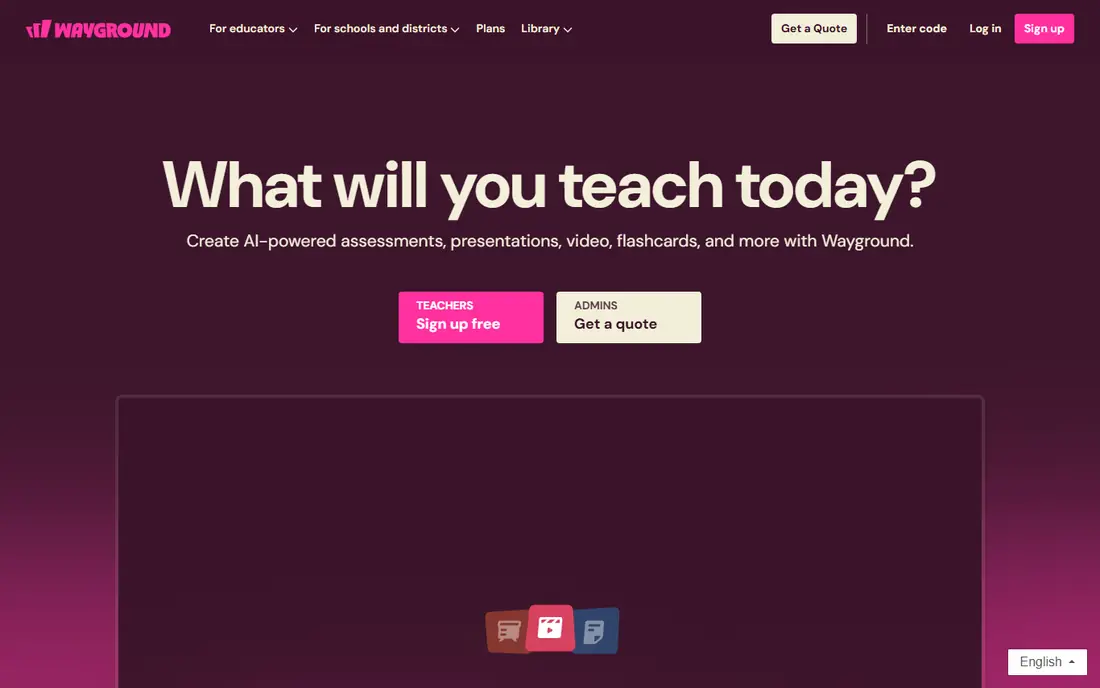
Wayground, formerly known as Quizizz, is the closest general-purpose replacement for a quiz game tool. Teachers can run a live game, assign the same quiz as homework, or let students practice at their own pace. The question library saves prep time, and reports show which questions students missed, which helps with follow-up teaching.
Free plans cover core classroom use, though some advanced features and creation limits sit on paid plans. For most teachers, the free tier is enough for daily quizzes and homework. If you need one tool for both live energy and self-paced practice, Wayground is the best place to start.
- Live and self-paced modes
- Large question library
- Clear reports for teachers
- Some advanced features need a paid plan
- Free creation limits can apply
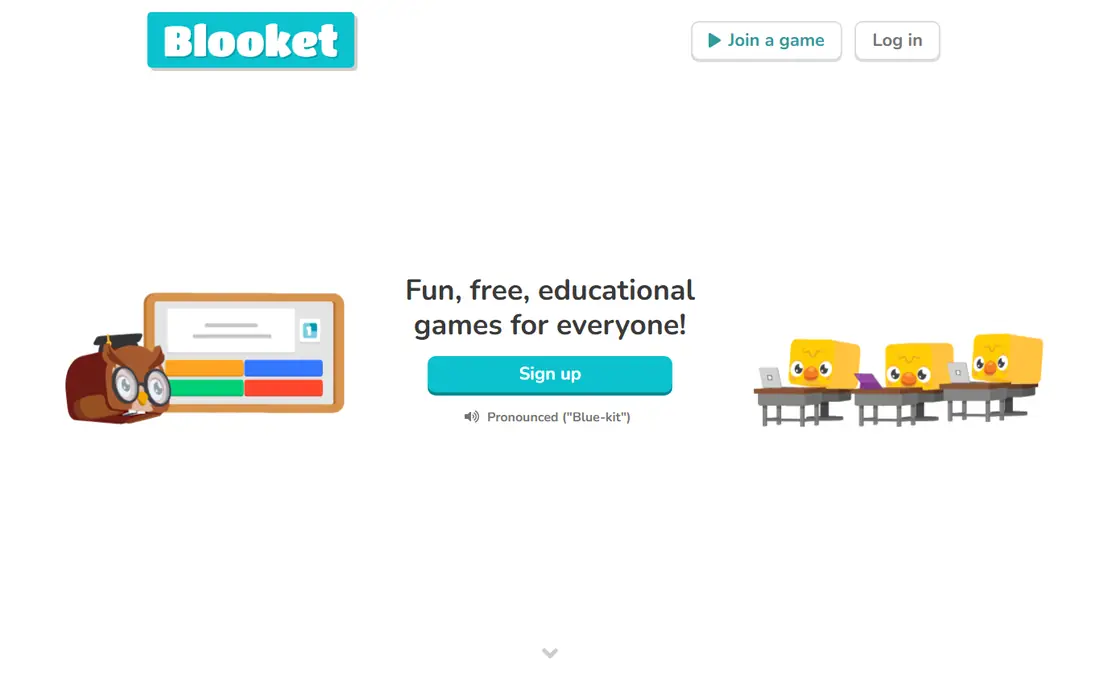
Blooket feels like an arcade built around quiz questions. Students answer questions to earn rewards in game modes such as tower defense, racing and collection games, which makes review sessions feel like play rather than a test. Younger students in particular tend to ask for Blooket again, which helps with repeated practice.
The trade-off is assessment depth. Reports are useful for a quick check, but they are lighter than tools built for formal testing. Use Blooket for review, motivation and fun practice, and use Wayground or Socrative when you need detailed per-student data.
- Many distinct game modes
- Engaging for elementary and middle school
- Easy to join
- Less suited to formal assessment
- Reports are lighter than dedicated quiz tools
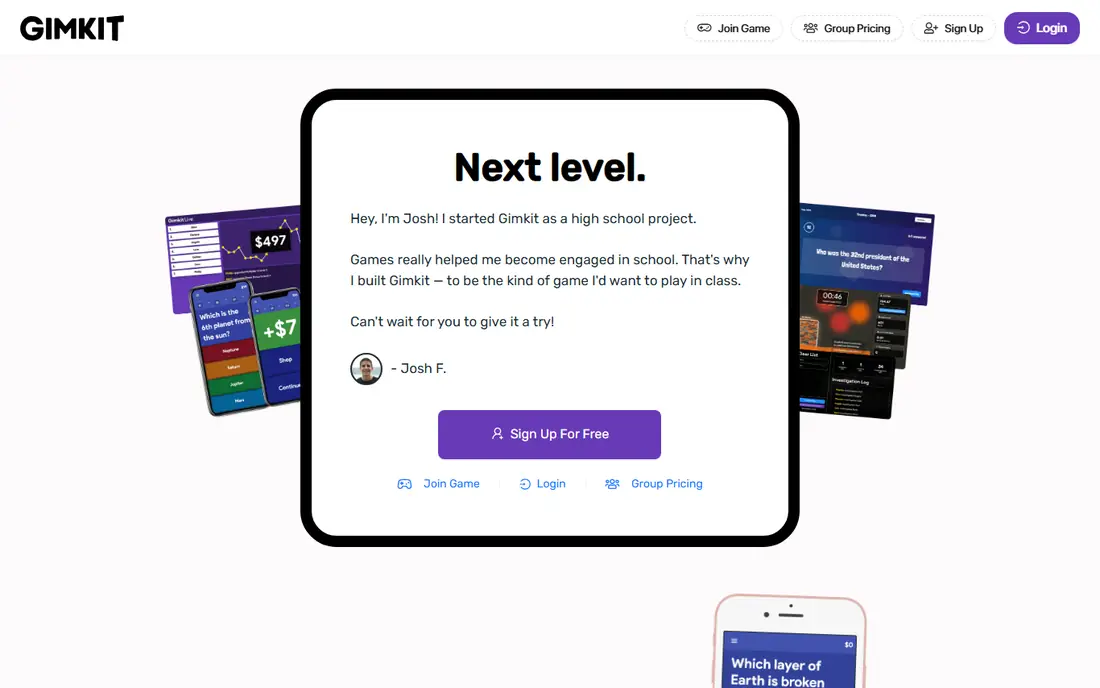
Gimkit turns quiz questions into a strategy game. Students earn virtual currency for correct answers, then spend it on upgrades and power-ups, which rewards both accuracy and smart choices. That loop makes repeated practice more appealing for older students who might find a simple quiz game too plain.
Free plans cover featured modes for full classes, though some modes and features need a paid plan. The strategy layer can also distract if a session runs too long, so set a clear time limit. For exam prep and repeated practice with older students, Gimkit is a strong pick.
- In-game economy drives repetition
- Many featured modes
- Good for middle and high school
- Free plan limits some modes
- Strategy layer can distract from content if overused
Mentimeter is built for presentations, not arcade games. A teacher or trainer adds interactive slides to a deck, and the audience joins from a phone to answer polls, build word clouds or take a short quiz. That format suits lectures, staff training and conferences where discussion matters as much as right answers.
Free plans limit participants per month and the number of interactive slides, so large or frequent sessions may need a paid plan. For a single class or meeting, the free tier is often enough. Choose Mentimeter when you want interaction inside a presentation, not a standalone game night.
- Word clouds, polls and quizzes inside slides
- Good for lectures and meetings
- Easy audience join
- Free plan limits participants and slides
- Less game-like than classroom quiz tools
Slido excels at live Q and A. Audience members submit questions, others upvote the best ones, and the presenter works through the top questions in order. That structure helps town halls, lectures and large meetings where a few loud voices can otherwise dominate. Simple polls and quizzes round out the tool.
Free plans cap live participants, so check the limit against your group size. Quiz depth is also lighter than Wayground or Blooket. For meetings and events where questions and polls matter most, Slido is a clean, reliable choice.
- Live Q and A with upvoting
- Simple polls
- Good for town halls and conferences
- Free plan caps participants
- Quiz features are lighter than classroom tools
AhaSlides combines quizzes, polls, word clouds, Q and A and other interactive slides in one presentation tool. That range suits trainers and teachers who want a full session arc, from an opening poll to a closing quiz, without switching apps. Team play modes also work well for group training and social events.
Free sessions cap participants, so large groups may need a paid plan. Reporting is also lighter than a dedicated assessment tool. For small to mid-size groups and interactive presentations, AhaSlides offers a lot on its free tier.
- Many interactive slide types
- Quizzes, polls and word clouds in one deck
- Team play modes
- Free plan caps participants per session
- Reporting is lighter than dedicated quiz tools
Wooclap is a classroom interaction tool that covers polls, quizzes, word clouds and open questions in live sessions. It works well for university lectures and training sessions where the teacher wants quick checks of understanding without turning the whole lesson into a game. Students join by link or code, with no install needed.
Free plans limit participants and some features, so check the current free tier against your class size. It is less playful than Blooket or Gimkit, which is a strength for adult learners and a weakness for younger students who want game modes. For serious, interactive teaching, Wooclap is a solid free option.
- Polls, quizzes and word clouds
- Works in class and remote sessions
- Easy join by link or code
- Free plan limits participants and features
- Less game-like than Blooket or Gimkit
ClassPoint is unique here because it lives inside PowerPoint. Teachers add interactive questions, polls and quizzes to slides they already own, then run the session without switching to a separate website. That workflow saves time for teachers with large existing slide decks, and students join from a browser.
The catch is platform. You need PowerPoint to use it, and some features need a paid plan. If your teaching already runs on PowerPoint, ClassPoint is the most convenient free alternative on this list. If you use Google Slides or another tool, AhaSlides or Mentimeter may fit better.
- Lives inside PowerPoint
- Interactive quizzes and polls without leaving slides
- Good for existing decks
- Requires PowerPoint
- Free plan limits some features
- Less suited to non-PowerPoint users
Socrative prioritizes clean data over game excitement. Teachers can run quick quizzes, exit tickets and space races, then read per-student reports that show exactly who understood a topic and who needs help. That clarity makes it useful for formative assessment, where the goal is to adjust teaching, not just to entertain.
It is less playful than Blooket or Gimkit, so students may find it quieter. Free plans also limit rooms and some features. Use Socrative when you need a fast, readable check of understanding, and use a game tool when motivation and replay matter more.
- Clean per-student reporting
- Quick quizzes and exit tickets
- Simple for formative assessment
- Less game-like than rivals
- Free plan limits rooms and features
How we picked these
We compared official pricing pages, feature descriptions and free plan details for quiz and interaction tools still available in October 2026, favoring tools with a genuinely usable free tier for live sessions. We excluded the named product itself, as required for an alternatives list, and we included classroom games, presentation tools and assessment tools, since different groups need different formats. Free limits change often, so test your group size and report needs before relying on a free plan for an important session.
How to choose a free alternative for large groups
Start with group size. Some free plans support unlimited players for quiz games, while others cap live participants at 50 or 100. Check the cap on the vendor pricing page, not just a review, and test with a full group before a high-stakes lesson. Also check whether the free plan limits question count, game modes or reports, since those limits matter as much as player count.
Live games versus self-paced practice
Live games create energy and a shared moment, but they depend on good internet and device access for every student. Self-paced modes are fairer when students join from different places or share devices, and they work better for homework. Wayground covers both modes well, while Blooket and Gimkit shine live, and Socrative suits quick self-paced checks.
Age, setting and privacy
Younger students usually prefer game worlds and simple joins, while adult learners prefer polls, Q and A and clean slides. Check age guidance, student data handling and whether students need accounts to join. Tools that let students join by code without an account are often simpler for classrooms, but always follow your school or organization policy on student data.
Reports and follow-up
A fun game that gives no useful report is a weak teaching tool. Check whether the free plan includes per-student results, question-level data and exports. If you need to track progress over a term, a tool with solid free reports, such as Wayground or Socrative, will serve you better than a game-only tool.
Frequently asked questions
What are the best free alternatives for large groups?
Wayground, Blooket and Gimkit all support large free sessions for quiz games, though exact limits and modes change, so check the current free plan. For large meetings and lectures, Mentimeter and Slido offer free tiers with participant caps, so test your group size in advance.
What is a free alternative to Kahoot for homework?
Wayground is the best free choice for homework, since it offers self-paced assignments with reports. Socrative also works for quick checks, while Blooket and Gimkit suit repeated practice that students can revisit.
Are there free alternatives for adult training?
Yes. Mentimeter, Slido, AhaSlides and Wooclap suit adult training and meetings, with polls, word clouds and Q and A in a professional format. They lack arcade game modes, but that restraint fits workplace training better.
Do free quiz tools need student accounts?
Many tools let students join by code or link without an account, while teachers need an account to create games. Check each tool and your school policy, since account rules and data handling differ across platforms.
Which free tool is best for younger students?
Blooket is best for younger students who love game modes and replayable worlds. Wayground is a good second choice, with a calmer quiz format and homework options that teachers can track.
Can I use these tools without installing an app?
Yes, most tools run in a browser for both hosts and players. ClassPoint is the exception, since it requires PowerPoint for the host. Students usually join from any browser on a phone, tablet or computer.
Sources
See where you really rank - block by block
ProMapRanker scans Google Maps across a grid of your service area. Simple monthly plans from $19, white-label on every plan.
Start freeKeep reading
 best website build apps
Best Website Build Apps in 2026
Compare the best website build apps in 2026 for service businesses, stores, and portfolios, from Wix and Squarespace to Webflow today, with full pricing.
Read → best tools for content creation and social media management
Best Tools for Content Creation and Social Media Management in 2026
We compared the best tools for content creation and social media management, checking scheduling, design, video and pricing for creators and small teams.
Read → best seo competitor analysis tool
Best SEO Competitor Analysis Tool in 2026
We compared the best SEO competitor analysis tools for keyword gaps, backlinks and traffic research, checking pricing and trials to help you pick the tool.
Read →