 ProMapRanker
Best Website Build Apps in 2026

Key takeaways
- Wix is our pick for most small businesses, because it combines easy editing, booking and service tools, and a large app library.
- Squarespace suits design focused service brands and portfolios that want polished templates with little setup.
- WordPress.com suits content heavy sites and long term growth, with blogging tools and many plugins on higher plans.
- Shopify is the pick once selling products matters more than a simple brochure site.
- Hostinger and GoDaddy suit tight budgets and fast launches, while Webflow and Duda suit design control and client work.
Quick comparison
| Pick | Great for | Pricing starts at | Free tier | |
|---|---|---|---|---|
 Wix Wix | All round small business sites | $17 per month | Yes | Visit |
 Squarespace Squarespace | Design focused service sites | See website | Free trial | Visit |
 WordPress.com WordPress.com | Blogging and long term growth | $4 per month | Yes | Visit |
 Shopify Shopify | Online stores | $29 per month | Free trial | Visit |
 Webflow Webflow | Design control and SEO | See website | Yes | Visit |
 Hostinger Hostinger | Budget first sites | $2.99 per month | Free trial | Visit |
 GoDaddy GoDaddy | Fast simple launches | $9.99 per month | Yes | Visit |
The best website build apps
A website builder should let you publish a credible site without learning to code, and it should still handle bookings, contact forms, and search visibility for a service business. We compared templates, editing ease, service tools, ecommerce, pricing, and free plans, and we kept only builders that are still active in 2026. Prices below are starting monthly prices where verified, and we used See website where plans vary by region or billing period.
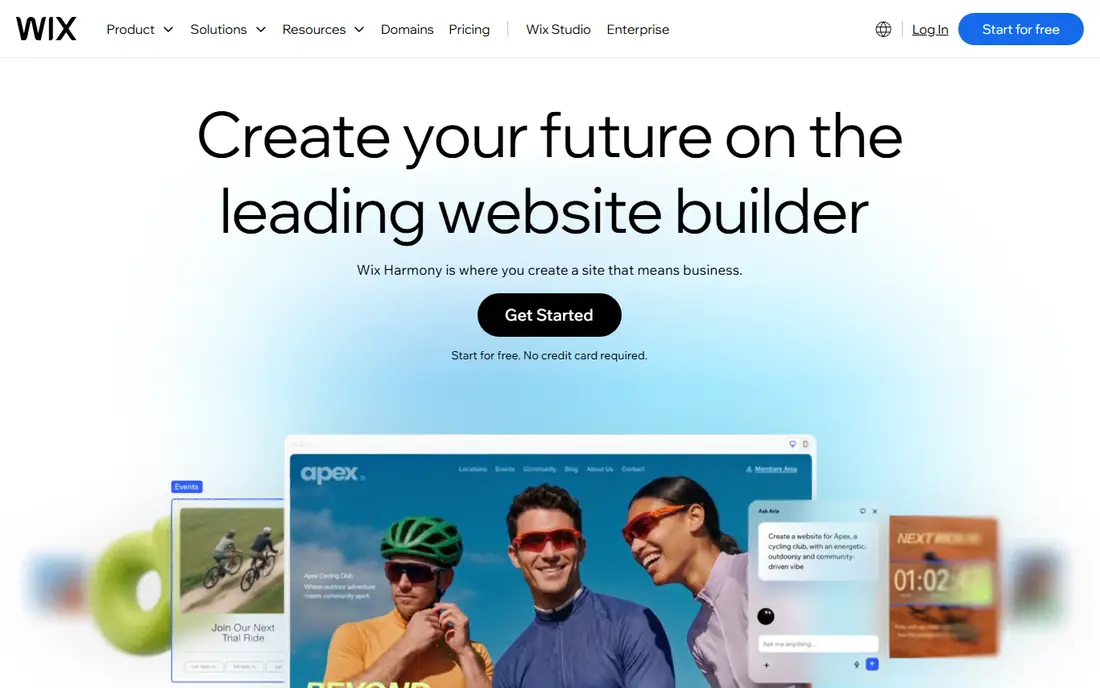
Wix is the most flexible builder for a typical service business. You can start from a template or an AI generated draft, edit text and images by dragging them into place, and add booking, contact forms, pricing pages, and customer reviews without extra software. The app marketplace adds tools for email marketing, chat, and payments as your business grows.
That flexibility needs discipline. Adding many apps can slow a site and clutter the design, so start with the pages a customer actually needs: services, prices or quotes, reviews, contact, and booking. Wix free plan works for testing, but a paid plan is needed for a custom domain without Wix branding, which is the real starting point for a business site.
- Drag and drop editor plus AI site creation
- Booking, forms, and service tools
- Large app marketplace
- Template switching after publishing is limited
- Sites can get heavy with many apps added
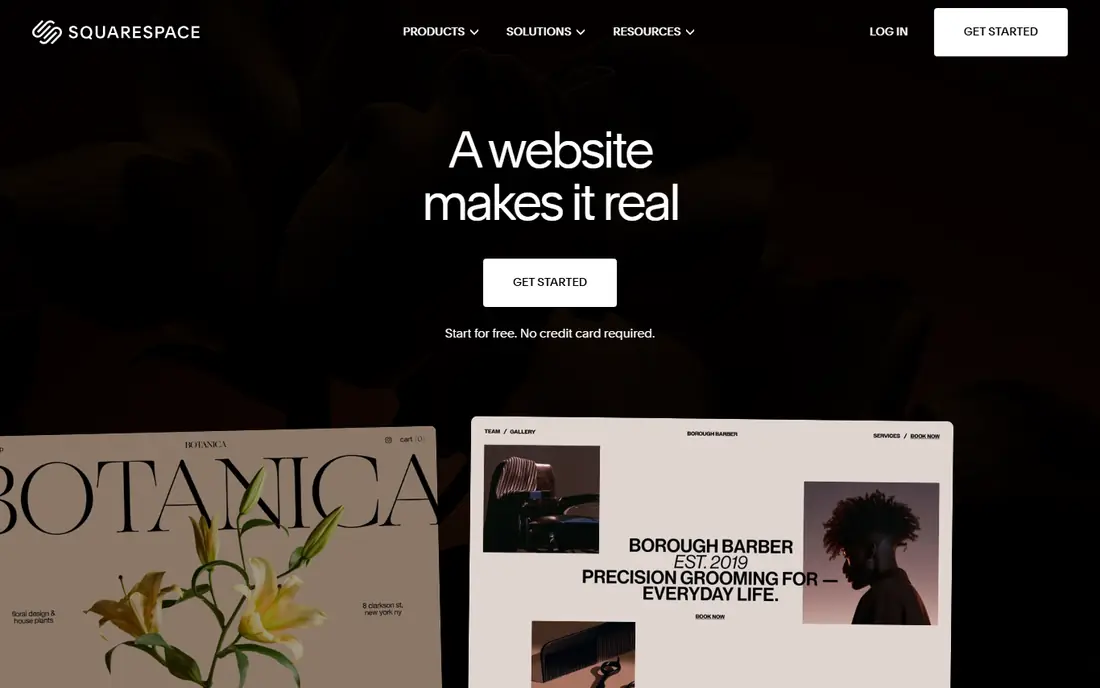
Squarespace suits service businesses where visual quality sells the work, such as photographers, designers, salons, and consultants. Its templates look polished with little effort, and the editor keeps spacing and typography consistent even if you are not a designer. Built in tools cover portfolios, blogs, appointment scheduling, and simple stores, so you may not need extra apps.
The trade off is flexibility and price. There is no free plan, only a trial, and the app ecosystem is smaller than Wix or WordPress. If you need a highly custom tool or a large plugin library, WordPress or Webflow will suit you better. If you want a beautiful service site live quickly, Squarespace is hard to beat.
- Polished, design led templates
- Built in blogging, portfolios, and scheduling
- All in one hosting and domain setup
- No free plan, only a trial
- Less app variety than Wix or WordPress
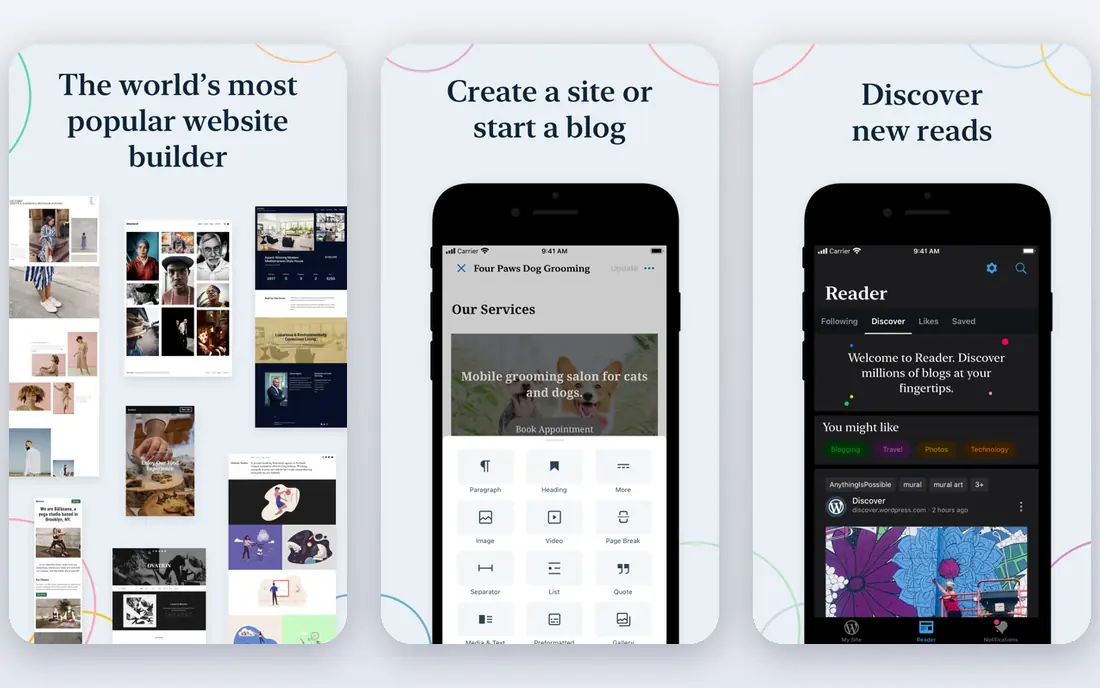
WordPress.com is the managed version of WordPress, with hosting and updates handled for you. It excels at content, with categories, tags, scheduling, and SEO tools that suit businesses that publish guides, news, or case studies to attract search traffic. As your site grows, higher plans add plugins, custom themes, and ecommerce features.
Beginners should check plan limits carefully, because plugin access and advanced customization sit on higher tiers, not the cheapest plan. The free plan is useful for testing, but it includes WordPress branding and a subdomain. For a content led business that plans to grow for years, WordPress.com offers a path that simpler builders do not.
- Strong blogging and content tools
- Many themes and plugins on higher plans
- Free plan for testing
- Higher plans needed for plugins and custom themes
- Learning curve is steeper than Wix
Shopify is the pick when selling is the main job of the site. It handles products, variants, inventory, discounts, payments, shipping, and abandoned cart recovery in one system, and it connects to social and marketplace channels. Themes are built for conversion, with clear product pages, reviews, and checkout flows that service builders do not match.
For a service business with no products, Shopify is more tool and cost than you need, and Wix or Squarespace will be simpler. For a business that sells products, courses, or bookings at scale, Shopify saves time and avoids the plugin juggling that WordPress stores often require. Start with the trial, build a real product page, and test checkout before you commit.
- Strong ecommerce, payments, and shipping tools
- Large app and theme store
- Multi channel selling
- Overkill for a simple brochure site
- Monthly cost plus app costs can add up
Webflow suits designers, agencies, and businesses that want a distinctive site and full control over layout. You design visually, but with control over spacing, animations, and responsive behavior that drag and drop builders limit. Its CMS handles blogs, case studies, and service pages well, and SEO controls for titles, descriptions, and structure are strong.
That control takes time to learn, and Webflow is not the fastest route to a simple brochure site. Pricing also splits between site plans and workspace plans, so check which plan covers your site before you build. If design quality and SEO control matter more than speed, Webflow rewards the extra learning. If speed matters most, Wix or GoDaddy will get you live sooner.
- Precise design control without code
- Strong SEO and CMS tools
- Clean, responsive output
- Steeper learning curve than Wix
- Pricing for sites and ecommerce can be confusing at first
Hostinger is the budget pick for a first business site. Its AI builder can generate a draft from a short description, and the editor lets you adjust text, images, and sections without code. For a low price, you get hosting, a builder, and basic business tools in one place, which suits new businesses testing whether a website brings customers.
Check renewal pricing, because introductory rates for longer terms are lower than renewal rates, and some features sit on higher plans. Hostinger will not match Wix for app variety or Webflow for design control, but it delivers a credible site at a price that leaves budget for marketing. It is a good starting point if cost is the main barrier.
- Very low starting price
- AI builder for fast setup
- Hosting and domain tools in one account
- Fewer advanced features than Wix or Squarespace
- Renewal prices can be higher than introductory prices
GoDaddy suits owners who want a simple site live today, not a design project. Its AI tools can draft pages from your business details, and the editor keeps choices simple, which helps when you have limited time for website work. Domain registration, email, and basic marketing tools sit in the same account, reducing the number of services you must manage.
Design flexibility is the limit. Templates and layouts are simpler than Wix or Squarespace, and advanced features require higher plans. For a service business that needs a clear, credible online presence with contact and booking details, GoDaddy is enough. For a design led brand or a large store, choose Squarespace, Webflow, or Shopify instead.
- Very fast setup with AI help
- Domain, email, and marketing tools in one account
- Simple editor
- Design flexibility is limited compared with Wix and Webflow
- Advanced SEO and ecommerce need higher plans
How we picked these
We compared official pricing pages, free plans and trials, templates, editing tools, service and booking features, ecommerce, and SEO controls, and we favored builders that are still active in 2026 and usable without coding. We included all round, design, content, store, budget, and fast launch options, because different businesses need different strengths. Where pricing varies by billing period or region, we used See website or a verified starting figure with that caveat.
How to choose a builder for a service business
Start with the action you want customers to take. If you want calls and bookings, prioritize booking forms, clear service pages, reviews, and mobile speed. If you want online sales, prioritize checkout, product pages, and shipping tools. If you want search traffic, prioritize blogging, SEO controls, and fast loading pages. A builder that excels at your main action will serve you better than a builder with the longest feature list.
Check the real first year cost
Free plans and introductory prices can hide the real cost. Check the price for a custom domain, removal of builder branding, booking or ecommerce features, and renewal after the first term. Add domain and email costs, and check whether essential apps cost extra. The cheapest plan that gives you a custom domain, no builder branding, and your main business tool is usually the honest entry point.
Frequently asked questions
What is the best platform to build a website?
Wix is our pick for most small businesses, because it balances easy editing with booking, forms, and apps. Squarespace suits design focused brands, WordPress.com suits content led sites, and Shopify suits stores. The best tool to build a website depends on whether you need services, sales, content, or design control most.
What is the best website platform for a service business?
Wix and Squarespace both suit service businesses, with Wix offering more apps and booking flexibility and Squarespace offering more polished design. GoDaddy suits a fast, simple service site, while Webflow suits a service brand that wants distinctive design and SEO control. Choose based on booking needs, design goals, and budget.
Can I build a website for free?
Yes, Wix, WordPress.com, and GoDaddy offer free plans, and Webflow offers a free starter plan, but free plans usually include builder branding and a subdomain. For a business site, a paid plan with a custom domain is usually worth the cost, because it looks more credible to customers. Use a free plan to test the editor, then upgrade before you promote the site.
Is WordPress better than Wix for a business site?
WordPress offers more long term flexibility, plugins, and content control, while Wix offers faster setup and simpler management. WordPress suits content heavy businesses that plan to grow and customize over years. Wix suits businesses that want a polished site live quickly without managing plugins and updates.
Can I build an app with a website builder?
Most website builders create mobile friendly websites, not native apps, though some offer app like features or separate app tools. If you need a true mobile app, you will need an app builder or developer, and a website builder can still host your landing pages and web version. Check whether your builder offers a dedicated app product before assuming a website will work as an app.
How long does it take to build a website with these tools?
A simple service site can go live in a day with Wix, Squarespace, GoDaddy, or Hostinger, if you have text, photos, and service details ready. A larger store or custom design in Shopify or Webflow can take a week or more, especially if you need product photos, shipping setup, or custom pages. Prepare your content first, because writing and photos usually take longer than the builder itself.
Sources
See where you really rank - block by block
ProMapRanker scans Google Maps across a grid of your service area. Simple monthly plans from $19, white-label on every plan.
Start freeKeep reading
 free kahoot alternatives
Free Kahoot Alternatives in 2026
We compared free Kahoot alternatives for classrooms, training and large groups, checking free plans, player limits and game modes to help you pick a tool.
Read → best tools for content creation and social media management
Best Tools for Content Creation and Social Media Management in 2026
We compared the best tools for content creation and social media management, checking scheduling, design, video and pricing for creators and small teams.
Read → best seo competitor analysis tool
Best SEO Competitor Analysis Tool in 2026
We compared the best SEO competitor analysis tools for keyword gaps, backlinks and traffic research, checking pricing and trials to help you pick the tool.
Read →