 ProMapRanker
Best Tools for Content Creation and Social Media Management in 2026

Key takeaways
- Buffer is our pick for most small creators because scheduling is simple, pricing is per channel, and a free plan covers the basics.
- Canva and CapCut cover the creation side, with design templates and short video editing that feed directly into social posts.
- Hootsuite and Sprout Social suit larger teams that need approvals, inboxes and deeper analytics, at a higher per-seat price.
- Metricool is best for brands that want planning plus strong analytics in one tool, with a free plan for one brand.
- The best workflow is usually two tools: one for creation and one for scheduling, rather than one tool that does everything poorly.
Quick comparison
| Pick | Great for | Pricing starts at | Free tier | |
|---|---|---|---|---|
 Buffer Buffer | Simple scheduling for creators | Free | Yes | Visit |
 Hootsuite Hootsuite | Large team social management | See website | Free trial | Visit |
 Later Later | Visual planning for Instagram and TikTok | See website | Yes | Visit |
 Sprout Social Sprout Social | Analytics and team workflows | See website | Free trial | Visit |
 SocialBee SocialBee | Evergreen content and categories | See website | Free trial | Visit |
 Metricool Metricool | Planning plus analytics | Free | Yes | Visit |
 Canva Canva | Design and templates | Free | Yes | Visit |
 CapCut CapCut | Short video creation | Free | Yes | Visit |
 Planable Planable | Approvals and collaboration | See website | Yes | Visit |
The best tools for content creation and social media management
Content creation and social management are two jobs. Creation covers design, video, captions and ideas. Management covers scheduling, publishing, approvals, inboxes and reporting. Some tools do one job well and the other poorly, so this list mixes both kinds and notes where each tool fits in a workflow.
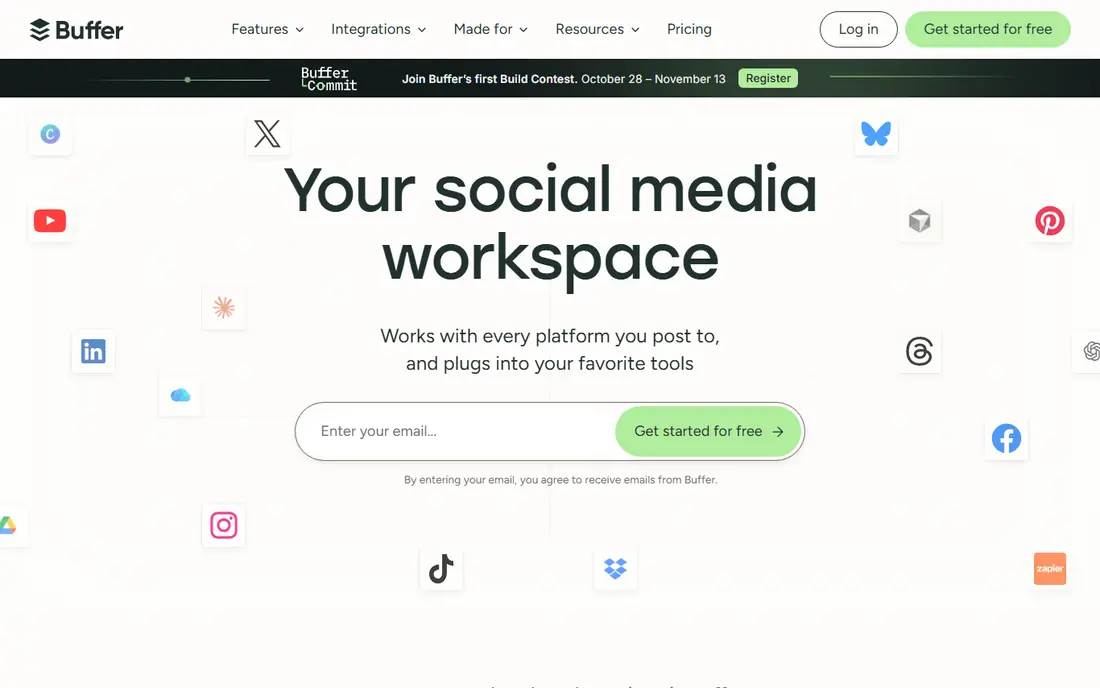
Buffer is the simplest scheduling tool on this list, and that simplicity is its strength. Connect channels, build a queue, and publish across networks without learning a large dashboard. Pricing per channel also makes costs predictable for a solo creator with a few accounts, and the free plan covers three channels for basic use.
The limits show up as teams grow. Buffer has no evergreen content recycling, and approvals and extra users need higher plans. Analytics are solid for everyday reporting but lighter than Sprout Social or Hootsuite. For a creator or small brand that mainly needs reliable scheduling, Buffer is hard to beat.
- Very easy scheduling
- Per-channel pricing
- Free plan for up to three channels
- No evergreen recycling
- Advanced team approvals need higher plans
- Analytics are lighter than enterprise tools
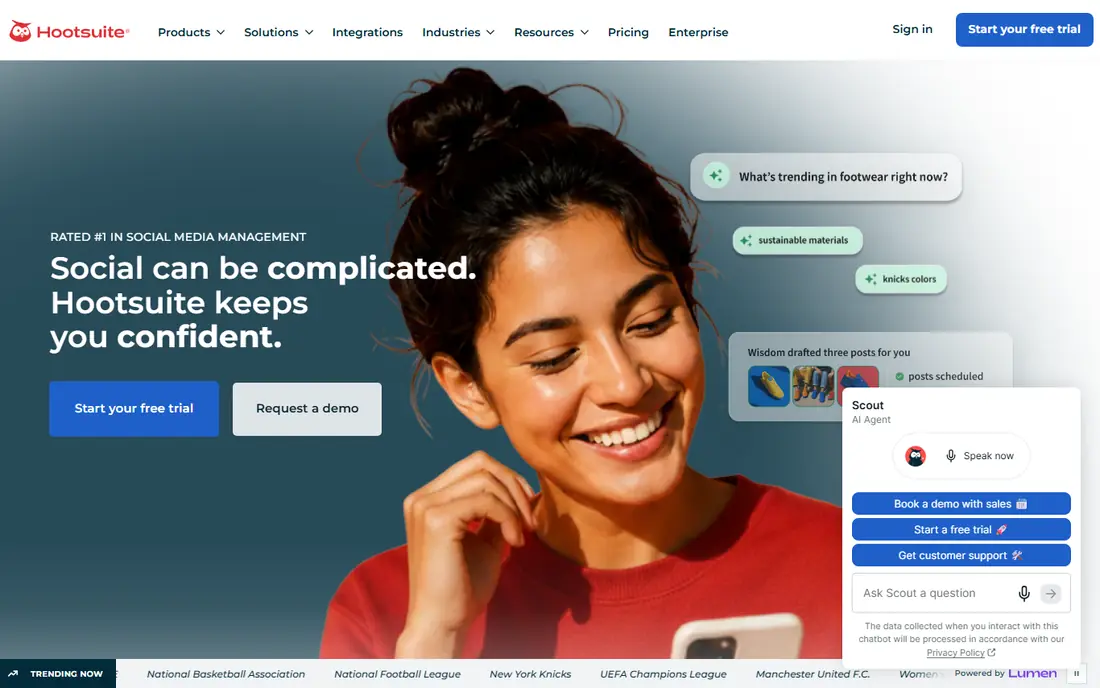
Hootsuite is the full command center option. It covers publishing, engagement, social listening, analytics and team workflows in one system, with support for many networks. Larger teams benefit from shared inboxes, assignment tools and reporting that can be sliced by team, campaign or network.
Price is the barrier. Per-user pricing rises fast with team size, and approvals need higher plans. Solo creators will find it heavy and expensive. For a mid-size team that needs one system for publishing, care and reporting, Hootsuite remains a leading choice.
- Broad publishing, inbox and listening tools
- Strong team workflows
- Wide network support
- High per-user price
- Standard plan lacks approvals
- Can feel heavy for solo creators

Later suits visual-first brands. Its calendar shows how posts will look in a feed, its media library keeps photos and videos organized, and its link-in-bio tool turns a social profile into a simple landing page. That visual workflow helps fashion, food, travel and lifestyle brands plan a coherent feed.
The entry plan caps scheduled posts per profile, so high-volume accounts need a higher tier. Some networks also get less depth than Instagram or TikTok. For visual brands that post a few times a week and care about feed layout, Later is a strong fit.
- Visual calendar and media library
- Strong for Instagram, TikTok and Pinterest
- Link-in-bio tools
- Entry plan caps scheduled posts per profile
- Some networks and features are limited on lower tiers
Sprout Social is the analytics and care leader here. Its reports are clear and client-ready, its unified inbox helps teams answer comments and messages faster, and its publishing workflows suit teams with approval steps. Brands that need to justify social spend with data will appreciate the depth.
Cost is the trade-off. Per-seat pricing is high, and social listening costs extra. Solo creators and tiny teams will not need this depth. For agencies and larger brands that report to clients or leadership, Sprout Social earns its price through reporting and workflow alone.
- Deep analytics and reporting
- Strong inbox and customer care tools
- Good team workflows
- High per-seat price
- Listening is an add-on
- Overkill for solo creators
Metricool is the analytics-first all-rounder. It combines planning and publishing with detailed reports across networks, plus competitor tracking that shows how your accounts compare to rivals. The free plan covers one brand, which makes it easy to test with real data before paying.
Approvals need a higher plan, and some networks require paid add-ons, so check the plan that matches your channels. For a brand that wants one tool for scheduling and reporting without enterprise pricing, Metricool is one of the best value picks here.
- Planning, publishing and deep analytics in one tool
- Free plan for one brand
- Competitor tracking
- Approvals need higher plans
- Some networks are paid add-ons
- Free plan limits posts
Canva is the creation engine for most small teams. Its templates cover Instagram posts, stories, TikTok covers, LinkedIn graphics and YouTube thumbnails, and resizing a design for another network takes minutes. The free plan covers a wide set of templates and tools, which is enough for many creators.
Canva does offer scheduling, but it is not as deep as Buffer or Later for multi-network management. Treat Canva as your design tool, then send finished posts to a scheduling tool for publishing and reporting. That two-tool workflow is how most small teams actually work.
- Huge template library for social posts
- Easy resizing for each network
- Team brand tools on paid plans
- Not a scheduling-first tool
- Some templates and stock assets need a paid plan
CapCut is the short video tool for TikTok, Reels and Shorts. It makes trimming clips, adding captions, music and effects fast on a phone, with templates that help beginners produce polished videos without learning a full editor. The desktop version adds more control for longer edits.
Paid features and some export options sit behind a subscription, and features differ between mobile and desktop versions. For short social video, though, CapCut is the fastest path from raw clips to a finished post, and it pairs well with any scheduling tool on this list.
- Easy short video editing
- Captions, effects and templates
- Works on phone and desktop
- Some effects and export options need a paid plan
- Desktop and mobile features differ
Planable is built for teams and clients who need to approve posts before they go live. Stakeholders can comment on a draft, request changes and approve the final version in one place, without a chain of screenshots and emails. The visual calendar makes it easy to see the whole month at a glance.
Analytics and inbox management are lighter than Hootsuite or Sprout Social, so Planable works best beside a reporting tool or as the collaboration layer on top of a scheduler. For agencies and teams where approval is the bottleneck, Planable removes a lot of friction.
- Clear approval workflows
- Visual calendar for teams
- Easy client feedback on posts
- Analytics and inbox tools are lighter than enterprise suites
- Higher plans needed for larger volumes
How we picked these
We compared official pricing pages, feature descriptions and plan limits for content and social tools still available in October 2026, favoring tools with real scheduling, creation, analytics or approval features rather than simple post boosters. We included free, mid-priced and enterprise options, and we noted where AI features are an add-on rather than a core workflow. AI tools can help with captions and ideas, but check output quality and brand fit before publishing AI drafts without review.
How to build a simple content workflow
Start with two tools, not five. Pick one creation tool, such as Canva for design or CapCut for video, and one scheduling tool, such as Buffer, Later or Metricool. Add an approval tool only if clients or managers must sign off on posts. That simple stack covers most small teams and keeps costs clear.
Plan, create, schedule, review
Plan a month of themes first, then batch-create posts in one or two sessions. Schedule them in your management tool, leaving room for timely posts and replies. Review analytics weekly, not daily, and look for patterns in format and topic rather than chasing a single viral post. Repurpose strong posts into new formats, such as turning a video into a carousel or a blog tip into a short clip.
AI tools and quality control
AI can help with caption drafts, hashtag ideas and first-cut video edits, but it should not publish unchecked. Review AI text for accuracy, tone and brand fit, and check that any claims, prices or dates are correct. For regulated topics, such as finance or health, human review is essential before a post goes live.
Measuring what matters
Track saves, shares, comments and link clicks more than follower count alone. Those signals show whether content helps your audience, not just whether it reached them. Set one goal per month, such as more newsletter signups or more booked calls, and judge tools by whether they help you reach that goal.
Frequently asked questions
What are the best AI tools for social media?
Canva and CapCut both offer AI-assisted design and video tools, while Hootsuite, Sprout Social and Later include AI caption and scheduling aids on various plans. Use AI for drafts and ideas, then review for accuracy and brand fit before publishing.
What are the best AI tools for social media marketing?
For marketing workflows, Sprout Social and Hootsuite offer the deepest analytics and reporting, while Metricool gives strong analytics at a lower price. Canva and CapCut cover AI-assisted creation, and Buffer covers simple, reliable scheduling.
What are the best AI tools for social media management?
Buffer, Later, Metricool and SocialBee are strong for day-to-day management, with scheduling, planning and reporting. Hootsuite and Sprout Social suit larger teams that need approvals, inboxes and listening. Choose by team size and reporting needs, not by AI features alone.
What are the best social media AI tools for small businesses?
Canva for design, CapCut for short video, Buffer or Metricool for scheduling, and SocialBee for evergreen content cover most small business needs at low cost. Start with free plans, test with real posts, and upgrade only when limits start to block your workflow.
Do I need both a creation tool and a scheduling tool?
Usually yes. Creation tools excel at design and video, while scheduling tools excel at publishing, approvals and reporting. A two-tool stack is often cheaper and better than one expensive tool that does both jobs poorly.
How often should I post on social media?
It depends on your audience and capacity. A consistent few posts per week, with replies and engagement, usually beats a burst of daily posts followed by silence. Test frequency for a month, watch saves, shares and clicks, and adjust based on results rather than a fixed rule.
Sources
See where you really rank - block by block
ProMapRanker scans Google Maps across a grid of your service area. Simple monthly plans from $19, white-label on every plan.
Start freeKeep reading
 free kahoot alternatives
Free Kahoot Alternatives in 2026
We compared free Kahoot alternatives for classrooms, training and large groups, checking free plans, player limits and game modes to help you pick a tool.
Read → best website build apps
Best Website Build Apps in 2026
Compare the best website build apps in 2026 for service businesses, stores, and portfolios, from Wix and Squarespace to Webflow today, with full pricing.
Read → best seo competitor analysis tool
Best SEO Competitor Analysis Tool in 2026
We compared the best SEO competitor analysis tools for keyword gaps, backlinks and traffic research, checking pricing and trials to help you pick the tool.
Read →
SocialBee
Great for: Evergreen content and categories
SocialBee solves a specific problem: keeping good content in rotation without reposting it by hand. You sort posts into categories, such as tips, promos and behind-the-scenes content, and SocialBee cycles through them on a schedule. That system suits small businesses with a steady stream of repeat-worthy posts, such as a gym, a cafe or a consultancy.
It has no permanent free plan, only a trial, and approvals need higher tiers. If you post mostly fresh, time-sensitive content, the category system may feel like extra setup. If you have evergreen tips, offers and stories worth repeating, SocialBee can save hours each month.