 ProMapRanker
Best Group Chat App in 2026: 9 Apps Compared


Friends and family groups everyone already uses · Pricing starts at: Free
Key takeaways
- Most personal groups should start with the app their members already have, which is usually WhatsApp in the US and many other countries.
- Large communities need channels, roles, and moderation, which points to Discord or Telegram rather than a simple group chat.
- Work teams should pick the app that matches their existing suite: Slack for integrations, Teams for Microsoft 365, and Google Chat for Workspace.
- Privacy-first groups should choose Signal, accepting a smaller user base in exchange for default encryption and minimal data collection.
Quick comparison
| Pick | Great for | Pricing starts at | Free tier | |
|---|---|---|---|---|
| WhatsApp | Friends and family groups everyone already uses | Free | Yes | Visit |
 Telegram | Large groups, channels, and file sharing | Free | Yes | Visit |
 Signal | Private groups with strong encryption | Free | Yes | Visit |
 Discord | Communities with channels and voice rooms | Free | Yes | Visit |
 Slack | Work teams that need organised channels | Free | Yes | Visit |
 Microsoft Teams | Microsoft 365 teams and group chats | Free | Yes | Visit |
 GroupMe | Simple free group texting for friends | Free | Yes | Visit |
 Google Chat | Google Workspace teams and spaces | Free | Yes | Visit |
 Messenger | Groups built around Facebook contacts | Free | Yes | Visit |
The best group chat apps
Group chat sounds simple until you try to pick one app for a real group. A family group needs an app everyone already has. A community needs channels, roles, and moderation. A work team needs threads, search, and integrations. The apps below cover those cases, and most of them are free for personal use, so the real choice is about who is in the group and how large it will grow.
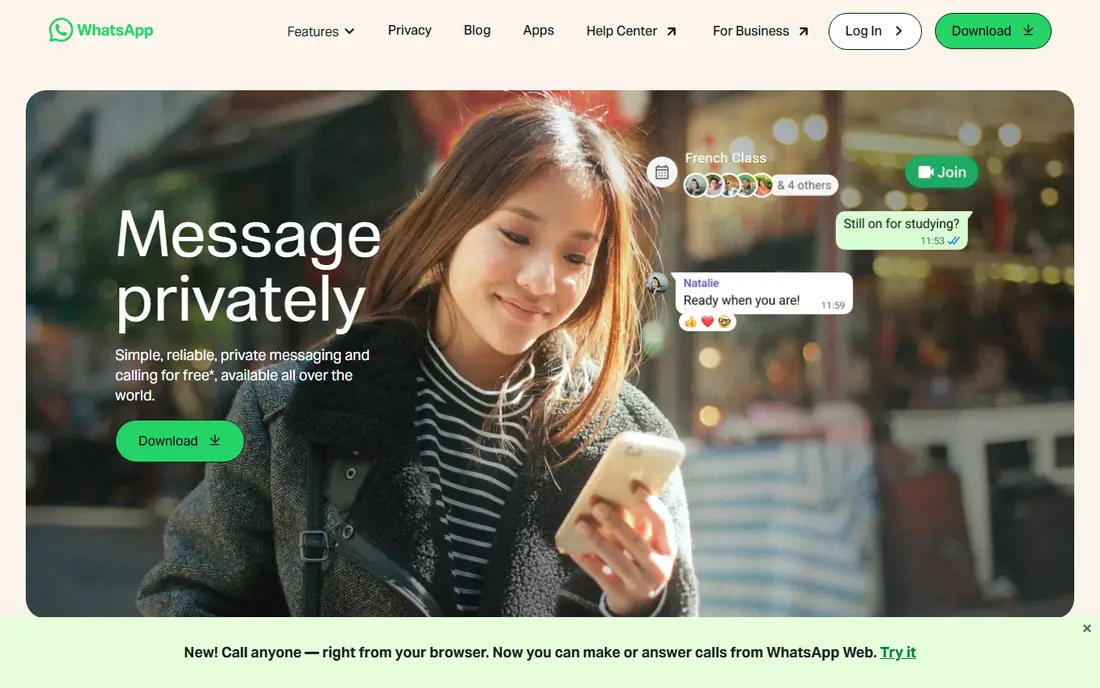
WhatsApp is the default group chat app for most personal groups because the people you want to message already have it. Groups support text, photos, files, voice messages, and group calls, and messages are end-to-end encrypted by default.
The limit is structure. WhatsApp groups work well for families, friends, and small teams, but they lack the channels, roles, and moderation tools that large communities need. If your group is personal and you want the lowest friction, WhatsApp is still the easiest pick.
- End-to-end encryption by default
- Groups up to about 1,024 members
- Voice and video calls for groups
- Requires a phone number
- Owned by Meta, which concerns some users
- Limited channel and moderation tools
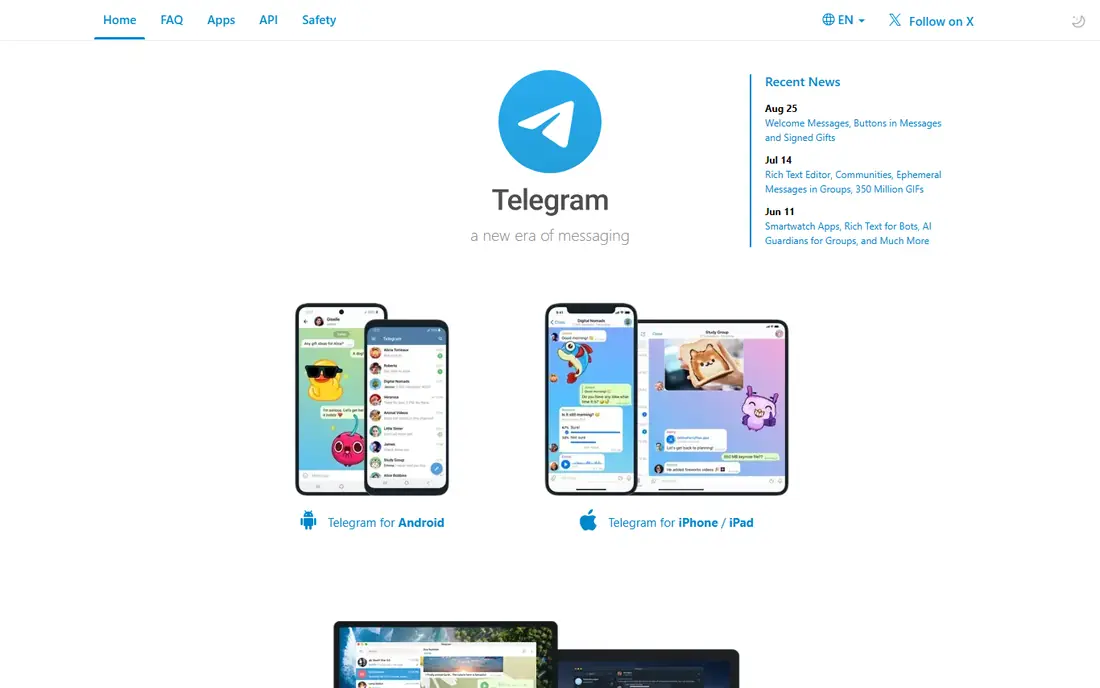
Telegram suits large communities that WhatsApp groups cannot hold. Groups can reach 200,000 members, channels let admins broadcast to unlimited subscribers, and file sharing and bots support community workflows that simple chat apps cannot match.
The privacy catch matters: regular cloud chats are not end-to-end encrypted by default, so only Secret Chats give that protection, and Secret Chats do not work for large groups. For public communities and large interest groups, Telegram is excellent. For private sensitive discussion, Signal is safer.
- Groups up to 200,000 members
- Channels for broadcast
- Large file sharing and bots
- Cloud chats are not end-to-end encrypted by default
- Only Secret Chats are
- Moderation needs effort at large scale
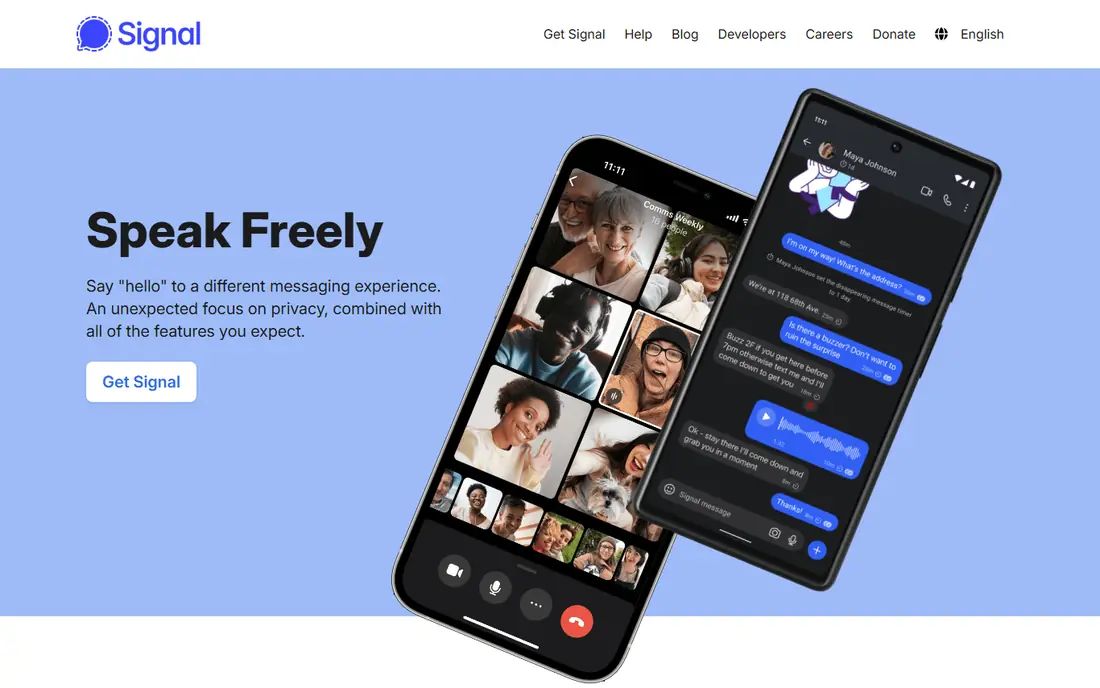
Signal is the pick for private groups where privacy comes first. It is run by a non-profit, its code is open source, and messages are end-to-end encrypted by default with minimal metadata collection. That combination is why privacy-focused groups trust it.
The trade-off is reach and features. Fewer people have Signal than WhatsApp, and it lacks Telegram-style channels and large community tools. For a family, a small team, or a sensitive project group, that focus is a strength. For a public community, it will feel limiting.
- End-to-end encryption by default
- Open source and non-profit run
- Minimal data collection
- Smaller user base than WhatsApp
- Fewer community features
- File size limits are lower than Telegram
Discord is built for communities, not just chats. A server can hold many channels for different topics, roles for moderators and members, and voice rooms where people drop in and out like a digital hangout. That structure suits gaming groups, study groups, fan communities, and creator audiences.
The learning curve is real for newcomers, and text messages are not end-to-end encrypted, so Discord suits public and semi-public communities more than private sensitive discussion. Paid Nitro raises file limits and adds perks, but the free tier already covers most community needs.
- Servers with channels and roles
- Persistent voice rooms
- Bots and moderation tools
- Text chats are not end-to-end encrypted
- Interface can overwhelm new users
- Free file limits are low
Slack suits work teams that need chat organised by topic. Channels keep projects separate, threads keep replies attached to the right message, and search makes old decisions findable. Its integration ecosystem connects chat to calendars, docs, and project tools.
The free plan is limited to 90 days of message history and a small number of apps, so growing teams usually move to Pro at 7.25 dollars per user per month billed yearly in recent listings. For a family or friend group, Slack is heavier than needed. For a work team, it is still a standard choice.
- Channels, threads, and search
- Huge integration ecosystem
- Huddles for quick calls
- Free plan keeps only 90 days of message history
- Paid plans cost per user
- Overkill for a family group
Microsoft Teams suits organisations that already pay for Microsoft 365. Chat, meetings, file storage, and Office apps sit in one place, and group chats and team channels cover both small groups and large departments. That integration is hard to match if your work already lives in Microsoft tools.
The free tier covers basic chat and meetings, while Teams Essentials starts at 4 dollars per user per month billed yearly in recent listings. For personal groups, Teams feels corporate and heavy. For a Microsoft 365 workplace, it is often the obvious choice because it is already included.
- Included with Microsoft 365 plans
- Meetings, files, and Office apps in one place
- Large team support
- Interface can feel heavy
- Best value needs Microsoft 365
- Personal group features are weaker than WhatsApp
GroupMe is the simplest free group texting app for friends, clubs, and classes. You can create a group, add people by phone or email, and chat, share photos, and run polls without forcing everyone onto the same platform or phone plan.
It lacks the channel structure of Discord and the work integrations of Slack, but that simplicity is the point for informal groups. If your group just needs a shared chat, a poll, and a calendar, GroupMe does that job with almost no setup. US users will find it most familiar.
- Free group texting without needing everyone on the same phone system
- Polls and calendars for groups
- Simple setup
- Fewer advanced features than Discord or Slack
- Owned by Microsoft
- Less popular outside the US
Google Chat suits teams that already use Gmail, Drive, and Docs. Spaces organise a project with chat, files, and tasks in one place, and Meet calls start directly from a conversation. That fit makes it a natural choice for Google Workspace organisations.
Outside Google Workspace, Google Chat is less common for personal groups, and it lacks Discord-style community tools. If your team already lives in Google apps, it is a clean, free-included option. If your group is personal, WhatsApp or Telegram will reach more people.
- Spaces for team projects
- Deep Google Workspace integration
- Meet calls from chat
- Best inside Google Workspace
- Fewer community features than Discord
- Personal use is less common than WhatsApp
Messenger suits groups that already connect on Facebook. You can create a group from existing contacts, share photos and files, and start voice or video calls without asking everyone to install a new app they do not already use.
Group size is smaller than Telegram, and file limits are lower, so it suits friends, families, and small communities rather than large public groups. If your group already talks on Facebook, Messenger is the lowest-friction pick. If privacy is the top concern, Signal is stronger.
- Groups for Facebook contacts
- End-to-end encryption by default in recent versions
- Voice and video calls
- Requires a Facebook or Meta account for most users
- Group size and file limits are lower than Telegram
- Ads and Meta data concerns
How we picked these
We compared official feature pages, pricing pages, and app store listings, and we checked public reviews for recurring complaints. We kept only tools that are available in October 2026 and that fit the topic directly, and we left out tools that only partly match the job. Where a price could not be confirmed on the vendor site during our checks, we wrote See website rather than guessing a figure.
Our pick for most people is the option that covers the common case well without forcing a paid plan for basic use. That does not mean it suits every group, budget, or workflow, so use the comparison table to match the best fit to your own needs before you sign up.
How to choose a group chat app by group type
First, count the group and name its purpose. A family group of ten needs simplicity and reach. A community of a thousand needs channels, roles, and moderation. A work team needs search, threads, and integrations. Choosing by group type avoids the common mistake of picking a powerful community tool for a family chat, or a simple chat app for a large community.
Second, check the friction for new members. Does everyone need a phone number, an account on a specific platform, or a new app install? The higher the friction, the fewer people will join and stay active. For informal groups, low friction beats features every time.
Third, check privacy and moderation together. Decide whether messages need end-to-end encryption by default, who can add members, and how spam or abuse will be handled as the group grows. A group that starts small can grow fast, and the moderation tools you need at a thousand members are hard to add later if the app does not support them.
Frequently asked questions
What is the best group messaging app for families?
WhatsApp is the best pick for most families, because relatives already have it, groups are simple to set up, and messages are encrypted by default. GroupMe is another simple free option for friends and clubs. Signal suits families that prioritise privacy over reach.
What is the best free group texting app?
WhatsApp, Telegram, Signal, Discord, GroupMe, and Messenger all offer free group chat. WhatsApp suits personal groups, Telegram suits large groups, Signal suits private groups, and Discord suits communities with channels and voice rooms. All of them are free for core group chat.
What is the best app for group chat at work?
Slack suits teams that want channels, threads, and many integrations. Microsoft Teams suits Microsoft 365 organisations, and Google Chat suits Google Workspace teams. All three have free tiers, but growing teams usually pay for full history and admin controls.
Which group chat app is best for large communities?
Discord and Telegram lead for large communities. Discord offers servers, channels, roles, and voice rooms, while Telegram offers groups up to 200,000 members and broadcast channels. Discord suits interactive communities, while Telegram suits broadcast-heavy groups.
Is Signal better than WhatsApp for privacy?
Signal offers stronger privacy by design, with default encryption, open source code, and minimal data collection by a non-profit. WhatsApp also encrypts messages by default, but it is owned by Meta and collects more metadata. For most personal groups, both are reasonable, while Signal is the stronger privacy pick.
Sources
See where you really rank - block by block
ProMapRanker scans Google Maps across a grid of your service area. Simple monthly plans from $19, white-label on every plan.
Start freeKeep reading
 free alternatives to grok imagine
Free Alternatives to Grok Imagine in 2026
We compared the best free alternatives to grok imagine for image generation, from fast daily credits to design tools, so you can create without paying.
Read → best tools for instagram content creation
Best Tools for Instagram Content Creation in 2026
Compare the best tools for Instagram content creation, from Canva and CapCut to Later and Buffer, on design, video, planning, scheduling, and price in 2026.
Read → best tool to split pdf files
Best Tool to Split PDF Files in 2026
We compared the best tool to split pdf files on split modes, file limits, privacy and price, so you can split a PDF cleanly and keep every page in one go.
Read →