 ProMapRanker
Best AI Tools for YouTube Videos in 2026

Keyword research and title ideas · Pricing starts at: $16.58 a month (billed yearly)
Direct answer
If you need keyword research and title ideas, vidIQ is the first tool to look at here. Listed starting prices: vidIQ from $16.58 a month, InVideo from $17 a month and OpusClip from $15 a month (monthly only). InVideo is the stronger choice for prompt-to-video creation with stock media, while OpusClip suits cutting Shorts from long videos. Prices, free plans and limits for all 6 tools follow.
Choosing AI tools for YouTube videos usually comes down to price, fit and limits. This ProMapRanker guide sets 6 tools side by side on those three points, with the facts kept short and checkable.
Key takeaways
- Number one here is vidIQ, a fit for keyword research and title ideas.
- For the cheapest start, look at OpusClip: $15 per month.
- For Avatar-led explainer and training videos, Synthesia is worth a look.
- 5 of 6 tools offer a free plan: vidIQ, InVideo, OpusClip, Descript, Synthesia.
Quick comparison
| Pick | Great for | Pricing starts at | Free tier | |
|---|---|---|---|---|
| vidIQ | Keyword research and title ideas | $16.58 a month (billed yearly) | Yes | Visit |
 InVideo | Prompt-to-video creation with stock media | $17 a month (billed yearly) | Yes | Visit |
 OpusClip | Cutting Shorts from long videos | $15 a month (monthly only) | Yes | Visit |
 Descript | Text-based editing of talking-head videos | $16 per person/month (billed annually) | Yes | Visit |
 Pictory | Turning scripts and articles into faceless videos | $25 a month (billed yearly) | Free trial (14 days) | Visit |
 Synthesia | Avatar-led explainer and training videos | $18 per month (billed annually) | Yes | Visit |
The full AI tools for YouTube videos list
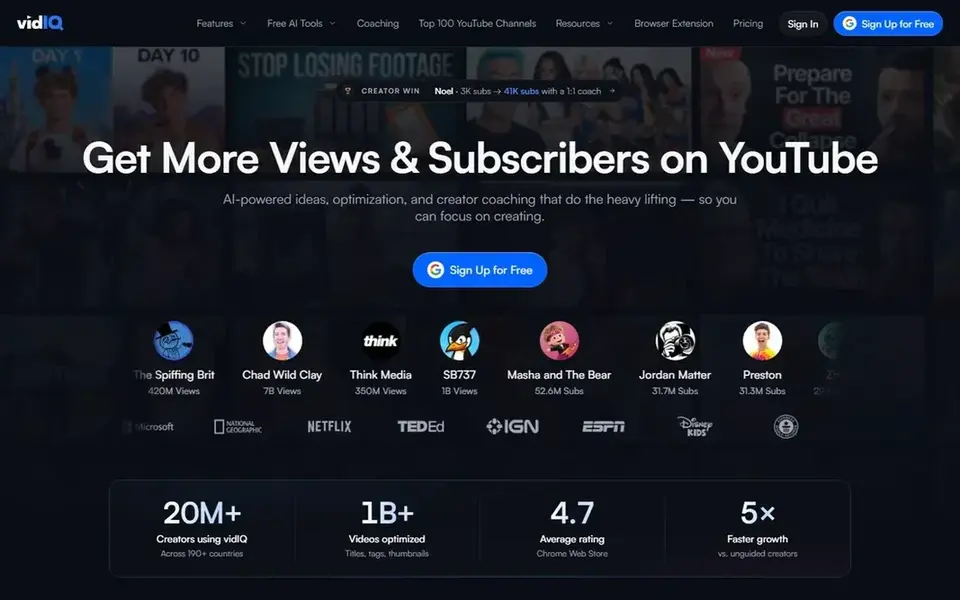
vidIQ was built for keyword research and title ideas. Boost costs $19 per month on monthly billing, or $199 per year, which is $16.58 per month on annual billing, and bundles 2,000 AI credits per month, unlimited keyword results and 50 daily ideas.
Where it is weaker: well above the $199 annual total divided by 12.
Max costs $49 per month on monthly billing, or $468 per year, which is $39 per month on annual billing, and bundles 6,000 AI credits per month and deeper ana What you pay to start with vidIQ: $16.58 per month. You can start on vidIQ without paying.
- Daily AI video ideas and AI Coach on the free plan
- Thumbnail tools on Boost
- Volume and competition figures are estimates, not YouTube data
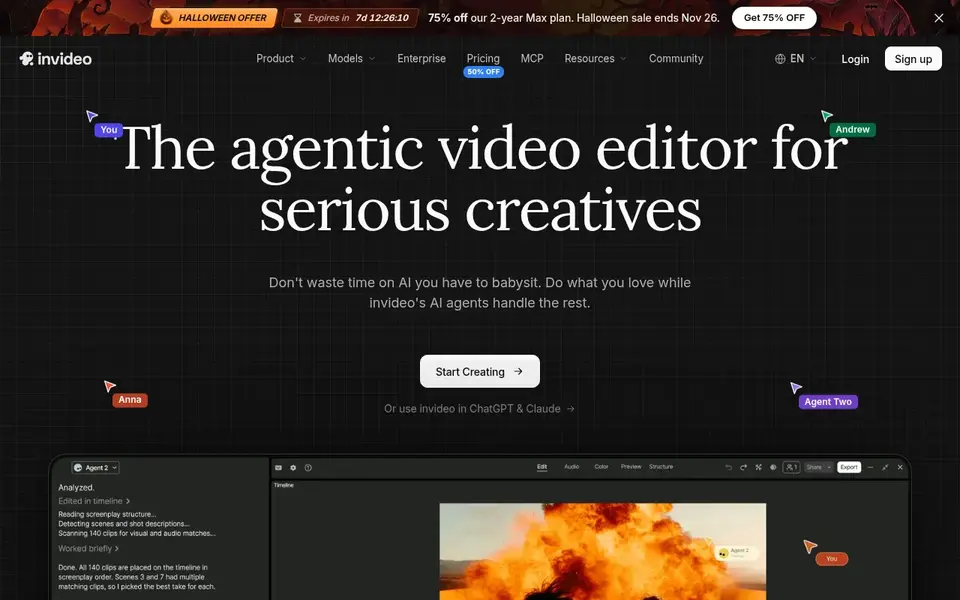
Think of InVideo for prompt-to-video creation with stock media. InVideo builds a video from a text prompt, then lets you edit the result, add stock clips and voiceover, and export for YouTube. In practice, plus costs $17 per month on annual billing, or $20 per month on monthly billing, and bundles 75 credits per month, 4 AI avatars and voice clones and 100 iStock assets per month.
Limits to weigh: credit costs vary by model and can change.
Generative costs $170 per month on annual billing, or $200 per month on monthly billing, and comes with 800 credits per month, 40 AI avatars and voice clones From a buyer's view, Max costs $85 per month on annual billing, or $100 per month on monthly billing, and comes with 390 credits per month, 16 AI avatars and voice clones and 200 iStock assets per month. More specifically, the free plan comes with restricted credits that reset weekly, 720p export and a watermark. InVideo starts at: $17 per month. InVideo includes a free tier.
- Free plan for trying the workflow
- Prompt-to-video with a large model and stock library
- Unused credits do not roll over
OpusClip targets cutting Shorts from long videos. Business is custom priced with priority processing and API access. One limit: Pro credits roll over for 2 months, whereas monthly Starter credits expire after 60 days.
What to check first: Starter exports vertical 9:16 clips only and has no scheduler.
On top of that, one usage unit equals one minute of source video imported. So the allowance is simple to plan from your recording length. What you pay to start with OpusClip: $15 per month. Free access exists with OpusClip.
- Direct posting to YouTube Shorts
- Auto reframing and animated captions
- Starter is monthly only with no annual discount
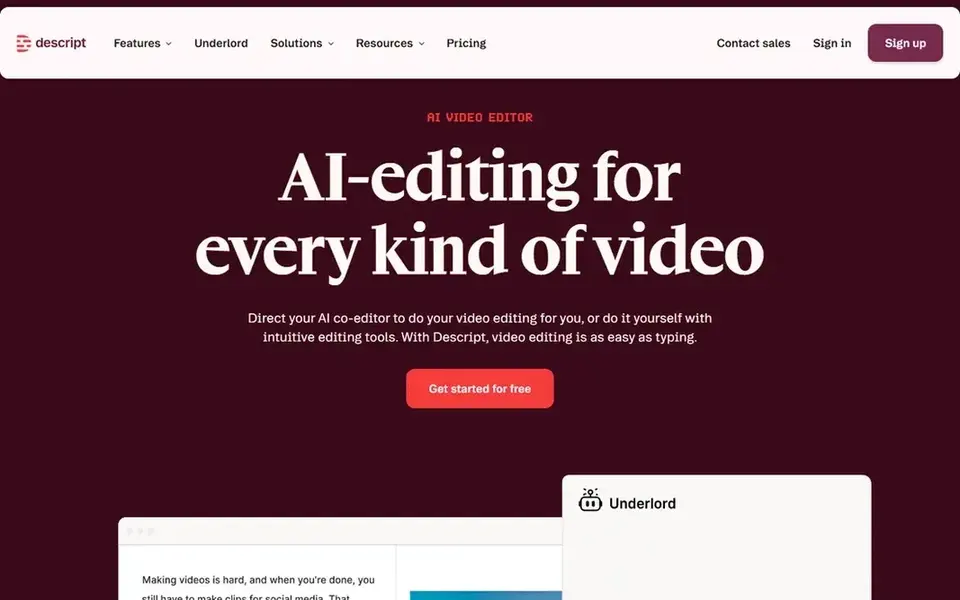
Descript is aimed squarely at text-based editing of talking-head videos. Creator costs $24 per person per month on annual billing, or $35 per month on monthly billing, and bundles 1,800 media minutes per month, 800 AI credits a Beyond that, Hobbyist costs $16 per person per month on annual billing, or $24 per month on monthly billing, and contains 600 media minutes per month, 400 AI credits per month and 1080p export without a watermark.
Drawbacks to consider: Free plan exports at 720p with a watermark.
What you pay to start with Descript: $16 per person/month. Descript has a free plan.
- Studio Sound and Overdub voice tools
- 4K export on Creator
- Media minutes and AI credits both cap monthly use

Pictory was built for turning scripts and articles into faceless videos. Teams costs $119 per month on annual billing, or $199 per month on monthly billing, and bundles 18,000 AI credits per month, up to 300 video minutes a mont As for the details, professional costs $35 per month on annual billing, or $59 per month on monthly billing, and contains 6,000 AI credits per month, up to 90 video minutes per month and 5 brand kits.
Entry price for Pictory: $25 per month. Free options: Free trial (14 days).
What to check first: video minutes and AI credits both cap monthly output.
- Script-to-video and article-to-video workflows
- Brand kits
- Only a 14-day trial
For Avatar-led explainer and training videos, Synthesia is a natural candidate. Starter costs $18 per month on annual billing, or $29 per month on monthly billing, and contains 1,200 credits per month for 10 video minutes per month, 125 plus avatars, 3 personal avatars, downloads and AI dubbing.
Synthesia turns a script into a video with an AI avatar presenter, which fits explainers and training videos where no camera is needed. Entry price for Synthesia: $18 per month. Synthesia offers a free plan.
Trade-offs to know: Starter comes with the same 10 video minutes per month as the free Basic plan.
- AI dubbing and translation
- Downloads and logo removal on Starter
- Only 1 editor seat on Starter and Creator
What went into this list
We compared the tools on published pricing, free plan or trial availability, feature coverage for AI tools for YouTube videos, and the limits each vendor documents. Plan names, prices and limits change often. Treat the figures here as a starting point and verify them with the vendor. The ranking is editorial: typical fit first, then clear pricing, then free access. If your needs are unusual, read the profiles rather than relying on position.
Questions to settle before buying
- Confirm the entry price on the vendor page: OpusClip starts at $15 per month, but seat counts and billing terms change the total.
- Look at free plan limits closely: vidIQ, InVideo, OpusClip and others have one, and the caps decide whether it is usable for real work.
- Use real work to test the free trial from Pictory, rather than a demo project.
- Read the limits listed for vidIQ first: boost costs $19 per month on monthly billing, well above the $199 annual total divided by 12.
- The entry price of InVideo is only the starting point; model the full cost with seats and extras.
- Look at which plan of Descript unlocks the features you need; entry tiers are often cut down.
Frequently asked questions
Which is a good match for YouTube SEO and titles?
Start with vidIQ if you need keyword research and title ideas. InVideo is the better match for prompt-to-video creation with stock media, and OpusClip for cutting Shorts from long videos. The best choice depends on budget, team size and workflow.
Which options for AI tools for YouTube videos have a free plan?
vidIQ, InVideo, OpusClip, Descript and Synthesia offer a free plan in this list. Free plans usually cap users, projects or features, so check the limits on the vendor page. One other tool offers a trial instead.
Can I try these tools before paying?
Often, yes. vidIQ, InVideo, OpusClip and others have a free plan and Pictory offers a free trial. Use your own data and a real task during the test, and check what the free tier or trial limits before you rely on it.
Do these tools publish their prices?
Yes. Every tool from vidIQ to Synthesia shows a starting price, though seats, add-ons and billing terms still change the final cost.
Which is a good match for YouTube Shorts?
For most readers this guide would start with vidIQ, built for keyword research and title ideas. InVideo is the alternative for prompt-to-video creation with stock media, and OpusClip for cutting Shorts from long videos. The right answer depends on budget and workflow.
How are the tools for AI tools for YouTube videos ordered?
The order follows typical fit for AI tools for YouTube videos, with vidIQ first and Synthesia last, then price clarity and free access. It is editorial judgement, not a score, so another team could rank the tools differently.
Sources
See where you really rank - block by block
ProMapRanker scans Google Maps across a grid of your service area. Simple monthly plans from $19, white-label on every plan.
Start freeBrowse all guides
← AI Tools for YouTube Creators in 2026: Top 5 ComparedAI YouTube Thumbnail Generator Tools in 2026: Top 6 Compared →
 best ai social commerce platforms
5 Best AI Social Commerce Platforms for 2026
Need the best AI social commerce platforms? We compare 5 tools on cost, free access and who each suits. Verdicts stay brief and factual. Read before you buy.
Read → best ai dubbing tool for online course creators
5 Best AI Dubbing Tool for Online Course Creators in 2026
Best AI dubbing tool for online course creators in 2026: 5 contenders with entry costs and free tiers. Each profile ends with a plain caveat. See which fits.
Read →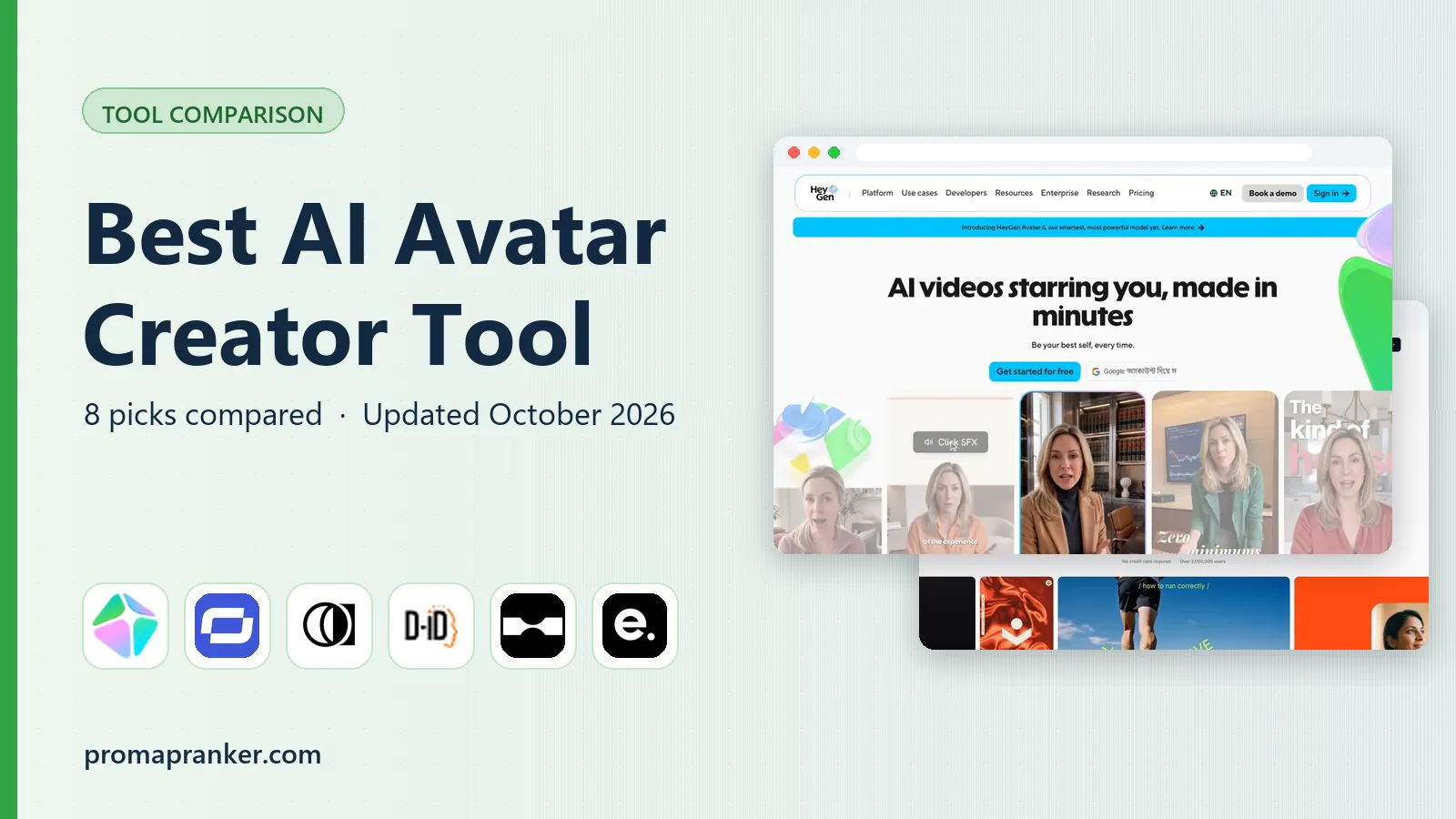 best ai avatar creator tool
6 Best AI Avatar Creator Tool for 2026
Weighing the best AI avatar creator tool? We lined up 6 products by cost, free access and fit. Top pick: Elai, aimed at slide decks to video. No hype.
Read → bitly alternatives
Bitly Alternatives in 2026: 8 Tools Compared
Compare the best Bitly alternatives for branded short links, with free tiers, custom domains, analytics, and pricing that suits creators and small teams.
Read → best ai video creator apps
Best AI Video Creator Apps in 2026
Compare the best AI video creator apps and tools for avatars, text-to-video and script-to-video, with pricing, free tiers and the right pick for each creator.
Read → best social media collaboration tools
Shortlist
Shortlisting the best social media collaboration tools? 6 products compared on cost, free access and ideal buyer. Caveats come with every verdict. No filler.
Read →More in Social Media & Creators · All guides A to Z by date · Latest guides