 ProMapRanker
Best AI Video Creator Apps in 2026


Corporate training and presenter video · Pricing starts at: $29 per month
Key takeaways
- Avatar tools such as Synthesia and HeyGen suit training, explainers and multilingual marketing without filming.
- Generative tools such as Runway and Pika suit original short clips, while Pictory and Descript suit script and recording repurposing.
- Credit metering matters more than the monthly price, because minutes and seconds run out fast on many plans.
- Free plans are useful for testing, but most restrict commercial use, add watermarks or cap output sharply.
- Check voice, language and avatar rights before publishing, especially for client work or ads.
Quick comparison
| Pick | Great for | Pricing starts at | Free tier | |
|---|---|---|---|---|
| Synthesia | Corporate training and presenter video | $29 per month | Yes | Visit |
 HeyGen | Avatar marketing and video translation | $29 per month | Yes | Visit |
 Runway | Original generative footage and editing | $15 per month | Yes | Visit |
 Pika | Fast stylized social clips | $10 per month | Yes | Visit |
 Pictory | Turning scripts and blogs into video | See website | No | Visit |
 InVideo | Volume marketing video from prompts | See website | Yes | Visit |
 Descript | Editing video by editing text | $24 per month | Yes | Visit |
 Fliki | Voiceover video from text in many languages | See website | Yes | Visit |
 CapCut | Short-form editing with AI features | Free | Yes | Visit |
 Veed | Browser video editing with AI tools | See website | Yes | Visit |
The best AI video creator apps
AI video tools now split into clear jobs. Some create a talking presenter from a script, some turn text into short cinematic clips, and some turn a blog post or a long recording into short social videos. Picking the wrong type wastes credits fast, because most of these tools meter output by minutes or credits rather than by video count.
We compared avatar tools, generative video tools and script-to-video editors that are live in October 2026, using official pricing pages and feature pages. We focused on output type, credit metering, commercial use on free plans, language support and editing depth, because those factors decide the real cost per finished video.
Our pick for training and business video is Synthesia, for marketing avatars it is HeyGen, and for original footage it is Runway. Creators who mainly repurpose scripts should start with Pictory or Descript, while short-form creators should test Opus Clip or CapCut before paying for a larger plan.
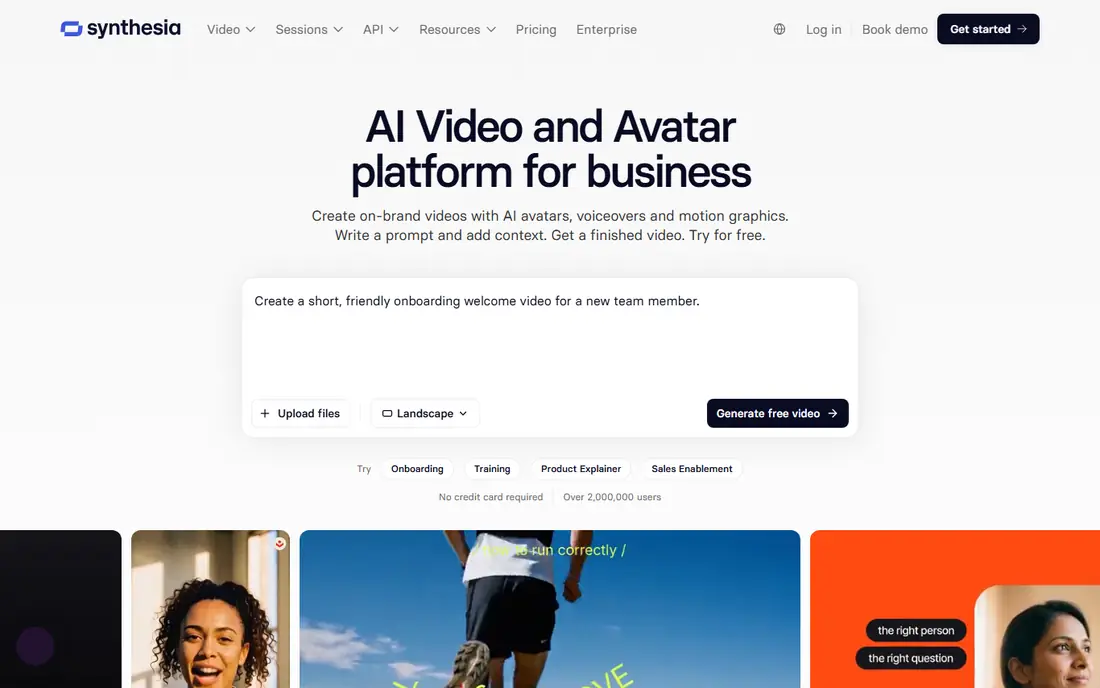
Synthesia turns a typed script into a presenter video with a stock avatar, or a custom avatar on higher plans. It suits training, onboarding and internal updates, because one script can be updated and re-rendered without booking a studio. Language support covers many markets, which helps global teams publish the same lesson in several languages.
The limit is metering. Plans are priced by video minutes or credits, so long courses need a larger plan or careful script editing. Avatar videos also suit talking-head formats best, and they will not replace filmed footage for product demos. For corporate presenters, though, Synthesia remains the most polished option in this list.
- Large avatar and language range
- Governance controls
- Script-to-video workflow
- Credit metering limits minutes
- Higher tiers cost much more

HeyGen is built for marketing teams and creators who want a talking avatar, a cloned presenter or a translated version of an existing video. Users can pick a stock avatar, clone their own appearance with consent and verification, and publish in many languages. Templates and editing tools help turn one script into ads and explainers quickly.
HeyGen credits vary by avatar model, so a long or high-quality video can use far more credits than a short clip. The free plan covers only a few short videos a month, so serious use needs a paid plan. Creators should also keep consent records for any cloned voice or face, because client work demands clear permission.
- Avatar cloning and translation
- Marketing templates
- Multi-language output
- Credits drain fast on some avatar models
- Free plan is small
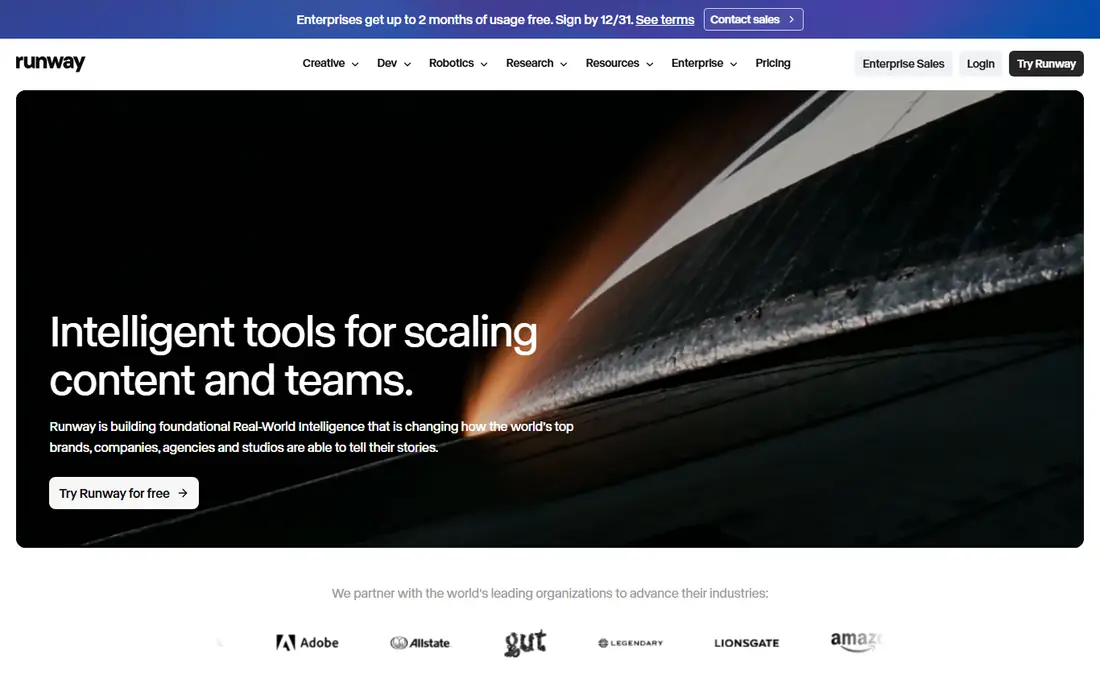
Runway creates original video clips from text or images and offers editing tools for refining shots, extending clips and changing scenes. It suits creators, advertisers and filmmakers who need footage that does not exist yet, rather than a presenter reading a script. The platform also offers an API for teams that want to generate clips inside their own workflow.
The cost trap is credit use. High-end models consume many credits per second, so a paid plan may cover less than a minute of finished footage. Runway also rewards careful prompting, and first results can miss the mark. For original visuals, it is still one of the strongest tools available, but budget by seconds, not by videos.
- Strong text-to-video and image-to-video
- Editing tools
- API access
- Credits run out fast on high-end models
- Learning curve for best results
Pika focuses on fast, stylized clips for social feeds, memes and short ads. Users type a prompt or upload an image, pick a style or effect, and get a short clip in minutes. The low entry price makes it easy to test, and the tool suits creators who publish often and need many short ideas rather than one long film.
Commercial use is limited on lower tiers, so brands should check the plan terms before using Pika clips in paid ads. Output quality also varies, and realistic faces and hands can still look off. For playful, short and stylized video, Pika is a good value pick, but it is not a replacement for filmed product footage.
- Quick text-to-video and effects
- Low entry price
- Social-friendly output
- Commercial rights need a higher tier
- Quality varies by prompt
Pictory turns a script, blog post or long recording into a short video with stock footage, text overlays and voiceover. It suits marketers and bloggers who already have written content and want a video version without filming. Captions and scene editing help adapt one script for different social formats.
Pictory has no permanent free plan in the usual sense, so testing requires a trial or a paid plan. Lower tiers also limit video length and monthly output, which matters for teams that publish daily. For repurposing written content at volume, it is still one of the most direct tools in this list.
- Script-to-video and blog-to-video
- Stock footage library
- Captions
- No permanent free plan
- Per-video limits on lower tiers
InVideo turns a prompt or script into a finished marketing video with templates, stock clips, music and voiceover. It suits small businesses and social teams that need many ads, explainers and product videos without a full editing team. Multi-format exports help publish the same idea as a wide video and as vertical shorts.
The free tier adds a watermark and limits output, so professional publishing needs a paid plan. Credit and minute limits also apply, so long videos cost more than short ads. InVideo is best for teams that value speed and templates over fine control of every shot.
- Prompt-to-video templates
- Stock library
- Multi-format exports
- Watermarks on free output
- Credit and minute limits apply
Descript lets creators edit video by editing a transcript, which makes cutting pauses, mistakes and filler words much faster than timeline scrubbing. It also offers voice cloning with consent, studio sound cleanup and tools for turning long recordings into clips. Podcasters and course creators who talk to camera will feel the benefit fastest.
Descript meters media hours and AI credits, so heavy users need a higher plan. It is also an editor first, not a generative footage tool, so it will not create a scene from a prompt in the way Runway does. For repurposing and polishing real recordings, it is one of the best AI video creator tools available.
- Text-based editing
- Filler-word removal
- Repurposing workflow
- AI features use credits
- Higher tiers needed for large teams
Fliki turns text into video with AI voices, stock visuals and captions, and it supports many languages for global content. It suits creators who publish explainers, news-style videos and faceless channels, because a script can become a narrated video without recording audio. Voice choice and pacing controls help match tone to topic.
Voice quality varies, and some voices sound flat on long scripts, so creators should test voices before committing to a series. Minute limits on lower tiers also cap output, and premium voices may cost extra. For text-to-voice video at volume, Fliki is a practical middle ground between avatar tools and full editors.
- Text-to-speech voices
- Script-to-video
- Many languages
- Voice quality varies by voice
- Minute limits on lower tiers
CapCut is a video editor with AI captions, templates, effects and background tools, and it is widely used for TikTok, Reels and Shorts. It suits creators who film on a phone and want fast cuts, captions and trending formats without learning a desktop editor. The free tier covers a lot of everyday editing, and paid plans add more effects and cloud features.
CapCut is not a generative video tool in the Runway sense, and it will not create a presenter from a script like Synthesia. Some AI features sit behind a paid plan, and teams handling client footage should review cloud storage and privacy terms. For short-form editing, though, it is hard to beat for speed and price.
- Mobile and desktop editing
- Templates and effects
- AI captions
- Some AI features need a paid plan
- Cloud and privacy terms need review
Veed is a browser-based video editor with subtitles, translation, screen recording and AI tools for cleaning audio and creating clips. It suits teams that want to edit in a browser without installing software, and it handles talking-head videos, tutorials and social clips well. Collaboration features help small teams review and share drafts.
Free exports carry a watermark, and some AI features require higher plans, so professional use needs a paid subscription. Veed also depends on a stable internet connection, because editing happens in the browser. For fast, collaborative editing with captions, it is a solid alternative to desktop software.
- Browser-based editing
- Subtitles and translation
- Screen recording
- Watermarks on free exports
- Higher tiers for full AI features
How we picked these
We compared official pricing and feature pages for each tool in October 2026, and we grouped tools by job: avatar video, generative footage, script repurposing and editing. We kept only tools that are live and that produce finished video, not only voice or image output. We noted free tiers, credit metering and commercial-use limits, because those decide the true cost.
We weighed output quality claims against plan limits, language support and editing depth. We did not claim hands-on testing. Instead we compared published limits, pricing and feature pages, and we flagged where a plan covers only seconds or minutes of video. That metering focus is what separates a cheap plan from a useful one.
Choosing the right option for you
Start with the video you actually need. If you need a presenter, pick an avatar tool. If you need footage that does not exist, pick a generative tool. If you already have a script or a recording, pick a repurposing or editing tool. Buying a generative tool for training videos, or an avatar tool for cinematic ads, will waste credits and time.
Budget by output, not by month. Check how many minutes or credits a plan includes, how many credits a minute of your chosen model uses, and whether free output can be used commercially. Test with the free tier or trial, publish one real video, and count the credits it used before you commit to a yearly plan. Keep consent records for any cloned voice or face, and check music and stock rights for client work.
For most creators, one avatar or generative tool plus one editor covers the workflow. Use the generator for the hard part, then polish captions, cuts and sound in an editor such as Descript, CapCut or Veed. That split keeps costs lower than buying every premium tier, and it gives you a finished video that looks intentional rather than generated.
Frequently asked questions
What is the best AI video creator app for beginners?
CapCut is the easiest start for short-form editing, while InVideo and Fliki are simpler for prompt-to-video and text-to-voice work. Synthesia and HeyGen are also easy for avatar video, because you type a script and pick a presenter. Start with a free tier and one real project before paying.
Which AI video creator tool is best for training videos?
Synthesia is our pick for training and internal video because it offers governance controls, many languages and a consistent presenter. HeyGen is a strong alternative for marketing and translation. Both meter output by minutes or credits, so keep scripts tight.
Can I use free AI video tools for commercial work?
It depends on the plan. Many free tiers add watermarks or limit commercial use, and Pika requires a higher tier for commercial rights in some cases. Read the terms for the exact plan you use, and upgrade before publishing client work or paid ads.
What is the best AI tool for video creators who film themselves?
Descript suits creators who film themselves because it edits video by editing text and cleans up filler words and audio. CapCut and Veed suit short-form cuts and captions. Generative tools such as Runway are better for footage you cannot film.
How much does AI video creation cost per month?
Entry paid plans in this list start around $10 to $29 a month, but credit limits mean the real cost depends on output length and model choice. A short social clip may cost little, while a long training video can use a full monthly allowance. Check credits per minute before buying.
Sources
See where you really rank - block by block
ProMapRanker scans Google Maps across a grid of your service area. Simple monthly plans from $19, white-label on every plan.
Start freeKeep reading
 zoho inventory alternatives
6 Alternatives to Zoho Inventory, Compared on Price and Fit
Zoho Inventory alternatives: 6 tools compared on price, free plans and fit. Katana leads the list for manufacturers. Fit and flaws are laid out for each entry.
Read → zoho crm alternatives
Best Zoho CRM Alternatives (2026)
Need Zoho CRM alternatives? We compare 7 tools on cost, free access and who each suits. Every pick gets a straight assessment. Built for quick decisions.
Read → zelle alternatives
Best Zelle Alternatives in 2026
Compare the best Zelle alternatives for sending money to friends, paying sellers and moving funds abroad, with honest notes on fees, speed and safety in 2026.
Read →