 ProMapRanker
Best AI YouTube Thumbnail Generator Tools in 2026


All-round thumbnail design for most creators · Pricing starts at: See website
Key takeaways
- Canva is our pick for most creators because it pairs AI generation with a full editor, templates, and exact YouTube sizing.
- Pikzels is the strongest dedicated option for regular YouTube publishers who want consistent faces, styles, and scores for each thumbnail.
- General image tools such as Midjourney, Ideogram, and Leonardo AI produce striking images, but text and layout still need a separate editor in most cases.
- A thumbnail score is a guide, not a promise of clicks, and the video itself still decides whether viewers stay.
- Use only your own photos, or photos you have clear permission to use, for any face-based thumbnail feature.
Quick comparison
| Pick | Great for | Pricing starts at | Free tier | |
|---|---|---|---|---|
| Canva | All-round thumbnail design for most creators | See website | Yes | Visit |
 Pikzels | Dedicated YouTube thumbnails at volume | $14 per month | Free trial | Visit |
 Adobe Express | Template design with Adobe Firefly AI | $9.99 per month | Yes | Visit |
 Midjourney | Striking, cinematic thumbnail backgrounds | $10 per month | No | Visit |
 Ideogram | Thumbnails where text must read clearly | See website | Yes | Visit |
 Leonardo AI | Styled images and repeatable looks | See website | Yes | Visit |
 Snappa | Fast template thumbnails without design skill | $10 per month | Yes | Visit |
 Thumbnail AI | Quick AI thumbnail drafts and variations | See website | Yes | Visit |
The best AI YouTube thumbnail generator tools
We compared official pricing pages, feature pages, and creator guidance for these tools, and we kept only tools that still work in October 2026 and can produce a 1280 by 720 image suitable for YouTube. A good thumbnail tool does three things: it helps you pick a clear idea, it makes that idea readable at small sizes, and it lets you fix text, faces, and colors without starting again.
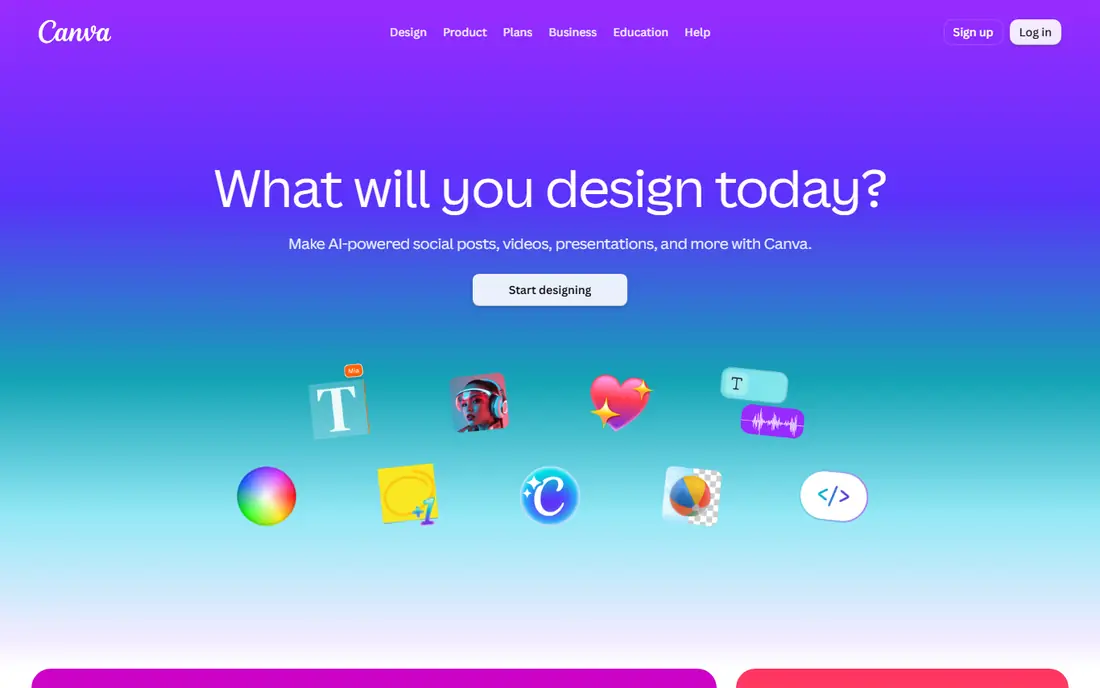
Canva remains the safest starting point for most creators because it is a complete editor, not just a generator. You can start from a YouTube thumbnail template, generate an image with its AI tools, then adjust text, contrast, and layout in the same place. That matters when a generated image is almost right but the title text is too small or the face is crowded by a graphic.
The limit is distinctiveness. Template-driven results can look familiar, especially in crowded niches where many creators use similar layouts. Paid plans add AI allowances and premium assets, so check the current plan page before you rely on a feature for a weekly publishing schedule. For creators who publish often and need reliable, editable thumbnails, Canva is our pick.
- Huge template library with YouTube sizing
- Full drag-and-drop editor
- AI image and design features inside the same editor
- AI results can look template-driven
- Best AI allowances sit on paid plans
- Distinctive styles need manual editing
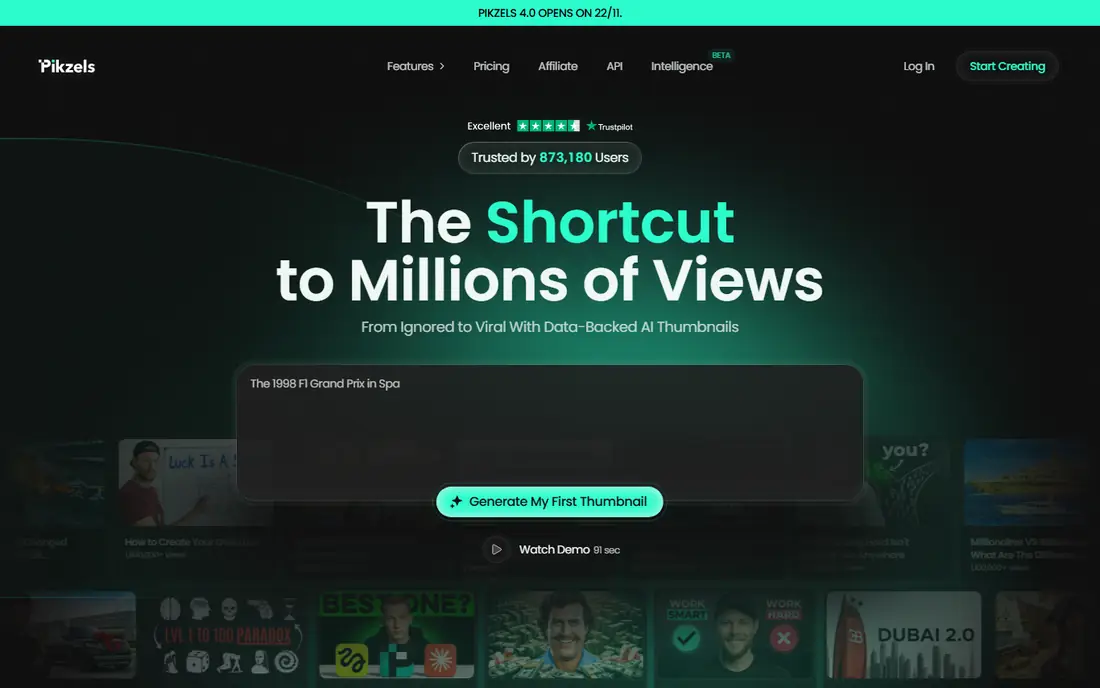
Pikzels is different from the general tools here because YouTube thumbnails are its whole job. It can generate thumbnails from a prompt, recreate a style from a reference, score a thumbnail, suggest titles, and reuse a trained Persona so your face looks consistent across videos. For a channel publishing weekly, that consistency saves time and keeps the channel page looking coherent.
Pricing is credit-based. The Essential plan is listed at $14 per month billed annually, with higher Premium and Ultimate plans for more credits, and a thumbnail typically uses 10 to 20 credits. There is a free trial but no permanent free plan, so test it on real videos before subscribing. Use Persona features only with your own photos, or with clear permission, and build your own ideas rather than copying another creator work for work.
- Built only for YouTube thumbnails
- Persona and Style features keep faces and looks consistent
- Thumbnail scoring and title ideas in one workflow
- Credit-based pricing takes care to budget
- No permanent free plan
- Recreating another creator layout raises originality questions
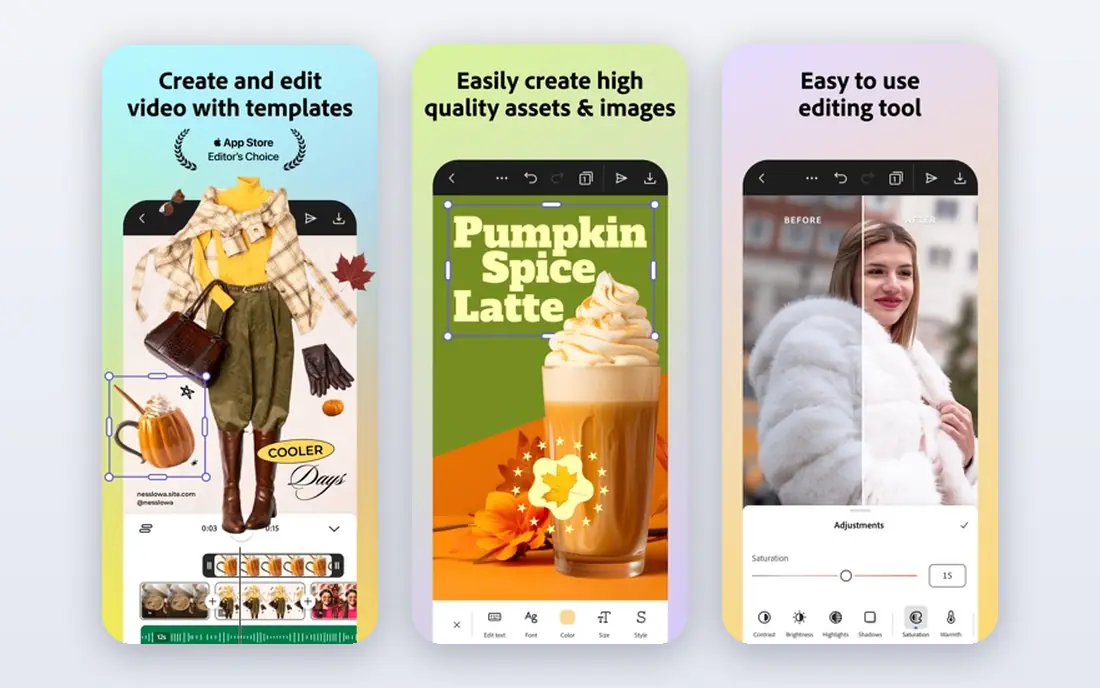
Adobe Express suits creators who want Adobe quality without learning Photoshop. It offers templates, stock assets, and Firefly AI image generation in a browser editor, and you can finish a thumbnail with text and brand colors in one session. The free plan includes templates and limited generative credits, while Premium costs $9.99 per month and adds more credits, templates, and features.
The honest catch is that Express is a general design tool, not a YouTube specialist. It will not score your thumbnail or train a consistent face persona in the way Pikzels does. It is a strong choice for creators who also make social graphics, short covers, and channel art, and who want one Adobe editor for all of them.
- Large template library
- Firefly image generation inside the editor
- Clean exports for YouTube sizing
- Premium generative credits are limited on the free plan
- Best features need a paid plan
- Less YouTube-specific than Pikzels
Midjourney is the tool to use when the image itself must carry the thumbnail. It produces cinematic backgrounds, dramatic lighting, and unusual scenes that template libraries rarely match. A creator making travel, gaming, food, or documentary content can generate a base image that looks far more polished than a stock photo.
It is not a complete thumbnail maker. Text in Midjourney images often comes out misspelled or distorted, so plan to add titles in Canva, Photoshop, or Express after generation. Paid plans start around $10 per month, with no permanent free plan. Use it as the image engine in a two-step workflow, not as the only tool in the chain.
- Strong artistic range and lighting
- Good for dramatic scenes and moods
- Active community examples to learn from
- Weak at rendering readable text in images
- No full drag-and-drop editor
- Needs a second tool for text and final layout
Ideogram earns its place for a specific, common problem: text that actually reads. Many AI images fail on titles, names, and short phrases, which forces creators back into an editor for every thumbnail. Ideogram handles short text more reliably, so a simple thumbnail with a bold phrase and a clear subject can often come out usable with only small edits.
It does not match Midjourney for cinematic range, and brand colors, fonts, and exact placement still need checking in an editor. The free tier is useful for testing prompts, and paid plans are listed on the vendor site. If your thumbnails depend on readable words, start here before you pay for a broader image tool.
- Stronger in-image text rendering than most image models
- Layout awareness for text-heavy designs
- Free tier for trying it
- Narrower artistic range than Midjourney
- Still needs an editor for precise branding
- Credit limits shape heavy use
Leonardo AI suits creators who want a repeatable visual style across a series. It offers several image models, real-time generation, inpainting to fix parts of an image, and custom model training for a particular look. A cooking channel, a history channel, or a gaming channel can build a visual language that viewers start to recognize, rather than generating one-off images each week.
The free plan uses daily credits, so heavy publishers will hit limits quickly. Paid plans raise those limits, and the exact price should be checked on the vendor page, since credit bundles change. As with other image generators, treat Leonardo AI as the image step, then finish titles, contrast, and safe zones in a design editor before upload.
- Multiple models and styles
- Inpainting and editing tools
- Custom model training for a consistent look
- Free credits limit daily use
- Output quality varies by prompt and model
- Final text and layout still need an editor
Snappa is for creators who want speed and simplicity over AI experimentation. It provides YouTube-sized templates, a drag-and-drop editor, and stock photos and graphics, so a thumbnail can be finished in minutes without learning a complex tool. The free Starter plan covers basic use, Pro costs $10 per month, and Team costs $20 per month.
It is not the best choice if you want AI to invent a whole concept from a prompt. Snappa works best when you already know the idea, the photo, and the short title, and you just need a clean layout fast. For beginners, small channels, and creators who batch thumbnails, that simplicity is a real advantage.
- Preset YouTube dimensions
- Simple drag-and-drop editor
- Large template and stock library for quick work
- AI features are narrower than dedicated generators
- Pro features sit behind paid plans
- Templates can look familiar
Thumbnail AI, found at thumbnail.ai, is a focused draft tool. You describe the video or paste a title, and it returns thumbnail variations you can compare and edit. That speed helps when you are stuck on a concept or want several directions before you commit to one design. Paid plans are listed from around $5 per month for watermark-free downloads, with higher plans for premium templates and features, so check the vendor page for current terms.
The catch is common to draft tools: speed is not finish. Free outputs may carry limits or watermarks, and AI drafts can miss brand colors, face placement, or readable text at small sizes. Use Thumbnail AI to generate options, then finish the winner in Canva, Express, or Snappa, and preview it at the small size viewers actually see in search and on mobile.
- Fast text-to-thumbnail drafts
- Multiple styles for different video types
- Free version for testing the workflow
- Free plan limits generations and may add watermarks
- Advanced templates sit on paid plans
- Drafts often need manual polish
How we picked these
We compared official pricing and feature pages, plus creator guidance, and we kept only tools that work in October 2026 and can produce YouTube-sized images. We favored a mix of full editors, dedicated YouTube tools, and image generators, because no single tool does idea, image, text, and final layout equally well. We did not include tools that have closed, tools that only edit video, or tools that promise guaranteed clicks, since no thumbnail tool can promise that. Prices are from vendor pages or recent vendor-linked summaries, and you should confirm the current plan before paying.
How to choose and test a thumbnail tool
Start with your publishing pace. A creator posting once a month can work happily with a free plan and a general editor. A creator posting weekly, or running more than one channel, needs consistent faces, styles, and a credit or seat budget that does not run out mid-month. Count thumbnails per month, not features per page, when you compare credit plans.
Next, test at real size. A thumbnail that looks great full screen can fail in search results, where it appears small beside many rivals. Check three things at small size: the face or main subject is clear, the title has no more than a few words, and the contrast holds on a phone screen. If any of those fail, change the idea, not just the colors. A/B testing inside YouTube Studio, where available, helps, but it needs enough views to mean anything, so do not judge a thumbnail on a handful of impressions.
Finally, keep your own work original and consented. Face features should use your own photos, or photos from people who have agreed to appear. Reference styles can inspire layout and mood, but copying another creator thumbnail image for image, or using a face without permission, creates legal and trust problems that no tool score will fix. Save your source files and brand assets, so you can reuse a winning layout without depending on one generator.
Frequently asked questions
What is the best ai youtube thumbnail generator tool for beginners?
Canva is the best starting point for most beginners because it combines templates, AI images, and a full editor with exact YouTube sizing. Snappa is simpler still if you want templates without AI experimentation. Try a free plan first, make five real thumbnails, and keep the tool that lets you finish and export fastest.
Can AI generate a complete YouTube thumbnail with no editing?
Sometimes, for a simple concept, but most strong thumbnails still need human edits. Image tools often struggle with text, faces, and brand details, and dedicated tools still need you to pick the idea and check the result at small size. Plan on a short edit pass for text, contrast, and safe zones, even when the first draft looks good.
How much do AI thumbnail tools cost?
Costs range from free plans on Canva, Adobe Express, Ideogram, Leonardo AI, Snappa, and Thumbnail AI, to about $10 per month for Midjourney and Snappa Pro, $9.99 per month for Adobe Express Premium, and $14 per month billed annually for Pikzels Essential. Credit-based tools charge by generation, so a high-volume channel should compare credits per month, not just the headline monthly price.
Do I need permission to use a face in an AI thumbnail?
Yes, if the face belongs to someone else. Use your own photos for Persona and FaceSwap-style features, or get clear permission from the person shown. This rule matters for creators, guests, and clients alike, and it applies even when a tool makes face use technically easy. When in doubt, use your own image or no face at all.
What size should a YouTube thumbnail be?
YouTube recommends 1280 by 720 pixels, with a 16:9 ratio. Most tools on this list offer that size as a preset, including Canva, Snappa, and Adobe Express. Always export at that size, preview at small size, and check that text does not sit where YouTube overlays timestamps or other interface elements.
Are thumbnail scores worth trusting?
Scores from tools such as Pikzels can help you spot weak contrast, clutter, or unclear subjects, but they are not a guarantee of clicks or watch time. Use a score as one check among others: small-size readability, a clear idea, and a title that matches the video. A high score on a misleading thumbnail will hurt retention, even if it earns an early click.
Sources
See where you really rank - block by block
ProMapRanker scans Google Maps across a grid of your service area. Simple monthly plans from $19, white-label on every plan.
Start freeKeep reading
 wpforms alternatives
Best WPForms Alternatives in 2026
We compare 9 wpforms alternatives for WordPress forms, with free and paid options, current pricing notes, and honest limits for small business sites in 2026.
Read → windows task scheduler alternatives
Best Windows Task Scheduler Alternatives in 2026
Looking for Windows Task Scheduler alternatives? We compare 9 schedulers for Windows and cross-platform work, from free tools to enterprise automation.
Read → which ai video service is best
Which AI Video Service Is Best in 2026
which ai video service is best? We compare 10 legitimate AI video services on price, avatars, editing and output quality to help you pick the right tool.
Read →