 ProMapRanker
Best AI Avatar Creator Tool in 2026

Key takeaways
- HeyGen is our first pick for most teams, thanks to strong realism, translation options and a usable free plan for testing.
- Synthesia suits larger training teams that need governance, consistent presenters and many languages across a course library.
- D-ID is the cheapest entry here for photo-based avatars, while Colossyan adds quizzes and branching for learning teams.
- Credit pricing is the main trap, since premium rendering can use far more credits per finished minute than standard rendering.
- Only create avatars of yourself or of people who have given clear consent, and label synthetic video plainly when viewers could mistake it for a real person.
Quick comparison
| Pick | Great for | Pricing starts at | Free tier | |
|---|---|---|---|---|
 HeyGen | Realistic marketing video | $24 per month | Yes | Visit |
 Synthesia | Enterprise training | $18 per month | Yes | Visit |
 Colossyan | Interactive learning | $59 per month | Yes | Visit |
 D-ID | Budget photo avatars | $4.70 per month | Free trial | Visit |
 Hedra | Expressive character video | See website | Yes | Visit |
 Elai | Slide decks to video | $23 per month | Yes | Visit |
 Vidnoz | Low-cost talking avatars | See website | Yes | Visit |
 VEED | Avatars inside an editor | See website | Yes | Visit |
The best ai avatar creator tools
We compared avatar tools on realism, voice quality, language support, credit use and consent controls. All of these tools turn a typed script into a talking presenter, but they differ sharply on who they serve and how much a finished minute really costs.

HeyGen is the first tool to try when the video has to look polished on a phone screen. Its newer avatar models add gestures and small facial expressions that older talking-head tools often missed, and the result reads less like a slideshow with a face pasted on top. Translation helps too, since one script can reach buyers in several languages without re-recording a presenter.
Pricing needs a careful read. Creator costs 29 dollars per month, or 24 dollars per month when billed annually, and premium rendering consumes credits faster than standard rendering, so a plan that looks generous on paper can shrink when you choose the highest quality. The free plan allows a small number of watermarked videos a month, which is enough to judge realism but not enough for a series. Start free, render a real script in your brand voice, and only then decide if the credit math fits your monthly output.
- Strong avatar realism and gestures
- Translation into many languages
- Large stock avatar library
- Premium rendering uses more credits
- Custom avatar setup takes time and verification
- Free videos carry a watermark
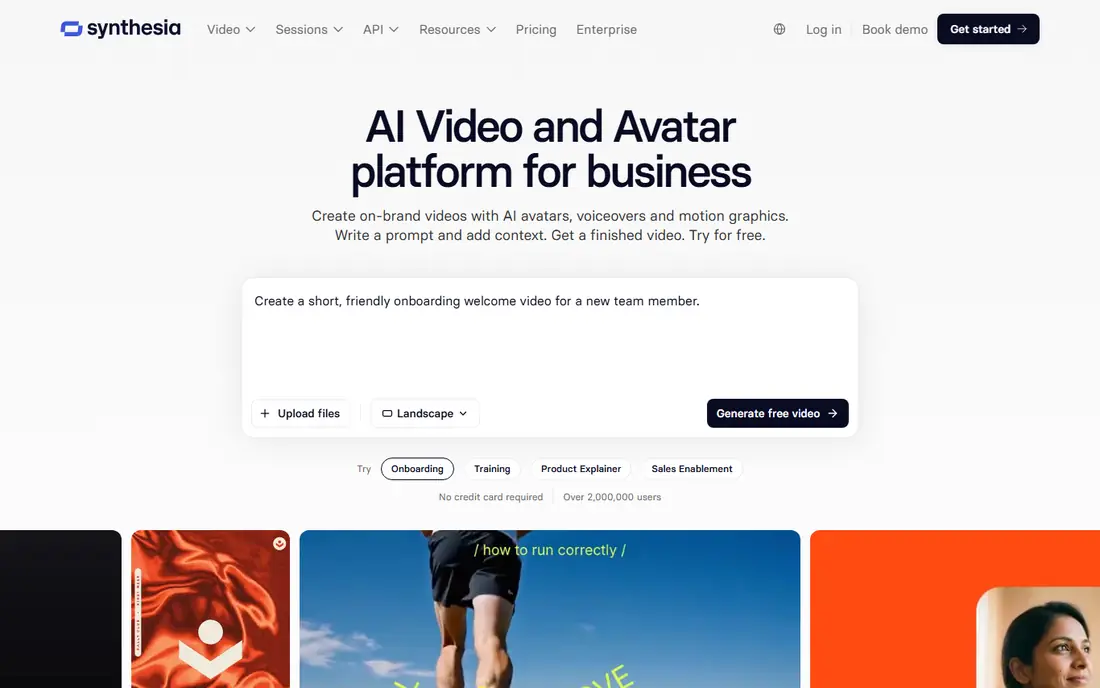
Synthesia remains the enterprise default for training teams that need many videos with a consistent look. Its avatar library and language range make it practical to run the same course in several markets, and its consent process for personal avatars is stricter than many rivals, which matters for larger firms. For onboarding, compliance training and product education, that consistency is worth more than a slightly more lifelike face.
The trade-off is cost structure. Entry pricing looks modest, but minute limits, higher-tier exports and enterprise features add up across a large course library. We would pick Synthesia when governance, scale and a stable presenter matter most, and HeyGen when a smaller team needs faster, more flexible marketing video.
- Large avatar and language range
- Governance and consent controls
- Consistent presenters for course libraries
- Advanced learning exports sit on higher plans
- Per-minute credit caps need planning
- Stock avatars can still read as synthetic
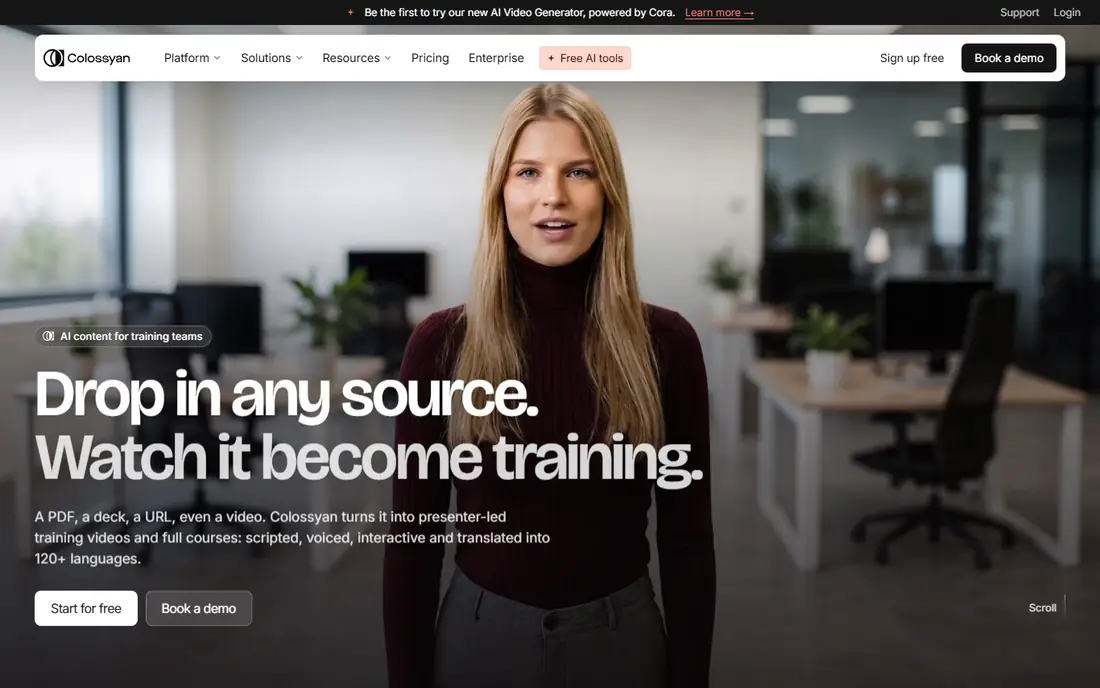
Colossyan is built for learning designers, not ad makers. It lets a team build branching scenarios, add quizzes and turn a script into a training video that asks the viewer to choose or answer. That interactivity suits safety training, onboarding and skills courses where a passive video would lose attention fast.
The starting price is higher than the general tools here, so a team that only needs a few presenter clips may not need it. If your courses already use branching or quizzes, Colossyan can replace a patchwork of video and quiz tools. Test a full lesson, not just a single clip, before you commit.
- Branching scenarios and quizzes
- Learning-focused exports
- Interactive video workflows
- Higher starting price
- Less suited to short ads
- Avatar range is narrower than HeyGen or Synthesia
D-ID takes a different starting point: your own photo, turned into a talking avatar. That makes it a good fit for a founder, a teacher or a small team that wants a recognisable presenter without filming. Its API also supports interactive agents, which suits support and demo use cases where a viewer asks questions.
Budget buyers should read the plan limits closely. Lite is cheap, but its output is watermarked and commercial use starts higher up the range. If you need client-ready video, price the Pro tier rather than Lite. For testing an idea or building a prototype, the low entry price is hard to beat.
- Low entry price
- Strong photo-to-talking-avatar results
- API for interactive agents
- Lite output carries a watermark
- Commercial use needs a higher plan
- Realism varies by source photo
Hedra suits creators who want a character with feeling, not a stiff corporate presenter. It turns a photo into an expressive talking character, which works well for social content, storytelling and character-led explainers. The free credits let you test whether a character style fits your brand before paying.
Formal training teams may find Hedra less disciplined than Synthesia or Colossyan, since its strength is expression rather than governance. Use it for creative video, short-form content and character work, and keep a separate tool for regulated training where consistency and audit controls matter more.
- Expressive character animation from a photo
- Good for creative and character work
- Free credits for testing
- Less suited to formal corporate training
- Credit use needs watching
- Output style varies by character
Elai answers a common problem: a team already has a slide deck, a PDF or a web page, and needs a video version without re-recording everything. You import the source, add an avatar presenter, and generate a narrated video from material you already own. For internal updates, course drafts and product walkthroughs, that shortcut saves real time.
The catch is style. Video built from slides can feel flat if the source was dense, so you still need to edit the script and check pacing. Start with the free allowance on one real deck, and judge the result as a viewer would, not as the person who wrote the slides.
- Turns decks, PDFs and URLs into video
- Simple workflow for existing materials
- Avatar presenters included
- Free allowance is small
- Slide-heavy output can feel plain
- Advanced features need higher plans
Vidnoz is a practical pick for a small business that wants talking-avatar video without an enterprise budget. It offers many templates, free options for testing, and fast generation for short clips such as ads, greetings and product notes. If you need a simple presenter video this week, it can deliver one quickly.
Quality is less consistent than HeyGen or Synthesia, so test several avatars and voices before you settle on one. Pricing pages also change often, so confirm the current plan before paying annually. For low-volume, low-budget work, Vidnoz is worth a trial. For a large training library, a more governed tool will serve you better.
- Low-cost entry and free options
- Many avatar templates
- Quick generation for short videos
- Quality varies by avatar
- Pricing and limits change often
- Support and governance are thinner than enterprise rivals
VEED is the pick when the avatar is only one part of the video. It pairs avatar generation with a full browser editor, so you can cut clips, add captions, add branding and export a finished video without moving between apps. That matters for social teams who publish often and need captions and formatting as much as a presenter.
If you only need avatars, a specialist tool may give you more realism per dollar. If you need the whole edit, VEED saves the time lost to exporting between tools. Try the free plan on a real post, and check whether the avatar quality meets your bar before upgrading.
- Full video editor around the avatar
- Captions, cuts and branding in one place
- Easy sharing and export
- Avatar tools are part of a larger editor, not the sole focus
- Best features need paid plans
- Free exports carry limits
How we picked these
We compared official pricing pages, free plan terms, avatar and language ranges, and public product descriptions for tools that still work in October 2026. We favoured tools with clear consent controls for personal avatars, a usable free or trial option, and a verifiable vendor site. Tools that only offered face swapping, or that lacked clear consent safeguards, were left out. Where pricing was unclear or changed often, we wrote See website.
Choosing the right avatar tool
Start with the video you must ship, not the avatar you like in a demo. A training course needs consistency, language support and governance. A marketing clip needs realism, translation and fast turnaround. A character video needs expression, while a slide deck needs a clean import path. Those needs point to different tools, and a demo that looks great for one job may fail at another.
Then count the real cost per finished minute. Check how many credits premium rendering uses, how long your scripts actually run, and how many retakes you expect. A plan that covers ten short clips may not cover ten long lessons. Finally, set a consent rule for your team: only use your own likeness or a likeness with clear written consent, and label synthetic presenters when viewers could mistake them for real people.
Frequently asked questions
What is the best ai avatar creator tool for beginners?
HeyGen is our first suggestion for most beginners, because its free plan lets you test realism and its interface is straightforward. Vidnoz and Elai are simpler alternatives if your budget is tight or your source material is already a slide deck.
What are the best ai avatar creator tools for training?
Synthesia and Colossyan lead for training, with Synthesia stronger on scale and governance and Colossyan stronger on quizzes and branching. HeyGen can also work for shorter training clips, especially when translation matters.
Can I make an avatar of myself?
Yes, most tools here support a personal avatar, but they usually require a consent video or a verification step. Only create an avatar of yourself or of someone who has given clear consent, and do not use another person's likeness without permission.
Do AI avatar videos need to be labelled?
Yes, label synthetic video plainly when a viewer could mistake it for a real person. That is both honest and increasingly required in some regions, and it protects your brand when a clip is shared out of context.
How much does an AI avatar video cost per minute?
It depends on the tool and the rendering quality, since premium models use more credits per minute. Check the plan's credit allowance, the credits per minute for your chosen model, and your expected retakes before you compare monthly prices.
Sources
See where you really rank - block by block
ProMapRanker scans Google Maps across a grid of your service area. Simple monthly plans from $19, white-label on every plan.
Start freeKeep reading
 who has best internet service
Who Has the Best Internet Service in 2026
Who has best internet service for US homes? We compare fiber, cable, fixed wireless and satellite providers on speed, price, availability and terms today.
Read → which survey tool has the best analytics
Which Survey Tool Has the Best Analytics in 2026
Find which survey tool has the best analytics in 2026, comparing Qualtrics, SurveyMonkey, Typeform, Alchemer, and more on reports, text, and stats today.
Read → which streaming service has the best movies
Which Streaming Service Has the Best Movies in 2026
Answering which streaming service has the best movies, with Netflix, Max, Criterion and more compared on libraries, prices and free options in this guide.
Read →