 ProMapRanker
AI Tools for YouTube Creators in 2026: Top 5 Compared
Direct answer
Canva leads the list, best for Thumbnails, channel art and graphics. Listed starting prices: HeyGen from $29 a month, Descript from $16 per person a month and Synthesia from $19 per month. HeyGen fits personal avatar videos without reshooting; Descript fits text-based video and audio editing. The full list of 5 tools follows, with prices and free plan facts.
This ProMapRanker guide covers 5 AI tools for YouTube creators. Each profile lists a starting price, free plan details, strengths and drawbacks, so you can drop poor fits quickly.
Key takeaways
- Canva sits first on this list: Thumbnails, channel art and graphics.
- The main caution on Canva: not a full video editing suite.
- 4 of 5 tools offer a free plan: HeyGen, Descript, Synthesia, ElevenLabs.
- The lowest published monthly entry price here is $6 per month, from ElevenLabs.
Quick comparison
| Pick | Great for | Pricing starts at | Free tier | |
|---|---|---|---|---|
 Canva | Thumbnails, channel art and graphics | See website | Not stated | Visit |
 HeyGen | Personal avatar videos without reshooting | $29 a month | Yes | Visit |
 Descript | Text-based video and audio editing | $16 per person a month | Yes | Visit |
 Synthesia | Scripted AI presenter videos | $19 per month | Yes | Visit |
 ElevenLabs | Lifelike AI voiceover and narration | $6 a month | Yes | Visit |
Our 5 AI tools for YouTube creators
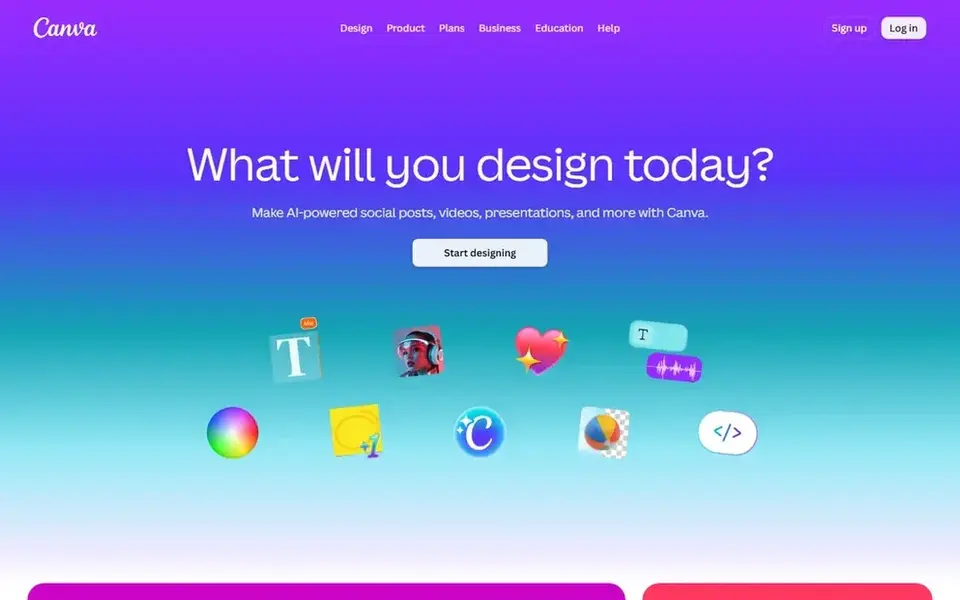
Canva is aimed squarely at Thumbnails, channel art and graphics. Canva is an online visual suite for graphic design, covering social posts, presentations, posters, videos, logos and more. In daily use, for YouTube creators it is most useful for thumbnails, channel banners, end cards, lower-third graphics and promotional images, giving a consistent visual identity across the channel without specialist design software.
Points against: Not a full video editing suite.
Where Canva stands out: Handy for channel branding assets.
Thumbnails also benefit from testing instead of relying on templates alone. Also, use Canva for the visual layer around your videos and keep a dedicated editor for the timeline itself. Canva supports video but is not a replacement for a dedicated editor when cutting long footage or mixing multitrack audio. Check the vendor site for Canva pricing; none is listed in this comparison. Free options: Not stated.
- Online design suite with wide template range
- Posters and social posts
- Design consistency relies on the creator
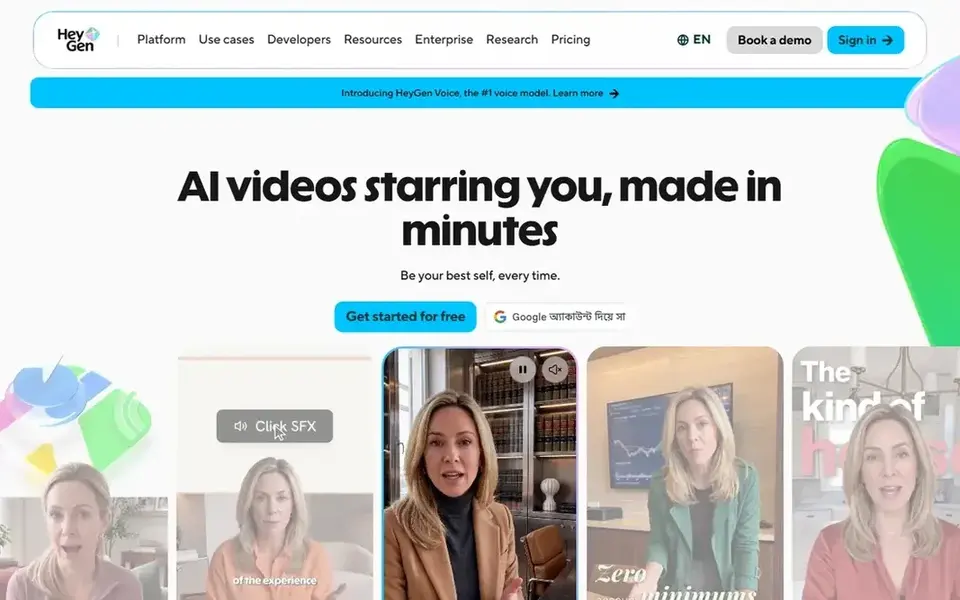
HeyGen makes the most sense for personal avatar videos without reshooting. That fits creators who publish frequent updates, announcements, course modules or localized versions and want a consistent on-camera presence without a full shoot day.
Trade-offs to know: Scripted delivery needs careful writing.
Worth adding: Avatar-based video trades some spontaneity for repeatability, and results depend heavily on script quality and how natural the delivery reads. Entry price for HeyGen: $29 per month. HeyGen has a free plan.
- Cuts the have to film every video
- Well suited to repeatable update and explainer videos
- Avatar footage can feel less spontaneous
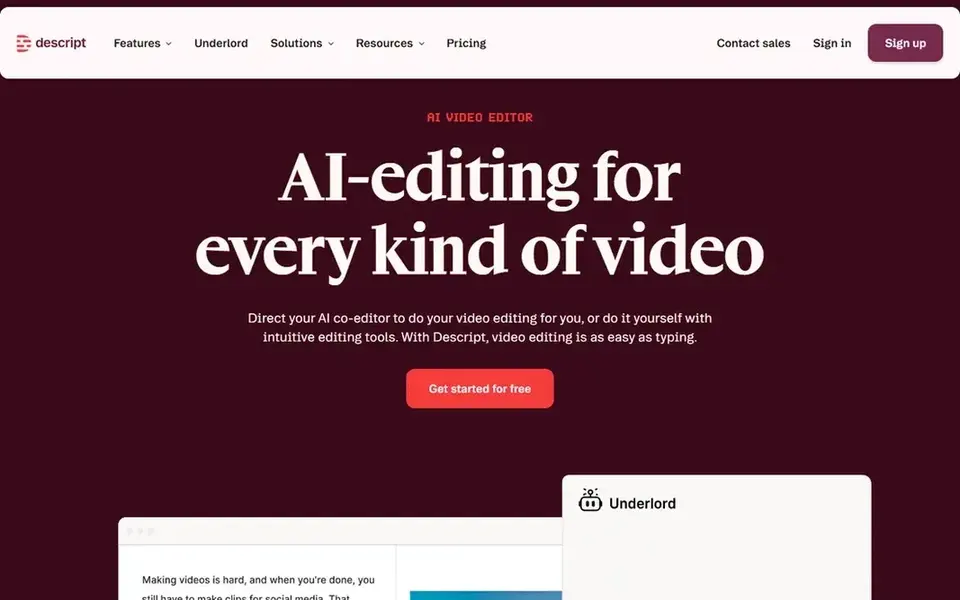
Descript targets text-based video and audio editing. Descript is an AI video and audio editor built around the idea that editing should work like editing a document. Creators with those needs frequently pair Descript with a full nonlinear editor.
In daily use, since the workflow centers on transcripts, projects heavy in motion graphics, multicam choreography or advanced color work may feel constrained. In daily use, choose it when speed on dialogue-driven content matters more than granular visual control. The starting price for Descript: $16 per person per month. Free access exists with Descript.
Where it is weaker: Most useful for talking-head and voice-led content.
- Edit by revising transcribed text
- Record
- Complicated visual effects need another editor
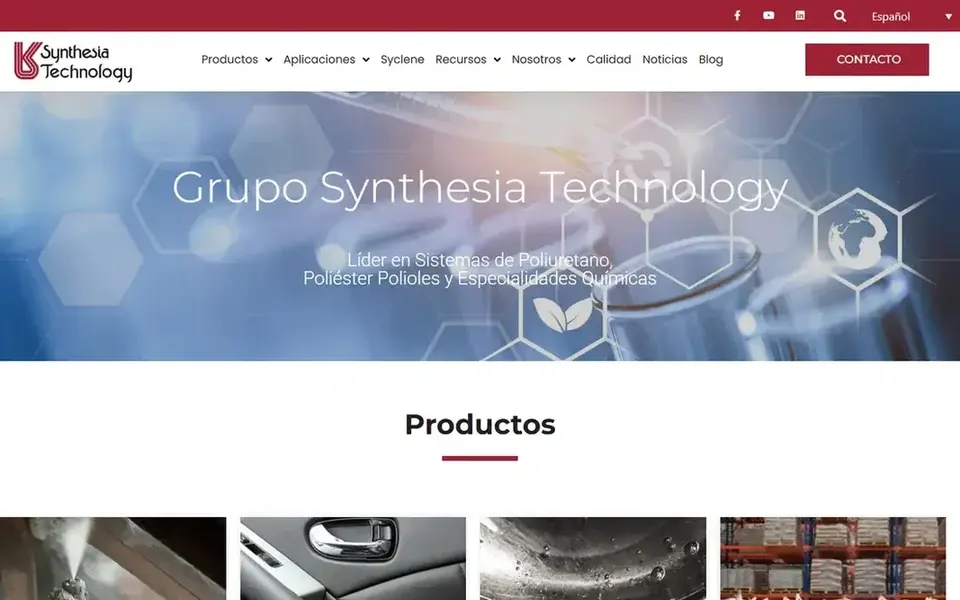
Synthesia is a good fit for Scripted AI presenter videos. The output is presenter-driven, so it suits structured, script-first formats better than vlogs, travel footage or anything relying on spontaneous capture.
What to check first: Less suited to vlogs and handheld content.
Choose Synthesia when consistency and translation matter most. Price to start with Synthesia: $19 per month. You can start on Synthesia without paying.
- Designed for business and training communication
- AI avatars present scripted content
- Presenter-led format limits creative footage
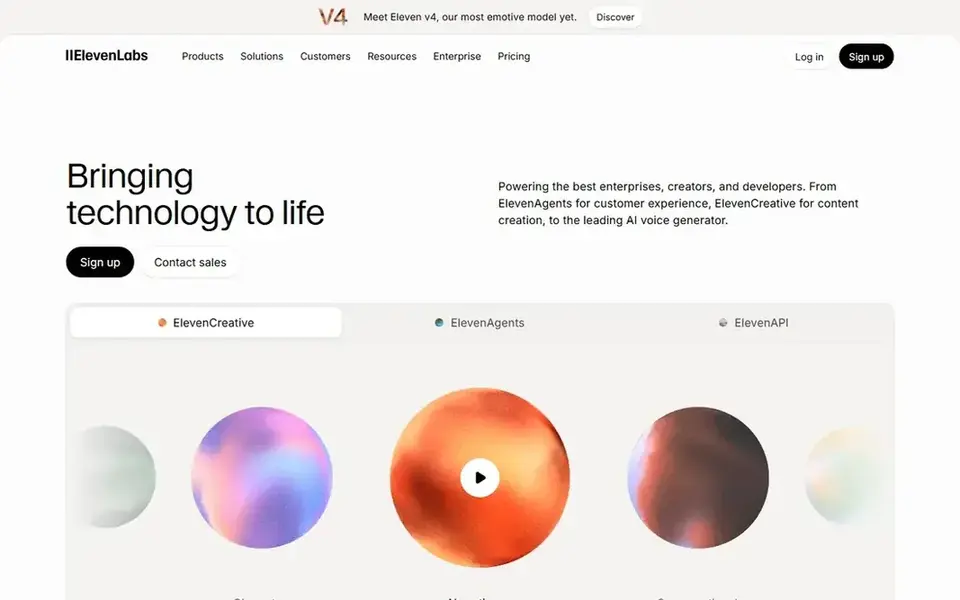
Choose ElevenLabs for Lifelike AI voiceover and narration. Creators should also review generated speech for pronunciation, pacing and emotional fit before publishing. Beyond that, pick it when voice is the bottleneck; pick a full editor when the visuals are.
Where it falls short: Voice output still needs review for tone and pacing.
ElevenLabs is an AI voice generator and voice agents product that produces lifelike speech from text. Its homepage describes a wide voice library spanning numerous languages, along with secure APIs and SDKs. It creates audio instead of editing video, so it works alongside an editor instead of replacing one. ElevenLabs pricing: $6 per month. ElevenLabs has a free plan.
- APIs and SDKs for automatic workflows
- Suited to narration and voice agents
- Not a video editor on its own
Our selection method
We compared the tools on published pricing, free plan or trial availability, feature coverage for AI tools for YouTube creators, and the limits each vendor documents. Seat minimums, billing terms and add-ons can move the real cost, so the starting prices here are a guide and not a quote. Order on the page follows fit for the typical buyer first, then price transparency and free access. Your own requirements should decide the final pick.
Things to verify first
- Ask Canva for a written quote, since no starting price is shown.
- Read the fine print on the free plans from HeyGen, Descript, Synthesia and ElevenLabs; seat, project and feature caps differ.
- Before choosing Canva, weigh its main limit: not a full video editing suite.
- Before rolling out ElevenLabs, verify the integrations your workflow depends on.
- Pick one real project and run it in HeyGen first; a small pilot shows fit faster than a checklist.
Frequently asked questions
How are the tools for AI tools for YouTube creators ordered?
Canva sits first and ElevenLabs last because the order follows typical fit for AI tools for YouTube creators, then price clarity and free access. It is a judgement call, so read each profile for fit and limits.
Is Canva the right pick for everyone comparing AI tools for YouTube creators?
No single tool suits every team. Canva comes first because it fits Thumbnails, channel art and graphics, while HeyGen suits personal avatar videos without reshooting and Descript suits text-based video and audio editing. Match the tool to your own size, budget and workflow before deciding.
Can AI voice tools replace recording my own narration?
They can for faceless channels, dubbing and scratch tracks, and ElevenLabs is designed for lifelike speech generation. Numerous creators still record their own voice for personality-led content and use AI voice for secondary versions or localized audio.
Do these tools publish their prices?
Not all of them. Canva publishes no starting price, so expect a quote request for it. The rest, HeyGen included, show a starting price, though seats and billing terms still change the final cost.
Can I try these tools before paying?
Often, yes. HeyGen, Descript, Synthesia and ElevenLabs have a free plan. Use your own data and a real task during the test, and check what the free tier or trial limits before you rely on it.
Sources
See where you really rank - block by block
ProMapRanker scans Google Maps across a grid of your service area. Simple monthly plans from $19, white-label on every plan.
Start freeBrowse all guides
← 5 Best AI Social Commerce Platforms for 2026Best AI Tools for YouTube Videos in 2026 →
 best ai dubbing tool for online course creators
5 Best AI Dubbing Tool for Online Course Creators in 2026
Best AI dubbing tool for online course creators in 2026: 5 contenders with entry costs and free tiers. Each profile ends with a plain caveat. See which fits.
Read → best ai avatar creator tool
6 Best AI Avatar Creator Tool for 2026
Weighing the best AI avatar creator tool? We lined up 6 products by cost, free access and fit. Top pick: Elai, aimed at slide decks to video. No hype.
Read → influencer marketplace alternatives for brands
Best Influencer Marketplace Alternatives in 2026
5 influencer marketplace alternatives for brands, compared on pricing, free plans and best-fit use. Strengths and gaps are listed per tool. Plain facts.
Read → best social media marketing company
Best Social Media Marketing Company in 2026
Compare the best social media marketing company options in 2026, from VaynerMedia and We Are Social to specialist firms for small business and growing brands.
Read → best flyer maker app
Best Flyer Maker App in 2026: 9 Apps Compared
Compare the best flyer maker apps for events, sales and social posts, with honest notes on free plans, templates, print exports and paid tiers in 2026.
Read → best software for sourcing tiktok influencers
7 Strong Software for Sourcing TikTok Influencers in 2026
Best software for sourcing TikTok influencers in 2026: 7 contenders with entry costs and free tiers. Each tool gets a one-line verdict. Quick to scan.
Read →More in Social Media & Creators · All guides A to Z by date · Latest guides