 ProMapRanker
Best Flyer Maker App in 2026: 9 Apps Compared

Key takeaways
- Canva is the best starting point for most people, with the widest template library and a free plan that covers simple flyers.
- Adobe Express is the best free alternative for print, with strong fonts, stock photos and a premium plan from 9.99 dollars per month.
- PosterMyWall suits events and local promotions, since it pairs flyer design with social publishing and scheduling.
- VistaCreate and Fotor are strong budget picks for animated or photo led flyers, each with a free plan.
- Check export quality before you pay, since free plans differ on resolution, watermarks and print ready PDF options.
Quick comparison
| Pick | Great for | Pricing starts at | Free tier | |
|---|---|---|---|---|
 Canva | Everyday flyers and templates | Free | Yes | Visit |
 Adobe Express | Print quality and Adobe assets | Free | Yes | Visit |
 PosterMyWall | Events and local promotion | Free | Yes | Visit |
 VistaCreate | Animated and social flyers | Free | Yes | Visit |
 Visme | Structured business flyers | Free | Yes | Visit |
 Venngage | Information heavy flyers | Free | Yes | Visit |
 Fotor | Photo led flyers | Free | Yes | Visit |
 Snappa | Fast simple graphics | Free | Yes | Visit |
 Desygner | Print PDFs on mobile | Free | Yes | Visit |
The best flyer maker apps
We compared official product pages, pricing notes and app listings for the apps below. Our pick for most people is Canva, with Adobe Express close behind for print focused work.
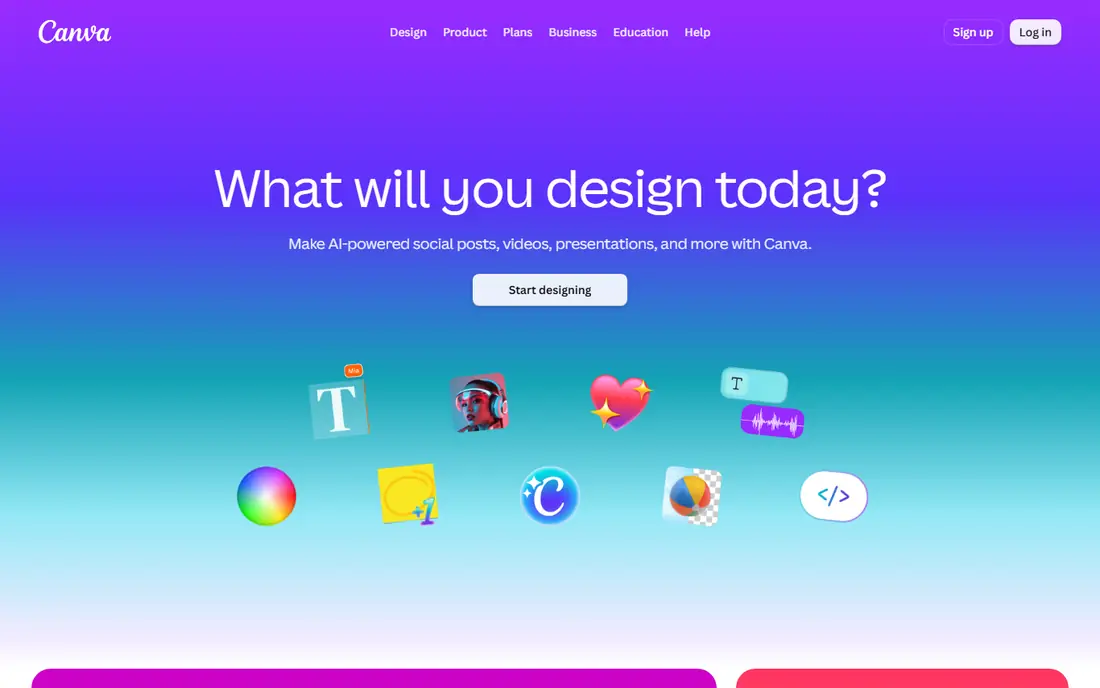
Canva offers thousands of flyer templates for events, sales, restaurants, schools and small businesses, and its editor lets beginners change text, colors, photos and layout in minutes. A free plan covers core design and downloads, while Canva Pro adds premium templates, stock assets, background removal, brand kits and larger storage. Users can print through Canva Print or download a PDF for a local print shop. The free plan is genuinely useful, but premium elements carry watermarks or need payment, so a flyer built with paid assets will prompt an upgrade at download. For most everyday flyers, Canva is still the fastest route from blank page to finished design.
- Huge template library
- Easy drag and drop editor
- Print ordering available
- Premium assets need a paid plan
- Background remover and brand tools are paid
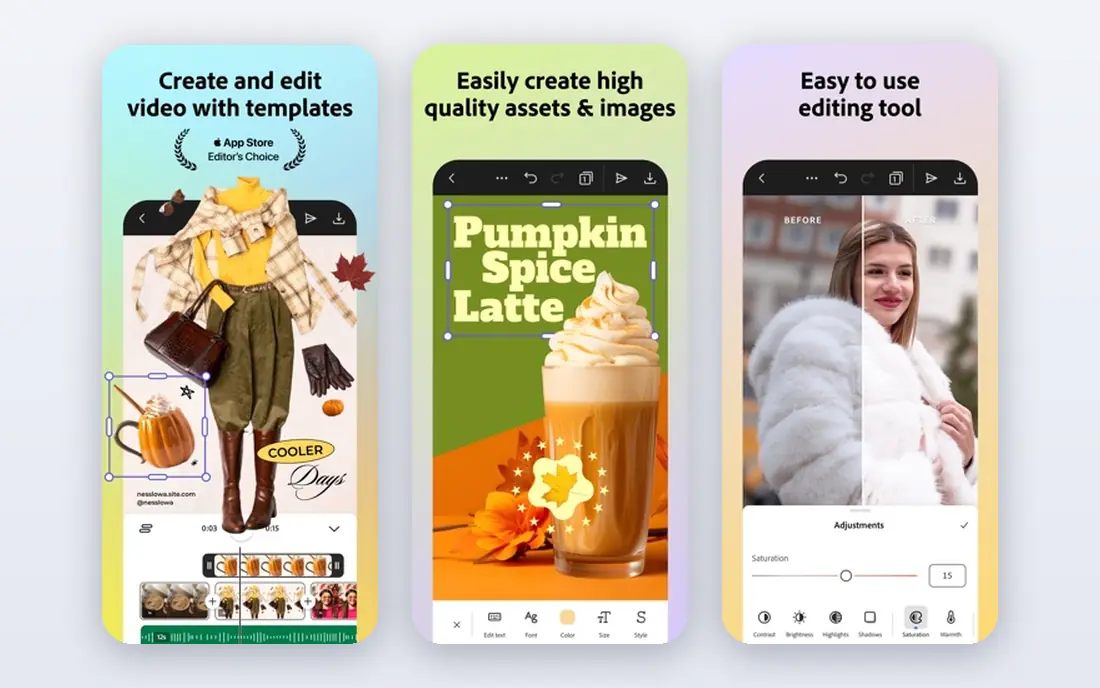
Adobe Express gives users a simple editor backed by Adobe Fonts and a large stock photo library, with templates for flyers, posters, social posts and invitations. Its free plan covers core design and sharing, while Premium from 9.99 dollars per month adds brand kits, resize tools, premium templates and more AI features. Print ready PDF export helps users who plan to use a professional printer. Express is less broad than Canva for documents and office style work, but for flyers it is focused and fast. Readers who care about typography and print output, or who already use Adobe tools, should try Express before paying for Canva Pro.
- Strong Adobe fonts and stock photos
- Print ready PDF export
- Free plan has no watermark on core designs
- Brand kits and resize need Premium
- Less template depth than Canva in some categories
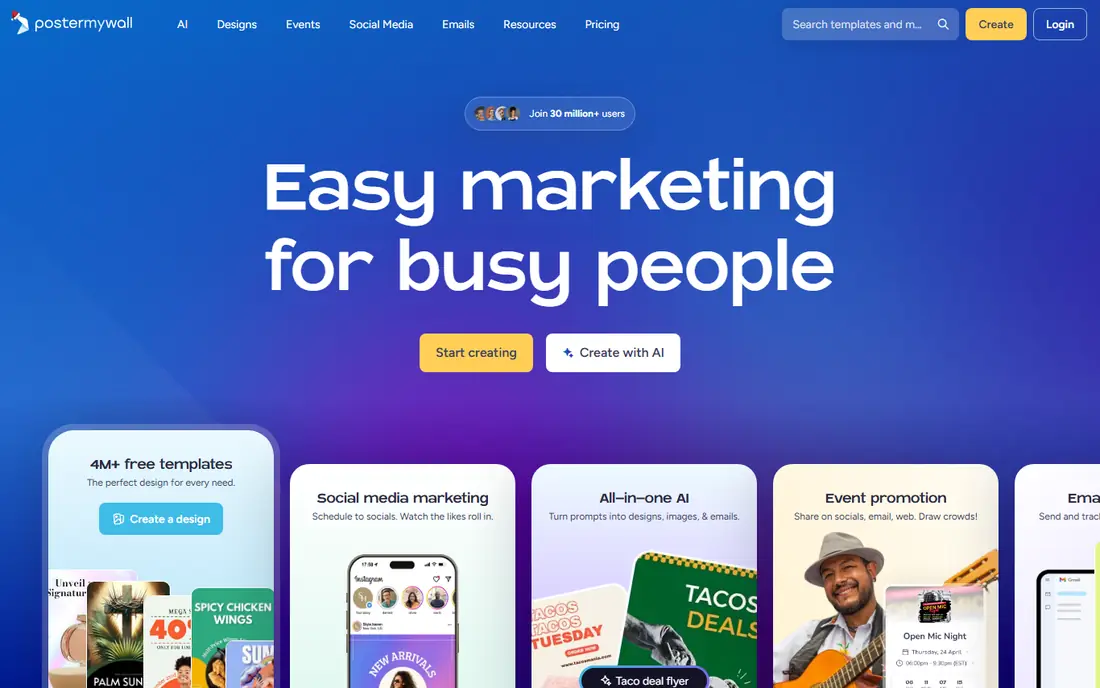
PosterMyWall pairs flyer design with promotion, so a small business can design a flyer, publish it to social channels, schedule posts and send it by email from one account. Its templates lean toward events, sales, restaurants, schools and community groups, and its editor is simple enough for volunteers and staff with no design training. A free plan covers basic quality downloads. High resolution files and some premium features need a paid plan from 13 dollars per month or credits, so users should check export quality before designing a print run. For event promotion that needs design plus distribution, PosterMyWall is a strong pick.
- Event and promotion templates
- Social publishing and scheduling
- Email promotion tools
- High resolution downloads need payment
- Credit system adds pricing complexity
VistaCreate, formerly Crello, offers a large library of templates, photos, videos and design elements, with a focus on social and animated flyers. Users can create static or animated designs, resize for different social formats on paid plans, and download in common formats. A free plan covers core design, while Pro from 10 dollars per month adds HD downloads, background removal and team features. VistaCreate suits small businesses and marketers who need quick, good looking flyers for social feeds and screens. It is less suited to complex print layout work, where a tool like Adobe Express or a desktop layout app gives more control. For animated social flyers, it is a top pick.
- Large template and asset library
- Animated designs for social
- Simple editor
- Free plan limits HD downloads
- Advanced controls are lighter than full design tools
Visme is a design tool for presentations, infographics and marketing graphics, and it works well for flyers that carry a lot of information, such as schedules, price lists or service menus. Templates, icons, charts and brand tools help teams keep a consistent look, and paid plans from 12.25 dollars per user per month add download options and brand controls. A free plan lets users try the editor and build designs. Visme can feel heavier than Canva for a quick event flyer, and free plan downloads are limited. For business and nonprofit teams that need structured, information rich flyers with charts and clear sections, Visme is a good fit.
- Strong layouts for data and text heavy flyers
- Brand controls
- Charts and icons
- Free plan limits downloads
- Can feel heavy for a simple one page flyer
Venngage focuses on infographics, reports and business graphics, and its flyer templates suit notices, announcements and educational handouts that need clear structure. Users can add icons, charts and data visuals, and teams can collaborate on designs and keep brand colors consistent on paid plans. A free plan lets users explore templates and build designs with limits. The free plan is tighter than Canva or Adobe Express, especially on downloads, so most serious users will need a paid plan. For schools, nonprofits and businesses that make formal, information heavy flyers, Venngage offers a clearer structure than general purpose editors.
- Clear templates for reports and notices
- Icons and charts
- Team collaboration
- Free plan is very limited
- Paid plans start at 10 dollars per month
Fotor combines photo editing with design templates, which suits flyers built around a strong photo, such as food, real estate, fitness or travel promotions. Users can adjust photos, add text and filters, and use templates to lay out a flyer quickly. A free plan covers core editing and standard resolution exports, while Pro adds HD exports, premium assets and batch tools. Fotor is less of a full brand system than Canva or Visme, and its template library is uneven across categories. For photo first flyers where the image does most of the work, its built in editing saves a step compared with editing photos elsewhere first.
- Strong photo editing built in
- Flyer templates
- Easy batch style edits
- Premium assets and HD exports need payment
- Template depth varies by category
Snappa is built for speed, with preset sizes, a simple editor and stock photos included, so a user can make a flyer in a few minutes without learning a complex tool. It suits social media managers, bloggers and small businesses that make graphics often and value a short workflow. A free plan covers a limited number of downloads per month, while Pro from 15 dollars per month raises those limits. Snappa will not replace Canva for template variety or team brand systems, and its free download limit is a real constraint for active users. For quick, simple flyers made often, its speed is the main reason to pick it.
- Very fast editor
- Preset sizes for social and print
- Stock photos included
- Free plan limits downloads per month
- Fewer templates than Canva
Desygner offers a mobile and web editor with flyer, poster and social templates, and it emphasizes print ready PDF export, which appeals to users who design on a phone and print locally. A free plan covers core design, while paid plans add premium templates, stock assets and team features. Its editor suits small business owners who do most work on mobile. Desygner pricing has varied across its plan pages, so users should confirm the current plan price at checkout before comparing it with Canva or Adobe Express. For mobile first flyer making with a print PDF goal, it is worth testing on a real flyer before paying.
- Mobile friendly editor
- High resolution PDF claims
- Templates for print and social
- Pricing varies by plan and region
- Premium templates need payment
How we picked these
We compared official product pages, pricing notes and app listings, and favored tools with current, supported flyer makers in October 2026. We looked for template libraries, easy editing, export options and a usable free plan, and we included tools for everyday, print, event, animated and information heavy flyers. We left out desktop only layout tools that need design training, since this list is for ordinary users making flyers.
What to check before you pick
Start with a real flyer, not a demo template. Use your own event, product or announcement, add your own photos and text, and export it at the size you need. That test reveals watermark rules, font limits and export quality faster than any feature list. Check print needs early. If you plan to print, confirm PDF export, resolution and color options before you design a full run. A flyer that looks fine on screen can print soft or cropped if the export is low resolution or the wrong size. Check the cost of the assets you actually use. Free plans differ on which templates, photos and fonts are free, and a design built from premium assets will prompt payment at download. If you make flyers often, a paid plan with full asset access may cost less than paying per design.
Frequently asked questions
What is the best flyer maker app?
Canva is our pick for most people, with Adobe Express close behind for print quality. PosterMyWall suits events, VistaCreate suits animated social flyers, and Visme suits structured business flyers.
What are the best apps for making flyers?
Canva, Adobe Express, PosterMyWall, VistaCreate, Visme, Venngage, Fotor, Snappa and Desygner all make flyers well, and the best one depends on whether you need print, social, animation or information heavy layouts.
What is the best flyer maker software?
For ordinary users, web and mobile editors like Canva and Adobe Express beat desktop layout software, since they offer templates and fast exports without design training. Desktop tools suit professional designers with complex print jobs.
What is the best free flyer maker app?
Canva Free and Adobe Express Free are the strongest free options, since both cover core design and downloads without a watermark on core designs. PosterMyWall and VistaCreate also offer useful free plans with limits on export quality.
What is the best flyer maker tool for print?
Adobe Express and Desygner emphasize print ready PDF export, while Canva also offers print ordering and PDF downloads. Confirm resolution and size in the export menu before sending a file to a printer.
Sources
See where you really rank - block by block
ProMapRanker scans Google Maps across a grid of your service area. Simple monthly plans from $19, white-label on every plan.
Start freeKeep reading
 zoho inventory alternatives
6 Alternatives to Zoho Inventory, Compared on Price and Fit
Zoho Inventory alternatives: 6 tools compared on price, free plans and fit. Katana leads the list for manufacturers. Fit and flaws are laid out for each entry.
Read → zoho crm alternatives
Best Zoho CRM Alternatives (2026)
Need Zoho CRM alternatives? We compare 7 tools on cost, free access and who each suits. Every pick gets a straight assessment. Built for quick decisions.
Read → zelle alternatives
Best Zelle Alternatives in 2026
Compare the best Zelle alternatives for sending money to friends, paying sellers and moving funds abroad, with honest notes on fees, speed and safety in 2026.
Read →