 ProMapRanker
AI Tool for Planning Lessons in Schools: Best Picks of 2026
Direct answer
SchoolAI comes first here, mainly for AI learning spaces for students. Listed starting prices: LessonUp from $7 per teacher/month, Diffit from $14.99 a month and MagicSchool AI from $8.33 per user/month. Brisk Teaching is better for planning and feedback inside Google Docs, and LessonUp is better for interactive lessons on a tight budget. Details, prices and limits for the rest of the 7 tools are below.
ProMapRanker compared 7 AI tool for planning lessons in schools. The goal is a practical shortlist: published prices, free plan facts, best-fit use cases and honest limits for every entry.
Key takeaways
- This list starts with SchoolAI, which is built for AI learning spaces for students.
- 6 out of 7 tools include a free plan, among them Brisk Teaching, LessonUp, Diffit and Curipod.
- Starting prices begin at $7 per teacher/month with LessonUp.
- The main caution on SchoolAI: no dollar price is published for Pro or Scale plans.
Quick comparison
| Pick | Great for | Pricing starts at | Free tier | |
|---|---|---|---|---|
 SchoolAI | AI learning spaces for students | Quote only | Free trial | Visit |
 Brisk Teaching | Planning and feedback inside Google Docs | Quote only | Yes | Visit |
 LessonUp | Interactive lessons on a tight budget | $7 per teacher/month (billed yearly) | Yes | Visit |
 Diffit | Leveled resources by reading level | $14.99 a month | Yes | Visit |
 Curipod | Interactive writing practice with feedback | Quote only | Yes | Visit |
 MagicSchool AI | All-round lesson planning for teachers | $8.33 per user/month (billed yearly) | Yes | Visit |
 Eduaide.AI | Low-cost lesson plans and worksheets | $49.99 a year (billed annually) | Yes | Visit |
7 AI tool for planning lessons in schools in detail
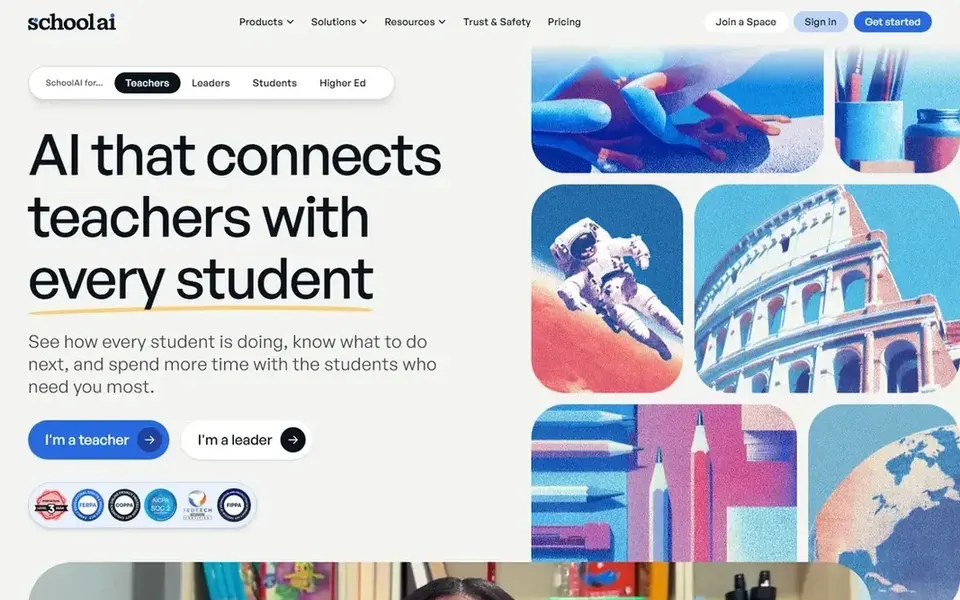
Think of SchoolAI for AI learning spaces for students. Teachers design AI Spaces, which are guided learning activities that students work through, and Mission Control provides the teacher live visibility into student sessions.
Watch-outs: free trial is capped at 5 Space launches a year.
There is no list price for SchoolAI, so a quote is the way in. Trial and free access: Free trial.
- Contains standards alignment and integrations
- Teachers design AI Spaces for student learning, with Mission Control for live and post-session visibility
- No dollar price is published for Pro or Scale plans
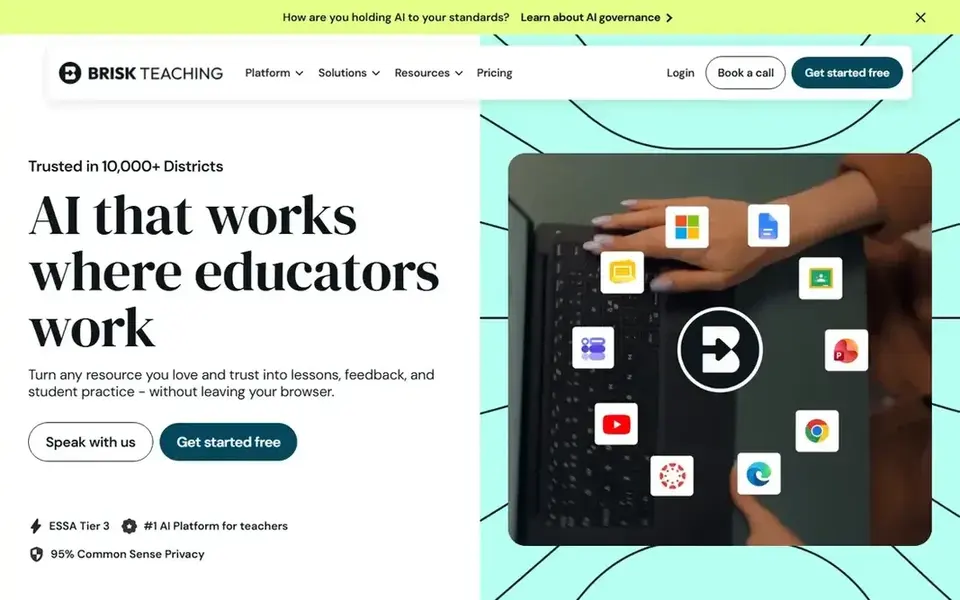
Think of Brisk Teaching for planning and feedback inside Google Docs. The absence of a published dollar price is the primary drawback, since a teacher or school cannot compare Brisk with priced rivals without asking for a Free users also get standard models instead of the quicker Turbo models on Premium, and rostering, custom data agreements, and the admin dashboard are More specifically, Brisk Teaching works as a browser extension, so teachers stay inside the documents and slides they already use.
There is no list price for Brisk Teaching, so a quote is the way in. Brisk Teaching has a free plan.
Where it falls short: No dollar price is published for Premium or Intelligence plans.
- Chrome and Edge extension that works inside Google Docs, Slides, YouTube
- Creates materials in more than 50 languages
- Free plan has standard models and 20 plus tools
Where LessonUp fits: interactive lessons on a tight budget. Teachers can build lessons with AI tools, import and edit PowerPoint files, and add interactive questions like several choice, word cloud, drag-and-drop, poll, and sorting. Worth adding: the Start plan costs $7 per teacher a month, Pro costs $7.99 per teacher a month, and School opens at $7.50 per teacher a month, all based on a yearly subscription and including VAT.
Beyond that, registration comes with 30 days of free Pro access with no payment details needed, then the account switches to the free version. It permits 10 lessons a month and AI tools 20 times a month, whereas Pro lets unlimited lessons and 50 uses of AI tools a month. Entry price for LessonUp: $7 per teacher/month. LessonUp includes a free tier.
Honest limits: Start plan is restricted to 10 lessons a month and AI tools 20 times a month. Best features of LessonUp: word clouds.
- Drag-and-drop
- Interactive questions bundle polls
- Unlimited AI use and LMS integration need the School plan
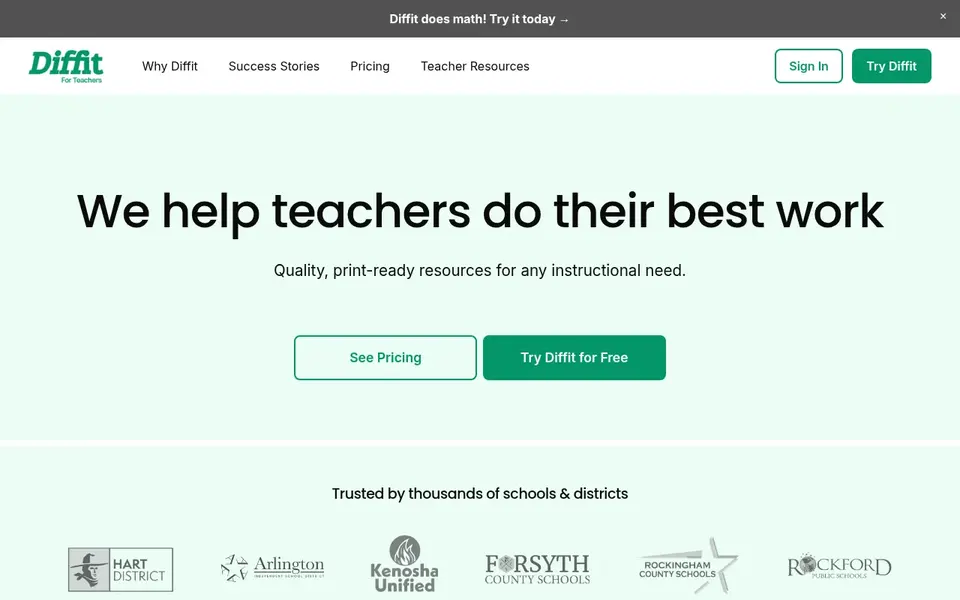
Diffit targets leveled resources by reading level. A teacher can take a text or a topic and produce versions that suit a mixed-ability class, with choices for length and language.
Also, the Individual Premium plan costs $14.99 a month when billed monthly, or $149.99 a year when billed yearly. The annual price works out lower a month for teachers who use it all year. Entry price for Diffit: $14.99 per month. A free plan is available with Diffit.
Drawbacks to consider: Free Basic plan only hands access to content made in the last 90 days.
- Premium layers on standards alignment and graphic organisers
- Builds leveled resources by reading level, length, language
- Export and full resource history need a premium plan
Pick Curipod if this describes you: interactive writing practice with feedback. Teachers run weekly sessions where students write and receive instant Glow and Grow feedback, which points out strengths and areas to boost. Student responses are capped at 1,000 characters on the free plan, against 5,000 characters on higher plans, and writing reports, growth insights, sin From a buyer's view, higher plans add unlimited writing practice for ELA, Social Studies, and Science for grades K to 12.
The free limits matter here. The free plan costs $0 a month and contains weekly sessions, while school and district plans and ELA curriculum alignment are priced on request. There is no fixed entry price for Curipod; pricing comes through a quote. You can start on Curipod without paying.
Honest limits: compared to 5,000 on higher plans.
- Higher plans add curriculum alignment
- Weekly writing practice with instant Glow and Grow feedback and unlimited student writers
- No dollar price is published for school and district plans

MagicSchool AI is a good fit for all-round lesson planning for teachers. MagicSchool AI provides teachers a large set of tools in one place.
Limits to weigh: SSO and SIS and LMS integration are restricted to the Enterprise plan.
So one account can handle lesson planning, worksheet creation, quiz writing, and feedback on student work. In practice, a single teacher can work well with Plus, whereas a school that needs rostering through Clever, ClassLink, Canvas, or Schoology will need the Enterprise What you pay to start with MagicSchool AI: $8.33 per user/month. You can start on MagicSchool AI without paying.
- IEP drafts
- More than 80 teacher tools for lesson plans, worksheets, quizzes
- Free plan lacks unlimited generations and unlimited output history
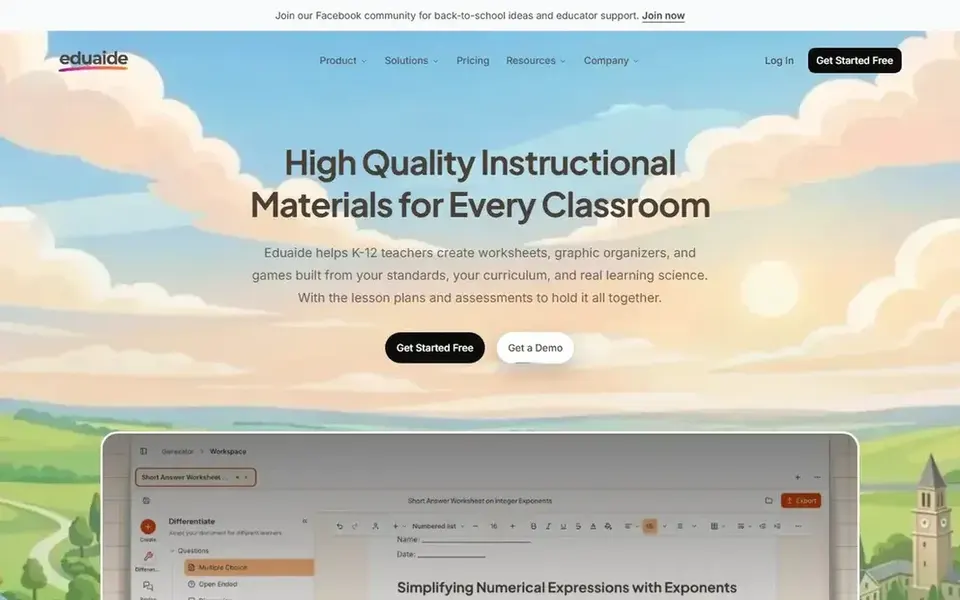
Where Eduaide.AI fits: low-cost lesson plans and worksheets. That price spans lesson plans, worksheets, organisers, games, and assessments built from a topic or a standard. The limit on input context and the absence of unlimited generations mean heavy users will hit the cap rapidly.
Where it is weaker: unlimited generations and AI images need the Pro plan.
The free plan hands 24 credits a month and up to 8 resources a month, with no credit card needed. So a teacher can test it with real classes befor Entry price for Eduaide.AI: $49.99 per year. Eduaide.AI includes a free tier.
- Builds lesson plans, worksheets, organisers, games
- Pro layers on document chat for revisions
- Free plan is capped at 24 credits a month and 8 resources a month
Questions to settle before buying
- Ask SchoolAI, Brisk Teaching and Curipod for a written quote, since no starting price is shown.
- Look at free plan limits closely: Brisk Teaching, LessonUp, Diffit and others have one, and the caps decide whether it is usable for real work.
- Take the trial from SchoolAI and push a live task through it before you pay.
- Read the limits listed for SchoolAI first: no dollar price is published for Pro or Scale plans.
- Ask whether LessonUp integrates with your current software, and whether that comes standard or as an add-on.
- Confirm the exact SchoolAI plan that includes your must-have features.
Frequently asked questions
What is the cheapest option for AI tool for planning lessons in schools in this list?
On published monthly entry prices, LessonUp is the lowest here at $7 per teacher/month. Entry price is only part of the cost, because seats, add-ons and billing terms can change the total.
Is SchoolAI the right pick for everyone comparing AI tool for planning lessons in schools?
No single tool suits every team. SchoolAI comes first because it fits AI learning spaces for students, while Brisk Teaching suits planning and feedback inside Google Docs and LessonUp suits interactive lessons on a tight budget. Match the tool to your own size, budget and workflow before deciding.
Which AI tool for planning lessons in schools have a free plan?
6 of the 7 tools have a free plan, including Brisk Teaching, LessonUp, Diffit and Curipod. Free plans usually cap users, projects or features, so check the limits on the vendor page. One other tool offers a trial instead.
Can I try these tools before paying?
Often, yes. Brisk Teaching, LessonUp, Diffit and others have a free plan and SchoolAI offers a free trial. Use your own data and a real task during the test, and check what the free tier or trial limits before you rely on it.
How much does MagicSchool AI cost?
MagicSchool AI Plus costs $8.33 per user a month when billed yearly, which is $99.96 per year, or $12.99 a month when billed monthly. Enterprise pricing is custom and layers on single sign-on and integration with Clever, ClassLink, Canvas, and Schoology for schools and districts.
Sources
See where you really rank - block by block
ProMapRanker scans Google Maps across a grid of your service area. Simple monthly plans from $19, white-label on every plan.
Start freeBrowse all guides
← 6 Best AI Time Tracking Software for Small Teams for 2026Collaboration Software Powered by AI: Best Picks of 2026 →
 best ai resource planning software
AI Resource Planning Software in 2026: Top 5 Compared
Best AI resource planning software, compared. 5 tools with published prices, free plans and limits. Strengths and weak spots are spelled out. Start here.
Read → best ai meeting notes software
AI Meeting Notes Software: Best Picks of 2026
7 products for the best AI meeting notes software, ranked by fit, with starting costs and free tiers. Every entry states what it lacks. See the full list.
Read → best legal project management software with ai
6 Best Legal Project Management Software with AI Options for 2026
Weighing the best legal project management software with AI? We lined up 6 products by cost, free access and fit. Each pick lists its main limit. Facts only.
Read → best remote computer access software
Best Remote Computer Access Software in 2026
Compare the best remote computer access software in 2026 for work, IT support, and personal use, with pricing, security, and honest trade-offs listed.
Read → best alternatives to n8n for workflow automation
Best Alternatives to n8n for Workflow Automation in 2026
Looking for the best alternatives to n8n for workflow automation? We compare eight live tools on price, ease of use, and fit for small teams in 2026 today.
Read → best calendar making software
How to Pick Calendar Making Software
Best calendar making software, compared. 7 tools with published prices, free plans and limits. Every profile names its biggest catch. Updated for 2026.
Read →More in Project Management & Productivity · All guides A to Z by date · Latest guides