 ProMapRanker
6 Best AI Time Tracking Software for Small Teams for 2026

A free start with reports for small teams · Pricing starts at: $3.99 per user/month (billed yearly)
Direct answer
If you need a free start with reports for small teams, Clockify is the first tool to look at here. Listed starting prices: Clockify from $3.99 per user/month, TrackingTime from $4.50 per user/month and Timely from $9 per user/month. TrackingTime is the stronger choice for automatic app and site capture for small teams, while Timely suits automatic timesheets built from real work. Details, prices and limits for the rest of the 6 tools are below.
Choosing AI time tracking software for small teams usually comes down to price, fit and limits. This ProMapRanker guide sets 6 tools side by side on those three points, with the facts kept short and checkable.
Key takeaways
- Top of the list is Clockify, which targets a free start with reports for small teams.
- Clockify, TrackingTime, Everhour, Toggl Track: these are the 4 tools out of 6 that offer a free plan.
- Starting prices begin at $3.99 per user/month with Clockify.
- Check the limits for Clockify before you commit: automatic time capture needs a higher level.
- Toggl Track suits quick timers with smart suggestions for small teams.
Quick comparison
| Pick | Great for | Pricing starts at | Free tier | |
|---|---|---|---|---|
| Clockify | A free start with reports for small teams | $3.99 per user/month (billed yearly) | Yes | Visit |
 TrackingTime | Automatic app and site capture for small teams | $4.50 per user/month (billed annually) | Yes | Visit |
 Timely | Automatic timesheets built from real work | $9 per user/month (billed yearly) | Free trial (14 days) | Visit |
 Everhour | Timers inside Asana, Trello, or Jira | $8.50 per user/month (billed annually) | Yes | Visit |
 Hubstaff | Activity levels and screenshots for small teams | $4.99 per user/month (billed annually) | Free trial (14 days) | Visit |
 Toggl Track | Quick timers with smart suggestions for small teams | $9 per user/month (billed yearly) | Yes | Visit |
AI Time Tracking Software for Small Teams, one by one
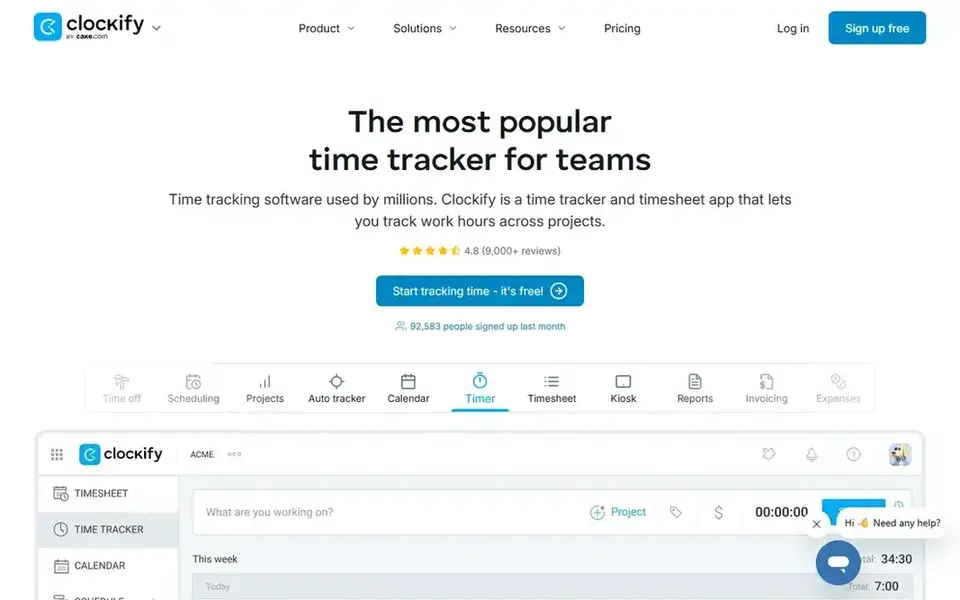
Clockify is designed for a free start with reports for small teams. Entry-level costs $3.99 per user a month billed yearly and brings time off, invoicing, timesheet approval, and manager roles.
From a buyer's view, Clockify fits a small team that wants a free start and clear reports without a monthly bill. Starting cost for Clockify: $3.99 per user/month. Free access exists with Clockify.
Trade-offs to know: Automatic time capture needs a higher level.
- One click timers on web, desktop, mobile
- Free plan with unlimited tracking for up to 5 users
- Free plan limits reporting depth
TrackingTime targets automatic app and site capture for small teams. Shared reports and a calendar provide a manager a clear view of who worked on what each week, and clients can view shared reports. For everyday use, Pro costs $6.50 per user a month billed yearly and layers on billing rates, invoicing, timesheet approval, and time off.
Downsides: Billing and invoicing need the Pro plan.
Beyond that, check whether billing matters before you choose, since invoicing is not in the free plan. Timers run on web, desktop, and mobile, and the free plan handles unlimited users, projects, tasks, and clients. From a buyer's view, starter costs $4.50 per user a month billed yearly and layers on saved reports, automatic weekly reports, schedules, and calendar integration. Starting cost for TrackingTime: $4.50 per user/month. TrackingTime has a free plan.
- AutoTrack records app and site use
- Free plan with unlimited users, projects, tasks
- Attendance features need Pro or higher
Where Timely fits: automatic timesheets built from real work. From a buyer's view, the tool watches calendar events, emails, documents, and app use, then builds a private timeline for each person.
Each team member reviews the timeline, assigns each block to a project, and the timesheet is ready. More specifically, a 14 day trial handles the full feature set. Timely cost at the entry level: $9 per user/month. Free plan details: Free trial (14 days).
Points against: No free plan.
- Private timeline that only the user sees
- App use
- Team views need the Premium plan
In short, Everhour is for timers inside Asana, Trello, or Jira. Everhour fits a small team that already plans work in Asana, Trello, or Jira and wants time tracking inside those tools.
The main drawbacks: Best value only for teams already using Asana, Trello, or Jira.
In practice, timers sit inside each task, so a team member logs time without opening a second app. What you pay to start with Everhour: $8.50 per user/month. A free plan is available with Everhour.
- Jira tasks
- Timers inside Asana, Trello
- Invoicing needs the higher level
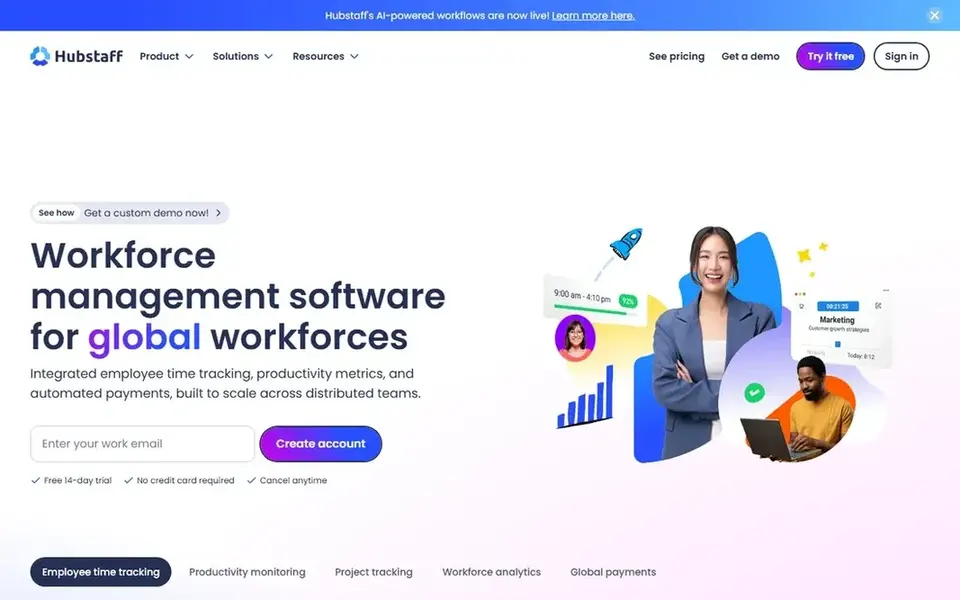
Where Hubstaff fits: activity levels and screenshots for small teams. Grow costs $7.50 per seat a month billed yearly and brings unlimited screenshots, tasks, and time off.
From a buyer's view, Hubstaff fits a small team whose manager wants proof of work along with hours. Timers run on desktop and mobile, and activity levels, screenshots, and app and URL records present how time was spent. Starting cost for Hubstaff: $4.99 per user/month. Free access: Free trial (14 days).
Honest limits: GPS tracking needs the Team plan.
- Activity levels, screenshots
- Client invoices built from tracked time
- Starter needs a two seat minimum
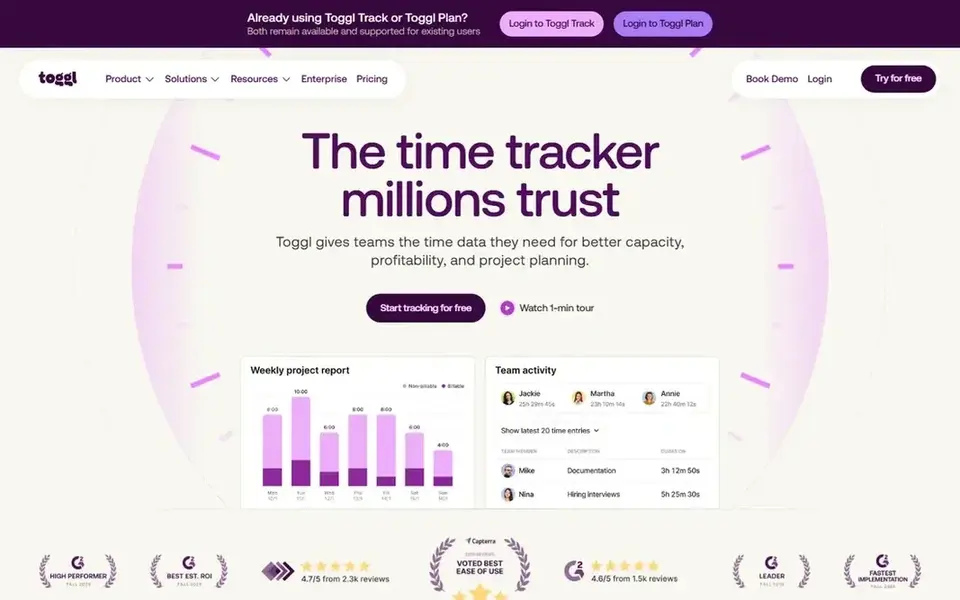
Toggl Track is a good fit for fast timers with smart suggestions for small teams. Starter costs $9 per user a month billed yearly and brings billable rates, project estimates, and saved reports. In daily use, the interface stays straightforward, so new team members learn it in minutes.
One click starts a timer on web, desktop, or mobile. The tool recommends project and task entries based on past work and calendar events. Toggl Track starts at: $9 per user/month. A free plan is available with Toggl Track.
Where it falls short: the free plan includes up to 5 users only.
- Quick one click timers on web, desktop, mobile
- Smart suggestions based on past entries
- Project estimates and billable rates need Starter or higher
How we built this list
ProMapRanker used vendor pricing pages and product documentation as the base, then compared plans, free access and documented limits for 6 tools. Plan names, prices and limits change often. Treat the figures here as a starting point and verify them with the vendor. Tools are placed by general fit for AI time tracking software for small teams, with price clarity and free access as tie-breakers. A different team can reasonably rank them differently.
A buyer's checklist
- Prices are a starting point; Clockify shows $3.99 per user/month to start, so verify what your seat count would cost.
- Check what the free option really includes: Clockify, TrackingTime, Everhour and Toggl Track offer a free plan, and usage caps differ.
- Use real work to test the free trial from Timely and Hubstaff, rather than a demo project.
- Before choosing Clockify, weigh its main limit: automatic time capture needs a higher level.
- Compare total cost, not headline price: for Toggl Track, add extra seats, add-ons and any usage-based charges.
- Test how quickly Timely answers a pre-sales question; it hints at how support will feel later.
Frequently asked questions
Does AI time tracking replace manual timers for a team?
No, it fits best as a backup. Automatic capture records what happened, but each person still reviews the timeline and assigns blocks to a project.
What is the cheapest option for AI time tracking software for small teams in this list?
On published monthly entry prices, Clockify is the lowest here at $3.99 per user/month. Entry price is only part of the cost, because seats, add-ons and billing terms can change the total. For the full picture, the cards above cover all 6 entries of this AI time tracking software for small teams list, including price, free plan and limits.
Which AI time tracker is cheapest for a small team?
TrackingTime is close, with a free plan that has no user cap and Starter at $4.50 per user a month billed yearly. Timely costs $9 per user a month billed yearly and has no free plan.
Is Clockify the right pick for everyone comparing AI time tracking software for small teams?
No single tool suits every team. Clockify comes first because it fits a free start with reports for small teams, while TrackingTime suits automatic app and site capture for small teams and Timely suits automatic timesheets built from real work. Match the tool to your own size, budget and workflow before deciding.
What is AI time tracking software?
AI time tracking software builds timesheets automatically from calendar events, emails, documents, and app use, rather than relying on a manual timer. Timely is the clearest example, since it produces a private timeline of the day and lets each person assign blocks to a project.
Which options for AI time tracking software for small teams have a free plan?
Clockify, TrackingTime, Everhour and Toggl Track offer a free plan in this list. Free plans usually cap users, projects or features, so check the limits on the vendor page. Several others offer a trial instead.
Sources
See where you really rank - block by block
ProMapRanker scans Google Maps across a grid of your service area. Simple monthly plans from $19, white-label on every plan.
Start freeBrowse all guides
← AI Resource Planning Software in 2026: Top 5 ComparedAI Tool for Planning Lessons in Schools: Best Picks of 2026 →
 best ai meeting notes software
AI Meeting Notes Software: Best Picks of 2026
7 products for the best AI meeting notes software, ranked by fit, with starting costs and free tiers. Every entry states what it lacks. See the full list.
Read → best legal project management software with ai
6 Best Legal Project Management Software with AI Options for 2026
Weighing the best legal project management software with AI? We lined up 6 products by cost, free access and fit. Each pick lists its main limit. Facts only.
Read → best ai time tracking software
Best AI Time Tracking Software in 2026
7 products for the best AI time tracking software, ranked by fit, with starting costs and free tiers. With pricing notes and limits. Jump to the table.
Read → best ai tools for construction project management
6 Best AI Tools for Construction Project Management Options for 2026
6 products for the best AI tools for construction project management, ranked by fit, with starting costs and free tiers. A comparison table is included.
Read → best service mesh tools
Best Service Mesh Tools in 2026
We compare the best service mesh tools for Kubernetes traffic, security, and observability, so platform teams can pick the right mesh before you choose one.
Read → talend alternatives
Best Talend Alternatives in 2026
talend alternatives compared for 2026: eight data integration and ELT tools with pricing models, connector depth and the best fit for each data team today.
Read →More in Project Management & Productivity · All guides A to Z by date · Latest guides