 ProMapRanker
Best AI Time Tracking Software in 2026

Automatic tracking and billing · Pricing starts at: $3.99 per user/month (billed annually)
Direct answer
This list puts TimeCamp first for automatic tracking and billing. Listed starting prices: TimeCamp from $3.99 per user/month, Harvest from $9 per seat/month and Motion from $19 per seat/month. Harvest is the stronger choice for Time tracking and invoicing, while Motion suits AI planned daily schedules. The remaining 4 options are covered below with prices and limits.
ProMapRanker put together this guide to AI time tracking software for readers who want a clear shortlist without reading every vendor page. It compares 7 tools on starting price, free plans, who each one suits and where each one falls short.
Key takeaways
- TimeCamp is the opening pick, best for automatic tracking and billing.
- Check the limits for TimeCamp before you commit: the interface feels dated next to newer rivals.
- TimeCamp has the lowest monthly starting price in this list: $3.99 per user/month.
- Time Doctor is the one to check for productivity insight for remote teams.
Quick comparison
| Pick | Great for | Pricing starts at | Free tier | |
|---|---|---|---|---|
| TimeCamp | Automatic tracking and billing | $3.99 per user/month (billed annually) | Yes | Visit |
 Harvest | Time tracking and invoicing | $9 per seat/month (billed yearly) | Yes | Visit |
 Motion | AI planned daily schedules | $19 per seat/month (billed yearly) | Free trial (7 days) | Visit |
 Timely | Automatic time capture for teams | $9 per user/month (billed yearly) | Free trial (14 days) | Visit |
 RescueTime | Personal focus and distraction reports | $7 a month (billed yearly) | Yes | Visit |
 Clockify | Low cost tracking for expanding teams | $3.99 per seat/month (billed annually) | Yes | Visit |
 Time Doctor | Productivity insight for remote teams | $6.67 per user/month (billed yearly) | Free trial (14 days) | Visit |
The best AI time tracking software
TimeCamp is designed for automatic tracking and billing. The entry plan brings billing rates, invoicing, and budgeting at $3.99 per user a month billed yearly, one of the lowest prices here.
What you pay to start with TimeCamp: $3.99 per user/month. Free access exists with TimeCamp.
Downsides: advanced reports need a higher level.
- Free plan includes unlimited users
- Automatic tracking with invoicing
- The interface feels dated next to newer rivals
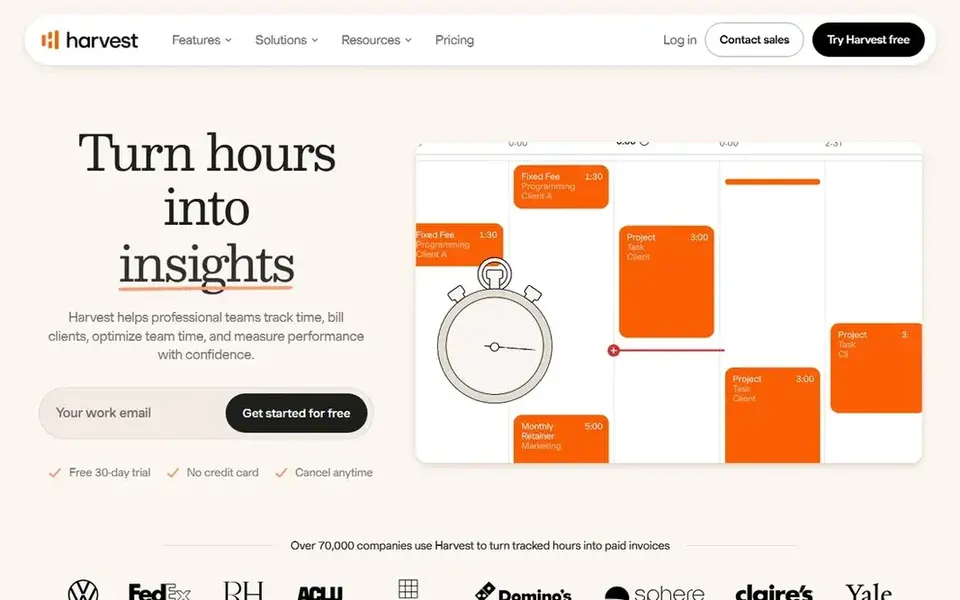
Harvest makes the most sense for Time tracking and invoicing. The free plan spans 1 seat, and the entry plan costs $9 per seat a month billed yearly.
What to check first: The free plan covers only 1 seat.
Harvest pairs time tracking with invoicing, so tracked hours flow straight into client invoices without retyping. More specifically, project budgets present how much time and money has been used, which helps agencies catch overruns before they grow. The starting price for Harvest: $9 per seat/month. A free plan is available with Harvest.
- Clean invoicing from tracked time
- AI features are restricted
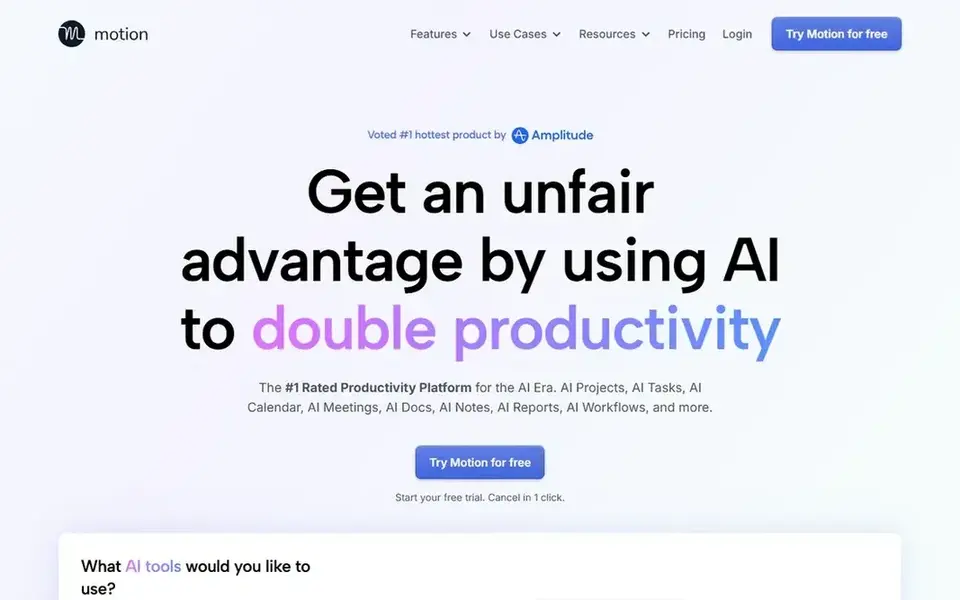
Motion is designed for AI planned daily schedules. This fits teams that juggle plenty of deadlines and want the plan to adapt during the day instead of sit fixed on a board.
Watch-outs: Highest starting price in this list.
Beyond that, teams that lose hours to re-planning may find the automatic schedule worth the price. The starting price for Motion: $19 per seat/month. As for free access: Free trial (7 days).
- Task and calendar tools in one place
- Builds and rebuilds the day plan automatically
- The trial lasts only 7 days
In short, Timely is for automatic time capture for teams. Managers and team members can turn the timeline into draft timesheets with a handful of clicks, which cuts the end of week admin that manual timers produce. In practice, the trade off is cost and control: there is no free level.
Points against: No free plan.
Teams that want screenshots or in-depth activity monitoring will have to look elsewhere. Timely records the apps, documents, and websites each person works in, then groups that activity into a private timeline. Price to start with Timely: $9 per user/month. Trial and free access: Free trial (14 days).
- Draft timesheets cut manual entry
- Automatic capture of apps and documents
- No screenshot monitoring on the entry level
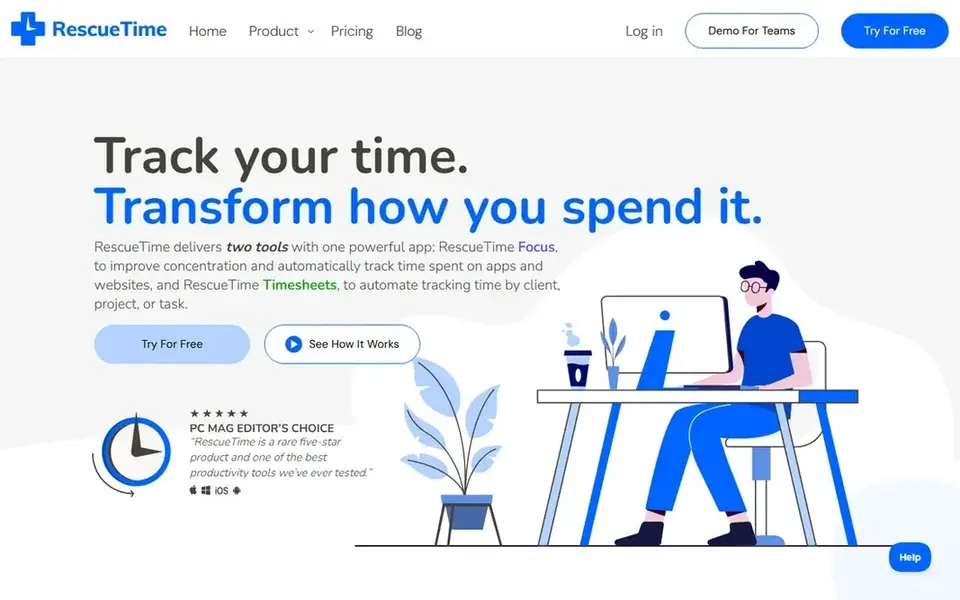
RescueTime is designed for personal focus and distraction reports. The free Lite plan hands an entry-level view, and the entry plan costs $7 a month billed yearly for the full reports and goal tools.
Drawbacks to consider: it is not aimed at client billing.
RescueTime runs in the background and sorts computer activity into focus work, communication, and distraction. RescueTime pricing: $7 per month. A free plan is available with RescueTime.
- Goal setting and alerts for distraction
- Team features are restricted
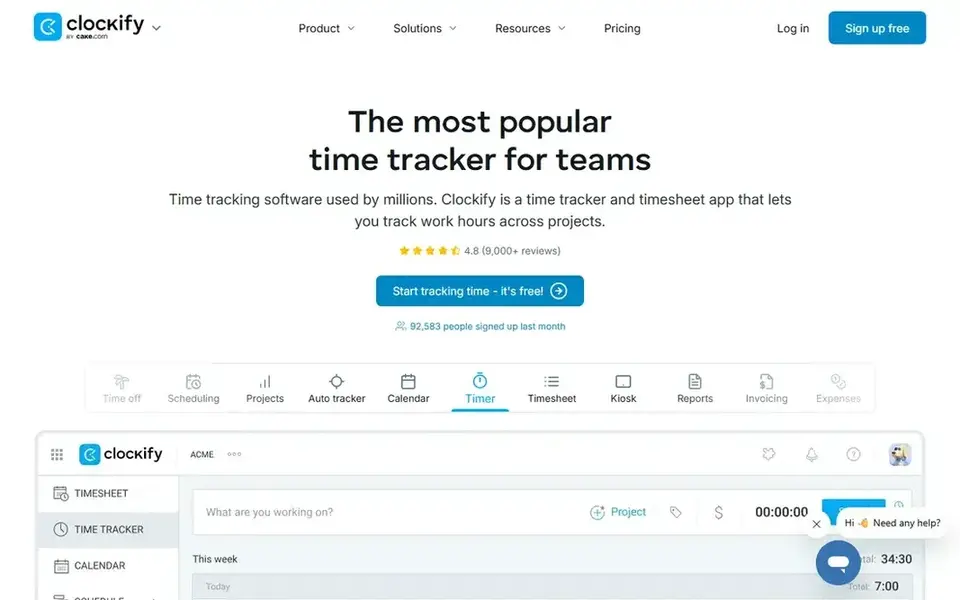
Clockify works best for low cost tracking for expanding teams. Even so, Clockify is a sound pick for teams that want steady tracking, clear reports, and a low monthly cost per seat.
Points against: AI and automation features sit on higher levels.
Clockify starts at: $3.99 per seat/month. Clockify has a free plan.
- Free plan spans small teams
- Low starting price
- No automatic capture on the entry plan
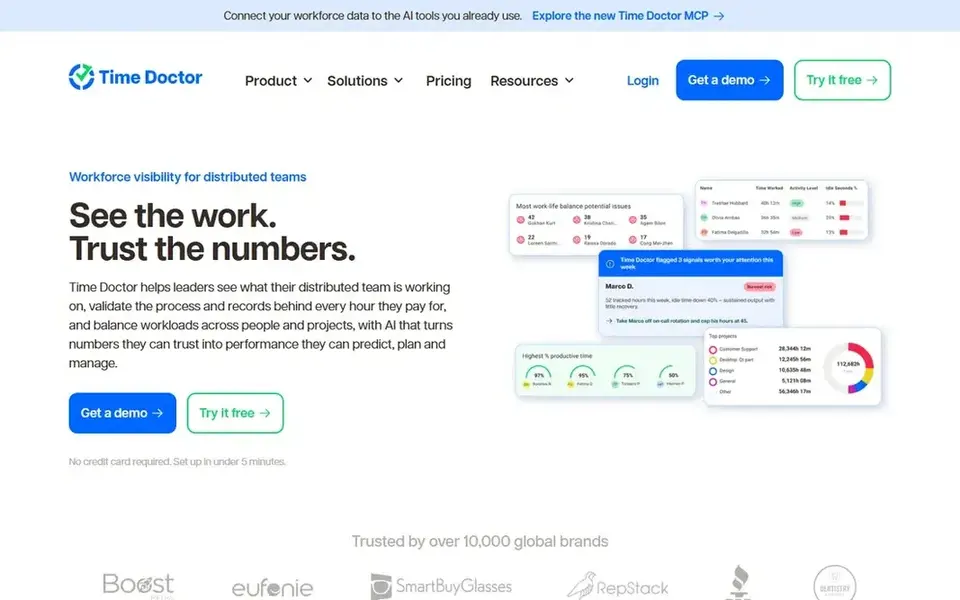
Time Doctor works best for productivity insight for remote teams. Time Doctor merges time tracking with productivity data, showing which apps and websites each person uses during work hours.
The primary drawback is the lack of a free plan, and the monitoring features need a careful rollout with clear team rules. More specifically, teams that only need straightforward hour totals will find it heavier than they need, whereas remote teams that handle by output and focus will get more from it. The starting price for Time Doctor: $6.67 per user/month. Trial and free access: Free trial (14 days).
Downsides: some staff may find monitoring intrusive.
- Screenshots and app tracking on higher levels
- No free plan
Selection criteria
ProMapRanker used vendor pricing pages and product documentation as the base, then compared plans, free access and documented limits for 7 tools. Where a vendor does not publish a price, the entry says quote. Where a price depends on seats or billing term, the entry says so. We ordered the tools by general fit, then by how clearly pricing is shown, then by free access. A buyer with unusual needs may reorder them.
Before you commit
- Prices are a starting point; TimeCamp shows $3.99 per user/month to start, so verify what your seat count would cost.
- Read the fine print on the free plans from TimeCamp, Harvest, RescueTime and Clockify; seat, project and feature caps differ.
- Use real work to test the free trial from Motion, Timely and Time Doctor, rather than a demo project.
- Before choosing TimeCamp, weigh its main limit: the interface feels dated next to newer rivals.
- Find out whether the entry plan of RescueTime covers your must-haves or only a trimmed-down version.
- Make sure Time Doctor lets you export your data in a format another tool can read.
Frequently asked questions
What is AI time tracking software?
It watches the apps, documents, and calendar events a person uses, groups that activity into projects, and drafts timesheets or schedules from it. The team still reviews and approves the result, so the record stays accurate whereas the admin work falls.
Can I switch tools without losing my tracked time?
Most vendors support data export, so you can download past time entries as a file and import them into a new tool or keep them for records. Check the export format on your current plan, since some tools limit exports on free levels.
Is automatic time tracking accurate enough for client billing?
Automatic tracking can support client billing when the team reviews each entry before it is invoiced. Teams should run a trial, compare tracked hours against project records, and set clear rules for editing entries before they bill a client.
Is TimeCamp the right pick for everyone comparing AI time tracking software?
No single tool suits every team. TimeCamp comes first because it fits automatic tracking and billing, while Harvest suits Time tracking and invoicing and Motion suits AI planned daily schedules. Match the tool to your own size, budget and workflow before deciding.
Which options for AI time tracking software have a free plan?
TimeCamp, Harvest, RescueTime and Clockify offer a free plan in this list. Free plans usually cap users, projects or features, so check the limits on the vendor page. Several others offer a trial instead.
What is the cheapest option for AI time tracking software in this list?
On published monthly entry prices, TimeCamp is the lowest here at $3.99 per user/month. Entry price is only part of the cost, because seats, add-ons and billing terms can change the total.
Sources
See where you really rank - block by block
ProMapRanker scans Google Maps across a grid of your service area. Simple monthly plans from $19, white-label on every plan.
Start freeBrowse all guides
← Top 6 AI Task Management Software, Compared on Price (2026)6 Best Legal Project Management Software with AI Options for 2026 →
 best ai scheduling assistants
AI Scheduling Assistants in 2026: Top 7 Compared
Searching for the best AI scheduling assistants? Here are 7 options with prices and free plans. Notes on cost and gaps for each tool. Skim the table first.
Read → best ai platform for team prompt sharing
AI Platform for Team Prompt Sharing in 2026: Top 6 Compared
Best AI platform for team prompt sharing in 2026: 6 contenders with entry costs and free tiers. Strengths and gaps are listed per tool. Quick to scan.
Read → best ai platform for gtm teams
AI Platform for GTM Teams: 6 Options Compared in 2026
Shortlisting the best AI platform for GTM teams? 6 products compared on cost, free access and ideal buyer. Concise write-ups of every option. Prices checked.
Read → best wedding planner app
Best Wedding Planner App in 2026
Best wedding planner app options for couples compared, with free plans, websites, RSVPs, budgets, seating help and vendor tools for busy couples in 2026.
Read → best ai agent assist software for support teams
7 Best AI Agent Assist Software for Support Teams for 2026
Weighing the best AI agent assist software for support teams? We lined up 7 products by cost, free access and fit. Every tool lists pros and cons. Facts only.
Read → best scheduling software for cleaning business
8 Best Scheduling Software for Cleaning Business Options for 2026
Weighing the best scheduling software for cleaning business? We lined up 8 products by cost, free access and fit. Each entry gets a plain verdict. Easy to scan.
Read →More in Project Management & Productivity · All guides A to Z by date · Latest guides