 ProMapRanker
Best Remote Computer Access Software in 2026


General remote access · Pricing starts at: $24.90 per user per month
Key takeaways
- TeamViewer and AnyDesk are the best-known all-rounders, but Splashtop and RemotePC often beat them on price for everyday remote work.
- Chrome Remote Desktop is the best free option for personal access to your own machines, with no paid tier needed for basic use.
- Zoho Assist and ConnectWise ScreenConnect suit IT support teams, with per-technician pricing built for helpdesks.
- Parsec suits low-latency creative work, while RealVNC Connect suits lightweight, secure access for smaller setups.
Quick comparison
| Pick | Great for | Pricing starts at | Free tier | |
|---|---|---|---|---|
| TeamViewer | General remote access | $24.90 per user per month | Free trial | Visit |
 AnyDesk AnyDesk | Speed-first remote sessions | $28.90 per month | Free trial | Visit |
 Splashtop Splashtop | Affordable remote work access | $5 per user per month | Free trial | Visit |
 RemotePC RemotePC | Cheapest unattended access | $2.95 per month | Free trial | Visit |
 Zoho Assist Zoho Assist | Helpdesk remote support | $12 per technician per month | Yes | Visit |
 ConnectWise ScreenConnect ConnectWise ScreenConnect | MSP and multi-tech support | $27 per month | Yes | Visit |
 Chrome Remote Desktop Chrome Remote Desktop | Free personal access | Free | Yes | Visit |
 RealVNC Connect RealVNC Connect | Secure lightweight access | $8.25 per month | Yes | Visit |
 Parsec Parsec | Low-latency creative access | $9.99 per user per month | Yes | Visit |
The best remote computer access software
Remote access software lets you control another computer from your own device, for work, support, or personal use. We compared official pricing pages, security features, and public user reviews for tools that are live in October 2026.
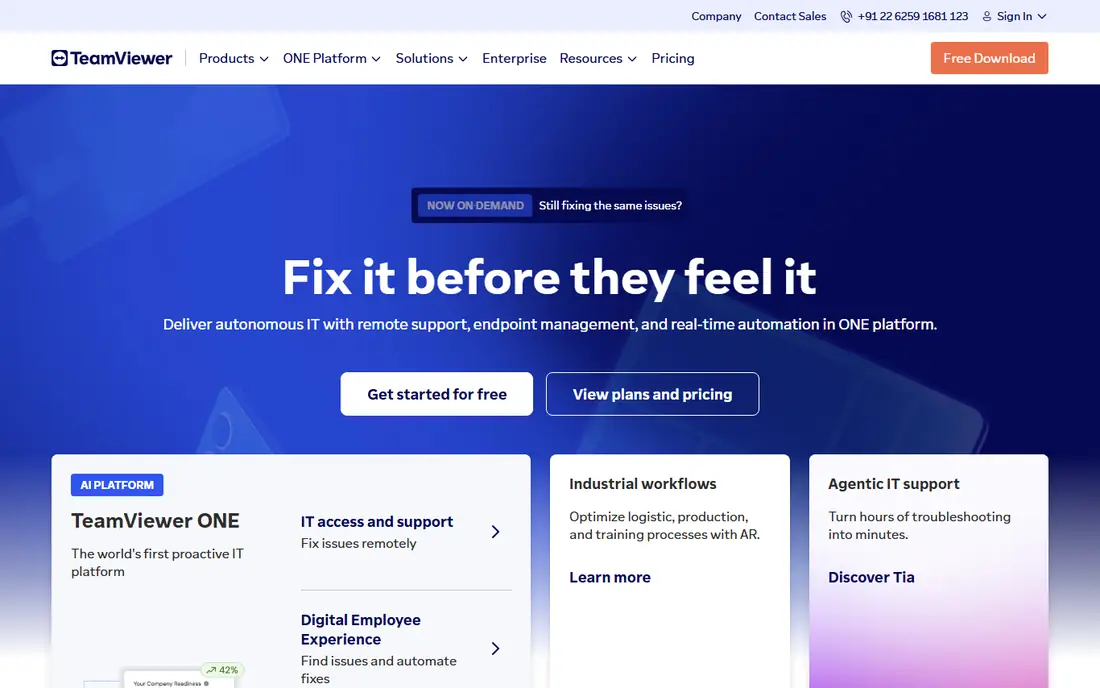
TeamViewer is the name most IT teams already know, and that familiarity helps when you need approval in a corporate environment. It covers Windows, Mac, Linux, iOS, and Android, with unattended access, file transfer, remote reboot, and management tools for many devices. Encryption, two-factor authentication, and compliance features support enterprise use, which is why large teams keep choosing it despite cheaper rivals.
Price is the main drawback. The Remote Access plan is reported at $24.90 per user per month when billed annually, with Team and Premium tiers higher, so a small team can pay several times what Splashtop or RemotePC charge. Personal use is free, but commercial use detection can interrupt sessions if the system flags business activity. TeamViewer suits teams that need a proven, compliant, widely accepted tool. Value buyers should compare Splashtop first.
- Very wide platform support
- Strong compliance and management features
- Well-known brand for IT approval
- Higher price than value rivals
- Personal use detection can flag commercial use
- Contracts auto-renew with notice rules
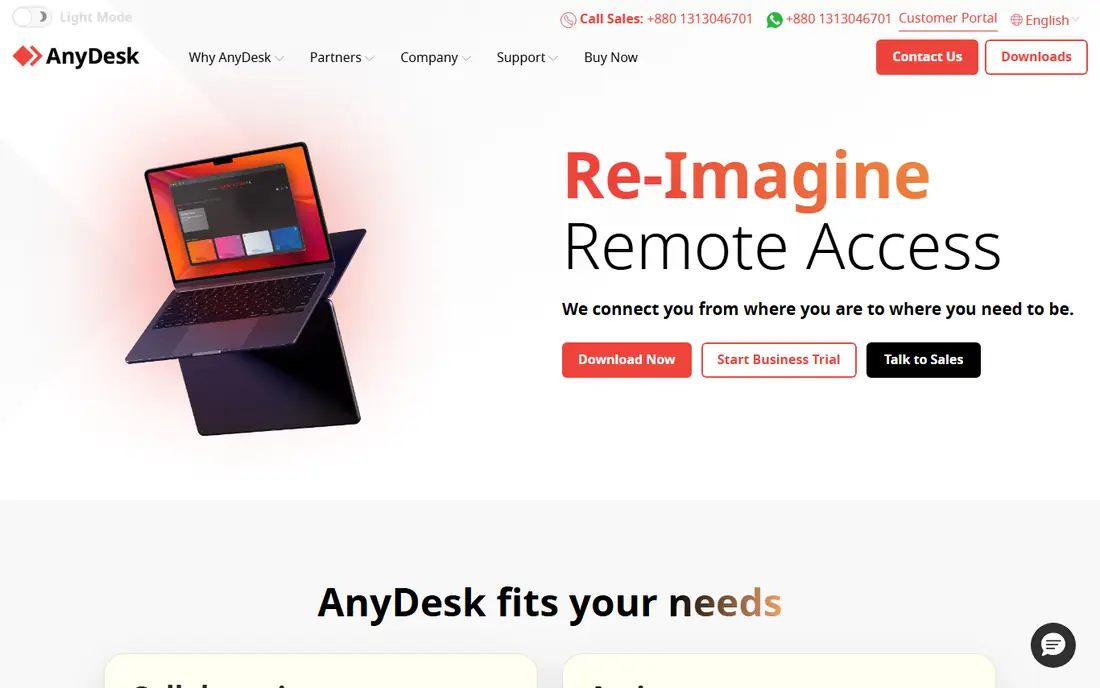
AnyDesk earns its place on speed. Its DeskRT codec is designed for low-latency, smooth remote sessions, even on weaker connections, which matters for support work and for users who need a responsive remote desktop rather than a laggy window. The app is lightweight and quick to install, so a support session can start with a simple ID and code exchange.
Recent pricing reports put the Solo plan at $28.90 per month when billed annually, which is higher than some earlier figures and above Splashtop for basic access. Management and enterprise features also sit on higher tiers, so compare the full plan, not just the entry price. AnyDesk suits users who prioritize speed and responsiveness, especially on modest connections. Users who mainly need cheap unattended access to their own machines will find better value elsewhere.
- Fast low-latency sessions
- Lightweight app
- Good low-bandwidth performance
- Higher entry price in recent reports
- Fewer management features than TeamViewer at entry tier
- Free tier is personal use only
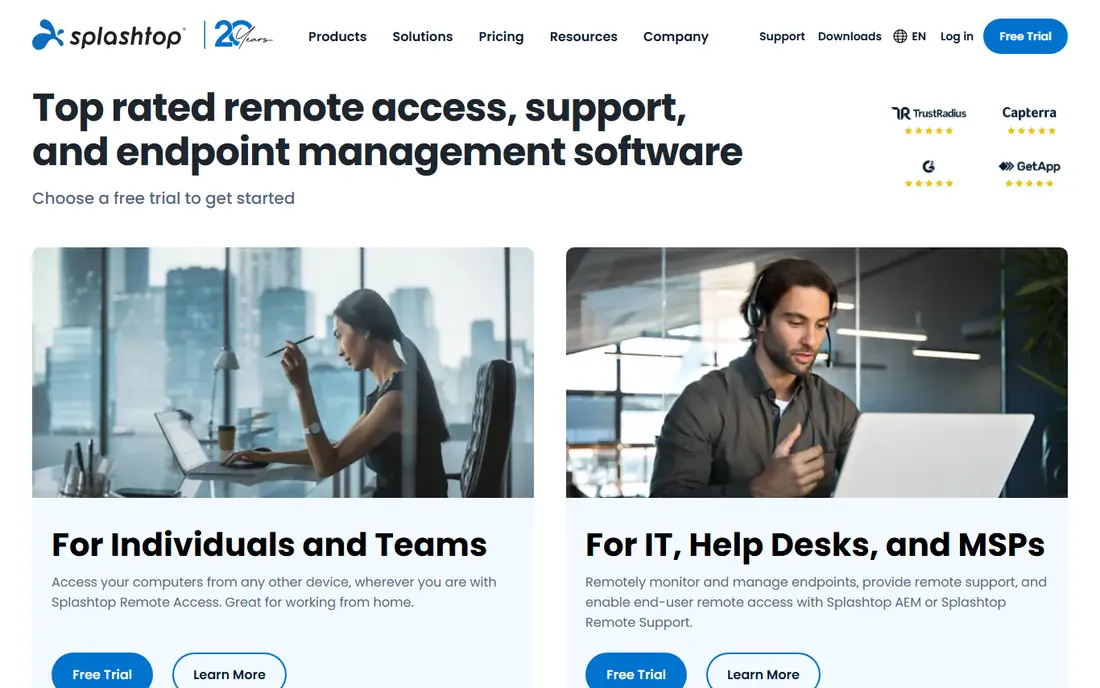
Splashtop is the value pick for remote work. Business Access is reported from $5 per user per month, with Solo plans reported around $6 per month when billed annually, which undercuts TeamViewer by a wide margin for everyday access. Streaming quality is strong, with high-definition video and multi-monitor support that help remote workers use a full office setup from home.
Advanced features such as session recording and some compliance tools require higher SOS or Enterprise tiers, so IT teams with strict audit needs should check those plans. Brand recognition is also lower than TeamViewer, which can matter for corporate approval. For individuals and small teams who want reliable, affordable remote access to their own computers, Splashtop is our pick for most people.
- Low price for business access
- Strong streaming quality
- Good multi-monitor support
- Advanced compliance features need higher tiers
- Less brand recognition than TeamViewer
- Solo limits differ from team plans
RemotePC is the cheapest way to reach your own computers unattended. A plan for one computer is reported at $2.95 per month when billed annually, which makes it an easy choice for a single home office machine or a small set of workstations. Setup is simple, with unattended access, file transfer, and remote reboot covering the core jobs most users need.
The experience is functional rather than premium. The interface feels basic next to Splashtop or Parsec, and streaming quality is adequate for office work rather than creative or gaming use. Adding more computers raises the price, so model your full machine count before you compare. RemotePC suits budget buyers who need reliable access to a few machines and do not need high-end streaming or helpdesk features.
- Very low price for one computer
- Unattended access and file transfer
- Simple setup
- Interface feels basic
- Performance is adequate rather than premium
- Higher computer counts raise the price
Zoho Assist is built for helpdesk-style support, where a technician helps a customer or colleague on demand. Per-technician pricing, reported from $12 per technician per month on Standard, fits a support team better than per-computer pricing, since one technician can help many users. A free plan covers basic use, and browser-based sessions mean the person being helped does not always need a heavy install.
It is less of a personal remote work tool than Splashtop or RemotePC, and advanced features sit on higher tiers. Teams already in the Zoho ecosystem will get the most value, with shared logins and integrations. Zoho Assist suits small support teams, IT helpdesks, and Zoho users who want affordable, technician-based remote support without TeamViewer pricing.
- Per-technician pricing for support teams
- Free plan for basic use
- Browser-based sessions
- Less known for personal remote work
- Advanced features need higher tiers
- Zoho ecosystem fit matters
ConnectWise ScreenConnect, formerly ScreenConnect, is a staple for managed service providers and multi-technician support teams. It combines attended support sessions with unattended access, session management, and tools for supporting many endpoints from one console. That structure helps an MSP handle many clients without juggling separate tools for each one.
Pricing reports vary, with recent figures around $27 per month for an entry ONE plan when billed annually, and higher tiers for larger teams, so get a current quote for your technician count. Setup also needs IT planning, especially for unattended agents across client machines. ScreenConnect suits MSPs and helpdesks that support many endpoints. Personal users and small remote work teams will find simpler and cheaper tools elsewhere on this list.
- Strong session management for support teams
- Unattended access plus attended support
- Good for MSPs
- Pricing varies by plan and reports differ
- Setup needs IT planning
- More than personal users need
Chrome Remote Desktop is the best free remote access tool for personal use. You install a browser extension, link a computer to your Google account, and access it from another computer, phone, or tablet through a browser. There is no paid tier for basic use, no seat counting, and no complex setup, which makes it ideal for reaching a home PC from a laptop while traveling.
Advanced features are thin. There is no built-in helpdesk queue, session recording, or multi-technician management, and file transfer is basic compared with paid tools. A Google account is required, which may not suit corporate environments with strict account rules. For personal access to your own machines, Chrome Remote Desktop is free, simple, and reliable, and it should be the first tool you try before you pay.
- Completely free for personal use
- Simple browser-based setup
- Works across major platforms
- Few advanced features
- No built-in helpdesk tools
- Requires a Google account
RealVNC Connect is a lightweight, security-focused remote access tool based on VNC technology. It suits smaller setups, labs, and users who want direct, encrypted access without a heavy platform. A free plan covers personal use, while paid plans are reported from $8.25 per month, which keeps it affordable for small teams and individual professionals.
The interface feels dated next to Splashtop or TeamViewer, and collaboration features such as advanced session management are thinner. RealVNC Connect is best when you value a lightweight, secure connection to a limited number of machines, rather than a full helpdesk suite. For a small lab, a Raspberry Pi setup, or a handful of workstations, it is a credible and affordable choice.
- Lightweight and secure
- Good for smaller setups
- Free plan for personal use
- Interface feels dated
- Fewer collaboration features
- Pricing varies by plan
Parsec stands apart because it is built for responsiveness. Originally popular with gamers, it now serves video editors, 3D artists, and developers who need near-local feel when working on a remote machine. Low latency, high frame rates, and good streaming quality make it possible to edit video or run creative apps remotely in a way that office-focused tools cannot match.
That focus is also its limit. Parsec is not a helpdesk tool, with fewer session management and unattended features than ScreenConnect or Zoho Assist. Teams pricing is reported at $9.99 per user per month, which adds up for a large team that only needs basic access. Parsec suits creative professionals and gamers who need performance above all. Office workers who only need email and documents will get better value from Splashtop or RemotePC.
- Very low latency for creative and gaming work
- Good streaming quality
- Free personal tier
- Best for performance, not helpdesk work
- Teams pricing adds up
- Less suited to basic office access
How we picked these
We compared official pricing pages, security features, and public user reviews for remote access tools that are live in October 2026. We favored tools with real unattended or attended access, not just screen sharing, and we included free, budget, helpdesk, and performance options so different users could compare fairly. Where pricing reports differ by source, we used the most recent reported figure and noted that totals should be checked on the vendor site.
How to choose remote access software safely
Start with who you are helping and how often. Personal access to your own machines points to Chrome Remote Desktop, RemotePC, or Splashtop. Helping customers or colleagues points to Zoho Assist or ScreenConnect, with per-technician pricing. Creative work points to Parsec, while corporate compliance points to TeamViewer or RealVNC Connect.
Security matters more than price here. Use strong, unique passwords, turn on two-factor authentication where offered, and limit unattended access to machines you trust. Never accept an unsolicited remote session from a stranger, since remote access scams use exactly that trick. Finally, test performance on your real connection before you commit, since latency, multi-monitor support, and file transfer speed vary more in practice than on a pricing page.
Frequently asked questions
What is the best remote computer access software for personal use?
Chrome Remote Desktop is the best free option for personal access to your own machines. Splashtop and RemotePC are the best paid upgrades if you want better streaming, multi-monitor support, or access to more machines.
What is the best computer remote access software for IT support?
Zoho Assist and ConnectWise ScreenConnect are the strongest IT support picks, with per-technician pricing and session management built for helpdesks. TeamViewer also suits larger IT teams that need compliance features and a widely accepted brand.
Is TeamViewer or AnyDesk better?
TeamViewer offers broader management and compliance features and wider brand recognition, while AnyDesk emphasizes speed and low-latency sessions. For general corporate use, TeamViewer is often the safer approval choice. For speed on weaker connections, AnyDesk is often preferred.
Can I access my computer remotely for free?
Yes. Chrome Remote Desktop is free for personal use, and Parsec, Zoho Assist, and RealVNC Connect offer free tiers with limits. Free tools cover basic access well, but paid plans add unattended management, higher performance, and support features.
Is remote access software safe?
It is safe when configured well: strong passwords, two-factor authentication, and unattended access limited to trusted devices. It is risky when you accept sessions from strangers or reuse weak passwords, since an attacker with remote access can control the machine. Only grant access to people and services you trust.
Do I need fast internet for remote access?
A stable connection matters more than raw speed for office work, while creative and gaming use with Parsec benefits from higher bandwidth and low latency. Test your actual setup, including multi-monitor use, before you rely on remote access for daily work.
Sources
See where you really rank - block by block
ProMapRanker scans Google Maps across a grid of your service area. Simple monthly plans from $19, white-label on every plan.
Start freeKeep reading
 zeffy payment processor stripe alternatives
Zeffy and Stripe Alternatives for Nonprofits in 2026
Explore zeffy payment processor stripe alternatives for nonprofits. We compare 8 fundraising platforms on fees, donor tools, and nonprofit focus. Check fees.
Read → workday alternatives
Workday Alternatives in 2026
Workday alternatives compared: we review 8 HR and payroll platforms that replace Workday, with pricing, strengths and honest limits for each team size.
Read → what's the best weather app
What's the Best Weather App in 2026
Wondering what's the best weather app? We compare 10 free and paid apps for forecasts, radar, alerts, and Colorado mountain weather for everyday and storm use.
Read →