 ProMapRanker
How to Pick Calendar Making Software


Dedicated Windows software for photo calendars · Pricing starts at: See website
Direct answer
If you need dedicated Windows software for photo calendars, Photo Calendar Creator is the first tool to look at here. Hallmark Card Studio fits home users making cards and calendars together; CalendarLabs fits free printable calendars in under five minutes. The remaining 4 options are covered below with prices and limits.
Key takeaways
- This list starts with Photo Calendar Creator, which is built for dedicated Windows software for photo calendars.
- For fast branded calendars with Adobe polish, Adobe Express is worth a look.
- Hallmark Card Studio comes with a trade-off: artwork style is distinctly Hallmark.
- No starting price is published for Photo Calendar Creator, Hallmark Card Studio, Print Shop and others; expect a quote.
- CalendarLabs, Timeanddate, Canva, Adobe Express: these are the 4 tools out of 7 that offer a free plan.
Quick comparison
| Pick | Great for | Pricing starts at | Free tier | |
|---|---|---|---|---|
| Photo Calendar Creator | Dedicated Windows software for photo calendars | See website | Free trial | Visit |
 Hallmark Card Studio | Home users making cards and calendars together | See website | Free trial | Visit |
 CalendarLabs | Free printable calendars in under five minutes | Free | Yes | Visit |
 Print Shop | All-round home design including calendars | See website | Free trial | Visit |
 Timeanddate | Free custom calendar PDFs with total date control | Free | Yes | Visit |
 Canva | The easiest free way to design a calendar | See website (Pro plan) | Yes | Visit |
 Adobe Express | Fast branded calendars with Adobe polish | See website (Premium plan) | Yes | Visit |
7 options for calendar making software in detail
ProMapRanker compared 7 tools for calendar making software. The goal is a practical shortlist: published prices, free plan facts, best-fit use cases and honest limits for every entry.
Photo Calendar Creator
Great for: Dedicated Windows software for photo calendars
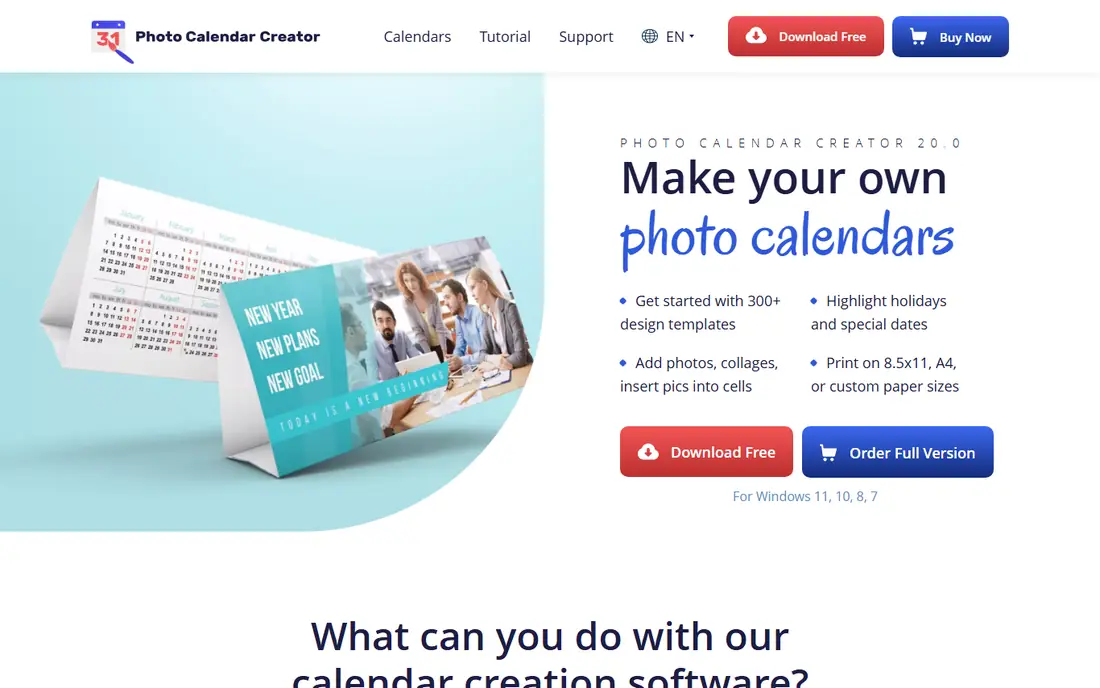
Choose Photo Calendar Creator for dedicated Windows software for photo calendars. Unlike general designers where calendars are one template category among hundreds, every feature here serves calendar making: month grids in dozens of styles, photo collage layouts, holiday sets for plenty of countries, and print sizing dialed for standard wall and desk formats. The look and feel is old-school, and Mac users are out of luck entirely.
Where it is weaker: Interface looks dated.
For everyday use, template aesthetics lean traditional, so modern minimalist designs take more manual work. But for a Windows user who makes photo calendars every year as gifts, the purpose-built workflow is quicker than bending a general design tool to the task. Photo Calendar Creator does not show a starting price in this comparison, so check the vendor site for current pricing. Free access: Free trial.
- 200+ templates and collage layouts
- Not a general designer
- Template styles skew traditional
Hallmark Card Studio
Great for: Home users making cards and calendars together
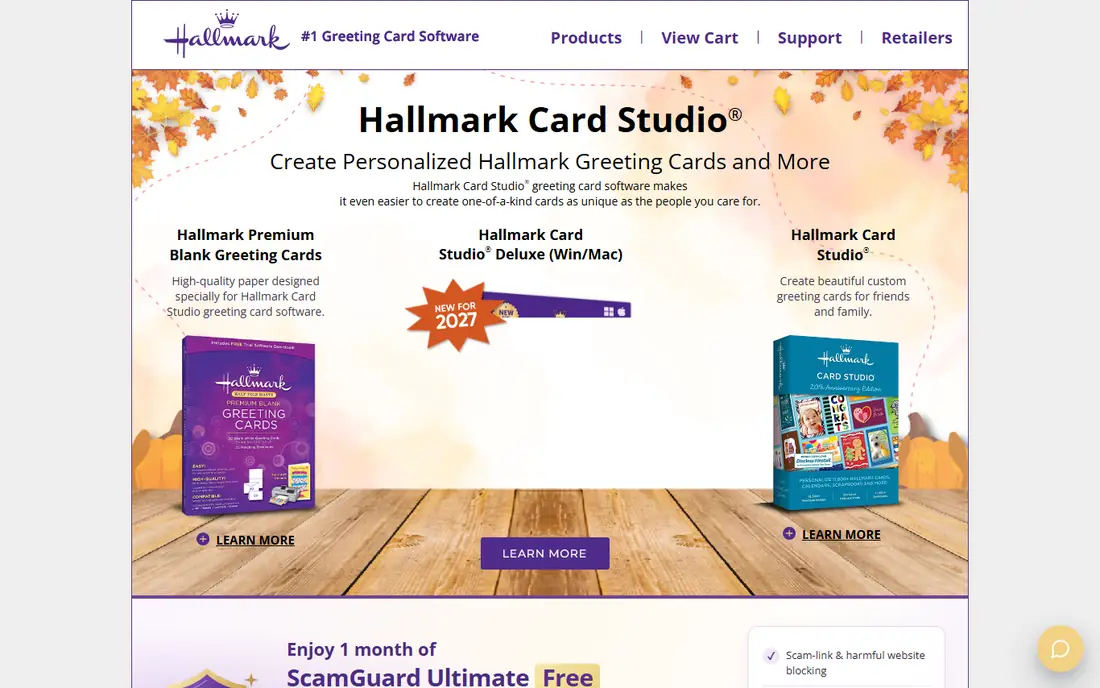
Hallmark Card Studio is a good fit for home users making cards and calendars together. Family photo calendars with Hallmark borders and sentiments take minutes, and the results look exactly like the cards in the store.
What to check first: Restricted professional print controls.
Reasons to shortlist it: Calendar. That Hallmark look is also the limitation: everything carries the brand's aesthetic, which does not suit a modern business. No starting price is listed for Hallmark Card Studio here; confirm pricing on the vendor site. Free access: Free trial.
- Straightforward enough for grandparents
- Hallmark artwork and sentiments built in
- Windows only
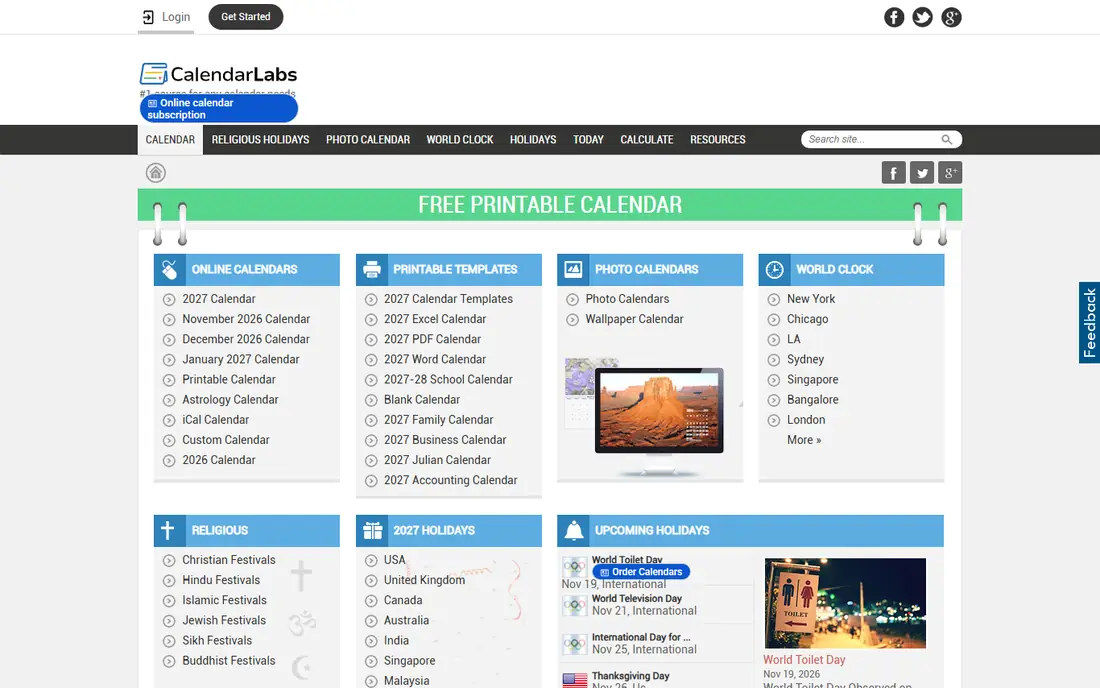
For free printable calendars in under five minutes, CalendarLabs is a natural candidate. Expect entry-level aesthetics and ads around the edges; this is a free utility site, not a design studio.
Print quality is entirely on your printer and paper. Starting cost for CalendarLabs: Free. A free plan is available with CalendarLabs.
Watch-outs: Designs are entry-level.
- Photo calendar maker included
- Huge template library
- Ad-supported site
In short, Print Shop is for all-round home design including calendars. The template library is enormous, built up over decades. The one-time purchase model means no subscription for software you open a handful of times per year.
Watch-outs: Interface shows its age.
In daily use, depth is the compromise. The calendar tools are decent but not as focused as Photo Calendar Creator's, and the interface carries its long history. It is also primarily a Windows product. In practice, calendars are one project type among plenty of: greeting cards, banners, labels, newsletters. Check the vendor site for Print Shop pricing; none is listed in this comparison. Trial and free access: Free trial.
- Large template and clipart library
- One-time purchase model
- Jack-of-all-trades depth
Timeanddate is a good fit for free custom calendar PDFs with total date control. Timeanddate.com has been the internet's calendar authority for decades, and its free calendar creator reflects that: unmatched control over the dates themselves. Styling choices are minimal, photo integration is essentially absent, and nobody is giving a timeanddate printout as a Christmas gift.
For planners, schedules and reference calendars where accuracy matters more than decoration, it is the most trustworthy free tool. It is not a design tool. Use it for the calendar engine, then dress the result up elsewhere if looks matter. From a buyer's view, choose any year, add country-specific holidays, display week numbers, pick Monday or Sunday start, and produce a clean PDF. On cost, Timeanddate starts like this: Free. Timeanddate has a free plan.
Highlights: Trusted date data. Limits to weigh: No photo integration to speak of.
- Fully free calendar creator
- Precise control over holidays
- Utilitarian design, not gift-quality
Where Canva fits: the easiest free way to design a calendar. If you have never made a calendar before, start here. Small firms use it for branded desk calendars and promotional giveaways without touching desktop software.
The free plan includes most templates and comes with enough storage for a family photo calendar. Canva's calendar maker runs entirely in the browser: pick a wall, desk or photo calendar template, drop in your photos, edit the dates and holidays, and download a print-ready PDF. Canva does not show a starting price in this comparison, so check the vendor site for current pricing. Canva has a free plan.
Where it falls short: Precise print sizing takes care.
- Prints at home or order through Canva Print
- Hundreds of calendar templates
- Best features need Pro
Adobe Express makes the most sense for fast branded calendars with Adobe polish. Brand kits lock in your logo, colors and fonts so a marketing assistant cannot accidentally go off-brand, and Adobe Fonts hands the typography a step up from free alternatives.
Honest limits: Calendar layouts less adaptable.
Choose Express when the calendar carries your brand and needs to look like your company made it. More specifically, where it lags Canva is calendar depth: fewer dedicated calendar templates and less adaptable month-grid customization. No starting price is listed for Adobe Express here; confirm pricing on the vendor site. A free plan is available with Adobe Express.
- Professional templates
- Links up with Adobe Stock and Fonts
- Premium assets need a premium plan
Our selection method
Selection started from tools commonly considered for calendar making software, then narrowed to 7 that have clear pricing information or a clear quote process. Plan names, prices and limits change often. Treat the figures here as a starting point and verify them with the vendor. Position on the page reflects fit for a typical buyer first, with price clarity and free access breaking ties. Treat it as a guide, not a ruling.
Before you commit
- Get a written quote from Photo Calendar Creator, Hallmark Card Studio, Print Shop and others; the list shows no starting price for them.
- Read the fine print on the free plans from CalendarLabs, Timeanddate, Canva and Adobe Express; seat, project and feature caps differ.
- Run a trial of Photo Calendar Creator, Hallmark Card Studio and Print Shop with real work before paying for a year; your own workflow is the best test.
- Read the limits listed for Photo Calendar Creator first: Windows only.
- Check whether the features you need in Canva sit on the entry plan or only on higher tiers.
- Pick one real project and run it in Print Shop first; a small pilot shows fit faster than a checklist.
Frequently asked questions
Can I try these options before paying?
Often, yes. CalendarLabs, Timeanddate, Canva and Adobe Express have a free plan and Photo Calendar Creator, Hallmark Card Studio and Print Shop offer a free trial. Use your own data and a real task during the test, and check what the free tier or trial limits before you rely on it.
Do these tools publish their prices?
Not all of them. Photo Calendar Creator, Hallmark Card Studio, Print Shop and others publish no starting price, so expect a quote request for those. The rest, CalendarLabs included, show a starting price, though seats and billing terms still change the final cost.
What happened to Microsoft Publisher?
Existing.pub files still exist but are hard to edit without Publisher. Migrate calendar projects to Canva, Adobe Express or Photo Calendar Creator, and export old.pub files to PDF whereas you still can.
How are the tools for calendar making software ordered?
The order follows typical fit for calendar making software, with Photo Calendar Creator first and Adobe Express last, then price clarity and free access. It is editorial judgement, not a score, so another team could rank the tools differently.
Is Photo Calendar Creator the right pick for everyone comparing calendar making software?
No single tool suits every team. Photo Calendar Creator comes first because it fits dedicated Windows software for photo calendars, while Hallmark Card Studio suits home users making cards and calendars together and CalendarLabs suits free printable calendars in under five minutes. Match the tool to your own size, budget and workflow before deciding.
Sources
See where you really rank - block by block
ProMapRanker scans Google Maps across a grid of your service area. Simple monthly plans from $19, white-label on every plan.
Start freeKeep reading
 zscaler alternatives
Best Zscaler Alternatives in 2026
Looking for zscaler alternatives? We compare 9 SASE and zero trust platforms on architecture, data protection, pricing, and fit for your network and team.
Read → zapier alternatives free
Best Zapier Alternatives Free in 2026
Nine automation tools for zapier alternatives free in 2026, all with genuinely free tiers, plus free plan limits, starting prices and upgrade paths explained.
Read → which platform is best for online reputation
Which Platform Is Best for Online Reputation in 2026
Wondering which platform is best for online reputation? We compare 8 review, listing, and response tools for small and multi-location businesses and agencies.
Read →