 ProMapRanker
Collaboration Software Powered by AI: Best Picks of 2026

Gmail, Docs, Meet, and Gemini · Pricing starts at: $7 per user/month (billed annually)
Direct answer
This list puts Google Workspace first for Gmail, Docs, Meet, and Gemini. Listed starting prices: Google Workspace from $7 per user/month, Notion from $10 per user/month and Microsoft Teams from $4 per user/month. Notion is the stronger choice for docs, wikis, and AI search, while Microsoft Teams suits meetings and chat in Microsoft 365. Details, prices and limits for the rest of the 8 tools are below.
This ProMapRanker guide covers 8 options for collaboration software powered by AI. Each profile lists a starting price, free plan details, strengths and drawbacks, so you can drop poor fits quickly.
Key takeaways
- Number one here is Google Workspace, a fit for Gmail, Docs, Meet, and Gemini.
- For the cheapest start, look at Microsoft Teams: $4 per user/month.
- 7 out of 8 tools include a free plan, among them Notion, Microsoft Teams, Slack and ClickUp.
- For visual boards and workshops, Miro is worth a look.
- Microsoft Teams comes with a trade-off: Teams Essentials provides 10 GB storage per user and no business email.
Quick comparison
| Pick | Great for | Pricing starts at | Free tier | |
|---|---|---|---|---|
| Google Workspace | Gmail, Docs, Meet, and Gemini | $7 per user/month (billed annually) | Free trial (14 days) | Visit |
 Notion | Docs, wikis, and AI search | $10 per user/month (billed yearly) | Yes | Visit |
 Microsoft Teams | Meetings and chat in Microsoft 365 | $4 per user/month (billed annually) | Yes | Visit |
 Slack | Channel chat with AI summaries | $7.25 per user/month (billed yearly) | Yes | Visit |
 ClickUp | Tasks, docs, and chat in one place | $9 per user/month (billed annually) | Yes | Visit |
 monday.com | Shared boards and team workflows | $9 per seat/month (billed yearly) | Yes | Visit |
 Asana | Project tracking with AI teammates | $10.99 per user/month (billed yearly) | Yes | Visit |
 Miro | Visual boards and workshops | $8 per user/month (billed yearly) | Yes | Visit |
8 options for collaboration software powered by AI in detail
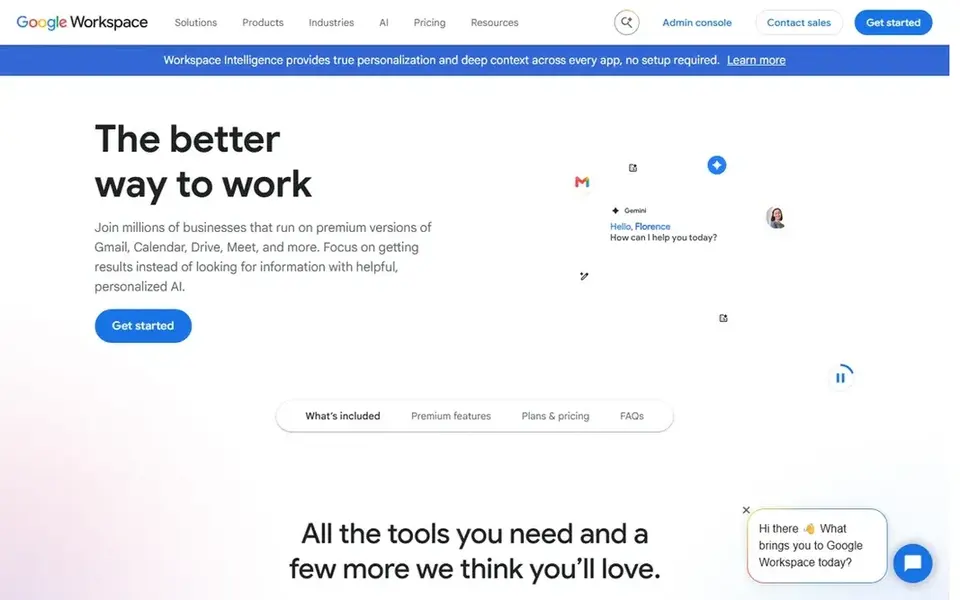
Google Workspace is built with Gmail, Docs, Meet, and Gemini in mind. Google Workspace spans business email, Docs, Sheets, Slides, Drive, Calendar, Meet, and Chat, with Gemini woven through the apps.
Worth adding: starter bundles 30 GB of pooled storage per user, custom business email, and Meet for 100 participants, whereas Standard layers on 2 TB of pooled storage pe For everyday use, business Starter costs $7 per user a month on a one year commitment, and Business Standard costs $14 per user a month on the same basis. For everyday use, business plans can be purchased for a maximum of 300 users. Google Workspace pricing: $7 per user/month. As for free access: Free trial (14 days).
Where it falls short: Starter contains Gemini in Gmail only, with fuller Gemini starting on Standard.
- 30 GB pooled storage per user on Starter
- Gemini built into Gmail, Docs, Sheets
- Business plans are capped at 300 users
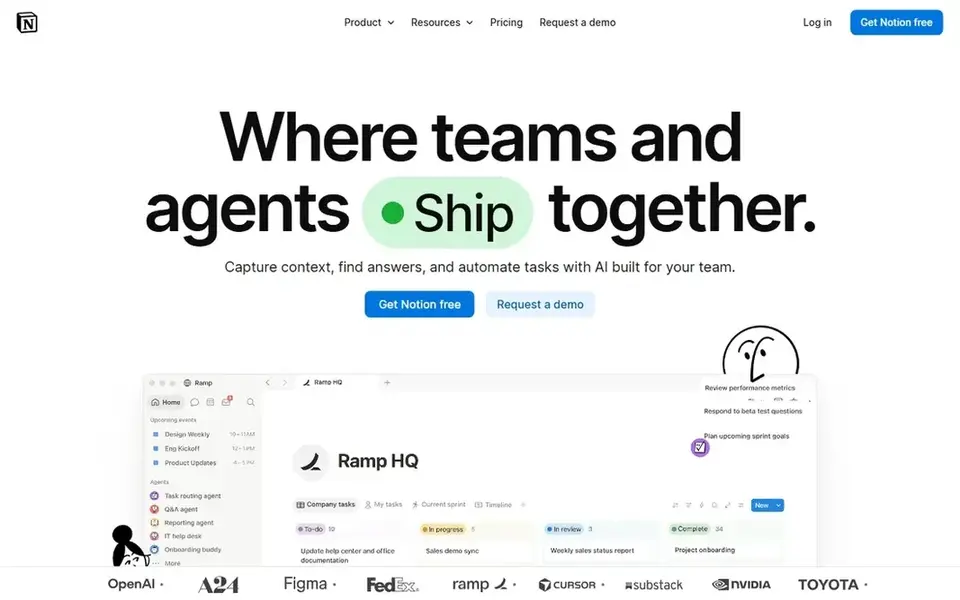
Notion was built for docs, wikis, and AI search. The pricing page lists a restricted trial of Notion AI on Free and Plus, with the full AI set on Business.
Watch-outs: free plan blocks are restricted when 2 or more members join.
As for the details, plus costs $10 per member a month when billed annually, or $12 when billed monthly. Beyond that, the free plan works for one person with unlimited pages and blocks, but blocks are restricted once a second member joins, and file uploads are capped at Notion pricing: $10 per user/month. Notion has a free plan.
- Teamspaces in one workspace
- Guests are free of charge
- Full Notion AI and Notion Agent start on Business
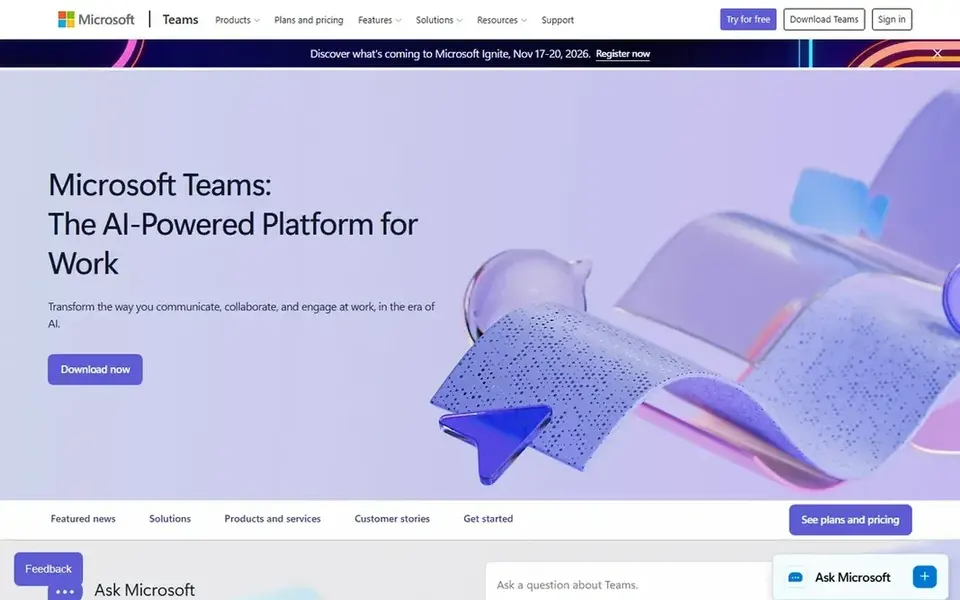
Microsoft Teams targets meetings and chat in Microsoft 365. It supports meetings up to 30 hours with up to 300 participants, plus 10 GB of cloud storage per user.
Microsoft Teams starts at: $4 per user/month. Microsoft Teams includes a free tier.
Watch-outs: select advanced AI features use usage based billing.
- Low starting price for standalone Teams
- Meetings for up to 300 participants on Essentials
- Teams Essentials hands 10 GB storage per user and no business email
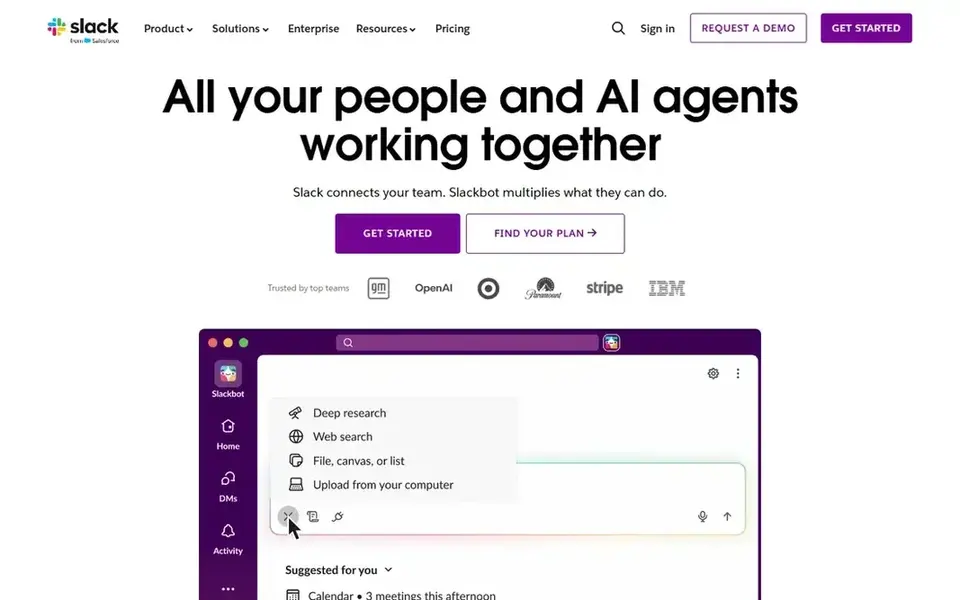
Slack is built with channel chat with AI summaries in mind. Slack organizes work into channels, direct messages, and huddles, and its AI features focus on catching up quick.
The starting price for Slack: $7.25 per user/month. Slack includes a free tier.
Watch-outs: Fuller AI features sit on higher levels.
- AI conversation summaries and AI search on Pro
- Unlimited message history on Pro
- Free plan message history is restricted to 90 days
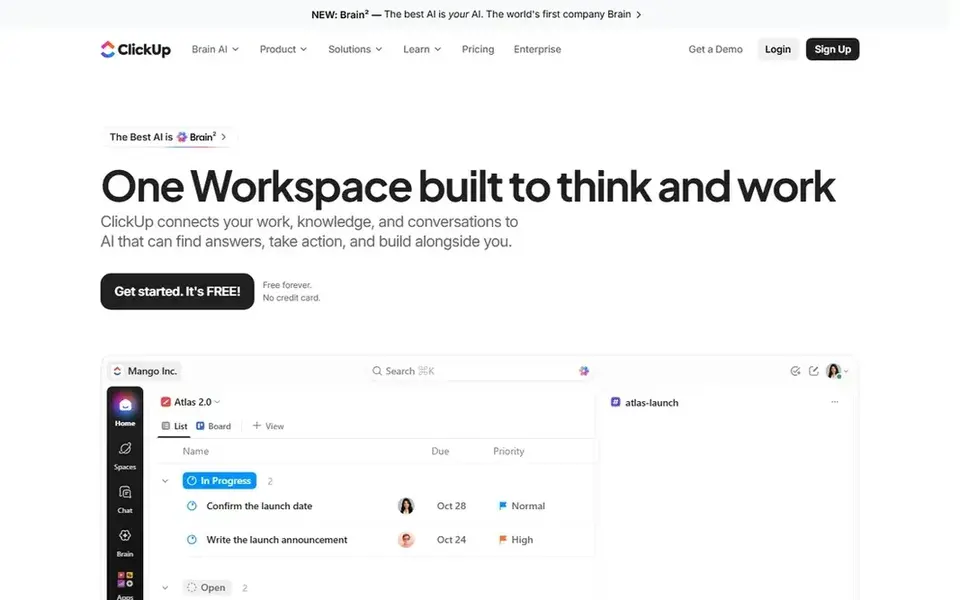
Think of ClickUp for tasks, docs, and chat in one place. Core costs $9 per user a month when billed annually on the pricing page checked today, with a regular price of $12 shown as struck through, so confirm the renewal rate at checkout.
Starting cost for ClickUp: $9 per user/month. Free access exists with ClickUp.
Where it falls short: an upgrade applies to the entire workspace, not one person.
- Gantt charts on Core
- Unlimited storage, spaces
- Free Forever storage is restricted to 60 MB
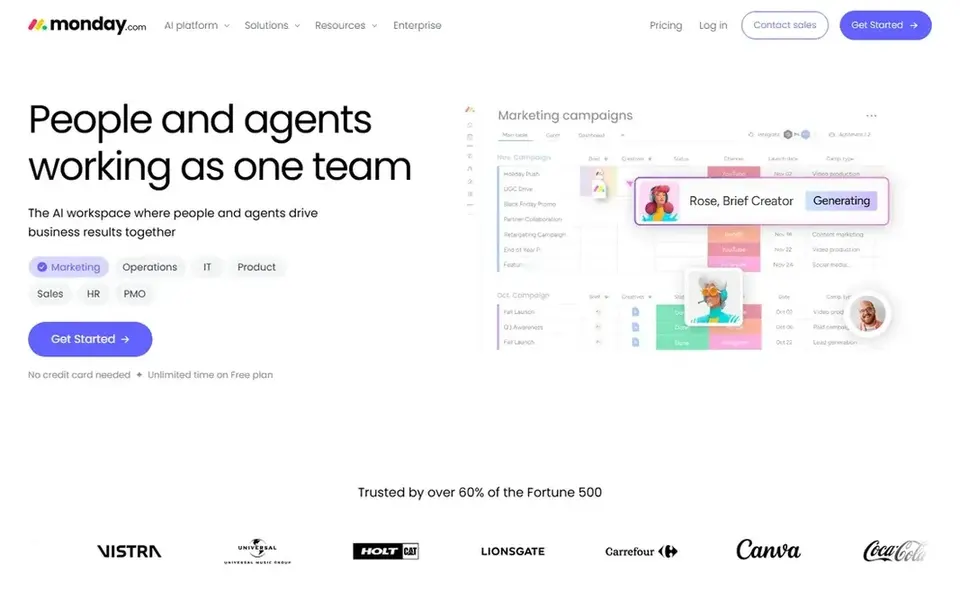
monday.com is built with shared boards and team workflows in mind. Entry-level bundles 1,000 AI credits a month, whereas Standard contains 2,000 and Pro comes with 3,000, based on the plan details on the monday.com site. Standard costs $12 per seat a month when billed yearly, and Pro costs $19 per seat a month when billed yearly.
Downsides: plans start at 3 seats.
As for the details, standard layers on Timeline, Gantt, and Calendar views, guest access, and 250 automation actions and 250 integration actions a month. From a buyer's view, entry-level costs $9 per seat a month when billed yearly, or $12 when billed monthly. Price to start with monday.com: $9 per seat/month. monday.com offers a free plan.
- 1,000 AI credits a month on Basic
- Unlimited items and unlimited free viewers on Basic
- Entry-level has no automation or integration actions
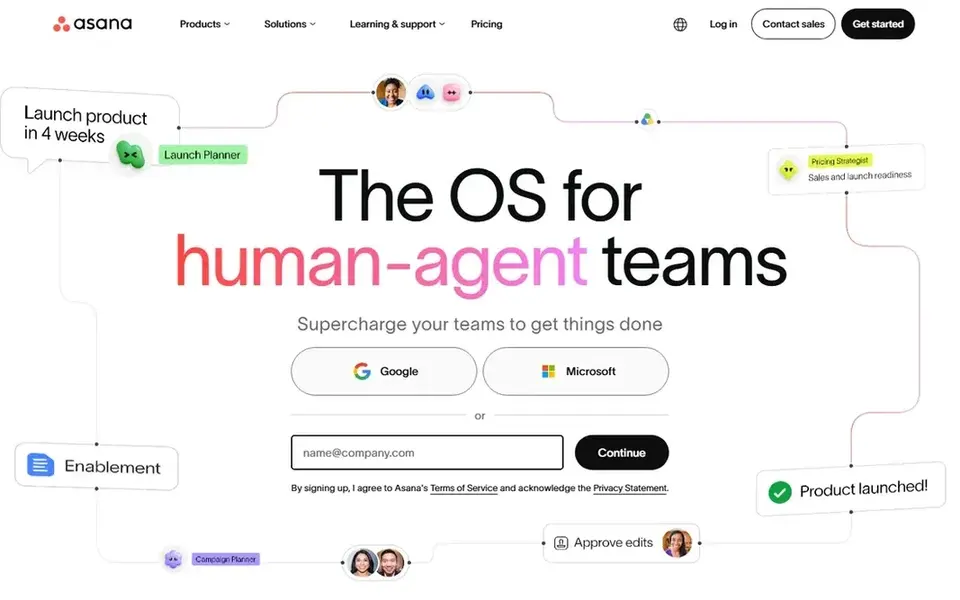
Where Asana fits: project tracking with AI teammates. Asana turns goals and projects into tasks with owners, due dates, and dependencies, and its AI layer is built around that structure.
What to check first: up to 50 per account, on Starter.
Beyond that, advanced costs $24.99 per user a month when billed yearly, or $30.49 when billed monthly, and brings portfolios, goals, resource management, approva Also, starter bundles AI Teammates and Asana Dash, plus AI Studio with 50,000 credits per billing account a month. In daily use, starter costs $10.99 per user a month when billed yearly, or $13.49 when billed monthly. Entry price for Asana: $10.99 per user/month. Free access exists with Asana.
- Timeline and Gantt views on Starter
- Unlimited automations and unlimited free guests on Starter
- Free Personal plan is restricted to 2 users

Miro serves visual boards and workshops. Starter costs $8 per member a month when billed annually, or $10 when billed monthly. For everyday use, starter bundles 25 AI credits per member a month, whereas the free plan bundles a restricted trial.
Points against: Free plan is restricted to 3 editable boards.
As for the details, the free plan contains 3 editable boards and 10 AI credits a month. A 14 day free trial of the Business plan is available. The starting price for Miro: $8 per user/month. Miro offers a free plan. Where Miro stands out: high resolution exports on Starter.
- AI credits
- Visitor editing
- Do not roll over
Selection criteria
The comparison looks at four things: starting price, free access, how well the feature set matches collaboration software powered by AI, and the main limit of each tool. Figures are shown as the vendors publish them. Billing terms, seat minimums and add-ons can change the real cost. We ordered the tools by general fit, then by how clearly pricing is shown, then by free access. A buyer with unusual needs may reorder them.
Before you commit
- Check the vendor page for the current price: Microsoft Teams starts at $4 per user/month here, and seats or billing terms can move it.
- Read the fine print on the free plans from Notion, Microsoft Teams, Slack and others; seat, project and feature caps differ.
- Use real work to test the free trial from Google Workspace, rather than a demo project.
- Before choosing Google Workspace, weigh its main limit: starter bundles Gemini in Gmail only, with fuller Gemini starting on Standard.
- Before rolling out monday.com, verify the integrations your workflow depends on.
- Pick one real project and run it in Notion first; a small pilot shows fit faster than a checklist.
Frequently asked questions
Which options for collaboration software powered by AI have a free plan?
On this list, 7 of 8 tools include a free plan, among them Notion, Microsoft Teams, Slack and ClickUp. Caps on seats, usage or features are common, so test the free plan against your real workload. One other tool offers a trial instead.
What is the cheapest option for collaboration software powered by AI in this list?
On published monthly entry prices, Microsoft Teams is the lowest here at $4 per user/month. Entry price is only part of the cost, because seats, add-ons and billing terms can change the total. Prices, free plan details and limits for all 8 tools in this collaboration software Powered by AI roundup sit on the individual cards above.
What is AI powered collaboration software?
AI powered collaboration software is a workspace for chat, meetings, docs, or projects that layers on AI features for example summaries, search, drafting, translation, or agents.
Do these tools offer a free plan?
Google Workspace does not offer a free plan, and instead gives you a 14 day free trial. Check the limits before you depend on the free plan.
Can I try these tools before paying?
Often, yes. Notion, Microsoft Teams, Slack and others have a free plan and Google Workspace offers a free trial. Use your own data and a real task during the test, and check what the free tier or trial limits before you rely on it.
Can I switch tools later if the AI features do not fit?
Yes, in most cases, but switching takes time since chat history, docs, boards, and project data have to move, and the team needs to learn a new layout.
Sources
See where you really rank - block by block
ProMapRanker scans Google Maps across a grid of your service area. Simple monthly plans from $19, white-label on every plan.
Start freeBrowse all guides
← AI Tool for Planning Lessons in Schools: Best Picks of 2026AI Meeting Note Takers: 7 Options Compared in 2026 →
 best ai time tracking software for small teams
6 Best AI Time Tracking Software for Small Teams for 2026
Best AI time tracking software for small teams, compared. 6 tools with published prices, free plans and limits. Short verdicts, no fluff. Updated November 2026.
Read → best ai resource planning software
AI Resource Planning Software in 2026: Top 5 Compared
Best AI resource planning software, compared. 5 tools with published prices, free plans and limits. Strengths and weak spots are spelled out. Start here.
Read → best ai meeting notes software
AI Meeting Notes Software: Best Picks of 2026
7 products for the best AI meeting notes software, ranked by fit, with starting costs and free tiers. Every entry states what it lacks. See the full list.
Read → best account based direct mail software
7 Strong Account Based Direct Mail Software in 2026
Best account based direct mail software in 2026: 7 contenders with entry costs and free tiers. Price notes and drawbacks come with each one. Updated for 2026.
Read → best scheduling app for personal use
Best Scheduling App for Personal Use in 2026
The best scheduling app for personal use, compared on calendars, booking links, and reminders, with prices and free plans for everyday life use right now.
Read → best web meeting software
Best Web Meeting Software in 2026
Compare the best web meeting software for teams in 2026, with pricing, meeting limits, and picks for Google, Microsoft, and meeting-first teams in the US.
Read →More in Project Management & Productivity · All guides A to Z by date · Latest guides