 ProMapRanker
Best Alternatives to n8n for Workflow Automation in 2026

Key takeaways
- Zapier has the widest app catalog on this list, while Make gives more steps and branching for less money on its entry paid plan.
- Activepieces is the closest open source style option here for teams that want to self host, with a hosted plan for teams that do not.
- IFTTT is best for simple personal routines, not for multi-step business workflows with approvals and error handling.
- Count the billing unit before you compare prices, since a task, a credit, and an operation do not mean the same amount of work.
- Pipedream is not on this list because recent reports state it has stopped taking new signups ahead of a planned closure.
Quick comparison
| Pick | Great for | Pricing starts at | Free tier | |
|---|---|---|---|---|
 Zapier | Widest app catalog | $19.99 per month | Yes | Visit |
 Make | Visual multi-step workflows | $9 per month | Yes | Visit |
 Activepieces | Open source style automation | See website | Yes | Visit |
 IFTTT | Simple personal routines | $2.99 per month | Yes | Visit |
 Albato | Low cost app connections | $15 per month | Yes | Visit |
 Integrately | Ready made automations | $19.99 per month | Yes | Visit |
 Zoho Flow | Zoho app users | $25 per month | Yes | Visit |
 Microsoft Power Automate | Microsoft 365 teams | $15 per user per month | Yes | Visit |
The best alternatives to n8n for workflow automation
These tools cover the same core job as n8n, connecting apps and moving data without writing a full application, but they differ sharply in price, control, and learning curve.
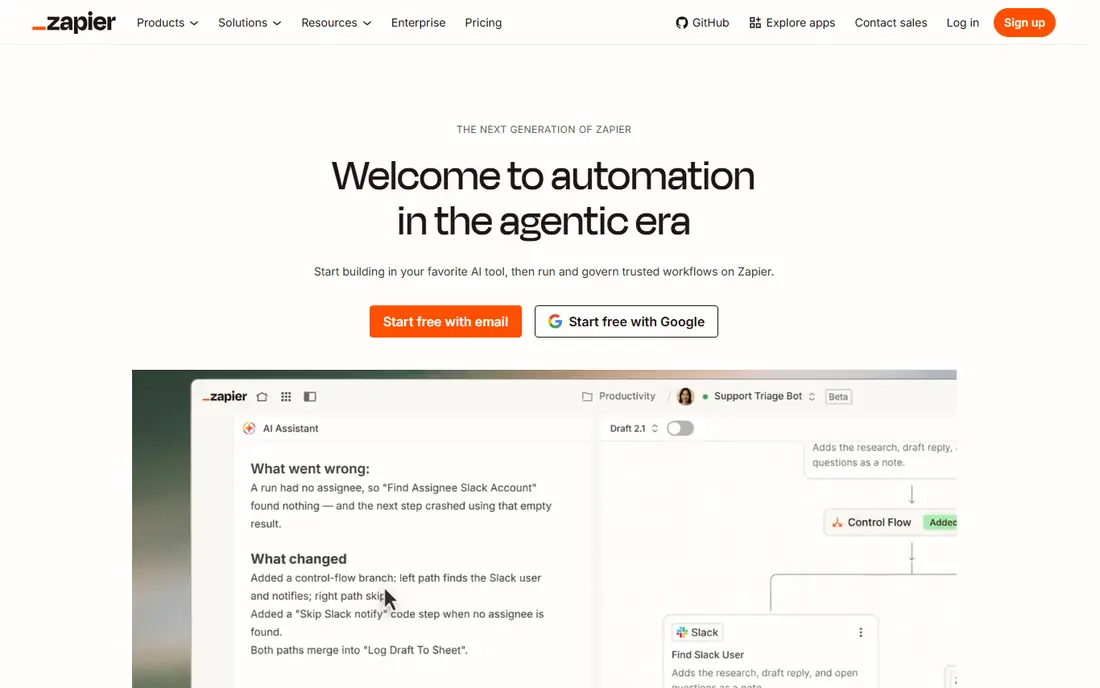
Zapier is the easiest pick when the apps you use are unusual or spread across many vendors. Its catalog covers thousands of apps, and most common connections already exist as templates, so a small team can set up a lead capture, a notification, or a spreadsheet update in an afternoon. The builder stays readable even when a workflow has filters and branches, and the documentation is written for non-developers.
The catch is volume. The entry paid plan includes a modest task allowance, and each completed action step can count against it, so a busy form, inbox, or store can burn through the allowance sooner than expected. Check your monthly action count from your current tool before you commit, and test the free plan with one real workflow rather than a demo. If breadth matters more than price, Zapier still leads this list.
- Very large app catalog
- Gentle learning curve
- Strong template library
- Costs rise fast at high volume
- Free plan is limited to two step workflows

Make suits teams that want to see a whole workflow at once. Scenarios are drawn as connected modules, and you can add routers, filters, iterators, and data transformations without code. That visual layout makes it easier to spot where a workflow breaks, and it handles multi-step jobs that would need several separate automations elsewhere. The free tier gives a useful allowance for testing, and the entry paid plan is priced below Zapier for a larger credit pool.
The trade off is time. New users often need a few sessions to get comfortable with data mapping and error handling, and the credit system rewards careful design. Keep operations lean, avoid polling short intervals for quiet apps, and map one workflow end to end before you copy the pattern across the business.
- Visual builder with branching and data tools
- Generous credit allowance on paid plans
- Free tier for testing
- Takes longer to learn than Zapier
- Pricing uses credits, so usage needs care
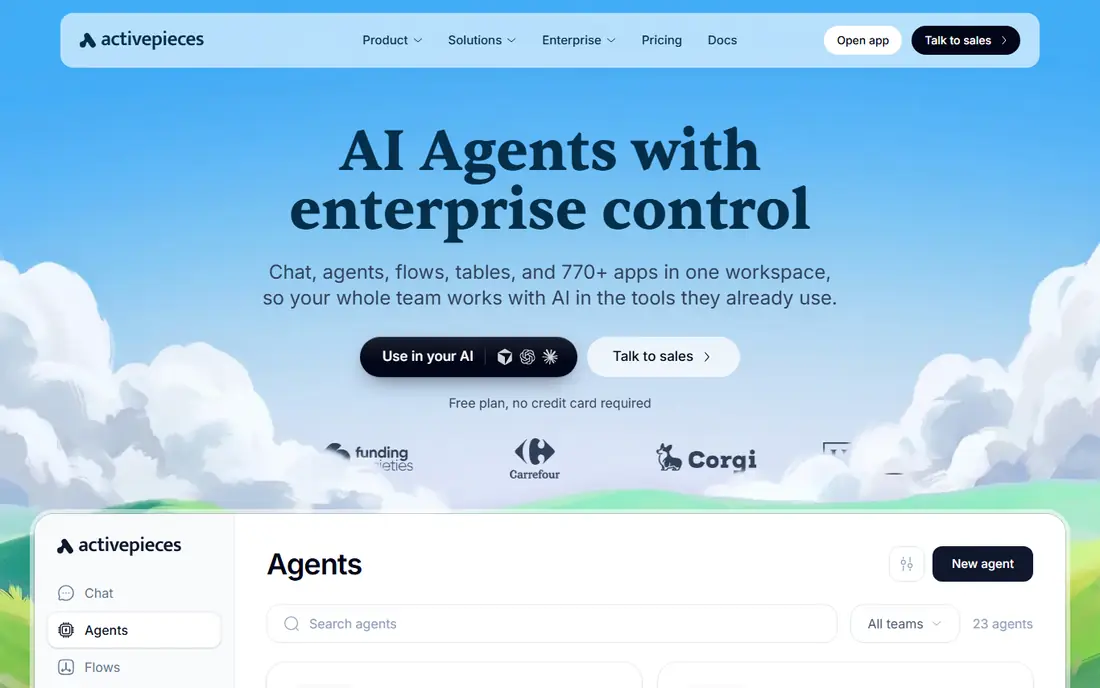
Activepieces is the natural first stop for people who liked the idea of hosting n8n themselves but want a simpler path. The open source edition can run on your own server, which gives control over data and hosting costs, while the cloud plan removes server upkeep for teams that prefer a managed service. Flows are built visually, and common business apps are covered, including forms, sheets, chat tools, and customer tools.
The catalog is smaller than the leaders here, so check your must have apps before you migrate. If a key app is missing or a piece lacks a needed action, you may need a webhook or a custom step. For standard small business workflows, though, Activepieces offers a fair balance of control, price, and simplicity.
- Open source core with a self hosted option
- Visual builder
- Hosted cloud plan for teams that do not self host
- Smaller app catalog than Zapier or Make
- Some pieces are less mature
IFTTT works best when the job is one trigger and one action. Turn on a light when you arrive home, save email attachments to cloud storage, or post a note when a calendar event starts. Setup takes minutes, the mobile app is clear, and the low paid price makes it an easy add on for a household or a solo worker.
Do not stretch it into a business system. It lacks the branching, data transformation, and error reporting that Make, Zapier, and Activepieces provide, and managing dozens of applets can become messy. Use IFTTT for personal routines and keep customer, order, and finance workflows on a tool built for that load.
- Very simple setup
- Good for smart home and personal routines
- Low entry price
- Not built for complex business logic
- Free plan allows only a few applets
Albato is a practical middle option for small teams that want simple connections without a large bill. Automations are built from triggers and actions, templates cover common pairs, and the free tier lets you test a real connection before paying. Transaction based pricing can also be easier to forecast than step based pricing when each run does a predictable amount of work.
The limit is depth. If you need heavy branching, custom code, or detailed error handling, Make or Activepieces will serve you better. For lead routing, notifications, and sheet updates, Albato is a solid, lower cost choice, provided your apps are in its catalog.
- Straightforward builder
- Transaction based pricing
- Useful app catalog for small teams
- Less well known than Zapier
- Advanced logic is more limited
Integrately is built around one click automations. Instead of building from a blank canvas, you pick a ready made flow between two apps, connect both accounts, and turn it on. That approach suits owners who want a result this week, not a new skill to learn, and it covers common pairs across marketing, sales, support, and forms.
Flexibility is the trade off. Ready made flows cover the common path well, but unusual conditions or multi app chains may need another tool. Start with your highest volume pair, check how many tasks it uses in a normal week, and only then add more automations to the same plan.
- Large library of ready made automations
- Quick setup
- Clear task based plans
- Less flexible for custom logic
- Task limits need monitoring
Zoho Flow makes most sense when your business already runs on Zoho. Connections between Zoho CRM, Zoho Forms, Zoho Books, and other Zoho apps are first class, and the visual builder handles multi-step flows with conditions and delays. Teams that live in Zoho can often automate a lead, quote, or support flow without adding another vendor to manage.
Outside Zoho, the case is weaker. The catalog covers many outside apps, but Zapier and Make cover more, and the entry price sits above several rivals here. If Zoho is your core system, Flow is a sensible pick. If it is not, shortlist Make or Zapier first.
- Strong fit inside Zoho apps
- Visual builder
- Useful for CRM and form workflows
- Less compelling outside Zoho
- Entry price is higher than some rivals
Power Automate is the right default for teams already paying for Microsoft 365. It connects Outlook, Teams, SharePoint, Excel, and Dynamics with little setup, and it can also automate repetitive desktop tasks through desktop flows. For larger firms, admin controls, data loss prevention, and environment rules are a real advantage over simpler tools.
The pricing picture needs care, because some Microsoft 365 licenses include limited Power Automate use while full premium connectors need a separate per user plan. Confirm what your current license already includes, test one flow that touches your core apps, and only then roll it out to the wider team.
- Deep Microsoft 365 and Teams integration
- Desktop flows for repetitive PC tasks
- Strong governance options
- Learning curve for advanced flows
- Pricing varies by license type
How we picked these
We compared official feature pages, pricing pages, and app catalogs, plus public reviews, and we kept only tools that are live and open to new users in October 2026. That rule removed Pipedream from this list, since recent reports state it has stopped taking new signups ahead of a planned closure in 2027. We also favored tools with a free tier or a clear trial, a visual builder or a simple setup path, and coverage for common small business apps such as forms, email, sheets, and customer tools. We did not claim hands-on testing, and prices here should be checked on the vendor site before you buy, since billing units differ.
What to check before you switch
Count your real volume first
Export or estimate your monthly runs, steps, and records before you pick a plan. A tool that looks cheap at 100 runs a month can become costly at 10,000, and a tool priced per task will punish workflows that fan out into many steps. Run your busiest workflow on the free tier for a week and watch the meter.
Match the tool to the team
A visual builder helps a non-technical owner, while a code friendly tool helps a developer who wants custom logic. Also check who will maintain the workflows when the person who built them is away. Clear naming, notes on each flow, and a simple error notification channel will save more time than any single feature.
Test failure handling
Every automation fails at some point, when an app is down, a field changes, or a file is too large. Test what happens then. Does the run retry, pause, or send you a clear alert? Tools with visible run history and easy replays make recovery far less stressful, and that matters more than a long feature list.
Frequently asked questions
What are the best alternatives to n8n for workflow automation?
Zapier is best for app breadth, Make is best for visual multi-step flows at a lower entry price, and Activepieces is best for teams that want an open source style option with self hosting. IFTTT suits simple personal routines, while Power Automate and Zoho Flow suit teams already invested in those ecosystems.
Are there n8n alternatives with a free plan?
Yes. Zapier, Make, Activepieces, IFTTT, Albato, Integrately, Zoho Flow, and Power Automate all offer a free tier or a limited free license in some form. Free limits differ, so check the number of runs, tasks, or applets allowed and whether premium apps are included.
Which n8n alternative is cheapest for a small business?
Make and IFTTT have the lowest entry paid prices on this list, but the cheapest choice depends on your volume and billing unit. A low monthly price with a small task allowance can cost more than a higher price with a larger credit pool, so compare total cost at your real usage.
Is Activepieces a good replacement for n8n?
Activepieces is a good match if you want an open source core and the option to self host, with a simpler hosted path as well. Its app catalog is smaller than n8n or Zapier, so confirm your key apps and actions before you migrate a large set of workflows.
Can I automate without coding using these tools?
Yes, for most common jobs. Zapier, Make, Activepieces, Albato, and Integrately all offer visual builders and templates. You may still need basic data mapping, such as matching a form field to a spreadsheet column, but you do not need to write a full application.
Sources
See where you really rank - block by block
ProMapRanker scans Google Maps across a grid of your service area. Simple monthly plans from $19, white-label on every plan.
Start freeKeep reading
 best user research tools
Best User Research Tools in 2026
Best user research tools compared for 2026: eight live platforms for testing, interviews, recruiting, and research synthesis to help your team choose wisely.
Read → best spa booking software
Best Spa Booking Software in 2026
Looking for the best spa booking software? We compare eight spa and salon booking tools on price, marketplace fees, and features for spas in 2026 today.
Read → best software for editing video podcasts
Best Software for Editing Video Podcasts in 2026
Best software for editing video podcasts compared for 2026: eight live editors for recording, transcript edits, and polished episodes for creators today.
Read →