 ProMapRanker
Best Software for Editing Video Podcasts in 2026

Key takeaways
- Descript is the fastest pick for transcript-based editing, while Riverside is the best for remote recording quality.
- A full timeline editor such as Premiere Pro or DaVinci Resolve still wins for polished, multi-camera episodes.
- CapCut is best used after the main edit, for clips and social cuts, not as the only editor.
- Check media hours, AI credits, and recording limits, because those limits decide the real monthly cost.
Quick comparison
| Pick | Great for | Pricing starts at | Free tier | |
|---|---|---|---|---|
 Descript | Text-based podcast editing | $16 per month | Yes | Visit |
 Riverside | Studio-quality remote recording | $15 per month | Yes | Visit |
 Adobe Premiere Pro | Professional timeline editing | $22.99 per month | Free trial | Visit |
 DaVinci Resolve | Color grading and free editing | See website | Yes | Visit |
 Final Cut Pro | Fast Mac-based editing | See website | Free trial | Visit |
 CapCut | Short clips and social edits | $9.99 per month | Yes | Visit |
 Filmora | Budget-friendly timeline editing | $49.99 per year | Yes | Visit |
 Camtasia | Screen-plus-camera episodes | See website | Free trial | Visit |
The best software for editing video podcasts
The best software for editing video podcasts depends on whether you record remotely, edit by transcript, or need full timeline control for a polished show.
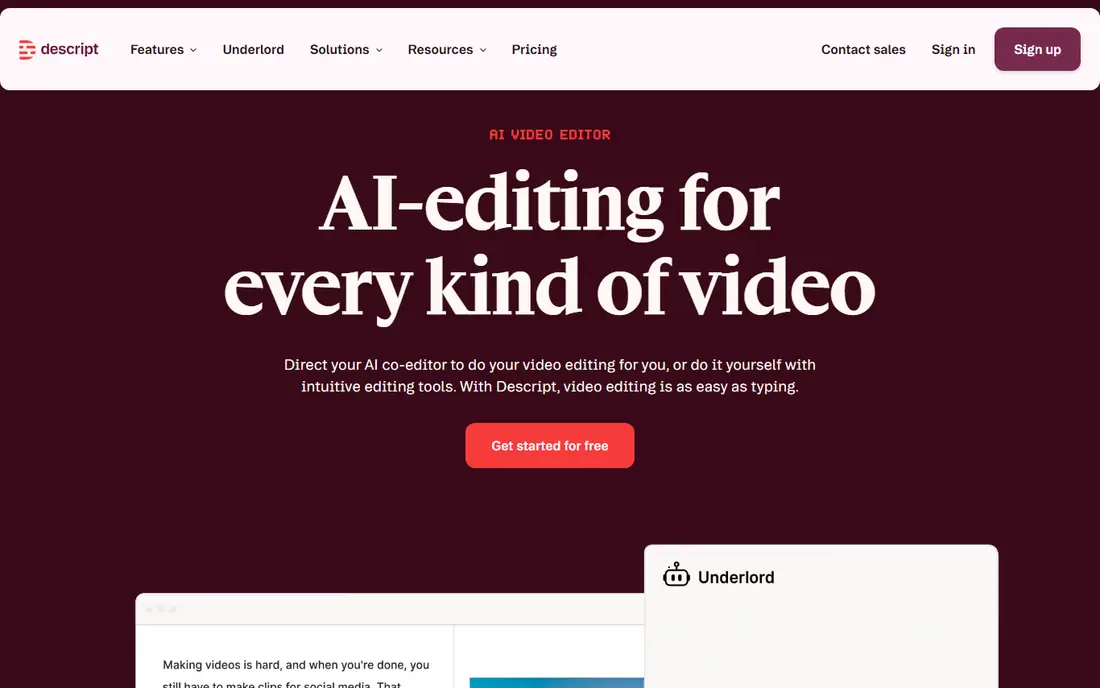
Descript changes podcast editing for many creators because you edit video by editing words: delete a sentence in the transcript and it disappears from the video. Filler-word removal, transcript search, and Studio Sound cleanup make rough cuts far faster than scrubbing a timeline for every um and pause. For interview shows and solo episodes, that workflow can cut editing time in a way that a traditional timeline rarely matches.
The catch is usage: media hours and AI credits shape the real cost, and creators who publish long, multi-camera episodes should model their monthly volume before choosing a plan. Complex visual effects and color work also sit outside Descript's strengths. Our pick for most video podcasters is Descript when spoken-word editing is the bulk of the work.
- Edit video by editing a transcript
- Filler-word removal
- Studio Sound cleanup
- Costs rise with media hours and AI credits
- Multi-camera work can get complex
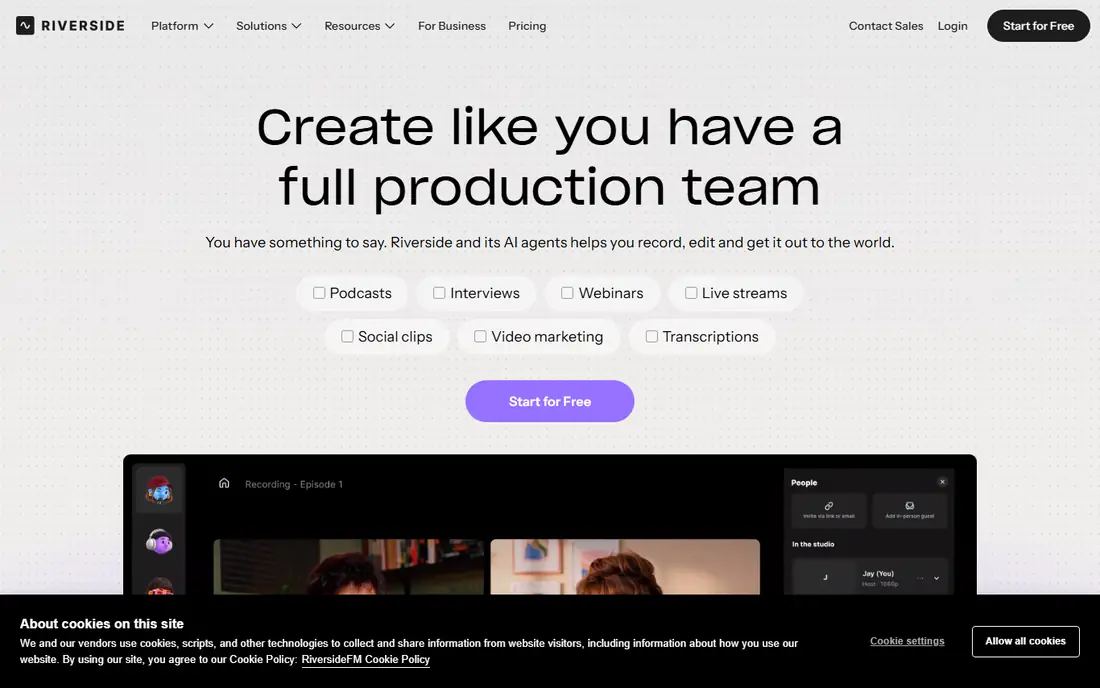
Riverside is the recording-first choice for remote video podcasts, because each guest records locally in high quality, so a weak connection does not ruin the final file. Separate audio and video tracks give editors clean material to work with, and text-based editing plus Magic Clips help turn a long conversation into a rough cut and short clips. For interview shows with remote guests, that recording quality is the foundation everything else depends on.
Editing inside Riverside is lighter than in a dedicated timeline editor, so creators who want deep color, effects, or multi-layer visuals will still export to another tool. Recording hours and export limits also vary by plan. When remote recording quality matters most, Riverside is the tool we would start with.
- Separate high-quality tracks per guest
- Text-based editing
- Magic Clips
- Editing is lighter than a full timeline editor
- Recording hours vary by plan
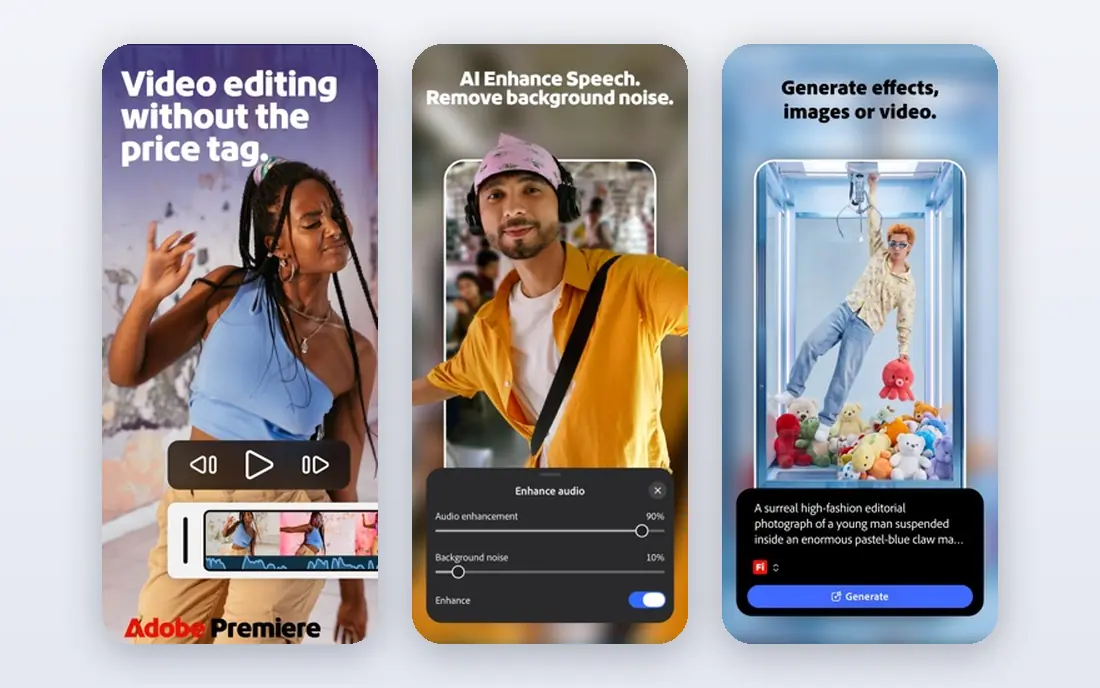
Adobe Premiere Pro is the professional standard for video podcasters who want full control over timelines, color, audio mixing, and effects. Its text-based editing panel brings some transcript-style speed to a traditional editor, while the wider Adobe ecosystem covers graphics, audio cleanup, and captions. For shows with multi-camera setups, branded visuals, and a polished final look, Premiere Pro has the ceiling other podcast tools lack.
That ceiling comes with a learning curve and a monthly subscription, and it needs a computer that can handle video work comfortably. It is also more tool than a simple interview show needs, so solo creators may find Descript or Riverside faster for rough cuts. For professional polish and complex episodes, Premiere Pro remains the benchmark.
- Full timeline control
- Color and effects depth
- Text-based editing panel
- Steeper learning curve
- Subscription cost
- Needs a capable computer
DaVinci Resolve offers a full-featured free version that covers editing, color grading, audio, and effects, which makes it the best value in professional video editing. Its color tools are the reason many creators choose it: skin tones, matching cameras, and a consistent show look are easier to control here than in most podcast-first tools. For video podcasts that care about visual quality, Resolve punches far above its price.
The interface can feel dense at first, and the free version, while generous, does not include every Studio feature. Creators should also allow time to learn its color and audio pages, which reward study. If you want professional tools without a monthly fee, DaVinci Resolve is the clear value pick.
- Full-featured free version
- Outstanding color tools
- Fusion effects
- Learning curve is steep
- Studio version is a paid upgrade
Final Cut Pro suits Mac-based podcasters who want fast, fluid timeline editing without a monthly subscription. Its magnetic timeline keeps clips connected as you trim and rearrange, which speeds up interview edits, and its performance on Apple silicon machines is a real benefit for 4K footage. The one-time purchase model also appeals to creators tired of stacking subscriptions.
It only runs on Mac, so mixed-platform teams cannot share projects as easily, and some Premiere Pro workflows and plugins have no direct equivalent. Still, for a Mac-only creator who edits weekly, Final Cut Pro offers speed and a predictable cost that subscription tools cannot match.
- Magnetic timeline speed
- Strong Mac performance
- One-time purchase
- Mac only
- Smaller plugin ecosystem than Premiere Pro for some workflows
CapCut is the fastest route from a long video podcast to short, social-ready clips, with templates, auto captions, and formats built for vertical video. Many podcasters use it after the main edit, cutting highlights, adding captions, and posting clips the same day an episode ships. Its low learning curve means a team member without editing experience can still produce clean clips.
It is not a full long-form podcast editor, so multi-camera interviews and detailed audio work belong in another tool first. Some useful features also require the Pro plan, and export settings need checking for each platform. As a clip and social companion, CapCut earns its place in most podcast workflows.
- Fast templates and captions
- Social formats
- Low learning curve
- Long-form podcast editing is limited
- Pro features sit behind a paywall
Filmora is a friendly timeline editor for creators who want more control than a clip app offers, without the complexity of a professional suite. Its effects, titles, and transitions library helps a solo podcaster make episodes look polished, and its annual pricing is easier on a small budget than a monthly professional subscription. For weekly shows with a simple multi-camera or single-camera setup, Filmora covers the job well.
The trade-off is depth: color, audio, and effects controls are simpler than in Premiere Pro or DaVinci Resolve, and some features sit on higher tiers. Creators who outgrow it will eventually move to a professional editor. As a starting timeline editor for video podcasts, Filmora is a sensible, affordable pick.
- Gentle learning curve
- Effects and titles library
- Affordable annual pricing
- Less depth than Premiere Pro or Resolve
- Some features need higher tiers
Camtasia fits video podcasts that mix screen content with camera footage, such as tutorials, walkthroughs, and explainer episodes. Recording and editing live in one tool, with annotations, callouts, zoom effects, and captions that help viewers follow on-screen steps. For a show built around showing software, slides, or a process, that combination saves the hassle of stitching separate recording and editing tools together.
For a pure interview show with no screen content, Camtasia offers less than Descript or Riverside, and its annual pricing should be weighed against a one-time or free editor. It also leans toward training and explainer styles rather than cinematic production. When the screen is part of the story, Camtasia is a strong, focused choice.
- Screen recording and editing in one tool
- Annotations
- Callouts and captions
- Less suited to pure interview shows
- Annual pricing adds up over time
How we picked these
We compared official product pages, pricing pages, feature descriptions, and public documentation, and we checked that each product is still offered in October 2026. We kept only products that match the topic directly, and we left out products that were discontinued, renamed without a live successor, or too broad to be useful for this job. Where a vendor does not publish a price, we wrote See website rather than guessing a figure, and we noted the trade-offs that matter most in everyday use, such as setup effort, limits on cheaper plans, and how much admin work the tool creates.
Choosing the right video podcast editing software
Start with your recording setup and episode format, then test one real episode end to end, including captions, clips, and export. Compare transcript editing speed, audio cleanup, multi-camera handling, and the limits that apply to your monthly volume, because a tool that is fast for one episode can get expensive at four episodes a month. Start with a small pilot, measure the time saved or the problem solved, and only then expand to more users or sites. Ask for a written quote that covers implementation, training, and any usage limits, and keep a note of the renewal terms before you sign.
Frequently asked questions
What is the best video podcast software with editing included?
Descript and Riverside both combine recording or editing workflows, with Descript leading on transcript editing and Riverside leading on remote recording quality. Choose Descript for editing speed and Riverside for guest recording quality.
What is the best video podcast editing software for beginners?
Filmora and CapCut have the gentlest learning curves, with Filmora better for full episodes and CapCut better for clips. Descript is also beginner-friendly for interview shows, because editing a transcript feels familiar.
Which software is best for video podcast editing with multiple cameras?
Adobe Premiere Pro and DaVinci Resolve handle multi-camera timelines, color matching, and effects best. Final Cut Pro is the Mac alternative for fast multi-camera work without a subscription.
What are the best podcast video editing tools for short clips?
CapCut and Riverside Magic Clips are built for fast clip creation with captions and social formats. Use them after the main edit, so clips stay consistent with the full episode.
What is the best editing software for video podcasts on a budget?
DaVinci Resolve offers a full-featured free version, and CapCut and Filmora keep paid costs low. Check free export limits and watermarks before committing to a free plan for published episodes.
Sources
See where you really rank - block by block
ProMapRanker scans Google Maps across a grid of your service area. Simple monthly plans from $19, white-label on every plan.
Start freeKeep reading
 best user research tools
Best User Research Tools in 2026
Best user research tools compared for 2026: eight live platforms for testing, interviews, recruiting, and research synthesis to help your team choose wisely.
Read → best spa booking software
Best Spa Booking Software in 2026
Looking for the best spa booking software? We compare eight spa and salon booking tools on price, marketplace fees, and features for spas in 2026 today.
Read → best seo content writing tools
Best SEO Content Writing Tools in 2026
Best SEO content writing tools compared for 2026: eight live tools for research, drafting, optimization, and content planning for writers and teams today.
Read →