 ProMapRanker
Best AI Project Management Software for Small Teams (2026)

AI reports and approvals · Pricing starts at: $10 per user/month (billed annually)
Direct answer
Wrike leads the list, best for AI reports and approvals. Listed starting prices: Wrike from $10 per user/month, Smartsheet from $9 per user/month and ClickUp from $9 per user/month. Alternatives: Smartsheet for AI sheets, reports, and forms, and ClickUp for AI planning inside full project work. Prices, free plans and limits for all 5 tools follow.
This ProMapRanker guide covers 5 AI project management software for small teams. Each profile lists a starting price, free plan details, strengths and drawbacks, so you can drop poor fits quickly.
Key takeaways
- Wrike takes the first slot, best suited to AI reports and approvals.
- Only 3 of the 5 tools have a free plan (ClickUp, Asana, Notion), so check the caps.
- Notion is the one to check for docs and tasks with AI writing.
- Before buying Asana, weigh this: workload and advanced reporting need the Advanced plan.
Quick comparison
| Pick | Great for | Pricing starts at | Free tier | |
|---|---|---|---|---|
| Wrike | AI reports and approvals | $10 per user/month (billed annually) | Free trial (14 days) | Visit |
 Smartsheet | AI sheets, reports, and forms | $9 per user/month (billed yearly) | Free trial (30 days) | Visit |
 ClickUp | AI planning inside full project work | $9 per user/month (billed yearly) | Yes | Visit |
 Asana | AI timelines and team portfolios | $10.99 per user/month (billed annually) | Yes | Visit |
 Notion | Docs and tasks with AI writing | $10 per user/month (billed yearly) | Yes | Visit |
Every option for AI project management software for small teams explained
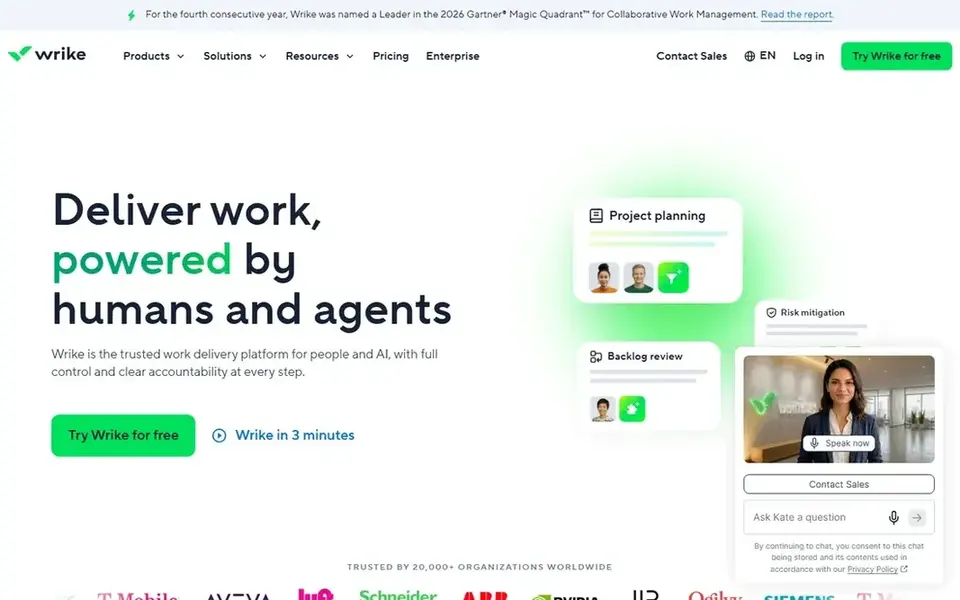
In short, Wrike is for AI reports and approvals. The free trial lasts 14 days, which is enough for a small team to test AI summaries and approvals on a live project.
Honest limits: setup takes more time than more straightforward tools.
What you pay to start with Wrike: $10 per user/month. On free options: Free trial (14 days).
- Approvals, reports
- AI summaries and risk flags
- No free plan beyond the trial
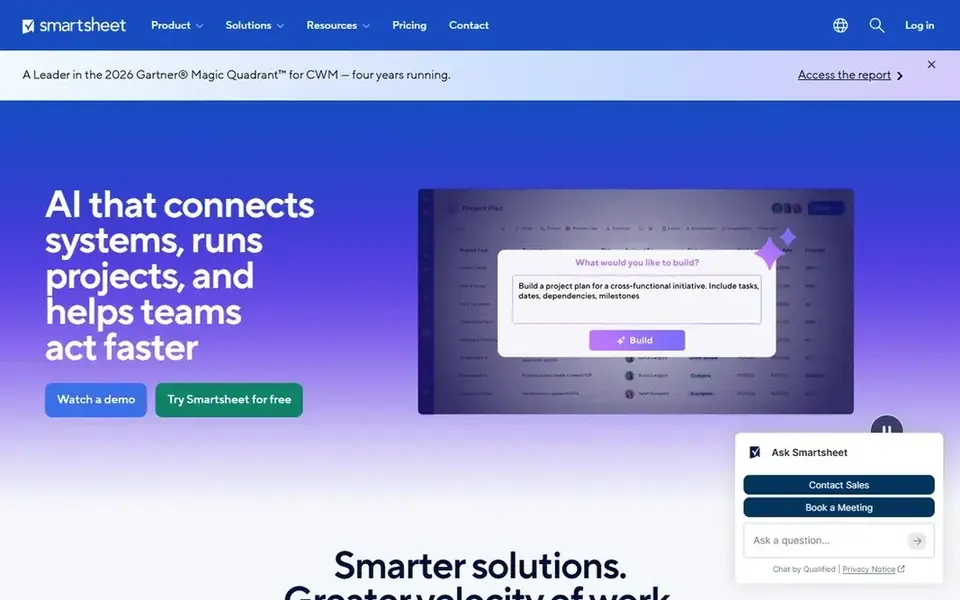
Smartsheet works best for AI sheets, reports, and forms. AI can draft formulas, summarise sheet data, and suggest next steps, while forms collect requests, reports roll up multiple sheets, and dashboards present progress to managers.
Trade-offs to know: the sheet layout takes time to learn for new users.
In daily use, the Pro plan at $9 per user a month billed yearly layers on the primary project features after the trial. Smartsheet pricing: $9 per user/month. Free options: Free trial (30 days).
- AI formulas and summaries in sheets
- Forms, reports
- No free plan beyond the trial
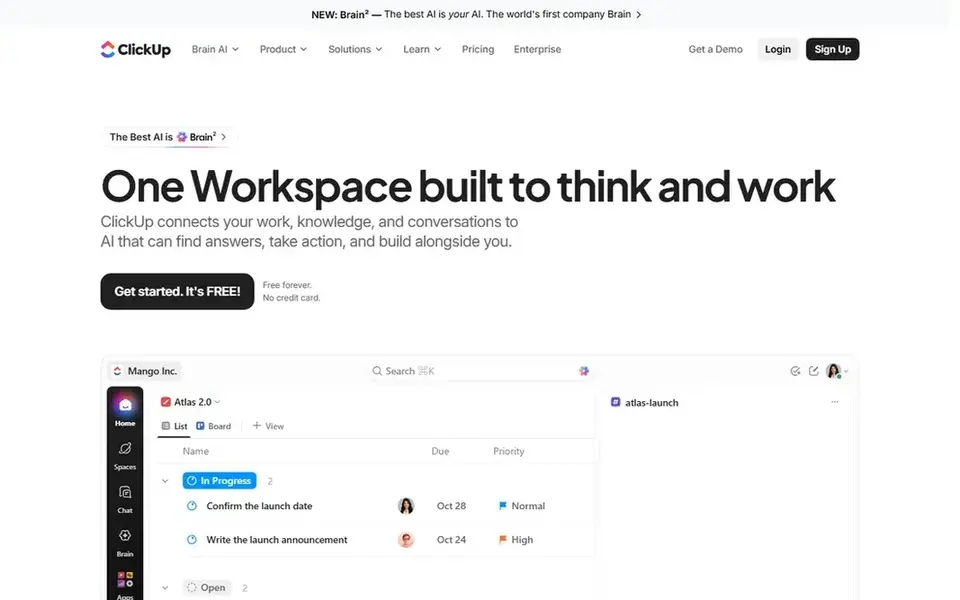
Choose ClickUp for AI planning inside full project work. Tasks, docs, goals, and time tracking sit beside the AI tools.
So the team can plan and run a project without moving between apps. From a buyer's view, ClickUp AI writes task descriptions, summaries, and docs, and it can turn meeting notes into action items with owners and dates. Price to start with ClickUp: $9 per user/month. You can start on ClickUp without paying.
The main drawbacks: AI features sit in higher plans for full access.
- AI drafts tasks, summaries, docs
- Tasks, docs
- The numerous views and settings take time to learn
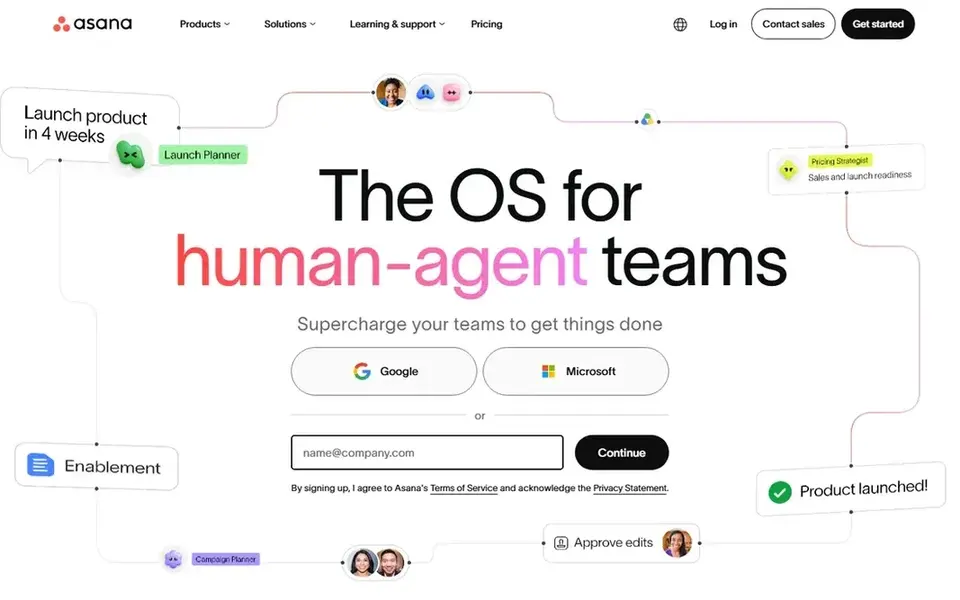
Asana targets AI timelines and team portfolios. Asana uses AI to keep a small team current without additional status meetings.
Trade-offs to know: the free plan spans only 10 collaborators.
From a buyer's view, the free plan spans up to 10 collaborators, which is enough for a small team to start and test AI summaries. On cost, Asana starts like this: $10.99 per user/month. Asana includes a free tier.
- Timelines and portfolios present work across teams
- AI status updates and smart summaries
- Workload and advanced reporting need the Advanced plan
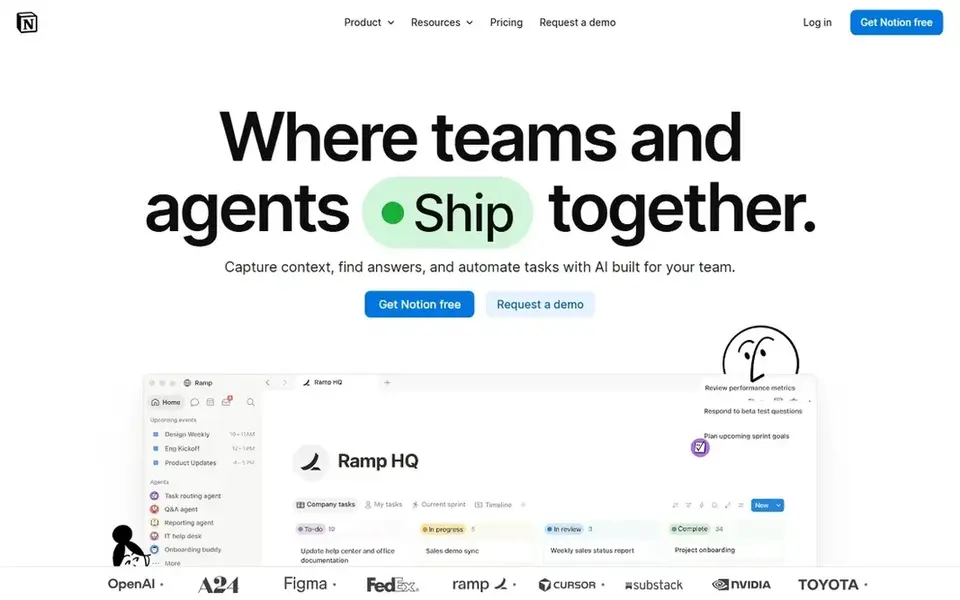
Notion is aimed squarely at docs and tasks with AI writing. The free plan includes entry-level pages and blocks, which is enough to test the layout and AI writing tools.
The starting price for Notion: $10 per user/month. You can start on Notion without paying.
Trade-offs to know: Project views need careful setup.
- Wikis in one place
- Adaptable pages, databases
- AI is an add-on cost on some plans
Selection criteria
Each tool was reviewed on what its vendor publishes: price, plan limits, core features and stated drawbacks. We did not run hands-on tests. Treat prices as a snapshot: vendors change plans often, so check the vendor site for the figure that applies today. Tools are placed by general fit for AI project management software for small teams, with price clarity and free access as tie-breakers. A different team can reasonably rank them differently.
What to check before you buy
- Confirm the entry price on the vendor page: Smartsheet starts at $9 per user/month, but seat counts and billing terms change the total.
- Check what the free option really includes: ClickUp, Asana and Notion offer a free plan, and usage caps differ.
- Use real work to test the free trial from Wrike and Smartsheet, rather than a demo project.
- Read the limits listed for Wrike first: no free plan beyond the trial.
- Ask the daily users to test ClickUp on a live task before you roll it out to everyone.
- Ask Asana about contract length, onboarding fees and user minimums before you sign.
Frequently asked questions
Do these tools publish their prices?
Yes. Every tool from Wrike to Notion shows a starting price, though seats, add-ons and billing terms still change the final cost. All 5 picks in this AI project management software for small teams comparison list a starting price, free plan details and the main limits on their cards above.
Can I try these tools before paying?
Often, yes. ClickUp, Asana and Notion have a free plan and Wrike and Smartsheet offer a free trial. Use your own data and a real task during the test, and check what the free tier or trial limits before you rely on it.
What is AI project management software for small teams?
AI project management software for small teams is a project tool that uses AI to draft plans, summarise updates, sort priorities, and flag risks, whereas keeping tasks, timelines, and owners in one place.
How are the tools for AI project management software for small teams ordered?
The order follows typical fit for AI project management software for small teams, with Wrike first and Notion last, then price clarity and free access. It is editorial judgement, not a score, so another team could rank the tools differently.
Which options for AI project management software for small teams have a free plan?
ClickUp, Asana and Notion offer a free plan in this list. Free plans usually cap users, projects or features, so check the limits on the vendor page. Several others offer a trial instead.
Sources
See where you really rank - block by block
ProMapRanker scans Google Maps across a grid of your service area. Simple monthly plans from $19, white-label on every plan.
Start freeBrowse all guides
← Best AI Powered Python Notebook Platforms (2026)6 Best AI Time Tracking Software for Freelancers in 2026 →
 best ai tools for platform engineering teams
AI Tools for Platform Engineering Teams: Best Picks of 2026
Compare 6 best AI tools for platform engineering teams, with prices, free plans and who each fits. Concise write-ups of every option. Updated for 2026.
Read → best ai resource planning software for consulting firms
7 Best AI Resource Planning Software for Consulting Firms for 2026
Compare 7 best AI resource planning software for consulting firms, with prices, free plans and who each fits. Each pick comes with its main catch. Easy to scan.
Read → best team chat software for creative agencies
Team Chat Software for Creative Agencies: Best Picks of 2026
5 best team chat software for creative agencies, compared on pricing, free plans and best-fit use. Where a tool struggles is spelled out. Narrow your shortlist.
Read → visio alternatives
Best Visio Alternatives in 2026
Compare 9 Visio alternatives for flowcharts, org charts, and network diagrams, with free plans, pricing, and the best pick for teams and solo users in 2026.
Read → best configuration management software
Best Configuration Management Software in 2026
Compare the best configuration management software in 2026, including Ansible, Puppet, Chef, Salt, Terraform, CFEngine, and Pulumi for teams of all sizes.
Read → best walkie talkie app
Best Walkie Talkie App in 2026
Find the best walkie talkie app and best push to talk app in 2026, with free options for families and paid plans for fleets, dispatch, and field teams.
Read →More in Project Management & Productivity · All guides A to Z by date · Latest guides