 ProMapRanker
Best Visio Alternatives in 2026

Key takeaways
- diagrams.net is the strongest free option, with full core diagramming at no cost and no seat fee.
- Lucidchart is our pick for most teams that need structured diagrams, shared editing, and Visio file import.
- Miro suits workshops and early planning, where a diagram grows out of a group discussion rather than a fixed spec.
- Paid plans cluster around $8 to $10 per user per month, so the free tier limits and import support matter more than the headline price.
Quick comparison
| Pick | Great for | Pricing starts at | Free tier | |
|---|---|---|---|---|
 Lucidchart | Structured team diagrams | $9 per month | Yes | Visit |
 diagrams.net | Free diagramming | Free | Yes | Visit |
 Miro | Whiteboard planning | $8 per month | Yes | Visit |
 Creately | Visual team collaboration | $8 per month | Yes | Visit |
 EdrawMax | Desktop diagramming on a budget | See website | Yes | Visit |
 SmartDraw | Template-led business diagrams | $9.95 per month | Free trial | Visit |
 Whimsical | Fast, tidy flowcharts | $10 per month | Yes | Visit |
 Gliffy | Diagrams inside Atlassian tools | See website | Free trial | Visit |
 OmniGraffle | Polished Mac and iOS diagrams | See website | Free trial | Visit |
The best Visio alternatives
These tools cover the same core jobs as Visio: flowcharts, org charts, network diagrams, floor plans, and process maps. We compared official feature pages, pricing pages, and app listings, and we kept only tools that are live and fit the topic in October 2026.
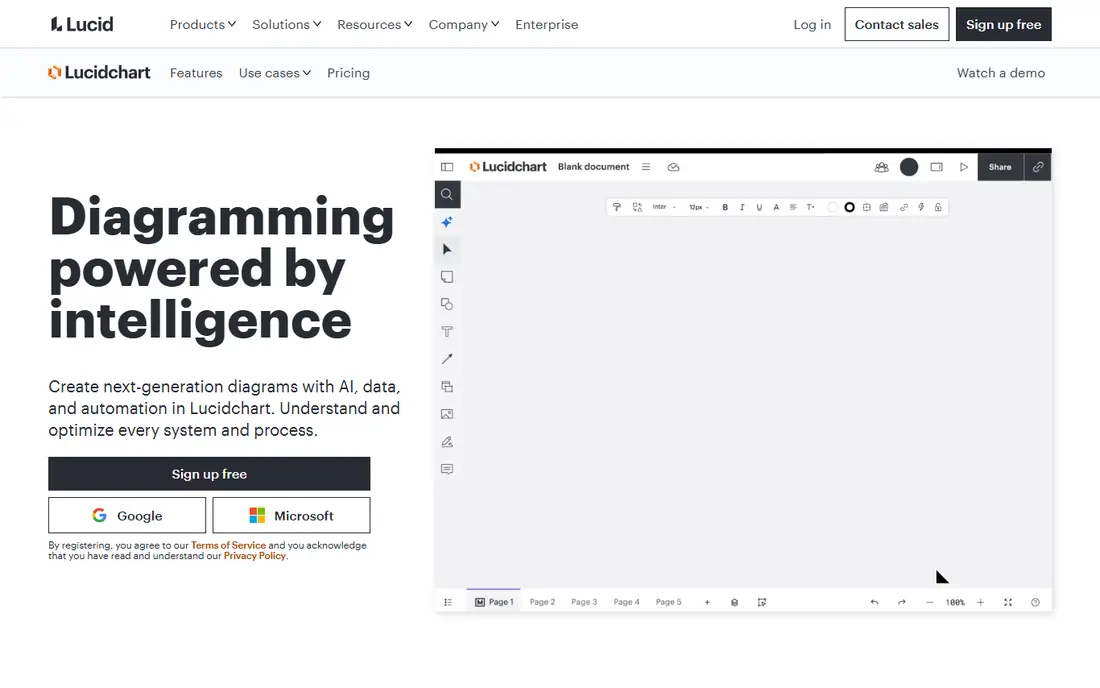
Lucidchart is the closest direct replacement for most Visio users. It handles flowcharts, org charts, UML, network diagrams, and process maps in a browser, so there is nothing to install and no file to email back and forth. Templates and shape libraries cover common business and technical diagrams, which shortens the time from a blank page to a finished draft.
The catch is the free plan. It allows only a small number of editable documents, so it works for trying the tool, not for ongoing team work. Paid plans add more documents, data linking, and admin controls. If your team already shares documents in Google Workspace or Microsoft 365, check the integrations before you buy, since that is where Lucidchart saves the most time.
- Strong template library
- Real-time collaboration
- Visio file import
- Free plan limits editable documents
- Paid plans are per user
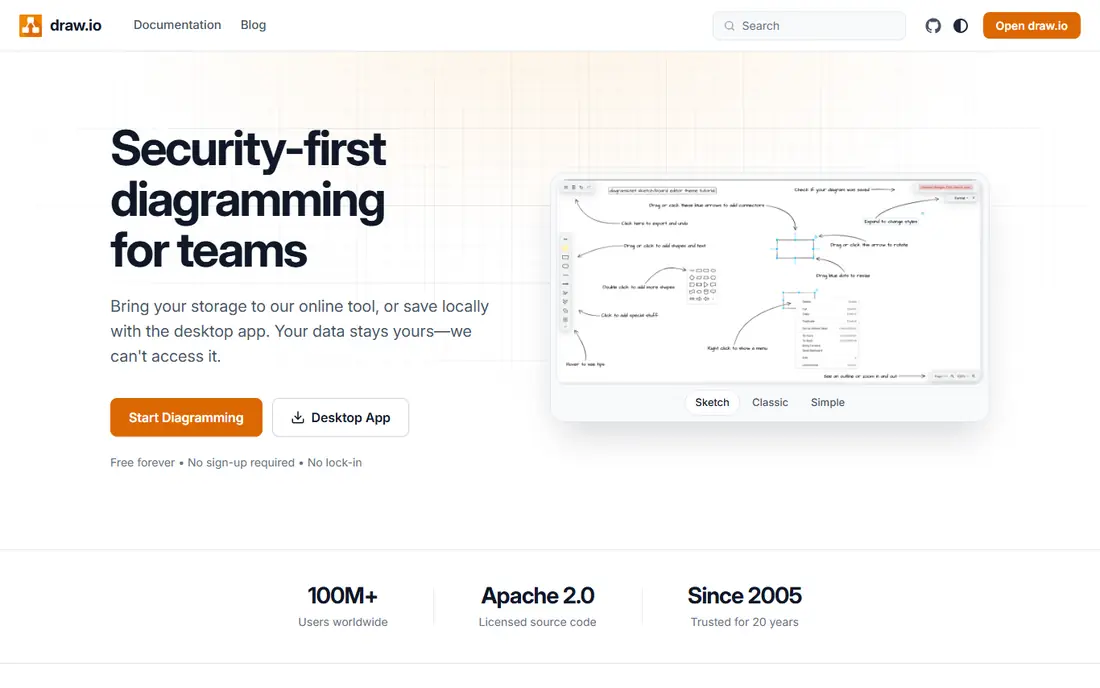
diagrams.net, formerly draw.io, is the pick when cost is the main constraint. The web app and desktop app are free, and you can save diagrams to your own storage, including Google Drive, OneDrive, and local files. It opens Visio files, which makes it a practical way to keep working on existing diagrams without a Visio licence.
Collaboration is more basic here than in Lucidchart or Miro. Shared editing depends on the storage service you use, and there is no built-in comment thread of the same kind. For solo users, small teams, and students, that trade is easy to accept. For large teams that need approvals and version history in one place, a paid tool may fit better.
- Fully free core product
- Works in a browser and on desktop
- Visio file support
- Collaboration is simpler than in paid tools
- Fewer guided templates

Miro starts as a whiteboard, not a diagram editor, and that difference shapes who should pick it. Teams can sketch a process, cluster sticky notes, vote on options, and then tidy the result into a flowchart on the same board. That flow suits workshops, product planning, and retrospectives, where the diagram is a record of a discussion.
For strict technical diagrams, Miro is less precise than Lucidchart. Connectors and shape rules are looser, and very large diagrams can feel harder to keep tidy. The free plan allows a limited number of editable boards, while the Starter plan adds unlimited boards and version history. Pick Miro when collaboration comes first and the diagram second.
- Large template library
- Strong live collaboration
- Flexible canvas
- Less strict diagram structure than Lucidchart
- Free plan limits editable boards
Creately combines diagrams with databases, tasks, and project views, so a flowchart can sit next to the work it describes. That helps teams that want one workspace for planning and delivery, rather than a diagram file stored apart from the project. It covers flowcharts, org charts, mind maps, wireframes, and database diagrams.
The free plan is useful for a trial, but it limits documents and features, so active teams will need a paid plan. The breadth of the product is also a drawback for simple jobs. If you only need a flowchart once a month, a simpler tool will get you there faster.
- Diagrams linked to project data
- Many diagram types
- Team workspaces
- Free plan is limited
- Interface takes time to learn
EdrawMax is a desktop-first alternative with a very wide range of diagram types, from flowcharts and org charts to floor plans, electrical diagrams, and infographics. That breadth makes it a good fit for users who draw many different kinds of diagrams and want one tool for all of them. It also works on the web, so you are not tied to one machine.
The crowded interface is the main drawback. With so many templates and symbols on show, simple diagrams can take longer to start than they do in Whimsical or diagrams.net. Pricing has also varied across sources, so check the vendor pricing page before you buy and confirm the purchase type, subscription or perpetual licence.
- Very large template and symbol library
- Desktop and web apps
- Visio file support
- Pricing and plan details change often
- Interface can feel crowded
SmartDraw has long been a business diagramming tool, and its strength is still template-led work. Pick a template, add your data, and the tool handles much of the alignment and spacing for you. That helps with org charts, floor plans, and process diagrams where a clean, consistent result matters more than freeform drawing.
There is no free plan, only a trial, so budget for a subscription from the start. It is also less of a whiteboard tool than Miro, so it suits formal diagrams better than brainstorming. If you have a large set of Visio files to keep using, test import and export on your own files during the trial before you commit.
- Strong Visio import and export
- Automatic formatting
- Many business templates
- No free plan, trial only
- Web and Windows focus
Whimsical is the tool we would pick for quick product and process diagrams. Flowcharts snap into tidy layouts with little manual adjustment, and the same workspace holds wireframes, mind maps, and short documents. That makes it a good fit for product teams that need a diagram inside a spec, not a separate file.
The trade is depth. Whimsical does not match Lucidchart or EdrawMax for specialised technical diagrams, and teams that need network or engineering drawings should look elsewhere. The free plan is fine for personal use, while the paid plan is priced per editor, so viewers can usually follow along without a paid seat.
- Very fast to use
- Clean default styling
- Flowcharts, wireframes, and docs in one place
- Fewer specialised diagram types
- Paid plan is per editor
Gliffy is best judged as an Atlassian companion rather than a standalone diagram giant. If your team already plans work in Confluence and Jira, Gliffy lets you draw and update diagrams where the documentation already lives, instead of linking out to another tool. Editing is simple drag and drop, and diagrams stay visible to the team that needs them.
Outside that setting, Gliffy is harder to recommend over Lucidchart or diagrams.net. The template range is narrower, and there is no free plan, only a trial. Check the current pricing page, since Atlassian marketplace pricing depends on user count and hosting type.
- Works inside Confluence and Jira
- Simple drag and drop editing
- Shared team diagrams
- No free plan
- Smaller template range than larger rivals
OmniGraffle is a Mac and iOS diagramming tool from the Omni Group, and it shows in the polish of the output. Stencils, styles, and precise placement make it a strong choice for diagrams that will appear in a report or a presentation. It also supports Visio file import, so Mac users are not cut off from files made on Windows.
The platform limit is the main catch. There is no Windows or Android version, so mixed-platform teams will struggle to share editable files. It is also a paid product, so check the current price on the vendor site and confirm whether you need the standard or Pro feature set before you buy.
- Precise drawing tools
- Polished output
- Good for Mac and iPad users
- No Windows or Android version
- Paid product with no free plan
How we picked these
We compared official pricing pages, feature pages, and app store listings for tools that replace Visio for flowcharts, org charts, and technical diagrams. We kept only tools that are live in October 2026, that offer a real diagram editor, and that support the common diagram types readers asked about in the other keywords, including online Visio alternatives. Where prices conflicted across sources, we wrote See website rather than picking a figure we could not confirm.
Choosing the right Visio alternative
Start with how you work, not with the feature list. Solo users who draw occasionally should start with diagrams.net, since it costs nothing and handles Visio files. Teams that draw every week and need comments, approvals, and shared libraries should shortlist Lucidchart and Creately.
Match the tool to the diagram type
Technical diagrams with strict rules, such as UML and network diagrams, need a structured editor. Lucidchart, diagrams.net, and EdrawMax fit that job best. Workshop diagrams, journey maps, and early product sketches fit Miro and Whimsical better, since a loose canvas helps ideas move faster than a strict grid.
Check import, export, and sharing before you pay
If you have existing Visio files, test import on a real file during a trial. Check export formats too, since a diagram that only lives inside one app is hard to share with clients. Also confirm who needs a paid seat. Some tools charge only editors, while others charge every user, and that difference changes the bill for a large team.
Try the free tier on a real diagram
A free tier that only allows a couple of documents will not show you how a tool feels on a large diagram. Build one diagram you actually need, share it with a colleague, and export it. That short test tells you more than a long feature comparison, and it shows whether the interface helps or slows you down.
Frequently asked questions
What is the best free Visio alternative?
diagrams.net is the best free Visio alternative for most people. It is free in the browser and on desktop, it opens Visio files, and it covers flowcharts, org charts, and network diagrams. Paid tools add stronger collaboration and template libraries, but they are not needed for basic diagramming.
Can these tools open Visio files?
Yes, several of them can. Lucidchart, diagrams.net, SmartDraw, EdrawMax, and OmniGraffle all support Visio file import, though results vary by file type and complexity. Always test import on your own files, since complex diagrams with custom shapes may need tidying after import.
Is Lucidchart better than Miro for diagrams?
Lucidchart is better for structured, technical diagrams, while Miro is better for workshops and group planning. Lucidchart gives tighter shape rules, data linking, and template control. Miro gives a flexible canvas where a diagram can grow out of sticky notes and discussion.
What is the best Visio alternative online?
For a purely online tool, Lucidchart and diagrams.net are the strongest picks. Both run in a browser with no install, and both handle common diagram types well. diagrams.net costs nothing, while Lucidchart adds stronger team features on paid plans.
Do I need to install software to use a Visio alternative?
No, not always. Lucidchart, diagrams.net, Miro, Creately, and Whimsical all run in a browser. Desktop apps are available for some tools, including diagrams.net and EdrawMax, which helps when you work offline or with large files.
Which Visio alternative is best for Mac users?
OmniGraffle is the best Mac-first pick, with polished drawing tools for macOS and iOS. If you also need Windows colleagues to edit the same files, Lucidchart or diagrams.net is a safer choice, since both work across platforms.
Sources
See where you really rank - block by block
ProMapRanker scans Google Maps across a grid of your service area. Simple monthly plans from $19, white-label on every plan.
Start freeKeep reading
 who has the best home internet service
Who Has the Best Home Internet Service in 2026
Who has the best home internet service in 2026? Compare fiber, cable, and 5G providers on speed, price, data caps, and availability at your address today.
Read → top 10 logistics software
Top 10 Logistics Software in 2026
We compared the top 10 logistics software tools for transport, warehousing, visibility and shipping, for shippers, carriers and 3PL teams in 2026 today.
Read → sprinklr alternatives
Best Sprinklr Alternatives in 2026
Compare the best Sprinklr alternatives for social publishing, listening, care and reporting, with current pricing and honest trade-offs for teams in 2026.
Read →