 ProMapRanker
7 Best AI Resource Planning Software for Consulting Firms for 2026

AI-assisted staffing suggestions for project teams · Pricing starts at: $9.99 per user/month
Direct answer
Our first pick is Mosaic, best for AI-assisted staffing suggestions for project teams. Listed starting prices: Mosaic from $9.99 per user/month, Productive from $10 per user/month and Float from $7 per user/month. If your case is different, Productive suits agencies that want staffing, time tracking and billing together and Kantata suits enterprise resource forecasting across large portfolios. All 7 tools are compared below on price, free plan and limits.
Choosing AI resource planning software for consulting firms usually comes down to price, fit and limits. This ProMapRanker guide sets 7 tools side by side on those three points, with the facts kept short and checkable.
Key takeaways
- Top of the list is Mosaic, which targets AI-assisted staffing suggestions for project teams.
- None of the 7 tools, from Mosaic to Runn, has a free plan, so budget for a subscription or use a trial.
- Kantata comes with a trade-off: quote only with no free trial.
- For clear capacity planning and people scheduling by role, Runn is worth a look.
Quick comparison
| Pick | Great for | Pricing starts at | Free tier | |
|---|---|---|---|---|
| Mosaic | AI-assisted staffing suggestions for project teams | $9.99 per user/month | Free trial (30 days) | Visit |
 Productive | Agencies that want staffing, time tracking and billing together | $10 per user/month (billed yearly) | Free trial (14 days) | Visit |
 Kantata | Enterprise resource forecasting across large portfolios | Quote only | No | Visit |
 Float | Visual team scheduling with capacity and time off | $7 per user/month (billed yearly) | Free trial (30 days) | Visit |
 Hub Planner | Scheduling, timesheets and leave requests together | $7 per resource/month (billed yearly) | Free trial (30 days) | Visit |
 Forecast | AI-assisted resource planning and capacity forecasting | $29 per user/month (billed yearly) | Free trial (14 days) | Visit |
 Runn | Clear capacity planning and people scheduling by role | $7 per resource/month (billed yearly) | Free trial (30 days) | Visit |
AI Resource Planning Software for Consulting Firms profiles
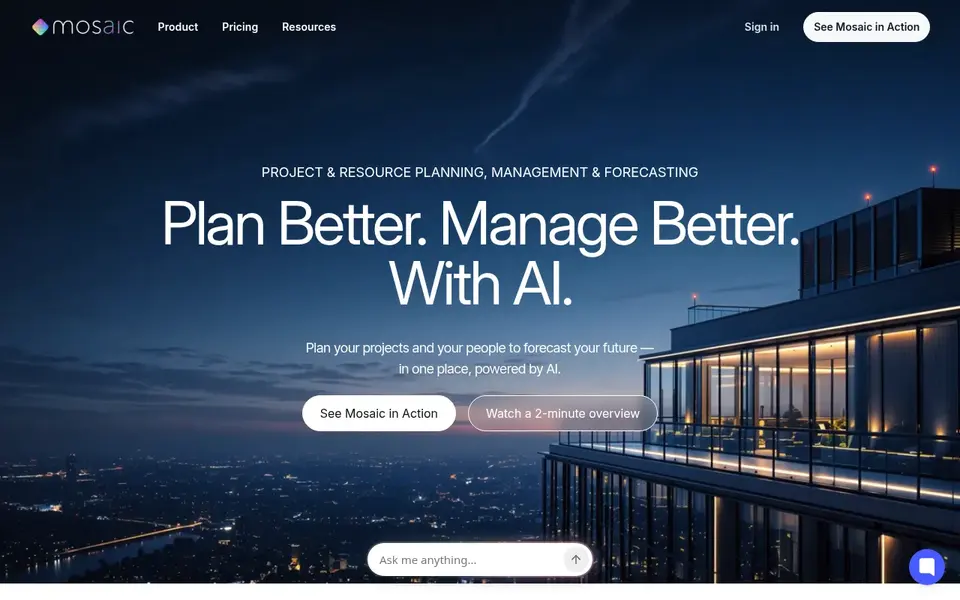
Choose Mosaic for AI-assisted staffing suggestions for project teams. The interface is clean, so a manager can read the entire portfolio without digging through menus.
Limits to weigh: unusual workflows should be tested in the trial first.
As for the details, Mosaic is a resource management tool with AI-assisted staffing suggestions that help managers match people to projects. Mosaic starts at: $9.99 per user/month. Trial and free access: Free trial (30 days).
- Clean capacity and utilization views
- AI-assisted suggestions match people to projects
- Newer tool with a shorter integration list
Productive
Great for: Agencies that want staffing, time tracking and billing together
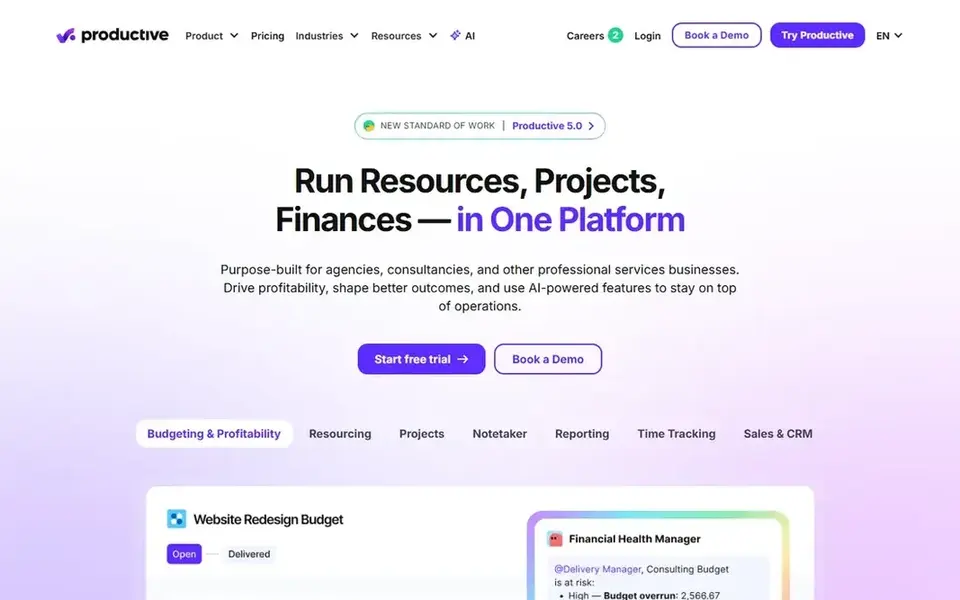
Productive is aimed squarely at agencies that want staffing, time tracking and billing together. Productive is aimed at professional services businesses, and that focus displays in how it links people, projects and money.
Strengths: Merges scheduling.
From a buyer's view, the Essential plan costs $10 per user a month billed annually and spans scheduling, time tracking, budgets and invoicing, with a 3 seat minimum. Price to start with Productive: $10 per user/month. On free options: Free trial (14 days).
Limits to weigh: setup takes time for businesses with complicated rate cards and approval rules.
- Time tracking
- Clear utilization and capacity forecasts
- Only a 14-day trial
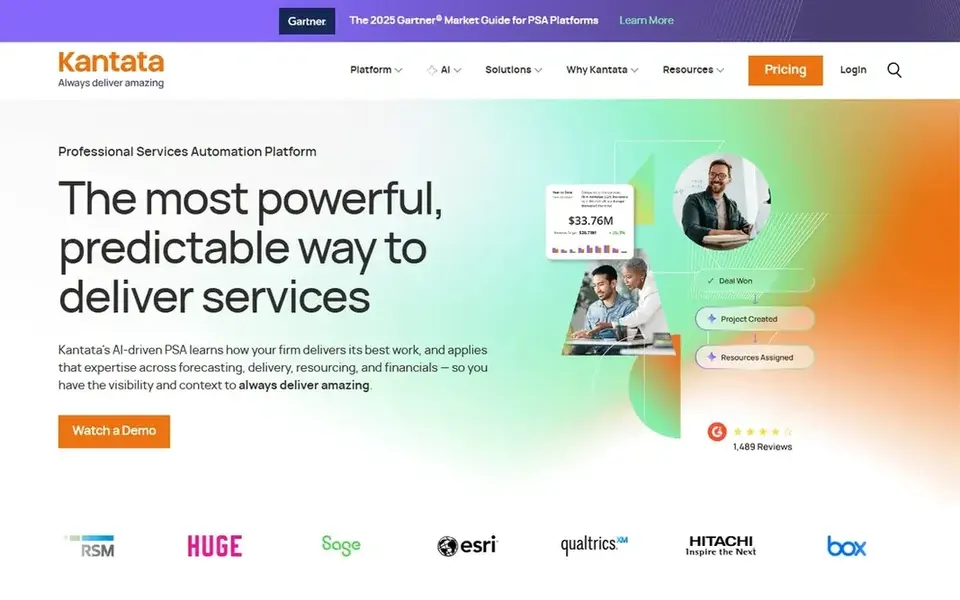
Pick Kantata if this describes you: enterprise resource forecasting across large portfolios. Kantata is an enterprise professional services product formed from Mavenlink and Kimble, built for businesses with 50 to 5,000 people.
Resource forecasting is deep, with scenario planning that displays the effect of winning or losing a large engagement. That enterprise depth includes a longer setup and a ramp-up time, which makes it a poor fit for small teams. There is no list price for Kantata, so a quote is the way in. Kantata has no free tier.
Where it falls short: long setup and a ramp-up time for smaller teams.
- Links scoping
- Resourcing and financials
- Quote only with no free trial
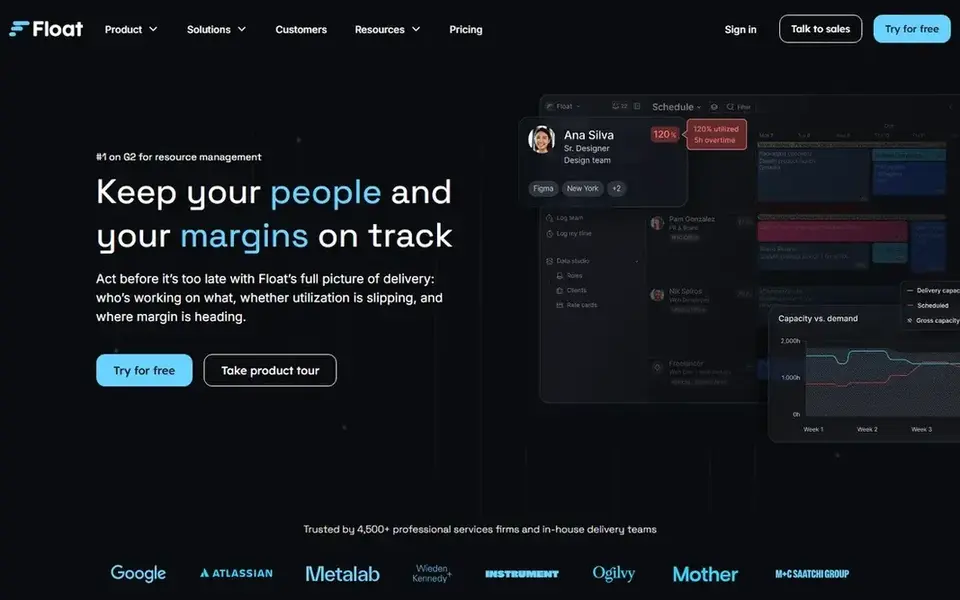
Float works best for visual team scheduling with capacity and time off. Staffing managers can drag work between people, split a task across a week, and see overallocation before it causes a delay.
Where it is weaker: project accounting features are restricted.
The Starter plan costs $7 per user a month billed yearly, and Pro at $12 brings time tracking, client rate cards and deeper reporting. Price to start with Float: $7 per user/month. On free options: Free trial (30 days).
- Visual drag-and-drop schedule that is simple to scan
- Clear capacity and time-off views
- No native invoicing
Hub Planner serves scheduling, timesheets and leave requests together. Hub Planner merges resource scheduling with timesheets, leave requests and utilization reports.
Also, Hub Planner fits businesses that want scheduling and timesheets together without buying a full professional services suite. Hub Planner pricing: $7 per resource/month. Trial and free access: Free trial (30 days).
Watch-outs: Lighter on project accounting and invoicing than full professional services suites.
- Timesheets link back to the schedule
- Booking view presents availability and overload at a glance
- No built-in invoicing, so businesses that bill by the hour pair it with finance software
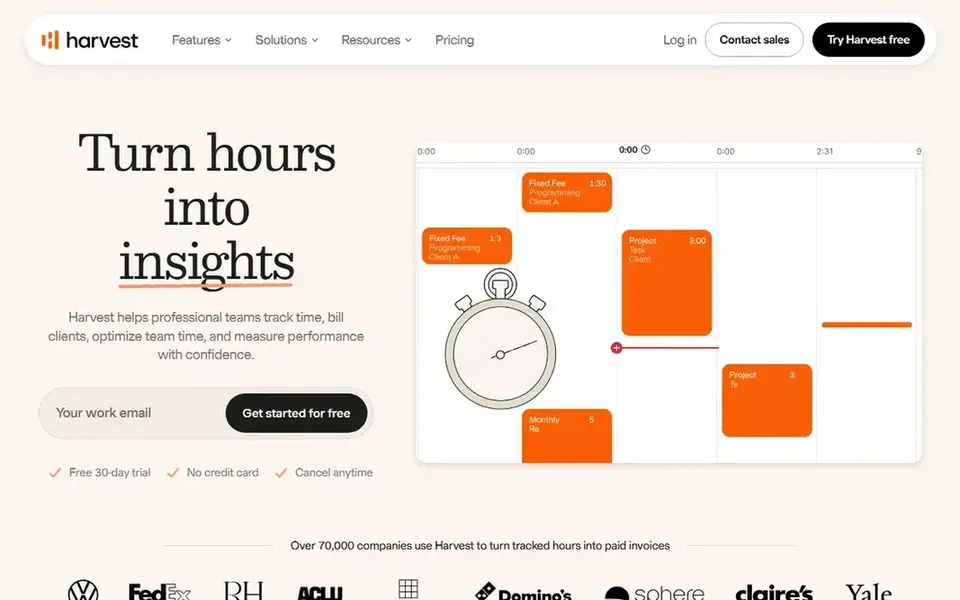
For AI-assisted resource planning and capacity forecasting, Forecast is a natural candidate. Time tracking, budgets and invoicing sit beside the plan, so hours flow into financial reports.
Limits to weigh: Priced above more straightforward scheduling tools.
Beyond that, a 14-day free trial is available. On top of that, the Lite plan costs $29 per user a month billed yearly, and Pro at $49 layers on advanced financial reporting and deeper automation. Forecast cost at the entry level: $29 per user/month. As for free access: Free trial (14 days).
- AI-assisted scheduling suggestions based on availability and skills
- Project
- Enterprise pricing is by quote only
Runn serves clear capacity planning and people scheduling by role. Runn focuses on showing who is working on what and how much capacity remains.
The 30-day trial gives enough time to load a real project list and test the capacity views with live data. Starting cost for Runn: $7 per resource/month. Free options: Free trial (30 days).
Downsides: Plans start at 20 resource seats, so very small teams pay for seats they may not use.
- Fast to set up and simple to read
- Clean capacity views by person
- No built-in invoicing
How we compared the tools
Selection started from tools commonly considered for AI resource planning software for consulting firms, then narrowed to 7 that have clear pricing information or a clear quote process. Treat prices as a snapshot: vendors change plans often, so check the vendor site for the figure that applies today. The sequence is a judgement call: typical use case first, then pricing transparency, then free access. Use the profiles to check fit.
What to confirm before you sign up
- Get a written quote from Kantata; the list shows no starting price for them.
- Take the trial from Mosaic, Productive, Float and others and push a live task through it before you pay.
- Before choosing Mosaic, weigh its main limit: newer tool with a shorter integration list.
- Confirm you can export your data from Productive, so leaving later does not mean losing records.
- List the apps you already depend on and check that Kantata supports each one on the plan you would buy.
Frequently asked questions
Can I try these tools before paying?
Often, yes. Mosaic, Productive, Float and others offer a free trial. Use your own data and a real task during the test, and check what the free tier or trial limits before you rely on it.
What is the cheapest option for AI resource planning software for consulting firms in this list?
On published monthly entry prices, Float is the lowest here at $7 per user/month. Entry price is only part of the cost, because seats, add-ons and billing terms can change the total.
How does AI forecasting help a consulting firm plan hiring?
Forecast and Kantata both display capacity forecasts across the portfolio, whereas Mosaic flags bench time and utilization trends. The forecast only helps if pipeline and leave data are current, so a firm should update project dates and staff availability every week.
How are the tools for AI resource planning software for consulting firms ordered?
The order follows typical fit for AI resource planning software for consulting firms, with Mosaic first and Runn last, then price clarity and free access. It is editorial judgement, not a score, so another team could rank the tools differently.
Do these tools publish their prices?
Not all of them. Kantata publishes no starting price, so expect a quote request for it. The rest, Mosaic included, show a starting price, though seats and billing terms still change the final cost.
What is the best AI resource planning software for consulting businesses?
Mosaic is the pick this page puts first, mainly for AI-assisted staffing suggestions for project teams. If your situation differs, Productive suits agencies that want staffing, time tracking and billing together, and Kantata suits enterprise resource forecasting across large portfolios. Compare price and limits before you decide.
Sources
See where you really rank - block by block
ProMapRanker scans Google Maps across a grid of your service area. Simple monthly plans from $19, white-label on every plan.
Start freeBrowse all guides
← Team Chat Software for Creative Agencies: Best Picks of 2026AI Tools for Platform Engineering Teams: Best Picks of 2026 →
 best cloud content collaboration software
Cloud Content Collaboration Software: Best Picks of 2026
Best cloud content collaboration software in 2026: 5 tools with starting prices, free plans and limits. Each profile ends with a plain caveat. Updated for 2026.
Read → best cloud content collaboration software for remote teams
Best Cloud Content Collaboration Software for Remote Teams (2026)
Compare 5 best cloud content collaboration software for remote teams, with prices, free plans and who each fits. Every entry states what it lacks. No hype.
Read → best ai tools data analysis workflows automation
Best AI Tools Data Analysis Workflows Automation in 2026
7 options for the best AI tools data analysis workflows automation, with entry costs, free tiers and the buyer each one serves. Budget notes included.
Read → best rpa software
Best RPA Software in 2026: 9 Tools Compared
Best RPA software in 2026, compared for enterprise teams, Microsoft shops and smaller firms, with pricing, governance and AI agent features and pricing.
Read → best software for market analysis
Best Software for Market Analysis in 2026
Best software for market analysis compared, with pricing, data strengths and fit for startups, marketers and strategy teams. General information only.
Read → best okr software for startups
OKR Software for Startups
Shortlisting the best OKR software for startups? 6 products compared on cost, free access and ideal buyer. Plus the drawbacks of each tool. Read the profiles.
Read →More in Project Management & Productivity · All guides A to Z by date · Latest guides