 ProMapRanker
Best RPA Software in 2026: 9 Tools Compared

Key takeaways
- UiPath leads for breadth of RPA ecosystem, while Automation Anywhere leads for cloud-native delivery.
- Microsoft Power Automate is the best value entry point for companies already standardised on Microsoft 365.
- SS&C Blue Prism suits regulated firms that need strong governance, audit, and control-room oversight.
- Most enterprise RPA tools price by quote, so total cost includes implementation, licences, and ongoing support.
- Modern RPA platforms now pair robots with AI agents, so buyers should judge the combined capability, not robots alone.
Quick comparison
| Pick | Great for | Pricing starts at | Free tier | |
|---|---|---|---|---|
 UiPath | Broadest RPA ecosystem | $25 per month | No | Visit |
 Automation Anywhere | Cloud-native automation | See website | Free trial | Visit |
 Microsoft Power Automate | Microsoft 365 organisations | $15 per user per month | Free trial | Visit |
 SS&C Blue Prism | Regulated governance | See website | No | Visit |
 WorkFusion | AI agents for operations | See website | Free trial | Visit |
 Appian | Low-code plus RPA | See website | No | Visit |
 Nintex | Workflow plus RPA | See website | No | Visit |
 Pega | Case management plus RPA | See website | No | Visit |
 ElectroNeek | Smaller automation teams | $1,450 per month | Free trial | Visit |
The best RPA software
We compared platforms on robot types, orchestration, document AI, governance, integrations, and pricing transparency, using official product pages and pricing information from October 2026. The list covers pure RPA leaders, platform vendors that bundle RPA, and a smaller-team option.
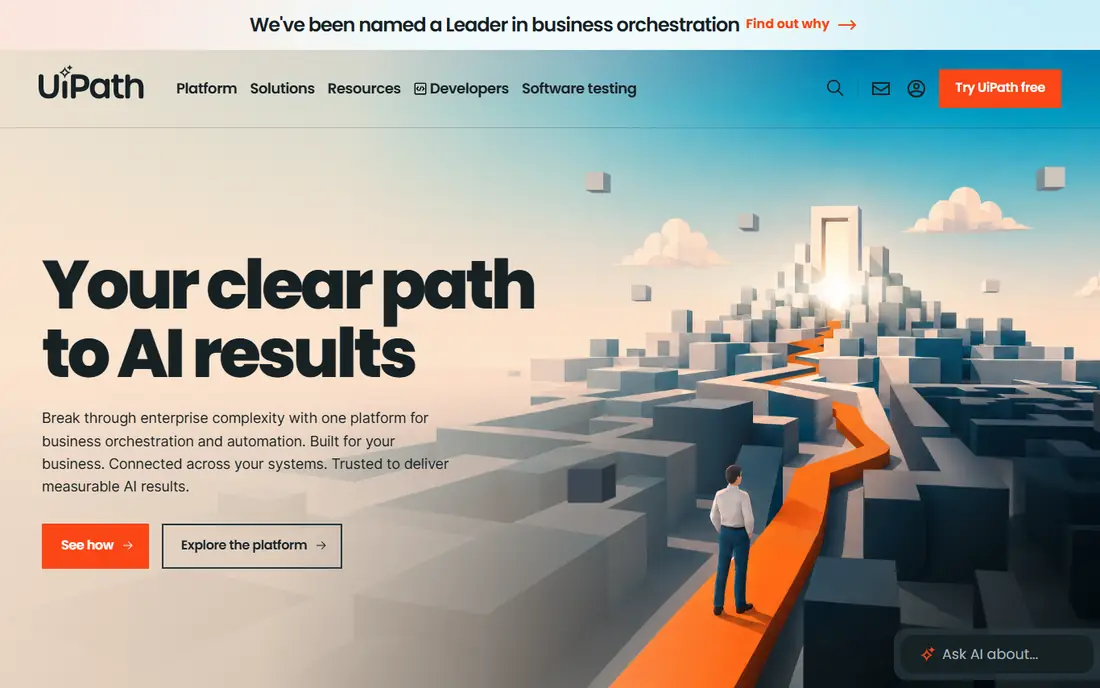
UiPath is the broadest RPA platform in this list, with tools for building, running, and managing robots, plus document understanding and AI agent features. It supports attended robots that work alongside staff, unattended robots that run on servers, and a central orchestrator for scheduling, queues, and monitoring. That breadth, plus a large partner network and training community, makes UiPath the default shortlist pick for many enterprises.
The entry price needs context. The Basic tier is capped, and standard and enterprise deployments are quoted, so a real deployment costs far more than $25 per month. Implementation, process discovery, and ongoing support also add cost. For a company standardising on RPA at scale, UiPath offers the deepest ecosystem. For a single small automation, Power Automate or ElectroNeek may be simpler and cheaper.
- Largest partner and training ecosystem
- Attended and unattended robots
- AI agent add-ons
- Entry tier is capped
- Real deployments are sales-led and cost more than the entry price
Automation Anywhere offers a cloud-native RPA platform, so teams do not need to manage robot infrastructure themselves. It covers task recording, bot building, orchestration, and document processing, with AI agents for handling unstructured documents and decisions. The cloud model suits companies that want to scale bots without running servers, and the community edition gives individuals a free way to learn the platform.
Enterprise pricing is by quote, with no public price list, so buyers should scope bot numbers, document volumes, and support needs before a sales conversation. The platform is also best judged on its document AI and cloud management, rather than on price alone. For cloud-first enterprises, Automation Anywhere is the main rival to UiPath, and the choice often comes down to existing stack and implementation partner.
- Cloud-native platform with no infrastructure to manage
- Strong document AI
- Community edition for learning
- No public price list for enterprise plans
- Large deployments need implementation support
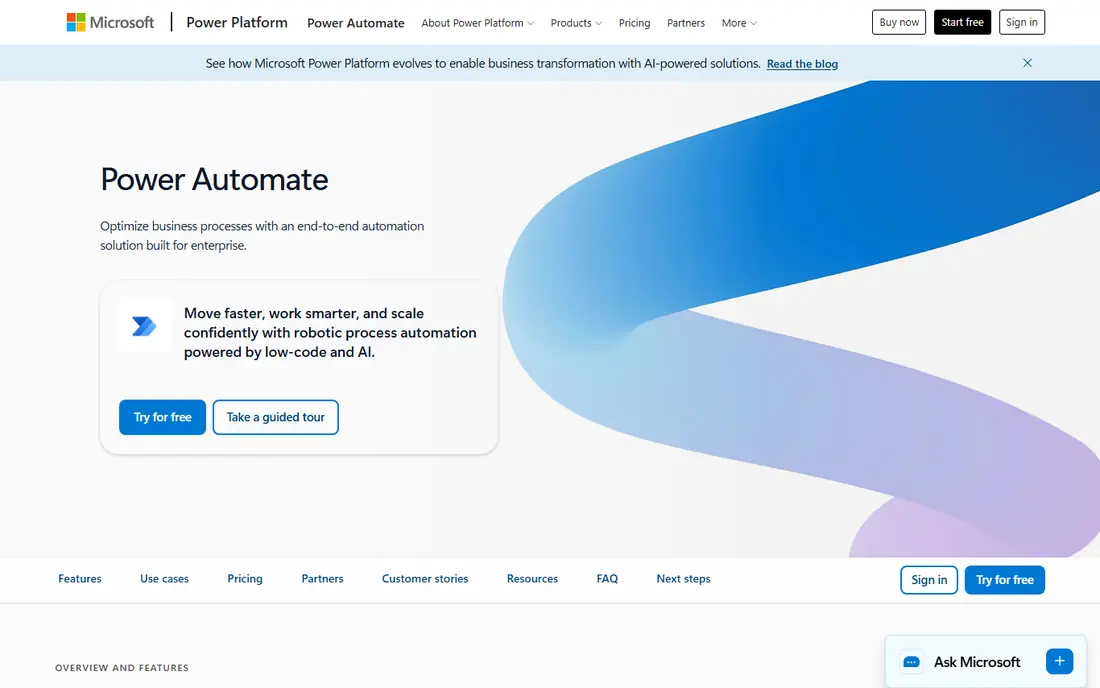
Microsoft Power Automate is the practical RPA choice for companies already on Microsoft 365. Cloud flows automate work across Microsoft apps and many third-party services, while desktop flows provide UI automation for legacy applications that lack APIs. Premium pricing starts at $15 per user per month, with unattended bot pricing at $150 per bot per month, which is lower than many enterprise RPA licences.
The limits show outside the Microsoft stack. Some third-party connectors are thinner than native integrations, and very large, complex bot estates may need the governance depth of UiPath or Blue Prism. For most organisations, though, Power Automate covers the common cases: approvals, data entry, report generation, and system-to-system flows. It is the best value RPA starting point for Microsoft shops.
- Included in many Microsoft 365 plans at a basic level
- Cheap unattended bot pricing
- Strong Microsoft integrations
- Connector quality varies outside Microsoft apps
- Very large bot estates need pure RPA depth
SS&C Blue Prism, often called Blue Prism, is built for governed, enterprise-scale RPA. Its control room gives central oversight of robots, schedules, queues, exceptions, and audit trails, which matters in banking, insurance, healthcare, and other regulated sectors. The platform emphasises security, access control, and compliance, rather than quick, citizen-developer automation.
That governance comes with heavier setup and quote-only pricing. Small teams will find Power Automate or ElectroNeek faster to start. Large, regulated firms that need audit trails and strict control over who can change a bot will find Blue Prism's model reassuring. Buyers should ask for a clear implementation plan and total cost, including licences, support, and control-room staffing.
- Control-room governance and audit built in
- Strong for regulated industries
- Centralised robot management
- Quote-only pricing
- Heavier setup than cloud-native rivals
WorkFusion focuses on AI digital workers for operations, especially in banking, insurance, and healthcare. Its agents handle tasks such as account opening, claims processing, and compliance checks, with human review where judgment is needed. That operations focus differs from general RPA platforms, which automate any desktop task. WorkFusion suits companies with high-volume, document-heavy operations that follow repeatable rules.
General RPA buyers may find the platform narrower than UiPath or Automation Anywhere, and pricing is by quote. A company with a broad mix of automation needs, from IT tasks to finance tasks, may prefer a general platform. A company with a clear operations bottleneck, such as onboarding or claims, should test WorkFusion on that process first.
- AI digital workers for operations teams
- Strong in banking and insurance use cases
- Human-in-the-loop controls
- Pricing by quote
- Narrower general RPA focus than UiPath
Appian is a low-code process platform that includes RPA as part of its automation offering. Teams can design a business process, build an application around it, and add bots for tasks that need UI automation, all in one platform. That combination suits companies whose real problem is a broken process, not just a repetitive task. Bots handle the legacy system steps, while the process app handles approvals, data, and user tasks.
RPA pricing is not published separately, because bots are bundled with platform tiers. That makes Appian hard to compare on RPA price alone, and a buyer should evaluate the whole platform cost. For companies already building process apps on Appian, the bundled RPA is a natural extension. For pure RPA buyers, a specialist platform may be clearer and cheaper.
- RPA inside a low-code process platform
- Bots scale with platform tier
- Process design and automation in one place
- No published RPA price
- RPA is part of a wider platform purchase
Nintex bundles RPA with workflow automation, forms, and document generation, which suits teams that want one vendor for process automation. A company can map a process, build forms and approvals, generate documents, and add bots for legacy system steps, without buying separate tools for each layer. That breadth helps mid-market and enterprise teams that are automating end-to-end processes rather than single tasks.
The bundle is also the drawback for pure RPA buyers. There is no standalone RPA price, and the total cost depends on the wider Nintex platform. Teams that only need a few bots may find a specialist tool simpler. Teams automating a full process, from intake form to document output, will get more value from the combined platform.
- RPA alongside forms, workflow and document generation
- Good for mid-market to enterprise teams
- Process mapping tools
- No standalone RPA price
- Sold as part of a wider bundle
Pega combines RPA with case management and business process management, so bots run inside the same engine that manages cases, decisions, and workflows. That design suits large enterprises with complex, regulated processes, such as insurance claims or loan servicing, where a bot is one step in a longer case journey. AI decisioning helps route work and suggest next actions, rather than only mimicking clicks.
The platform is enterprise-scale, with quote-only pricing and implementation that takes planning and specialist skills. Small and mid-size teams will find it heavy for simple automation. Large firms that already use Pega for case management, or that need process design plus automation in one system, will find the combined approach more coherent than bolting bots onto a separate case tool.
- Bots run inside a case and business process engine
- Strong for complex, regulated workflows
- AI decisioning
- Enterprise pricing and implementation scope
- Full platform cost is high
ElectroNeek targets smaller and mid-size automation teams that find enterprise RPA pricing and complexity out of reach. It offers low-code bot building, orchestration, and document processing with AI features, at a published team price that is easier to budget than a quote-only enterprise deal. That transparency helps a team that wants to start with a handful of bots and prove value before scaling.
The ecosystem is smaller than UiPath or Automation Anywhere, with fewer partners and training resources. Very large, regulated deployments may still need Blue Prism or UiPath governance. For a smaller team automating finance, operations, or back-office tasks, ElectroNeek offers a practical middle path between Power Automate and full enterprise RPA.
- Clearer entry pricing than enterprise rivals
- Low-code bot building
- Document and AI features for smaller teams
- Smaller ecosystem than UiPath
- Enterprise scale and support depth are less proven
How we picked these
We compared official product pages, pricing pages, and third-party RPA comparisons that checked vendor pricing in October 2026. We favoured platforms with a clear RPA offering, orchestration, and governance, and we included platform vendors that bundle RPA, because many buyers encounter RPA that way. We did not claim hands-on testing, and we wrote See website where a vendor does not publish a price.
Choosing the right RPA platform
Start with the process, not the vendor. List the tasks you want to automate, how often they run, which systems they touch, and whether they need human judgment. That list decides whether you need attended robots, unattended robots, document AI, or AI agents, and it prevents buying a large platform for a small problem.
Attended, unattended, or both
Attended robots help staff during their work, such as copying data into a legacy system while on a call. Unattended robots run on servers on a schedule, such as nightly reconciliations. Most companies need both, but the mix matters for licensing. Check how each vendor prices attended versus unattended bots before comparing headline prices.
Governance and audit from day one
RPA bots touch real systems and data, so access control, change management, and audit trails matter from the first bot. Ask who can build, approve, and change a bot, how exceptions are handled, and how bot activity is logged. Regulated firms should treat governance as a core requirement, not an add-on, and test it during a pilot.
Budget beyond licences
Licences are only part of RPA cost. Add process discovery, bot building, testing, infrastructure, and ongoing support. A bot that breaks when a target application changes needs maintenance, so budget for a small automation team or partner support. A pilot on one high-volume process, with a clear time-saving measure, gives the best evidence for wider funding.
Frequently asked questions
What is the best RPA software?
UiPath leads for ecosystem breadth, Automation Anywhere leads for cloud-native delivery, and Power Automate leads for value inside Microsoft 365. SS&C Blue Prism leads for regulated governance. The best choice depends on scale, cloud stance, and existing stack.
What is the best RPA tool for small businesses?
Microsoft Power Automate is often the cheapest start for Microsoft shops, while ElectroNeek offers a clearer entry price for smaller automation teams. Start with one high-volume, rule-based process, and prove time saved before buying more bot licences.
How much does RPA software cost?
Enterprise RPA is usually priced by quote, often tens of thousands of dollars a year and more for meaningful deployments. Power Automate starts at $15 per user per month for Premium, and ElectroNeek lists a team price from $1,450 per month. Always budget implementation and support beyond licences.
Is Microsoft Power Automate real RPA?
Yes, with qualifications. Desktop flows provide UI automation, and cloud flows cover API-based automation. At very large bot scale, with complex orchestration, pure RPA platforms offer more depth. For most organisations, Power Automate RPA is genuinely capable.
What is the difference between RPA and AI agents?
RPA automates deterministic, rule-based tasks by mimicking human interface actions. AI agents handle reasoning, unstructured documents, and changing conditions. Modern platforms combine both, with agents deciding and robots executing. Buyers should evaluate the combined capability during a pilot.
Sources
See where you really rank - block by block
ProMapRanker scans Google Maps across a grid of your service area. Simple monthly plans from $19, white-label on every plan.
Start freeKeep reading
 twitch alternatives
Twitch Alternatives in 2026
Explore the best Twitch alternatives in 2026 for live streaming, with free platforms, monetisation options, audiences, chat tools, and tips for new streamers.
Read → firebase alternatives
Best Firebase Alternatives in 2026
Looking for Firebase alternatives? We compare 9 backend platforms for auth, databases, realtime, storage, functions, self-hosting, and pricing for your app.
Read → companies with best work life balance
Companies With Best Work Life Balance in 2026
See companies with best work life balance in 2026, ranked by employee ratings, with flexible work options, benefits, and what to check before applying.
Read →