 ProMapRanker
Best AI Coding Platforms for Pair Programming (2026)

Terminal-first pair sessions · Pricing starts at: $17 per user/month (billed yearly)
Direct answer
Start with Claude Code if you need terminal-first pair sessions. Listed starting prices: Claude Code from $17 per user/month, Cursor from $16 per user/month and Amazon Q Developer from $19 per user/month. Cursor is better for solo developers who want an AI-native editor, and Amazon Q Developer is better for AWS-heavy engineering teams. Prices, free plans and limits for all 7 tools follow.
Short on time? The summary and table above give the quick view of 7 tools for AI coding platforms for pair programming, and the profiles that follow give the detail behind each entry.
Key takeaways
- The list opens with Claude Code, aimed at terminal-first pair sessions.
- Free access is easy to find: 6 of the 7 tools have a free plan, for example Cursor, Amazon Q Developer, JetBrains AI and GitHub Copilot.
- JetBrains AI is the lowest-priced starter here at $10 per user/month.
- Check the limits for JetBrains AI before you commit: AI Pro bundles only 10 AI credits per 30 days, so agent use drains quick.
Quick comparison
| Pick | Great for | Pricing starts at | Free tier | |
|---|---|---|---|---|
| Claude Code | Terminal-first pair sessions | $17 per user/month (billed yearly) | No | Visit |
 Cursor | Solo developers who want an AI-native editor | $16 per user/month (billed yearly) | Yes | Visit |
 Amazon Q Developer | AWS-heavy engineering teams | $19 per user/month | Yes | Visit |
 JetBrains AI | IntelliJ and PyCharm users | $10 per user/month | Yes | Visit |
 GitHub Copilot | Teams already working on GitHub | $10 per user/month | Yes | Visit |
 Windsurf | Developers who like the Cascade agent flow | $20 per user/month | Yes | Visit |
 Replit | Browser-based multiplayer coding | $20 per user/month (billed annually) | Yes | Visit |
The 7 tools in detail

Where Claude Code fits: terminal-first pair sessions. Claude Code is Anthropic's terminal-based coding agent, and it fits pair programming since the entire session happens in a shared terminal.
Where it falls short: usage limits reset on 5-hour and weekly windows.
Claude Code has no price of its own: it is included in Claude Pro at $20 per user a month, or $17 billed yearly, in Max at $100 per user a month, and in Team seats at $25 per seat for Standard or $125 for Premium. Beyond that, Pro is the cheapest entry point and fits a pair that uses the agent for part of the day, whereas Max fits a pair that drives most of its work through From a buyer's view, two developers can watch the same plan unfold and review each diff together, which keeps the pair in control whereas the agent does the typing. Claude Code starts at: $17 per user/month. Claude Code has no permanent free option.
- Solid agent that plans, edits, tests
- Explains in the terminal
- No standalone subscription, so you buy a Claude plan to get it
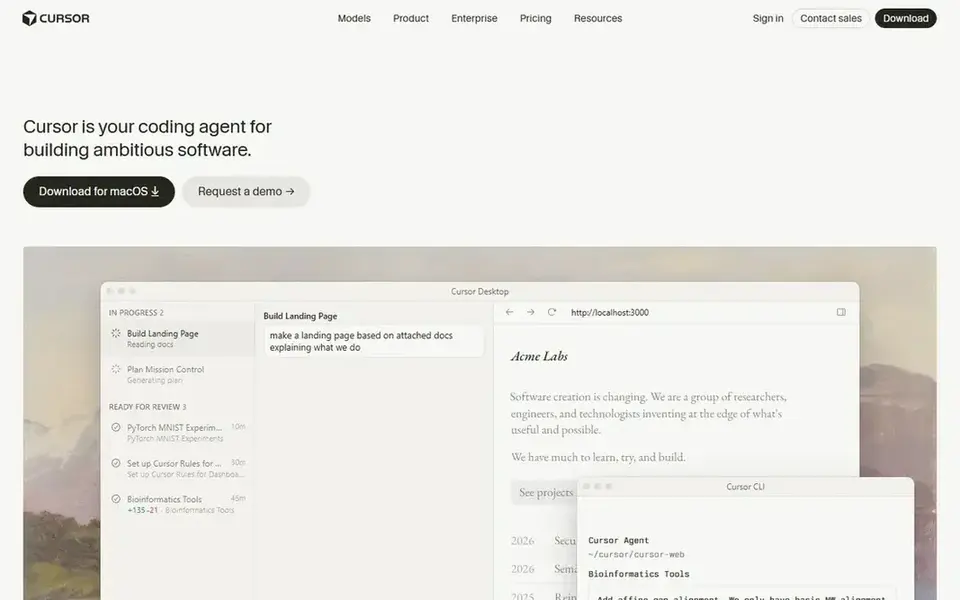
Cursor is aimed squarely at solo developers who want an AI-native editor. Pro costs $20 per user a month, or $16 per user a month when billed yearly.
Where it falls short: Usage-based billing means heavy model use brings cost above the subscription.
The limit to watch is usage: once the allowance is spent, further premium model use bills on top. On cost, Cursor starts like this: $16 per user/month. You can start on Cursor without paying.
- Agent mode edits across files and runs terminal commands
- Background agents work whereas you code
- Business costs $40 per user a month
Pick Amazon Q Developer if this describes you: AWS-heavy engineering teams. It supplies code suggestions, chat, security scanning, and transformation tooling for Java and.NET upgrades. For everyday use, for pair programming, the CLI version is the interesting part: two developers can share a terminal session.
For everyday use, the important catch is the end-of-support date. On top of that, AWS has announced that Q Developer IDE plugin support ends on April 30, 2027, and it points users toward Kiro, so weigh that timeline before rolling i More specifically, the free level contains 50 agentic requests per month and 1,000 lines of Java transformation per month, whereas Pro costs $19 per user a month and raises the limits to 1,000 requests and 4,000 lines per user a month. What you pay to start with Amazon Q Developer: $19 per user/month. You can start on Amazon Q Developer without paying.
Drawbacks to consider: free level lets only 50 agentic requests per month.
- CLI access for terminal pairing
- Deep AWS context with security scanning and Java and.NET transformation
- AWS announced that support for the Q Developer IDE plugins ends on April 30, 2027
Think of JetBrains AI for IntelliJ and PyCharm users. AI Free costs $0 with 3 AI credits per 30 days and unlimited code completion, AI Pro costs $10 per user a month with 10 credits, and AI Ultimate costs $30 with 35 credits.
For everyday use, since it runs inside the IDE, its completions draw on the IDE's own understanding of types and project structure. The starting price for JetBrains AI: $10 per user/month. Free access exists with JetBrains AI.
Limits to weigh: AI Pro bundles only 10 AI credits per 30 days, so agent use drains quick.
- Junie agent plans multi-step tasks and runs verification
- Built into JetBrains IDEs with project-aware completions
- AI Assistant needs a licensed JetBrains IDE
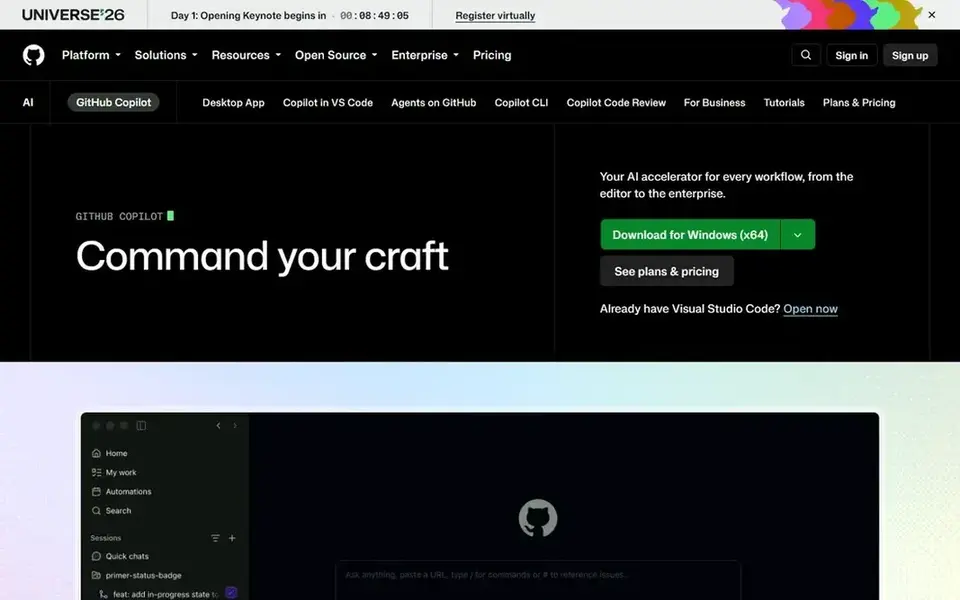
GitHub Copilot is a good fit for teams already working on GitHub. The cost risk is the credit system: once the monthly allowance runs out, additional usage bills at $0.01 per credit.
Starting cost for GitHub Copilot: $10 per user/month. You can start on GitHub Copilot without paying.
What to check first: Pro bundles a monthly AI credit allowance that heavy agent use can exhaust.
- JetBrains IDEs, Neovim, GitHub.com
- Agent mode plans and edits across files
- Model quality varies by task
Pick Windsurf if this describes you: developers who like the Cascade agent flow. Pro costs $20 per user a month, Max costs $200. Teams costs $40 per full seat a month with an $80 monthly minimum.
Drawbacks to consider: Pricing now lives on the Devin pricing page after the Cognition acquisition.
In practice, the free plan contains unlimited tab autocomplete and a light quota for Cascade use. On top of that, for pair programming, Windsurf suits teams that want the agent to do bigger chunks of work whereas the pair reviews together. In practice, confirm the quota before you buy: Windsurf replaced its old monthly credit pool with daily and weekly quotas in March 2026, and usage past the quota b From a buyer's view, Windsurf is an AI-native editor whose Cascade agent reads the entire project, edits across files, and previews the lead to a browser. Windsurf is now sold as Devin Desktop by Cognition, and its prices sit on the Devin pricing page. Entry price for Windsurf: $20 per user/month. Windsurf includes a free tier.
- Cascade agent manages multi-file edits with terminal and browser preview
- Free use of the SWE model family
- Exact daily and weekly quotas are not published
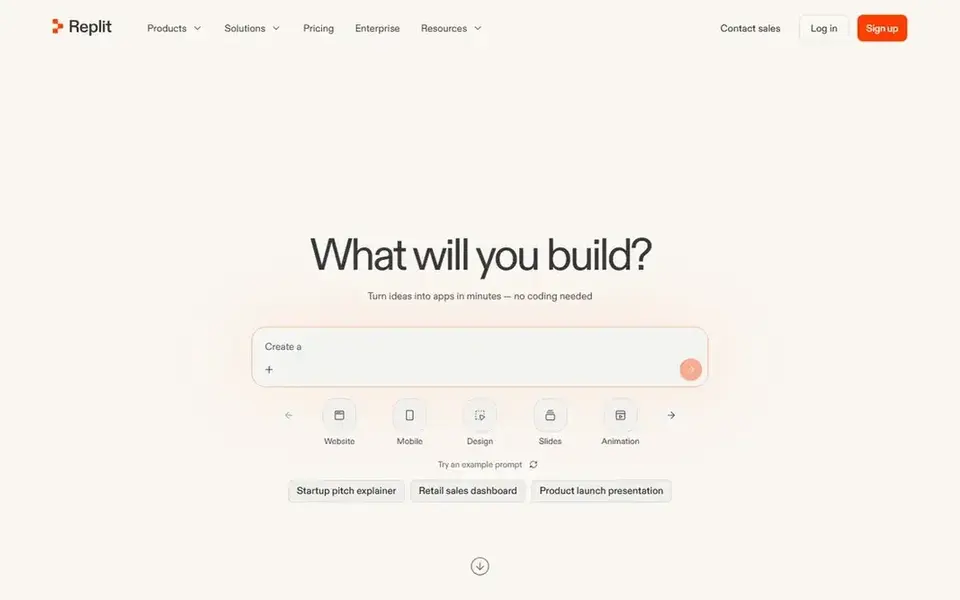
For browser-based multiplayer coding, Replit is a natural candidate. For a remote pair, Replit removes the friction of screen sharing and setup, since both developers work in the same live workspace.
Trade-offs to know: Agent work is credit-metered by effort, so complicated tasks cost more than the subscription.
Price to start with Replit: $20 per user/month. Replit has a free plan.
- True live multiplayer editing in the browser with no setup
- Agent builds and deploys full apps
- Hosting and databases draw from the same credit balance
How we compared the tools
The comparison looks at four things: starting price, free access, how well the feature set matches AI coding platforms for pair programming, and the main limit of each tool. Where a vendor does not publish a price, the entry says quote. Where a price depends on seats or billing term, the entry says so. The order reflects how well each tool fits the most common buying scenario for AI coding platforms for pair programming, then price clarity, then free plan access. It is a starting point, not a verdict.
What to confirm before you sign up
- Prices are a starting point; JetBrains AI shows $10 per user/month to start, so verify what your seat count would cost.
- Check what the free option really includes: Cursor, Amazon Q Developer, JetBrains AI and others offer a free plan, and usage caps differ.
- Read the limits listed for Claude Code first: no standalone subscription, so you buy a Claude plan to get it.
- Find out whether the entry plan of Cursor covers your must-haves or only a trimmed-down version.
- Compare total cost, not headline price: for Amazon Q Developer, add extra seats, add-ons and any usage-based charges.
Frequently asked questions
Which AI coding system has the best free plan for pair programming?
Claude Code comes first here and is built for terminal-first pair sessions. Buyers with other needs may prefer Cursor (for solo developers who want an AI-native editor) or Amazon Q Developer (for AWS-heavy engineering teams). Compare costs and limits first.
Which options for AI coding platforms for pair programming have a free plan?
On this list, 6 of 7 tools include a free plan, among them Cursor, Amazon Q Developer, JetBrains AI and GitHub Copilot. Caps on seats, usage or features are common, so test the free plan against your real workload.
How are the tools for AI coding platforms for pair programming ordered?
The order follows typical fit for AI coding platforms for pair programming, with Claude Code first and Replit last, then price clarity and free access. It is editorial judgement, not a score, so another team could rank the tools differently.
Do these tools publish their prices?
Yes. Every tool from Claude Code to Replit shows a starting price, though seats, add-ons and billing terms still change the final cost.
Can I try these tools before paying?
Often, yes. Cursor, Amazon Q Developer, JetBrains AI and others have a free plan. Use your own data and a real task during the test, and check what the free tier or trial limits before you rely on it.
Sources
See where you really rank - block by block
ProMapRanker scans Google Maps across a grid of your service area. Simple monthly plans from $19, white-label on every plan.
Start freeBrowse all guides
← Best No Code AI App Builders for Startups (2026)2026 Guide to the Best AI Real Estate Software →
 best ai powered test automation tools
7 Best AI Powered Test Automation Tools for 2026
Best AI powered test automation tools in 2026: 7 contenders with entry costs and free tiers. Each profile ends with a plain caveat. Pricing and limits included.
Read → best ai penetration testing tools
6 Best AI Penetration Testing Tools for 2026
6 best AI penetration testing tools, compared on pricing, free plans and best-fit use. Each listing flags where it falls short. Built for quick decisions.
Read → best ai coding assistant tools for enterprises
Best AI Coding Assistant Tools for Enterprises (2026)
Compare 6 best AI coding assistant tools for enterprises, with prices, free plans and who each fits. Plain-spoken summaries throughout. Read before you buy.
Read → what cellular company has the best coverage
What Cellular Company Has the Best Coverage in 2026
For what cellular company has the best coverage, your address matters most: this guide compares Verizon, AT&T, T-Mobile and low-cost carriers by location.
Read → best cross platform mobile app development
Best Cross Platform Mobile App Development in 2026
Looking for the best cross platform mobile app development? We compare 9 frameworks for iOS and Android apps, with languages, strengths, and limits in 2026.
Read → which demand side platform is the best
Which Demand Side Platform Is the Best in 2026
We compared the best demand side platform software for programmatic buying in 2026, covering inventory, targeting, fees, pricing, and fit by budget for teams.
Read →More in Developer Tools · All guides A to Z by date · Latest guides