 ProMapRanker
Best AI Coding Assistant Tools for Enterprises (2026)

Large codebase teams that want pooled usage · Pricing starts at: $100 per month flat (Business, up to 50 seats)
Direct answer
This list puts Augment Code first for large codebase teams that want pooled usage. Listed starting prices: Augment Code from $100 per month flat (Business, up to 50 seats), Amazon Q Developer from $19 per user/month and GitHub Copilot from $19 per user/month. Amazon Q Developer fits AWS teams that require console and Java upgrade help; GitHub Copilot fits GitHub teams that require agent work and admin controls. Details, prices and limits for the rest of the 6 tools are below.
This ProMapRanker guide covers 6 AI coding assistant tools for enterprises. Each profile lists a starting price, free plan details, strengths and drawbacks, so you can drop poor fits quickly.
Key takeaways
- Top of the list is Augment Code, which targets large codebase teams that want pooled usage.
- Before buying JetBrains AI, weigh this: the exact AI Enterprise credit count is not disclosed on the vendor page.
- 5 of 6 tools offer a free plan: Amazon Q Developer, GitHub Copilot, JetBrains AI, Windsurf, Cursor.
- Amazon Q Developer is the lowest-priced starter here at $19 per user/month.
Quick comparison
| Pick | Great for | Pricing starts at | Free tier | |
|---|---|---|---|---|
| Augment Code | Large codebase teams that want pooled usage | $100 per month flat (Business, up to 50 seats) | No | Visit |
 Amazon Q Developer | AWS teams that require console and Java upgrade help | $19 per user/month | Yes | Visit |
 GitHub Copilot | GitHub teams that require agent work and admin controls | $19 per user/month | Yes | Visit |
 JetBrains AI | JetBrains IDE teams that require agent help in the IDE | $60 per user/month (billed annually) | Yes | Visit |
 Windsurf | Teams that want an AI editor with flex seats | $40 per full seat/month ($80 per month minimum) | Yes | Visit |
 Cursor | Teams that want an AI-first editor with team controls | $30 per user/month | Yes | Visit |
Tool-by-tool breakdown
Augment Code makes the most sense for large codebase teams that want pooled usage. One limit: the 40 percent service fee means $100 of included usage buys about $71 of raw model inference after fees, so model a heavy month in dollars At 50 seats, the Business base fee is $2 per seat before usage. But the usage bill is the real cost.
Model calls bill at the provider list price plus a 40 percent service fee on LLM use, and Cosmos compute costs $0.19 per hour. From a buyer's view, Augment Code Business costs $100 per month flat, handles up to 50 seats with no per-seat charge, and bundles $100 of usage across LLM tokens, compute, and service fees. Top-ups stay valid for 12 months. What you pay to start with Augment Code: $100 per month flat. There is no free plan with Augment Code.
Honest limits: top-ups stay valid for 12 months.
- Standard costs $20 a month flat for up to 50 seats
- Business costs $100 a month flat for up to 50 seats, with $100 of usage included and pooled across the team
- Cosmos compute costs $0.19 per hour
Amazon Q Developer
Great for: AWS teams that require console and Java upgrade help
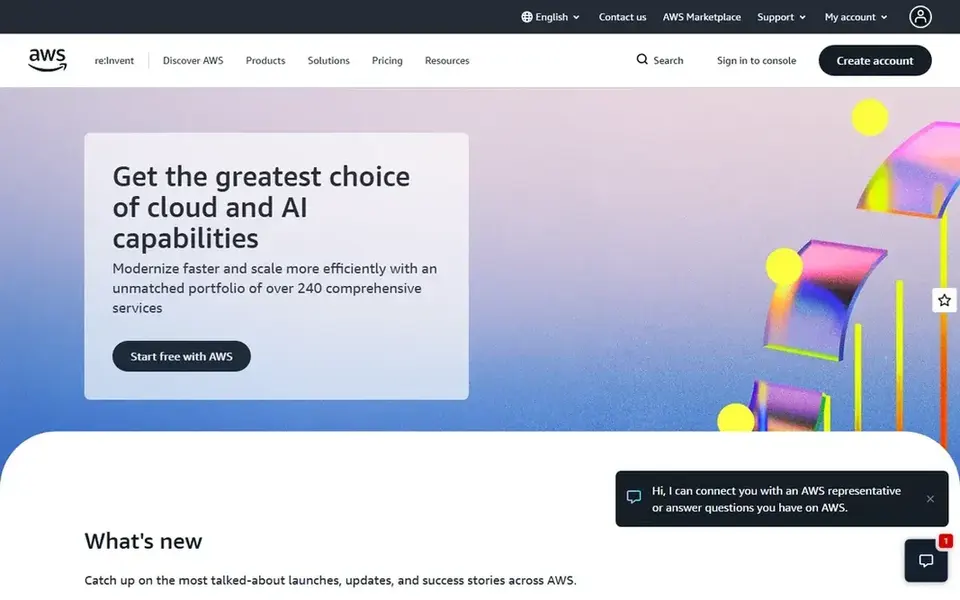
Amazon Q Developer is a good fit for AWS teams that require console and Java upgrade help. Amazon Q Developer Pro costs $19 per user/month.
The main drawbacks: AWS will end support for the Q Developer IDE plugins on 30 April 2027.
The command line, and it can help with Java upg The free level bundles 50 agentic requests a month and 1,000 lines of Java transformation a month. One limit: AWS has said that on 30 April 2027 it will end support for the IDE plugins and points users to Kiro, so do not plan a long IDE rollout on Q In daily use, Pro bundles agentic requests with limits, 4,000 lines of Java transformation per user a month pooled at account level, and additional lines at $0.003 per line. Starting cost for Amazon Q Developer: $19 per user/month. Free access exists with Amazon Q Developer.
- Admin controls through IAM Identity Center
- Free level contains 50 agentic requests a month
- Additional Java transformation lines cost $0.003 per line beyond the included amount
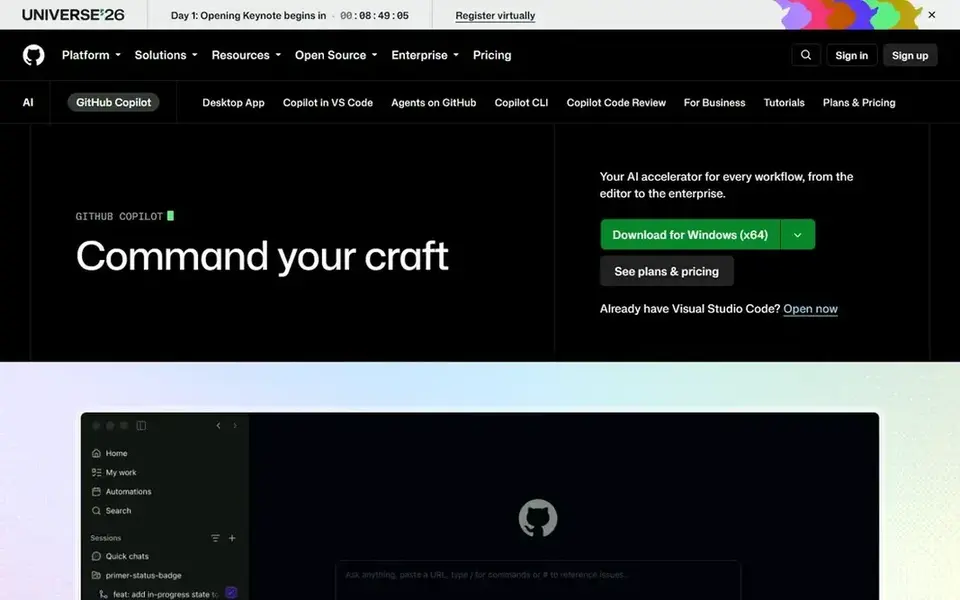
GitHub Copilot is aimed squarely at GitHub teams that require agent work and admin controls. Enterprise costs $39 per user/month and bundles 3,900 credits in the same pooled model.
Code completions do not use credits, whereas agent mode, chat, code review, and the CLI do, so heavy agent use brings cost at $0.01 per credit. More specifically, admins can set usage limits and use alerts at 75 percent, 90 percent, and 100 percent of a budget. On cost, GitHub Copilot starts like this: $19 per user/month. A free plan is available with GitHub Copilot.
Points against: Enterprise at $39 per user/month is needed for the top governance level.
What users get: Works across VS Code.
- JetBrains IDEs
- Visual Studio
- Extra usage costs $0.01 per AI credit once the pooled allowance is used
JetBrains AI was built for JetBrains IDE teams that require agent help in the IDE. Enterprise layers on approved models, use of a team own model provider, and on-premises choices.
Where it falls short: one AI credit equals $1, so heavy agent work can use the allowance quick.
In daily use, for organisations, AI Pro costs $20 per user/month with 20 credits and AI Ultimate costs $60 with 70 credits. JetBrains AI Enterprise costs $60 per user/month, billed yearly, as part of JetBrains IDE Services. JetBrains AI starts at: $60 per user/month. JetBrains AI offers a free plan.
- AI Free comes with 3 AI credits per 30 days
- Audit logs
- The exact AI Enterprise credit count is not disclosed on the vendor page
Windsurf targets teams that want an AI editor with flex seats. One limit: the $80 minimum makes a one-person or two-person team more pricey per head than the $40 seat price recommends, so count the minimum in the From a buyer's view, a full seat costs $40 a month and carries a daily and weekly usage quota equal to the Pro plan, plus access to Devin Desktop.
Windsurf starts at: $40 per full seat/month. Windsurf offers a free plan.
Watch-outs: Every Teams account has an $80 monthly minimum, so a one-seat team still pays $80 a month.
- Flex seats cost $0 and draw only on shared on-demand credits
- Full seats cost $40 a month with Pro-level daily and weekly quota
- Usage past quota is billed at API rates
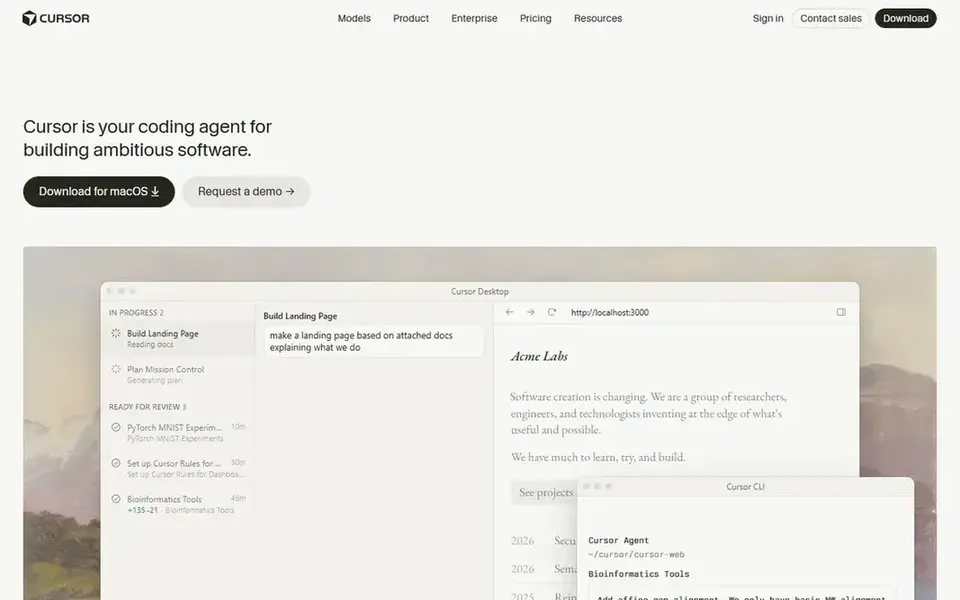
For teams that want an AI-first editor with team controls, Cursor is a natural candidate. Cursor is now sold through The X Subscription, one subscription for Grok, Cursor, and X. Each plan includes a weekly pool of usage for Cursor models, shared across Cursor and Grok.
On top of that, the $30 Teams seat provides 4 times the Plus usage pool. Also, one limit: external models for example Claude, GPT, and Gemini are billed at API list price on top of the subscription. From a buyer's view, Cursor suits a team that wants the editor itself to be the AI workspace, with agent mode, multi-file edits, and cloud agents on the higher levels. What you pay to start with Cursor: $30 per user/month. You can start on Cursor without paying.
Honest limits: External model usage is not included in the monthly price and must be bought separately.
- Central billing
- Teams seats start at $30 per user/month with SSO
- The Plus plan at $8 a month handles Grok models only
Pre-purchase checklist
- Prices are a starting point; Amazon Q Developer shows $19 per user/month to start, so verify what your seat count would cost.
- Read the fine print on the free plans from Amazon Q Developer, GitHub Copilot, JetBrains AI and others; seat, project and feature caps differ.
- Before choosing Augment Code, weigh its main limit: model use bills at provider list price plus a 40 percent service fee on LLM use, and Cosmos compute costs $0.19 per hour.
- Before you load data into Amazon Q Developer, check what an export looks like and who can run it.
- Check whether the features you need in GitHub Copilot sit on the entry plan or only on higher tiers.
Frequently asked questions
What happened to Gemini Code Assist for new buyers?
Existing customers keep access until their contracts end, with Standard listed at $19 per user/month on an annual commitment and Enterprise at $45.
Which AI coding assistant is best for most enterprises?
Augment Code comes first here and is built for large codebase teams that want pooled usage. Buyers with other needs may prefer Amazon Q Developer (for AWS teams that need console and Java upgrade help) or GitHub Copilot (for GitHub teams that require agent work and admin controls). Compare costs and limits first.
Is Augment Code the right pick for everyone comparing AI coding assistant tools for enterprises?
No single tool suits every team. Augment Code comes first because it fits large codebase teams that want pooled usage, while Amazon Q Developer suits AWS teams that need console and Java upgrade help and GitHub Copilot suits GitHub teams that need agent work and admin controls. Match the tool to your own size, budget and workflow before deciding.
What is the cheapest option for AI coding assistant tools for enterprises in this list?
On published monthly entry prices, Amazon Q Developer is the lowest here at $19 per user/month. Entry price is only part of the cost, because seats, add-ons and billing terms can change the total.
How are the tools for AI coding assistant tools for enterprises ordered?
Augment Code sits first and Cursor last because the order follows typical fit for AI coding assistant tools for enterprises, then price clarity and free access. It is a judgement call, so read each profile for fit and limits.
Can I try these tools before paying?
Often, yes. Amazon Q Developer, GitHub Copilot, JetBrains AI and others have a free plan. Use your own data and a real task during the test, and check what the free tier or trial limits before you rely on it.
Sources
See where you really rank - block by block
ProMapRanker scans Google Maps across a grid of your service area. Simple monthly plans from $19, white-label on every plan.
Start freeBrowse all guides
← 2026 Guide to the Best AI Powered Code Completion Software6 Best AI Penetration Testing Tools for 2026 →
 best ai fraud detection software
2026 Guide to the Best AI Fraud Detection Software
6 tools for the best AI fraud detection software, compared on pricing, free plans and best-fit use. Verdicts stay brief and factual. Updated November 2026.
Read → best ai form builders
2026 Guide to the Best AI Form Builders
Weighing the best AI form builders? We lined up 6 products by cost, free access and fit. Limits and pricing notes included. Built for quick decisions.
Read → best ai data labeling tools
2026 Guide to the Best AI Data Labeling Tools
Searching for the best AI data labeling tools? Here are 6 options with prices and free plans. Honest caveats for every entry. Built for quick decisions.
Read → best cnc software for beginners
Best CNC Software for Beginners in 2026
Find the best cnc software for beginners, from free Easel and Carbide Create to Fusion 360, with clear guidance on CAD, CAM, G-code, and machine setup.
Read → best png to svg free tool
Best PNG to SVG Free Tool in 2026
Looking for the best PNG to SVG free tool? We compared 7 free converters in 2026, from Inkscape and SVGcode to Adobe Express, on tracing quality, limits and privacy.
Read → best coding platform for beginners
Which Coding Platform for Beginners Fits You? 8 Tools Compared
Best coding platform for beginners: 8 tools compared on price, free plans and fit. For absolute first steps, begin with Khan Academy. Jump to the table.
Read →More in Developer Tools · All guides A to Z by date · Latest guides