 ProMapRanker
Top 7 Agentic Workflow Software, Compared on Price (2026)

Multi-agent teams for sales and operations · Pricing starts at: $19 a month (billed yearly)
Direct answer
Our first pick is Relevance AI, best for multi-agent teams for sales and operations. Listed starting prices: Relevance AI from $19 a month, Lindy from $29.99 per user a month and Make from $12 a month. Lindy is the stronger choice for AI teammates for inbox, meetings and scheduling, while Make suits visual scenario building on a low budget. Prices, free plans and limits for all 7 tools follow.
Choosing agentic workflow software usually comes down to price, fit and limits. This ProMapRanker guide sets 7 tools side by side on those three points, with the facts kept short and checkable.
Key takeaways
- This list starts with Relevance AI, which is built for multi-agent teams for sales and operations.
- Free plans exist at 4 of 7 tools (Make, n8n, UiPath, Microsoft Power Automate).
- The lowest published monthly entry price here is $12 per month, from Make.
- What to know about Make first: core stops at 300,000 credits a month, so very high volumes need Pro or Teams.
- For Microsoft 365 teams adding agents to flows, Microsoft Power Automate is worth a look.
Quick comparison
| Pick | Great for | Pricing starts at | Free tier | |
|---|---|---|---|---|
| Relevance AI | Multi-agent teams for sales and operations | $19 a month (billed yearly) | No | Visit |
 Lindy | AI teammates for inbox, meetings and scheduling | $29.99 per user a month | Free trial (7 days) | Visit |
 Make | Visual scenario building on a low budget | $12 a month (billed annually) | Yes | Visit |
 n8n | Technical teams running high-volume agent workflows | $20 per month (billed annually) | Yes | Visit |
 UiPath | Governed enterprise automation with agents | $25 a month | Yes | Visit |
 Gumloop | Agent-first workflows with unlimited seats | $37 per month | Free trial (14 days) | Visit |
 Microsoft Power Automate | Microsoft 365 teams adding agents to flows | $15 per user a month (billed annually) | Yes | Visit |
Agentic Workflow Software, one by one
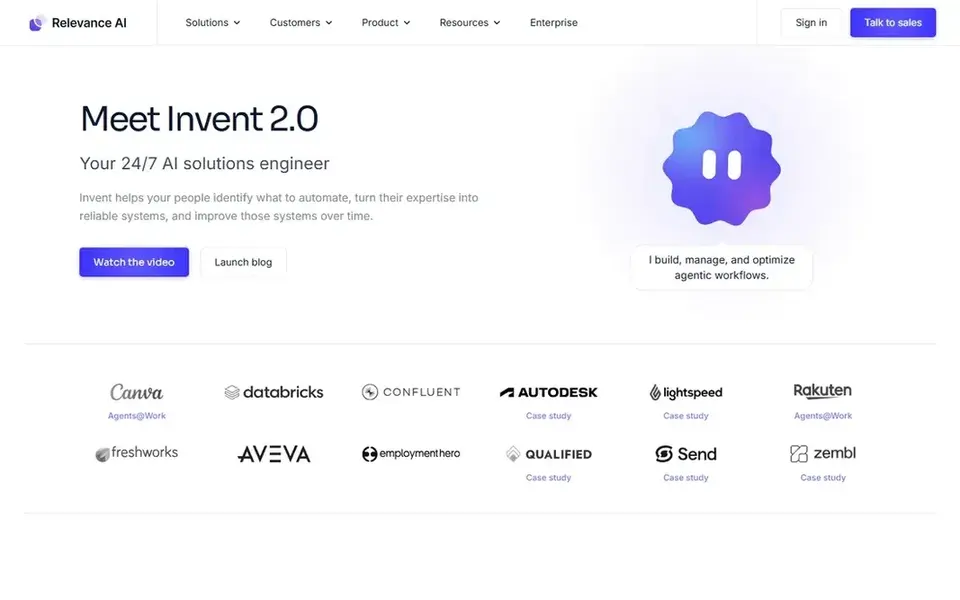
Relevance AI is designed for multi-agent teams for sales and operations. One detail to note is that a failed tool run still counts as one Action.
So a broken tool can use allowance without finishing the job. Choose Relevance AI if you want a team of specialist agents. Starting cost for Relevance AI: $19 per month. Relevance AI has no free plan.
Limits to weigh: The free plan is retired and closed to new signups, so Pro is the entry point.
- Pro bundles 2,500 Actions a month and 10,000 Vendor Credits a month
- Vendor Credits pass model costs through at wholesale with no markup
- Team jumps to $234 a month on annual billing, which is a steep step from Pro
Lindy is built with AI teammates for inbox, meetings and scheduling in mind. Lindy Plus costs $29.99 per user a month and layers on 3,000 credits per user a month to the shared workspace pool. Additional shared credits cost $10 per 1,000 credits, and those top-up credits do not expire.
What to check first: No annual billing choice is published.
That range means a Plus seat with 3,000 credits can run out after a handful of heavy jobs. Pro costs $99.99 per user a month and brings 15,000 credits, whereas Max costs $199.99 per user a month and layers on 35,000 credits. For everyday use, choose Lindy if you want an AI teammate inside Slack for inbox, calendar and meeting work. What you pay to start with Lindy: $29.99 per user per month. Free options: Free trial (7 days).
- $50 in credits is offered for a 7-day trial with no card
- Credits pool across the workspace, so a light user can share allowance with a heavy user
- Monthly plan credits do not roll over

Think of Make for visual scenario building on a low budget. Skip it if you need a large credit volume without moving to a higher feature level. The free plan costs $0 and contains 1,000 credits a month and 2 active scenarios.
Limits to weigh: Core stops at 300,000 credits a month, so very high volumes need Pro or Teams.
From a buyer's view, Pro and Teams cost $21 and $38 a month on annual billing at the same level. The unusual fact here is that the entry credit allowance does not rise when you move from Core to Pro or Teams. In practice, choose Make if you like a visual canvas and want a low entry price. Entry price for Make: $12 per month. Make offers a free plan.
- Core
- Free plan comes with 1,000 credits a month
- Credits expire at the end of the term
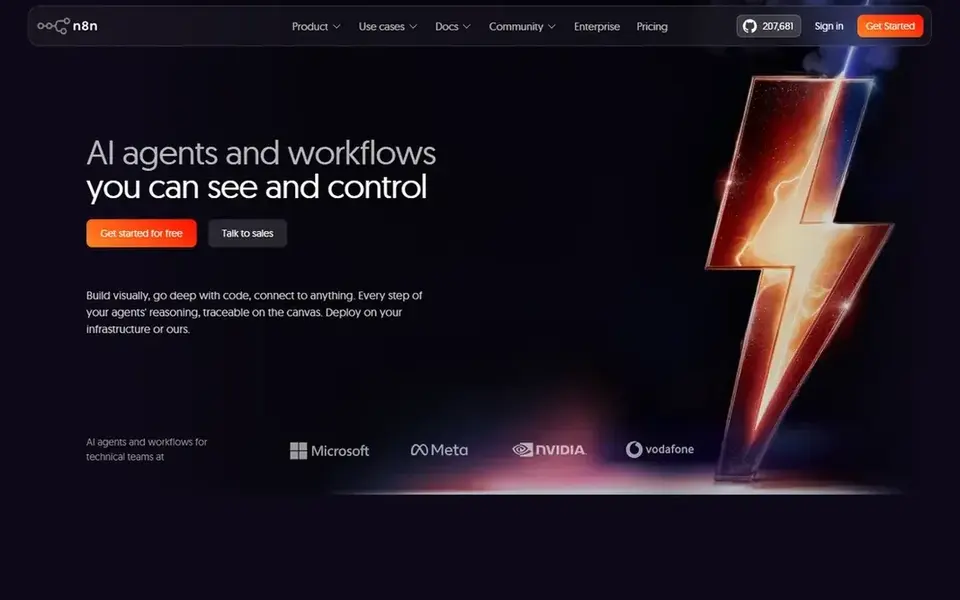
Where n8n fits: technical teams running high-volume agent workflows. The self-hosted Community Edition is free and has no execution cap set by n8n, though you run and maintain your own server.
Also, choose n8n if your team has technical skill and runs numerous workflows each month. n8n pricing: $20 per month. n8n has a free plan.
The main drawbacks: single sign-on starts on the higher Business plan.
- Unlimited users and unlimited workflows on cloud plans
- Whatever the number of steps
- Starter is restricted to 2,500 executions a month and 5 concurrent executions
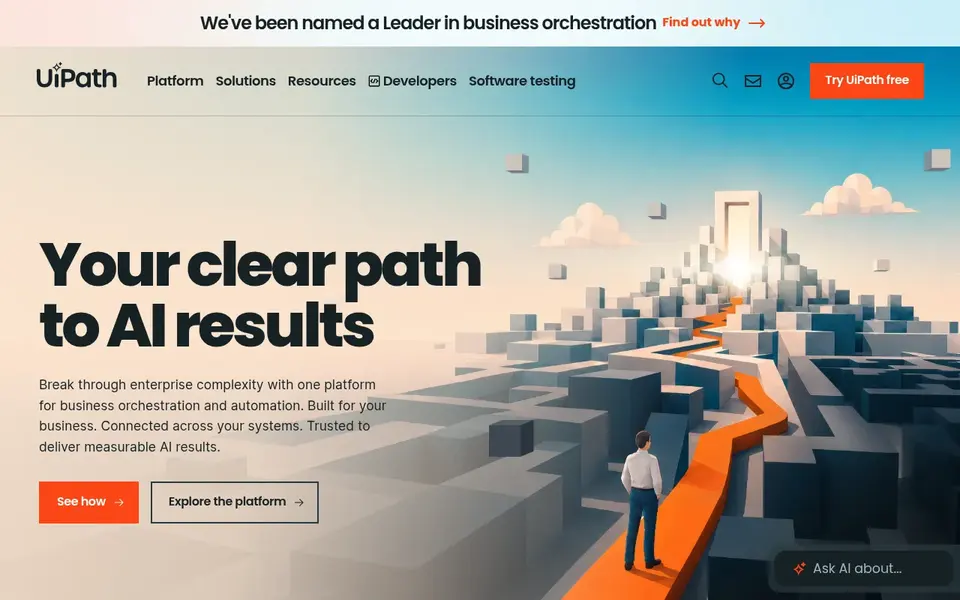
Think of UiPath for governed enterprise automation with agents. UiPath Automation Cloud Basic opens at $25 a month and handles entry-level personal automations at restricted scale.
Where it is weaker: 1 tenant and hosting in Europe.
As for the details, standard and Enterprise are priced by quote. UiPath also meters agent and model use in Platform Units, at 0.2 units per call for a standard model agent, 0.4 units for a premium model, and 0.2 uni That means the $25 level price is only part of the bill for real agent work, since seats, robots and consumption sit on top of it. On cost, UiPath starts like this: $25 per month. A free plan is available with UiPath.
- Governance and region choice
- Standard and Enterprise add agents
- Entry-level is restricted to 2 robots
Gumloop is aimed squarely at agent-first workflows with unlimited seats. One credit is worth $0.005, and usage past the monthly allowance bills at $0.005 per credit once pay as you go is turned on. In daily use, Gumloop also brings an 8 percent orchestration fee on Pro, which rises to 16 percent if you bring your own model key.
In practice, skip it if you need a permanent free level or if your credit use varies a lot from month to month. For everyday use, pay as you go is off by default, so agents stop at 20,000 credits except when you turn it on. Gumloop pricing: $37 per month. As for free access: Free trial (14 days).
Watch-outs: No continuing free tier is published.
- Pro bundles 20,000 credits a month with unlimited agents
- Seats and teams
- The 14-day Pro trial needs a card
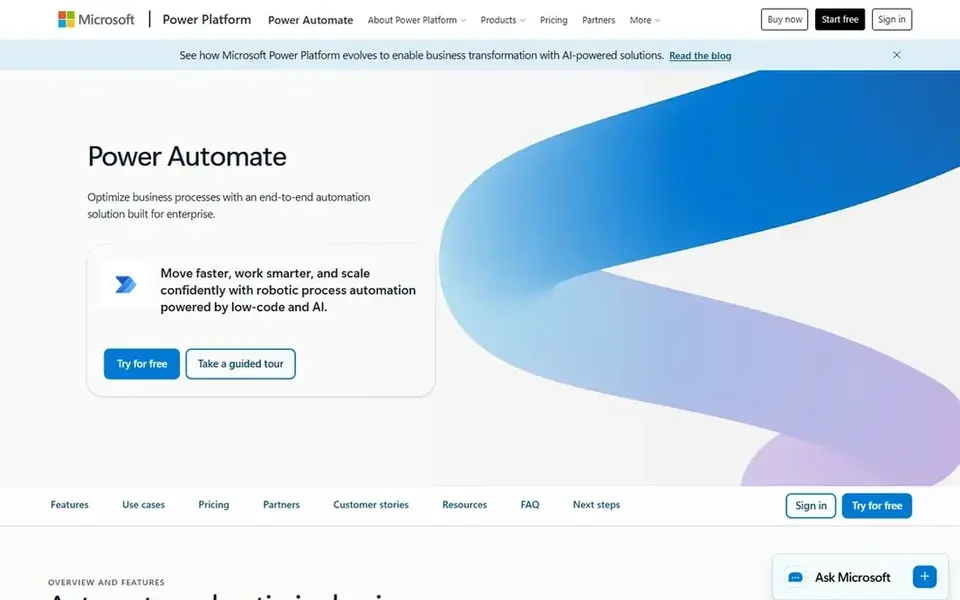
Microsoft Power Automate is designed for Microsoft 365 teams adding agents to flows. Pay as you go is also available at $0.60 per premium cloud flow run.
Drawbacks to consider: Unattended automation needs the Process licence at $150 per bot a month.
Entry price for Microsoft Power Automate: $15 per user per month. Microsoft Power Automate includes a free tier.
- Attended desktop flows and process mining
- Restricted Power Automate use is included with numerous Microsoft 365 plans
- Premium connector rules make the licence model hard to follow
How we chose
ProMapRanker used vendor pricing pages and product documentation as the base, then compared plans, free access and documented limits for 7 tools. Seat minimums, billing terms and add-ons can move the real cost, so the starting prices here are a guide and not a quote. The order reflects how well each tool fits the most common buying scenario for agentic workflow software, then price clarity, then free plan access. It is a starting point, not a verdict.
Before you commit
- Check the vendor page for the current price: Make starts at $12 per month here, and seats or billing terms can move it.
- Look at free plan limits closely: Make, n8n, UiPath and Microsoft Power Automate have one, and the caps decide whether it is usable for real work.
- Take the trial from Lindy and Gumloop and push a live task through it before you pay.
- Before choosing Relevance AI, weigh its main limit: the free plan is retired and closed to new signups, so Pro is the entry point.
- Make sure Gumloop lets you export your data in a format another tool can read.
- Check the integration list for Microsoft Power Automate against the tools you run today, and note which ones need a higher plan.
Frequently asked questions
Is Relevance AI the right pick for everyone comparing agentic workflow software?
No single tool suits every team. Relevance AI comes first because it fits multi-agent teams for sales and operations, while Lindy suits AI teammates for inbox, meetings and scheduling and Make suits visual scenario building on a low budget. Match the tool to your own size, budget and workflow before deciding.
Can I try these options before paying?
Often, yes. Make, n8n, UiPath and Microsoft Power Automate have a free plan and Lindy and Gumloop offer a free trial. Use your own data and a real task during the test, and check what the free tier or trial limits before you rely on it.
What is the cheapest option for agentic workflow software in this list?
On published monthly entry prices, Make is the lowest here at $12 per month. Entry price is only part of the cost, because seats, add-ons and billing terms can change the total.
What is the best agentic workflow software for most teams?
The first pick on this list is Relevance AI, because it suits multi-agent teams for sales and operations. Lindy is better for AI teammates for inbox, meetings and scheduling, and Make for visual scenario building on a low budget. Check price and limits against your own needs before choosing.
Which options for agentic workflow software have a free plan?
On this list, Make, n8n, UiPath and Microsoft Power Automate include a free plan. Caps on seats, usage or features are common, so test the free plan against your real workload. Several others offer a trial instead.
Sources
See where you really rank - block by block
ProMapRanker scans Google Maps across a grid of your service area. Simple monthly plans from $19, white-label on every plan.
Start freeBrowse all guides
← 6 Best Agent Performance Tracking Platforms for 2026AI Powered Knowledge Base Platforms in 2026: Top 7 Compared →
 best platforms for ai powered workflows
6 Best Platforms for AI Powered Workflows in 2026
Best platforms for AI powered workflows in 2026: 6 tools with starting prices, free plans and limits. Each pick comes with its main catch. Full profiles inside.
Read → best ai time tracking software for freelancers
6 Best AI Time Tracking Software for Freelancers in 2026
Best AI time tracking software for freelancers, compared. 6 tools with published prices, free plans and limits. Short, factual notes on every option. No filler.
Read → best ai project management software for small teams
Best AI Project Management Software for Small Teams (2026)
Best AI project management software for small teams in 2026: 5 tools with starting prices, free plans and limits. Honest caveats for every entry. No hype.
Read → retool alternatives
Retool Alternatives in 2026: 9 Tools Compared
Compare the best Retool alternatives for internal tools, admin panels, and dashboards, with open-source, low-code, and no-code options in 2026 for teams.
Read → best mind map app
Best Mind Map App in 2026: 8 Apps Compared
Compare the best mind map app options for 2026, with free plans, prices, collaboration, and the right tool for brainstorming and planning work in the US.
Read → flutter alternatives
Best Flutter Alternatives in 2026
Flutter alternatives compared for 2026: 8 cross-platform frameworks, from React Native and Kotlin Multiplatform to Ionic, MAUI, and more for app teams.
Read →More in Project Management & Productivity · All guides A to Z by date · Latest guides