 ProMapRanker
Best Mind Map App in 2026: 8 Apps Compared

Key takeaways
- Free plans usually limit map count, exports, or collaboration, so check limits before you build a large map.
- XMind and MindNode suit solo planning, while MindMeister, Miro, and Coggle suit team brainstorming.
- Miro is the most flexible canvas, but it is not a pure mind mapping app.
- Export format matters if you need to share maps as PDF, image, or presentation files.
Quick comparison
| Pick | Great for | Pricing starts at | Free tier | |
|---|---|---|---|---|
 XMind XMind | Structuring ideas on desktop and mobile | See website | Yes | Visit |
 MindMeister MindMeister | Team brainstorming in a browser | $3.50 per user per month | Yes | Visit |
 Miro Miro | Mind maps on a shared team canvas | See website | Yes | Visit |
 MindNode MindNode | Apple users who want a clean mind map app | $2.99 per month | Yes | Visit |
 Coggle Coggle | Simple collaborative maps in a browser | $5 per month | Yes | Visit |
 SimpleMind SimpleMind | Quick maps on phones and computers | See website | Yes | Visit |
 Ayoa Ayoa | Mind maps that turn into task boards | See website | Yes | Visit |
 Mindomo Mindomo | Maps, outlines, and concept diagrams for study | See website | Yes | Visit |
The best mind map apps
We compared mind mapping apps for brainstorming, planning, study, and team workshops. The right app depends on whether you work alone or with a team, which devices you use, and how you want to share the finished map.

For many buyers, XMind is the first name that comes up, and there is a reason for that. XMind suits solo users who want a structured way to turn ideas into a clear plan. Its many diagram types, themes, and presentation mode help for study, writing, and project planning.
The catch is paid limits, since exports and advanced features sit behind a subscription. Before you commit, check the current plan details, any contract or cancellation terms, and what is included at the price shown on the vendor site. If that fit matches your routine and your budget, XMind is a sensible shortlist pick. If it does not, one of the other options below may suit you better.
- Many map structures including logic charts and fishbone diagrams
- Presentation mode
- Cross-platform apps
- Full features need a paid plan
- Large maps can feel heavy on older devices
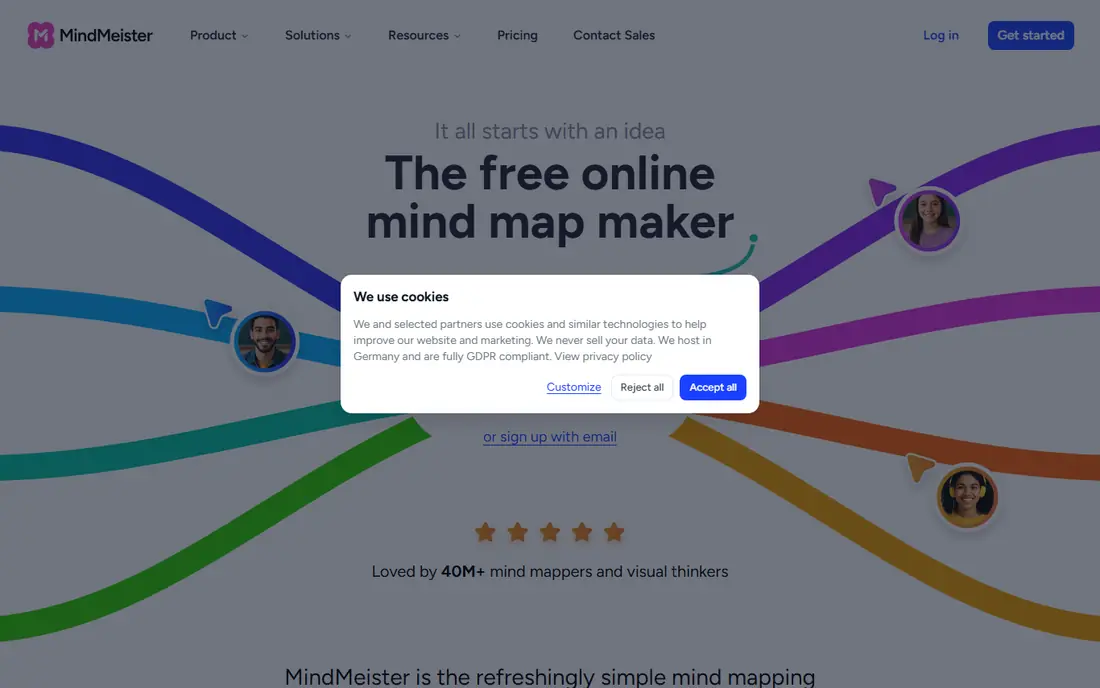
If your priority is Team brainstorming in a browser, MindMeister deserves a close look before you decide. MindMeister suits teams that brainstorm in a browser and want a shared, live map. Its collaboration, comments, and outline mode make group sessions and follow-up tasks easier.
The catch is free limits, since the free plan allows only a small number of maps. Before you commit, check the current plan details, any contract or cancellation terms, and what is included at the price shown on the vendor site. If that fit matches your routine and your budget, MindMeister is a sensible shortlist pick. If it does not, one of the other options below may suit you better.
- Real-time collaboration
- Outline mode
- Presentation mode
- MeisterTask integration
- Free plan limits map count
- Paid pricing is billed in longer terms
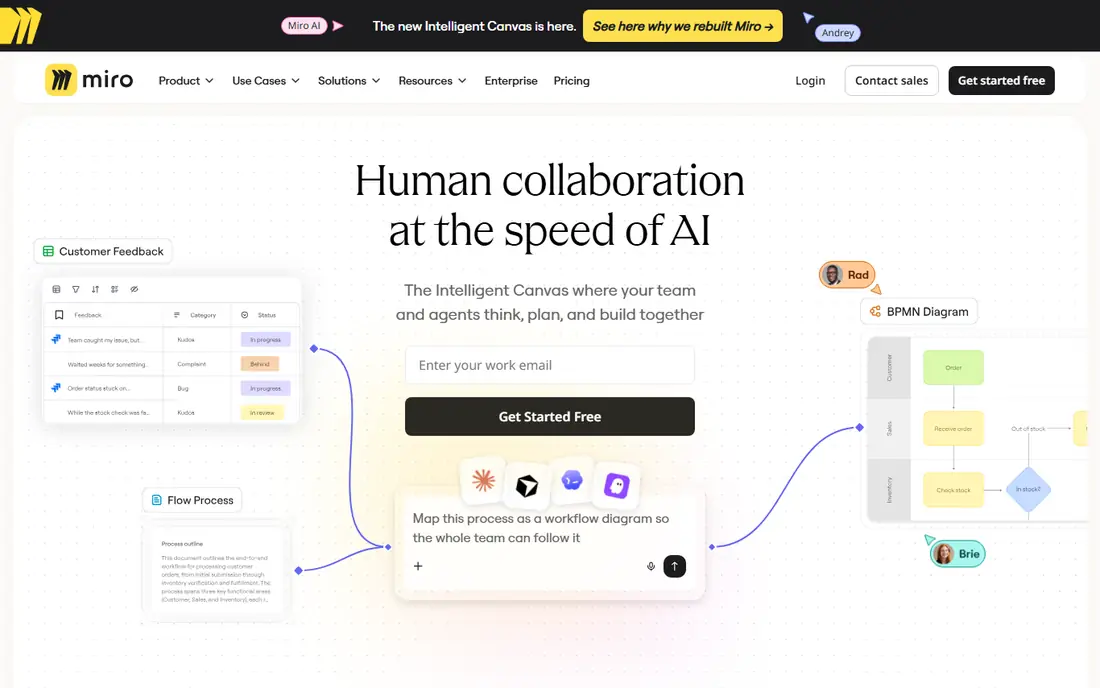
Miro suits buyers who want a clear trade between price, features, and effort. Miro suits teams that want mind maps inside a wider workshop canvas. Its boards combine maps, notes, images, and diagrams, which helps for planning workshops.
The catch is focus, since pure mind mapping features are part of a larger whiteboard tool, not the whole product. Before you commit, check the current plan details, any contract or cancellation terms, and what is included at the price shown on the vendor site. If that fit matches your routine and your budget, Miro is a sensible shortlist pick. If it does not, one of the other options below may suit you better.
- Large shared canvas
- Mind map templates
- Many integrations
- Real-time collaboration
- Not a pure mind mapping app
- Free board limits apply
Start with MindNode if you want a practical option without a long setup process. MindNode suits Mac, iPhone, and iPad users who want a clean, focused mapping app. Its visual and outline modes switch easily, and tasks can link to Apple Reminders.
The catch is platform limit, since Windows and Android teammates cannot use the same app. Before you commit, check the current plan details, any contract or cancellation terms, and what is included at the price shown on the vendor site. If that fit matches your routine and your budget, MindNode is a sensible shortlist pick. If it does not, one of the other options below may suit you better.
- Clean Apple-focused design
- Outline and visual modes
- Task links to Apple Reminders
- Apple devices only
- Cross-platform teams need another tool
We put Coggle on this list because it answers a specific need well. Coggle suits users who want a simple, fast map without learning a complex tool. Its clean canvas and real-time collaboration make quick brainstorming easy.
The catch is simplicity, since advanced styling and project features are thinner than larger tools. Before you commit, check the current plan details, any contract or cancellation terms, and what is included at the price shown on the vendor site. If that fit matches your routine and your budget, Coggle is a sensible shortlist pick. If it does not, one of the other options below may suit you better.
- Simple clean interface
- Real-time collaboration
- Unlimited public diagrams on free plan
- Free plan limits private diagrams
- Feature range is simpler than XMind or MindMeister
SimpleMind is worth shortlisting when Quick maps on phones and computers matters more than having every extra feature. SimpleMind suits users who want quick maps on a phone or computer, including offline use. Its apps work across desktop and mobile, and maps stay usable without an internet connection.
The catch is collaboration, since real-time team editing is not its main strength. Before you commit, check the current plan details, any contract or cancellation terms, and what is included at the price shown on the vendor site. If that fit matches your routine and your budget, SimpleMind is a sensible shortlist pick. If it does not, one of the other options below may suit you better.
- Cross-platform apps
- Offline use
- Simple layout and styling
- Collaboration is limited compared with browser tools
- Paid features vary by platform
Among the options here, Ayoa stands out for a simple reason: it is easy to understand what you get. Ayoa suits users who want a brainstorm to become a task plan in the same tool. Its maps link to task boards and whiteboards, which helps move from ideas to action.
The catch is pricing clarity, since team features and limits should be checked on the vendor site. Before you commit, check the current plan details, any contract or cancellation terms, and what is included at the price shown on the vendor site. If that fit matches your routine and your budget, Ayoa is a sensible shortlist pick. If it does not, one of the other options below may suit you better.
- Mind maps plus task boards
- Whiteboards
- Collaboration tools
- Free plan limits features
- Pricing varies by team size
Consider Mindomo if you want a dependable choice for everyday use. Mindomo suits students and teachers who need maps, outlines, and concept diagrams together. Its education tools and multiple diagram types cover study and lesson planning well.
The catch is free limits, since larger or collaborative work usually needs a paid plan. Before you commit, check the current plan details, any contract or cancellation terms, and what is included at the price shown on the vendor site. If that fit matches your routine and your budget, Mindomo is a sensible shortlist pick. If it does not, one of the other options below may suit you better.
- Mind maps, concept maps, and outlines
- Education features
- Collaboration
- Free plan limits map count and features
- Interface feels busy to some users
How we picked these
We compared official pricing pages, free plan limits, and platform support for each app, and we focused on tools that are still maintained and that work on current desktop, web, or mobile systems. We favored apps with clear free limits and export options, and we used See website where pricing varied by plan or region. We did not claim hands-on workshop tests, and we treated vendor plan details as current at the time of writing.
How to choose a mind map app for your work
Start with how you work. Solo planners should shortlist XMind, MindNode, and SimpleMind. Teams should shortlist MindMeister, Coggle, and Miro. Students should also check Mindomo for outlines and concept maps. A tool that fits your device and team size matters more than a long feature list.
Collaboration, exports, and offline use
Check whether real-time collaboration is included on your plan, since some tools limit it to paid tiers. Check export formats too, including PDF, image, and presentation exports, since sharing a map often matters as much as making it. If you work on planes or in low-signal areas, check offline support on desktop and mobile apps.
Try a real map before you pay
Build one real map for a current project during a free plan or trial, not only a demo map. Test branching, notes, images, and exports, and share it with a teammate if collaboration matters. A tool that feels fast for a small map may feel slow for a large map, so test with a realistic size before you subscribe.
Frequently asked questions
What is the best mind mapping software for beginners?
Coggle and SimpleMind are the easiest starting points because they are simple and fast to learn. MindMeister suits beginners who work in teams. XMind suits beginners who want more structure and are willing to learn a fuller tool.
Is there a free mind map app?
Yes, XMind, MindMeister, Miro, MindNode, Coggle, SimpleMind, Ayoa, and Mindomo all offer free plans or free tiers with limits. Free plans usually limit map count, private maps, exports, or collaboration. Check limits before you build a large library.
What is the best mind map tool for teams?
MindMeister and Miro are the strongest team options because they offer real-time collaboration on a shared canvas. Coggle also supports real-time collaboration for simpler maps. Pick Miro for workshops and MindMeister for pure mind mapping.
Can I use a mind map app offline?
Yes, desktop and mobile apps such as XMind, MindNode, and SimpleMind support offline use. Browser-only tools need an internet connection for live collaboration. Check offline support for your device before you rely on it for travel.
Which mind map app works on Mac and Windows?
XMind, MindMeister, Miro, Coggle, SimpleMind, Ayoa, and Mindomo work across platforms or in a browser. MindNode is Apple only, so mixed teams should avoid it as a shared tool. Browser tools are the safest pick for mixed-device teams.
What is the best brainstorming software for workshops?
Miro suits workshops because it combines mind maps with notes, images, and other diagrams on one canvas. MindMeister suits focused brainstorming sessions that end in a single map. Use Miro when the workshop needs more than a map alone.
Sources
See where you really rank - block by block
ProMapRanker scans Google Maps across a grid of your service area. Simple monthly plans from $19, white-label on every plan.
Start freeKeep reading
 zendesk alternatives
Best Zendesk Alternatives in 2026
Compare the best Zendesk alternatives in 2026, from budget help desks to AI-first support tools, with current pricing, free plans, and honest trade-offs.
Read → wordpress alternatives
Best WordPress Alternatives in 2026
Looking for the best WordPress alternatives? We compare 8 free and paid options for blogs, business sites, stores, and developer-led projects in 2026.
Read → which real estate company has the best training
Best Real Estate Company Training in 2026
Compare which real estate company has the best training, from Keller Williams and eXp to Compass and Coldwell Banker, by program, mentor, and fit in 2026.
Read →