 ProMapRanker
Software for YouTube Video Automation: Best Picks of 2026

Business and training videos with AI presenters · Pricing starts at: $19 per month
Direct answer
This list puts Synthesia first for business and training videos with AI presenters. Listed starting prices: Synthesia from $19 per month, TubeBuddy from $3.00 a month and VidIQ from $16.58 a month, billed yearly. Look at TubeBuddy for channel SEO and growth workflows, and at VidIQ for YouTube keyword research and SEO. Details, prices and limits for the rest of the 6 tools are below.
Choosing software for YouTube video automation usually comes down to price, fit and limits. This ProMapRanker guide sets 6 tools side by side on those three points, with the facts kept short and checkable.
Key takeaways
- Number one here is Synthesia, a fit for business and training videos with AI presenters.
- 5 of 6 tools offer a free plan: Synthesia, TubeBuddy, VidIQ, HeyGen, Descript.
- The lowest published monthly entry price here is $3.00 per month, from TubeBuddy.
- For text-based editing and transcription, Descript is worth a look.
Quick comparison
| Pick | Great for | Pricing starts at | Free tier | |
|---|---|---|---|---|
| Synthesia | Business and training videos with AI presenters | $19 per month | Yes | Visit |
 TubeBuddy | Channel SEO and growth workflows | $3.00 a month | Yes | Visit |
 VidIQ | YouTube keyword research and SEO | $16.58 a month, billed yearly | Yes | Visit |
 Pictory | Script and URL to video | $12.50 a month, billed yearly | Free trial | Visit |
 HeyGen | Personal avatar videos | $29 per month | Yes | Visit |
 Descript | Text-based editing and transcription | $16 per person a month | Yes | Visit |
6 options for software for YouTube video automation in detail

Synthesia makes the most sense for business and training videos with AI presenters. For YouTube, it suits teams producing consistent instructional, onboarding, or product explainer videos where a presenter-led format can be generated repeatedly without filming. It is a practical choice for corporate and educational channels.
Where it falls short: Oriented to corporate content.
Its business orientation means it is less tailored to personality-driven or vlog-style channels where authentic footage matters. On top of that, treat it as a tool for structured, repeatable presenter content instead of general video editing. Synthesia starts at: $19 per month. Synthesia has a free plan.
- Supports numerous languages
- AI video system pitched at business use
- Less suited to vlog-style channels
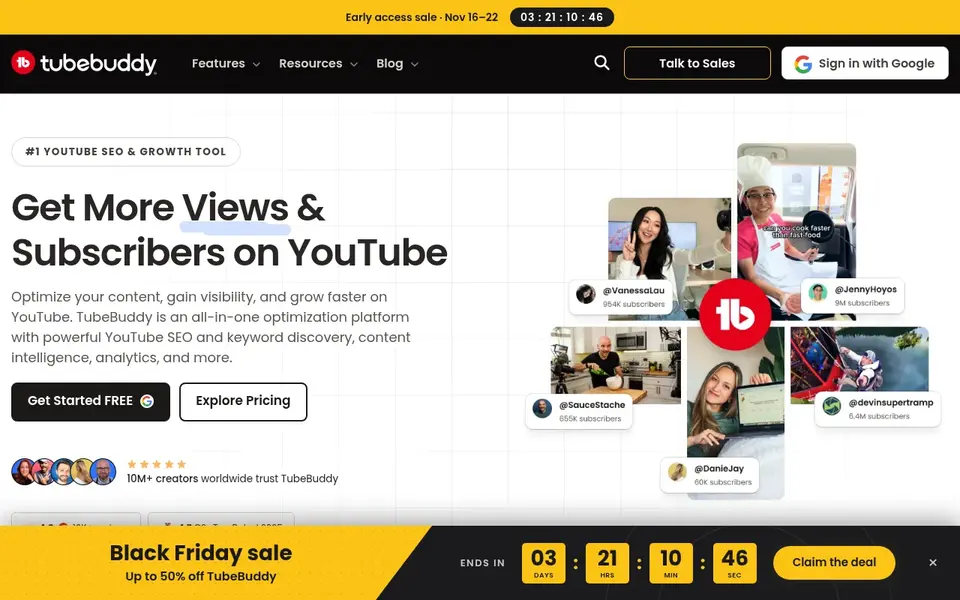
TubeBuddy is a good fit for channel SEO and growth workflows. TubeBuddy is a YouTube SEO and growth tool offering keyword, SEO, and thumbnail features for creators. Choose it when channel growth and metadata consistency are the priority.
Limits to weigh: Needs pairing with an editor.
Within an automation setup it supports the repeatable parts of publishing: researching terms, refining metadata, and managing thumbnails. Like other optimization tools, TubeBuddy does not produce or edit footage, so it must be paired with a production tool. In daily use, creators seeking an all-in-one editor will find it incomplete on its own. TubeBuddy starts at: $3.00 per month. A free plan is available with TubeBuddy.
- SEO and keyword tools
- Thumbnail tools
- No video production features
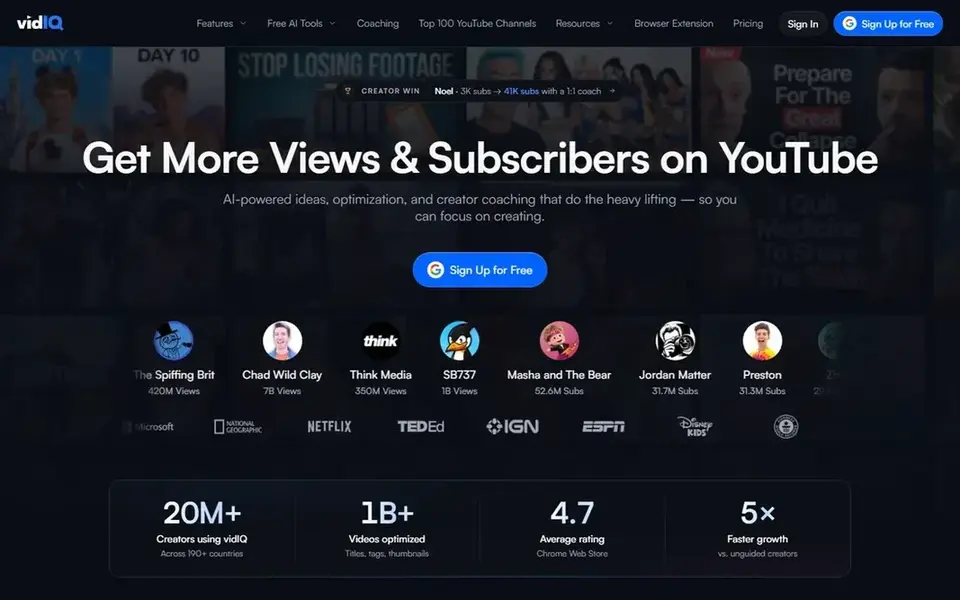
VidIQ works best for YouTube keyword research and SEO. In an automation workflow it takes care of the research and optimization layer: finding topics, shaping titles and descriptions, and suggesting what to publish next. That makes it a natural companion to whatever editor or generator you use for production.
In practice, VidIQ does not build or edit video, so it cannot replace a production tool. It is best treated as the planning and optimization half of a YouTube workflow instead of a standalone automation option. VidIQ starts at: $16.58 per month, billed yearly. You can start on VidIQ without paying.
Limits to weigh: Optimization only, not editing.
- Video SEO and thumbnail support
- Daily content ideas
- Does not produce video

Pictory is a good fit for script and URL to video. Pictory describes itself as an AI video agent and generator: you describe the video or start from a script, URL, PowerPoint, or audio, and the agent plans the scenes for you to review and refine. Also, pick something else if you need a full manual editing suite or channel growth data.
Where it is weaker: Scene plans need manual review.
More specifically, the agent proposes the structure, so output quality relies on how much you refine the scene plan afterward. It is a production aid instead of a discovery or analytics system, so it will not help with titles, tags, or audience research. Starting cost for Pictory: $12.50 per month, billed annually. Trial and free access: Free trial.
- AI agent plans scenes for review
- Or audio
- Not made for channel SEO

HeyGen is built with personal avatar videos in mind. Consider a text-based editor if your central need is cutting real recorded footage.
Points against: Not a channel SEO tool.
Also, Avatar-based output is a distinct format, and some audiences prefer genuine footage. It does not offer YouTube keyword or growth features. On cost, HeyGen starts like this: $29 per month. You can start on HeyGen without paying.
- Avoids filming every video
- Build videos with a personal avatar
- Avatar format limits creative variety
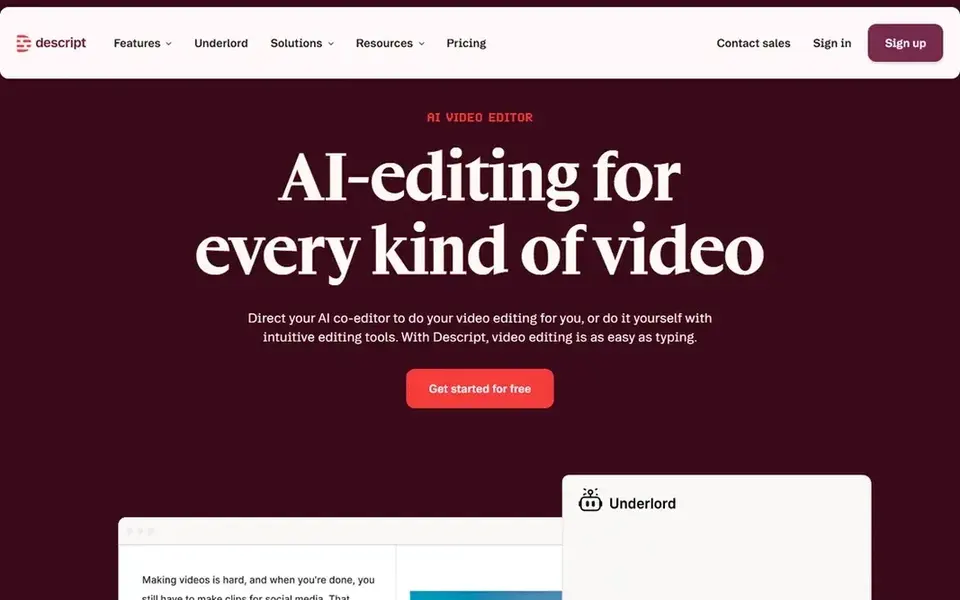
For text-based editing and transcription, Descript is a natural candidate. In daily use, creators who want an AI to plan scenes from a written script may prefer a generator-style tool instead.
Trade-offs to know: A good match for spoken content.
It also does not manage keyword research or channel growth, so pair it with a separate YouTube optimization tool. In practice, because it centers on speech-driven editing, Descript is less targeted at scripted scene assembly or heavy motion graphics work. On cost, Descript starts like this: $16 per person per month. Descript includes a free tier.
- Edit video by editing text
- Takes care of both audio and video
- Less centred on YouTube SEO
What went into this list
We compared the tools on published pricing, free plan or trial availability, feature coverage for software for YouTube video automation, and the limits each vendor documents. Prices and plan limits come from vendor pages and can change, so confirm them on the vendor site before you buy. The order reflects how well each tool fits the most common buying scenario for software for YouTube video automation, then price clarity, then free plan access. It is a starting point, not a verdict.
Things to verify first
- Confirm the entry price on the vendor page: TubeBuddy starts at $3.00 per month, but seat counts and billing terms change the total.
- Read the fine print on the free plans from Synthesia, TubeBuddy, VidIQ and others; seat, project and feature caps differ.
- Use real work to test the free trial from Pictory, rather than a demo project.
- Before choosing Synthesia, weigh its main limit: oriented to corporate content.
- Test the integrations you rely on with TubeBuddy before committing; some connectors sit on upper tiers.
- See whether VidIQ offers onboarding or training, and whether it is included in the price.
Frequently asked questions
Can these tools replace manual editing entirely?
They cut manual work but seldom remove it. AI scene planning and text-based editing still benefit from human review for pacing, accuracy, and brand consistency before publishing.
Which options for software for YouTube video automation have a free plan?
On this list, Synthesia, TubeBuddy, VidIQ, HeyGen and Descript include a free plan. Caps on seats, usage or features are common, so test the free plan against your real workload. One other tool offers a trial instead.
Is Synthesia the right pick for everyone comparing software for YouTube video automation?
No single tool suits every team. Synthesia comes first because it fits business and training videos with AI presenters, while TubeBuddy suits channel SEO and growth workflows and VidIQ suits YouTube keyword research and SEO. Match the tool to your own size, budget and workflow before deciding.
Do these tools publish their prices?
Yes. Every tool from Synthesia to Descript shows a starting price, though seats, add-ons and billing terms still change the final cost.
Can I try these tools before paying?
Often, yes. Synthesia, TubeBuddy, VidIQ and others have a free plan and Pictory offers a free trial. Use your own data and a real task during the test, and check what the free tier or trial limits before you rely on it.
Sources
See where you really rank - block by block
ProMapRanker scans Google Maps across a grid of your service area. Simple monthly plans from $19, white-label on every plan.
Start freeBrowse all guides
← Best Podcast Editing Software for Creators (2026)6 Best Social Commerce Apps for Shopify Stores in 2026 →
 best ai video generators for youtube shorts
AI Video Generators for YouTube Shorts: Best Picks of 2026
Best AI video generators for YouTube shorts: 6 contenders ranked by fit, with entry costs and free tiers. Each tool is judged on the same checks. Start here.
Read → best youtube analytics tools
YouTube Analytics Tools: 7 Options Compared in 2026
7 products for the best YouTube analytics tools, ranked by fit, with starting costs and free tiers. Limits and pricing notes included. Skim the table first.
Read → best subscription platforms for creators
Subscription Platforms for Creators in 2026: Top 8 Compared
Best subscription platforms for creators, compared. 8 tools with published prices, free plans and limits. Read the caveats before you buy. Quick to scan.
Read → adobe spark alternatives
Adobe Spark Alternatives in 2026
Compare adobe spark alternatives for social graphics, flyers, presentations, and quick design work, with free plans and paid prices compared. for small teams
Read → adobe after effects alternatives
Adobe After Effects Alternatives in 2026
Adobe after effects alternatives compared for motion graphics, compositing and animation, from free desktop tools to browser editors for social video.
Read → best social media monitoring tools
Best Social Media Monitoring Tools in 2026
Compare the best social media monitoring tools in 2026, with pricing, mention limits, sentiment, alerts and analytics for brands of every size for brands.
Read →More in Social Media & Creators · All guides A to Z by date · Latest guides