 ProMapRanker
Adobe Spark Alternatives in 2026

Key takeaways
- Adobe Spark is now Adobe Express, so this list covers design tools that replace Spark-style quick graphics rather than Spark itself.
- Canva is the closest all-round swap, with the largest template library and a strong free plan.
- VistaCreate and Snappa are the best lower-priced paid options for regular social and marketing graphics.
- Figma, Pixlr, and Photopea suit people who need deeper editing control than a template editor allows.
- Free plans differ sharply on exports, stock assets, and brand tools, so test the exact export you need before paying.
Quick comparison
| Pick | Great for | Pricing starts at | Free tier | |
|---|---|---|---|---|
 Canva | All-round template design | $12 per month | Yes | Visit |
 VistaCreate | Budget template design | $10 per month | Yes | Visit |
 Snappa | Fast single images | $10 per month | Yes | Visit |
 Visme | Presentations and infographics | $12.25 per month | Yes | Visit |
 Piktochart | Infographics and reports | $10 per month | Yes | Visit |
 Kittl | Logos and merch design | $12 per month | Yes | Visit |
 Figma | Team and interface design | See website | Yes | Visit |
 Pixlr | Browser photo editing | See website | Yes | Visit |
 Photopea | No-signup image editing | See website | Yes | Visit |
 Microsoft Designer | Quick AI social graphics | Free | Yes | Visit |
The best Adobe Spark alternatives
Adobe Spark is now Adobe Express, which means the old Spark name no longer describes a separate product you can buy. This list therefore covers alternatives to Spark-style design: fast, template-led tools for social posts, flyers, presentations, and short videos, without the learning curve of professional desktop software. We do not list Adobe Express itself here, since it is the renamed product, not an alternative to it.
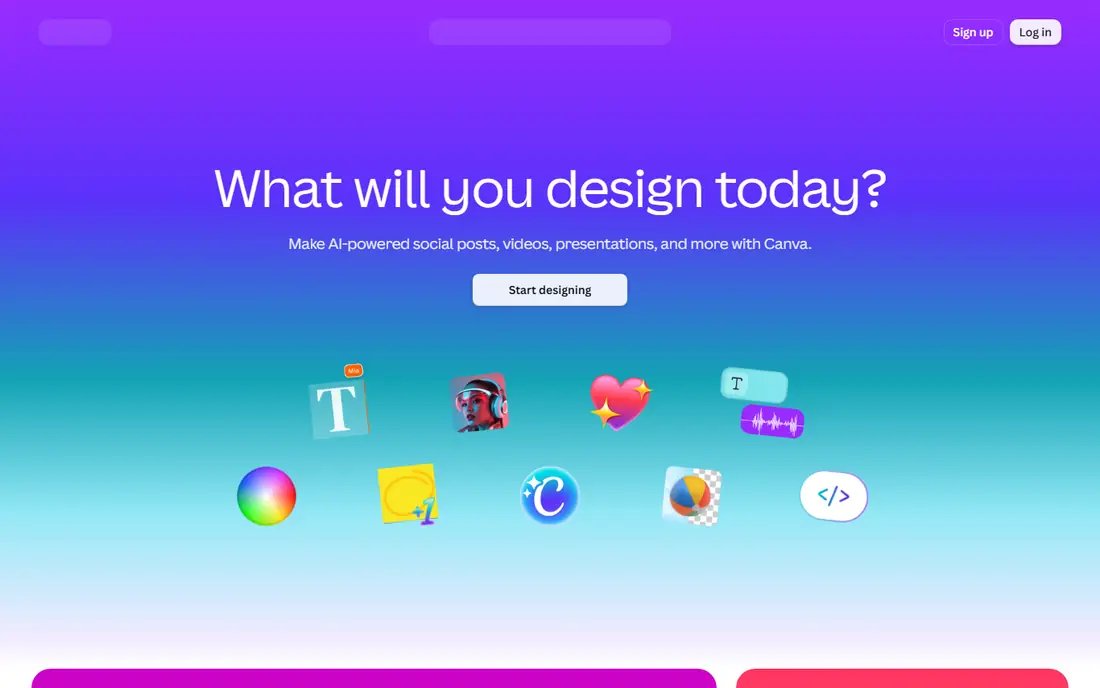
Canva is the most direct replacement for Spark-style work, because it covers almost every quick design job in one browser tab. Social posts, flyers, presentations, documents, and short videos all start from templates, and the free plan is generous enough for occasional use. For a small business that designs every week, Pro adds brand kits, background removal, and a much larger stock library.
The limits are about control and portability. You cannot easily take a Pro template out of Canva as an editable file, and pixel-level editing is weaker than in a dedicated photo or vector editor. Team pricing also climbs quickly beyond a single Pro seat. If you want one tool that handles most marketing design with little training, Canva is still our pick for most people.
- Huge template and stock library
- Brand kits on Pro
- Presentations, video, and print in one tool
- Pro templates do not travel as files
- Advanced editing is limited
- Team pricing rises fast
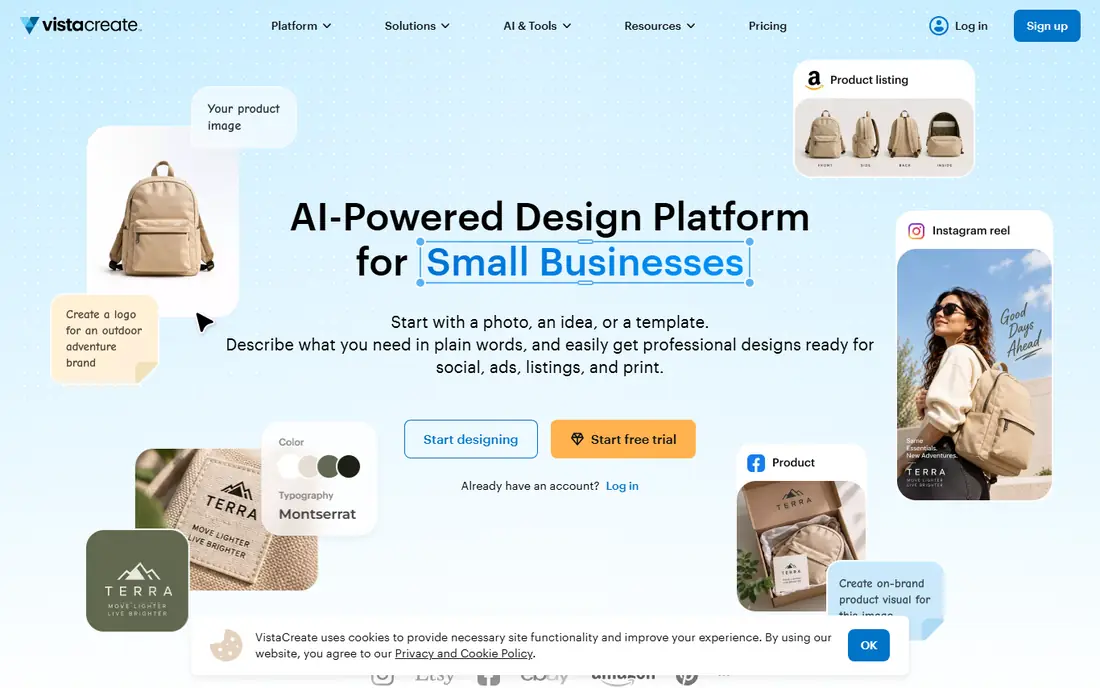
VistaCreate feels familiar to anyone who used Spark or Canva, with a template-led editor for social graphics, ads, and print. Its paid plan is notable for team value: Pro is listed at $10 per month billed annually for one account covering up to 10 members, which undercuts most rivals for a small team. The free Starter plan covers basic design with a smaller stock library.
Free users miss resize tools, HD downloads, and full brand kits, and AI image generation sits on Pro. Video editing is manual, with clips up to 60 seconds, rather than AI-led. If your team makes marketing graphics regularly and wants a flat team price, VistaCreate is the best-value paid option here.
- Canva-like editor
- Pro covers up to 10 team members
- Large template library
- Free plan limits stock and brand tools
- AI tools are Pro-only
- No AI video generator
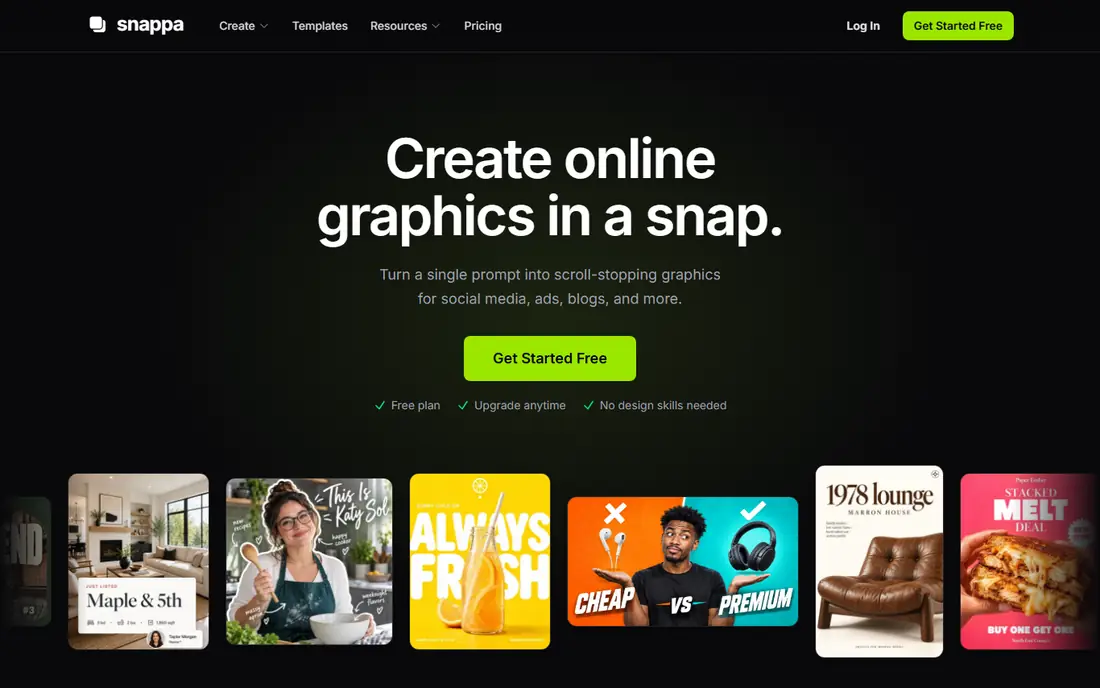
Snappa is deliberately narrow, and that narrowness is why it is fast. You pick a size, pick a template, swap text and an image, and export. The free Starter plan allows three downloads per month, while Pro is $10 per user per month billed annually, with unlimited downloads, background removal, and custom fonts. A Team plan covers five users for $20 per month billed annually.
What you give up matters: there is no video or animation, no AI tools, no mobile app, and no PDF or SVG export. If you make documents, presentations, or video, look elsewhere. If you make a steady stream of single social or blog images and want the cheapest focused tool, Snappa is hard to beat.
- Very fast for social and blog images
- Custom font uploads
- Buffer integration
- No video, AI tools, or mobile app
- Smaller template library
- No PDF or SVG export
Visme suits teams that turn data into visuals: charts, infographics, reports, and presentations with consistent branding. Its editor handles data widgets and interactive elements better than a pure social graphics tool, and paid plans add brand kits and more export options. Starter is listed at $12.25 per month billed annually.
The free plan is limited on downloads and formats, so it works as a trial of the editor rather than a permanent design tool. It is also more involved to learn than Snappa or VistaCreate for a single social post. Choose Visme when reports and presentations are a regular job, not just an occasional need.
- Strong data visuals and charts
- Presentations and reports in one tool
- Brand tools on paid plans
- Free plan limits downloads
- More complex than a simple social editor
- Starter is per seat
Piktochart is built around infographics, reports, and visual summaries rather than social graphics alone. Its chart and template tools help non-designers turn a spreadsheet or a set of facts into a clean visual, and sharing options suit internal reports and public posts alike. Pro is listed at $10 per month billed annually.
Free use is tight, with only a small number of downloads, so most regular users will need to pay. Social-first teams may also find its template range narrower than Canva or VistaCreate. Pick Piktochart when infographics and data-led reports are your main output, and pick a social editor when daily posts are the priority.
- Infographic-first templates
- Chart tools
- Easy sharing and embedding
- Free downloads are very limited
- Less suited to everyday social posts
- Paid plan is per seat
Kittl stands out for logos, apparel, and print-on-demand design, where typography and illustration matter more than photo templates. Its editor supports detailed text effects, vintage styles, and merch layouts that template social tools handle poorly. Paid plans start at $12 per month billed annually, with higher tiers adding more AI tokens and commercial use.
The free plan is for personal use, with exports limited in size, so commercial work needs a paid plan. It is also not the right tool for presentations or multi-page documents. If your Spark use was mainly logos, shirts, posters, or product art, Kittl is the most specialized and satisfying alternative here.
- Strong typography and logo tools
- Merch and print designs
- AI-assisted design features
- Free plan is personal-use only with small exports
- Less suited to documents
- Paid tiers vary by credits
Figma is a professional design tool, best known for interfaces and product design, but it also handles brand and marketing design for teams that want precise control. Real-time collaboration, shared libraries, and prototyping make it strong for design systems and larger teams. The free plan covers a limited number of files, which is enough to test it.
For quick social posts, Figma is slower than Canva or VistaCreate, and its template workflow is less guided. It also requires more design skill to get good results fast. Choose Figma when your team already designs interfaces or brand systems and wants one precise tool, not when you need a five-minute flyer.
- Powerful team design and prototyping
- Real-time collaboration
- Large plugin and community library
- Steeper learning curve
- Template social design is not its focus
- Full seats are paid
Pixlr fills the photo-editing gap that template tools leave. It runs in a browser, supports layers, filters, and retouching, and suits users who need to edit a photo properly before placing it in a design. That makes it a good companion to a template editor, or a standalone tool for photo-heavy work.
It is not a template library first, so starting from a blank photo edit takes longer than starting from a Canva post template. Some advanced tools and exports sit behind paid plans, and free use includes ads. If your Spark work was mostly photo posts that needed real editing, Pixlr is a practical, no-install choice.
- Browser-based photo editing
- Layers and filters
- No install needed
- Less template-led than Canva
- Advanced features need paid plans
- Ad-supported free use
Photopea is a browser image editor that will feel familiar to users of desktop photo software, with layers, masks, and support for PSD files. You can open it and start editing without creating an account, which is rare for a tool this capable. That makes it useful for one-off edits, file conversions, and detailed retouching.
The interface is denser than a template editor, and beginners may need time to learn it. AI credits are a Premium feature, and free use is ad-supported. Photopea is best as a precise editing tool alongside a template app, rather than as a direct Spark replacement for fast social templates.
- Opens PSD and common image formats
- Layer editing in a browser
- No account needed to start
- Ad-supported free use
- AI features need Premium
- Interface is denser than template editors
Microsoft Designer uses AI to turn a short prompt into social graphics, images, and cards, which suits users who want a starting design without browsing templates. It is free to start, and it integrates with Microsoft accounts and tools. For a quick post, invitation, or social card, the prompt-to-design flow can be faster than manual template editing.
Free use is for personal, non-commercial purposes, so business users should check the Microsoft 365 terms before using it for marketing. Template depth and brand control are also thinner than in Canva or VistaCreate. Use Designer for fast personal graphics and AI ideas, and use a paid template tool for regular business design.
- AI-generated designs from a prompt
- Free to start
- Simple social sizes
- Personal, non-commercial use limits on free
- Less template depth
- Tied to a Microsoft account
How we picked these
We compared official pricing pages and October 2026 roundups for template editors, photo editors, and design platforms, and we kept only tools that are live and that cover Spark-style quick design in a real way. We excluded Adobe Express itself, because it is the renamed Spark product, and we favored tools with a usable free plan plus a clear paid path. We did not claim hands-on testing, and where prices depend on billing period, we state the billing basis.
How to choose the right design tool
Start with your most common output. Social posts point to Canva, VistaCreate, or Snappa; reports and infographics point to Visme or Piktochart; logos and merch point to Kittl; detailed photo work points to Pixlr or Photopea. A tool that is excellent for one output can be slow for another, so do not judge by feature count alone.
Then test exports, not just the editor. Check the exact size, format, and quality you need, and check whether brand fonts, colors, and logos carry over on the plan you would actually pay for. Free plans often look generous in the editor and restrictive at export, and that gap is where most buyers get caught. Run one real design end to end before you commit a team.
Frequently asked questions
What happened to Adobe Spark?
Adobe Spark was renamed Adobe Express, and Spark projects and features moved into Express. If you search for Spark today, Adobe points you to Express, which is why this list treats Express as the renamed product rather than an alternative.
What is the best Adobe Spark alternative for most people?
Canva is the best all-round pick, with the largest template library and a strong free plan. VistaCreate is a close second for teams that want a lower flat team price.
Is there a free Adobe Spark alternative?
Yes. Canva, VistaCreate, Snappa, Visme, Piktochart, Kittl, Figma, Pixlr, Photopea, and Microsoft Designer all offer free tiers, but each limits downloads, exports, stock, or commercial use in different ways.
Which alternative is best for logos?
Kittl is the strongest logo and merch pick here, thanks to its typography and illustration tools. Canva and VistaCreate can make simple logos, but Kittl gives more control for print and apparel.
Can I edit photos properly in these tools?
Pixlr and Photopea offer the deepest browser photo editing, with layers and retouching. Template tools such as Canva and VistaCreate handle basic crops, filters, and background removal, but they are not full photo editors.
Do I need to pay for brand kits?
Brand kits are usually paid features, except for limited versions on some free plans. VistaCreate Pro is notable for offering multiple brand kits at a flat team price, while Canva reserves full brand kits for Pro and team plans.
Sources
- https://www.canva.com
- https://create.vista.com
- https://snappa.com
- https://www.visme.com
- https://piktochart.com
- https://www.kittl.com
- https://www.figma.com
- https://pixlr.com
- https://www.photopea.com
- https://designer.microsoft.com
- https://aialleyway.com/canva-alternatives/
- https://professionalstoolkit.com/articles/canva-alternatives
See where you really rank - block by block
ProMapRanker scans Google Maps across a grid of your service area. Simple monthly plans from $19, white-label on every plan.
Start freeKeep reading
 zoro.to alternatives
Best Zoro.to Alternatives in 2026
We compare the best zoro.to alternatives in 2026, listing only legal licensed anime streaming services, from Crunchyroll to free options for fans today.
Read → zip alternatives
Best Zip Alternatives in 2026
We compare the best zip alternatives for buy now, pay later in 2026, covering pay-in-4 plans, fees, spending limits, and credit reporting options today.
Read → yesware alternatives
Best Yesware Alternatives in 2026
Compare the best yesware alternatives for sales email tracking, templates, and sequences, with current pricing and honest tradeoffs for small sales teams.
Read →