 ProMapRanker
YouTube Analytics Tools: 7 Options Compared in 2026

Guided growth for new channels · Pricing starts at: $4.90/month (Basic)
Direct answer
If you need guided growth for new channels, Morningfame is the first tool to look at here. Listed starting prices: Morningfame from $4.90/month (Basic), TubeBuddy from ~$12/month (Pro, billed yearly) and Social Blade from $3.99/month. For a different need, TubeBuddy covers bulk optimization and testing and Social Blade covers public channel stats and estimates. Prices, free plans and limits for all 7 tools follow.
ProMapRanker put together this guide to YouTube analytics tools for readers who want a clear shortlist without reading every vendor page. It compares 7 tools on starting price, free plans, who each one suits and where each one falls short.
Key takeaways
- Number one here is Morningfame, a fit for guided growth for new channels.
- Starting prices begin at $3.99/month with Social Blade.
- vidIQ suits keyword research and video SEO.
- A free plan is available from 5 of the 7 tools: TubeBuddy, Social Blade, YouTube Studio, NexLev, vidIQ.
Quick comparison
| Pick | Great for | Pricing starts at | Free tier | |
|---|---|---|---|---|
| Morningfame | Guided growth for new channels | $4.90/month (Basic) | No | Visit |
 TubeBuddy | Bulk optimization and testing | ~$12/month (Pro, billed yearly) | Yes | Visit |
 Social Blade | Public channel stats and estimates | $3.99/month | Yes | Visit |
 YouTube Studio | Every creator's built-in analytics | Free | Yes | Visit |
 NoxInfluencer | Influencer discovery and campaign data | $239/month | Limited (free tools only) | Visit |
 NexLev | Niche research and title ideas | $13/month (Lite) | Yes | Visit |
 vidIQ | Keyword research and video SEO | $19/month (Boost, or $199/year) | Yes | Visit |
Every option for YouTube analytics tools explained
Pick Morningfame if this describes you: guided growth for new channels. Morningfame takes a different approach from every other tool here: it coaches. Rather than dumping dashboards on you, it interprets your channel's data and tells you what to do next, with explanations aimed at creators who find analytics intimidating.
That guidance-first design is the entire pitch. From a buyer's view, the invite-only signup keeps the community small and the support personal, though it means you may wait for access. Worth adding: new creators commonly know their numbers are bad without knowing which lever to pull. Morningfame's reports connect metrics to actions in plain language. On top of that, if that is you, the price is negligible for what it supplies. Starting cost for Morningfame: $4.90/month. Morningfame does not include a free plan.
Points against: Fewer features than the larger suites.
- Keyword research tuned for small channels
- Very budget-friendly at $4.90 a month
- Invite-only signup limits access
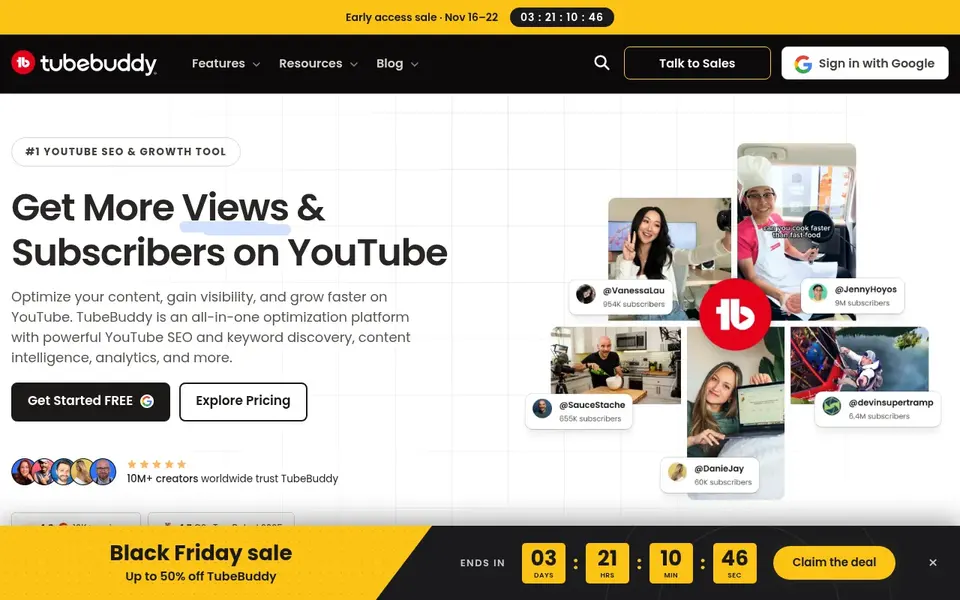
TubeBuddy was built for bulk optimization and testing. For channels with large back catalogs, the bulk tools alone can justify the price. Also, TubeBuddy fits creators with established libraries who want to optimize systematically instead of one video at a time.
What to check first: The interface can feel cluttered.
Strengths: A/B testing for titles and thumbnails. Beyond that, TubeBuddy is vidIQ's longtime rival, and where vidIQ leans toward research, TubeBuddy leans toward doing the work. Its standout features are operational: bulk processing that updates descriptions, cards, and end screens across dozens of old videos at once, and A/B testing that tries two titles or thumbnails and reports which one wins. In daily use, the level structure is the frustration. In practice, the retention analyzer and search rank tracking help you see which videos hold viewers and where you rank for target terms. Price to start with TubeBuddy: ~$12/month. TubeBuddy includes a free tier.
- Bulk tools update titles, cards
- Solid checklist workflow for publishing
- Feature depth varies a lot between levels
YouTube Studio targets every creator's built-in analytics. It is free, it is already in your account. Its numbers are exact because they come from YouTube itself: views, watch time, subscribers gained, traffic sources, audience retention graphs, and revenue if you are monetized.
The research tab even displays what your audience searches for, which is a starting point for content ideas. There are no competitor analytics, no keyword difficulty scores, no thumbnail testing, and no bulk editing across old videos. It tells you precisely how your channel performed and stays quiet about what to publish next. Before buying any third-party tool, learn to read Studio's retention graphs and traffic source reports, since most channel problems are visible right there. You can compare recent videos against your channel average, see exactly where viewers drop off, break down traffic by search term, suggested video, or external site, and check live views for the first 48 hours after publishing. Starting cost for YouTube Studio: Free. YouTube Studio offers a free plan.
Downsides: No competitor research or keyword tools. Where it shines: Contains content management, comments.
- Monetization in one place
- Data comes straight from YouTube with full accuracy
- Suggestions for what to make next are restricted
NoxInfluencer was built for Influencer discovery and campaign data. Multi-platform data means the same subscription can inform TikTok and Instagram decisions too. The campaign features distinguish it from pure analytics tools: influencer discovery filters, outreach tracking, and performance reporting for promoted content.
You would be paying for tools built to evaluate people like you. In practice, plans start at $239 a month, with restricted free tools for entry-level lookups. Price to start with NoxInfluencer: $239/month. Free plan details: Limited (free tools only).
Honest limits: Overkill if you only run your own channel.
- Large influencer database with performance metrics
- Multi-platform coverage beyond YouTube
- Pricey for individual creators
Think of NexLev for niche research and title ideas. The workflow is straightforward: enter a niche or competitor, get back content gaps, trending topics, and title ideas scored by opportunity. For a creator who already has a publishing workflow in Studio and just needs better ideas, that restraint is a feature.
From a buyer's view, NexLev is a newer, leaner entry centred on the research job: finding niches, topics, and titles worth making videos about. From a buyer's view, the free level is restricted enough that serious evaluation needs the premium plan. Lite begins at $13 a month, with a restricted free level for trying the core research flow. In daily use, the appeal is focus and price. What you pay to start with NexLev: $13/month. Free access exists with NexLev.
What to check first: Smaller user base means fewer tutorials and reviews.
- Straightforward workflow without bloat
- Niche-focused research with title and topic ideas
- Restricted free level
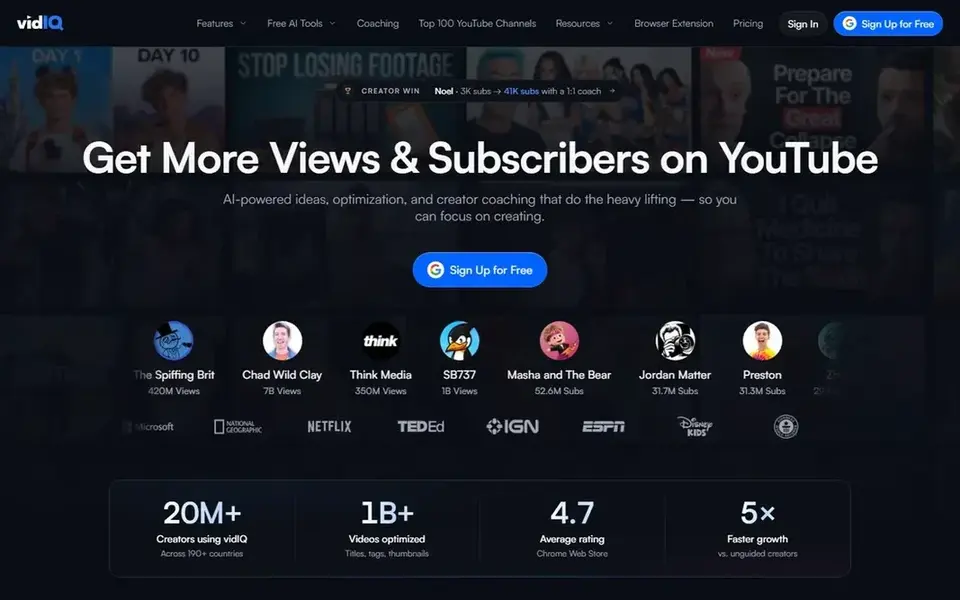
Think of vidIQ for keyword research and video SEO. The browser extension is how most users experience vidIQ: it overlays stats, scores, and suggestions straight onto YouTube pages, so research happens whereas you browse rather than in a separate dashboard. vidIQ is one of the two long-established YouTube workflow tools, and its strength is answering "what should I make" with data.
The main drawbacks: The upsell prompts can feel constant.
Channel audit tools grade your channel across publishing consistency, metadata, and engagement, then prioritize what to fix. As for the details, the interface also pushes upgrades persistently, which some users find tiring. vidIQ suits creators who treat YouTube as a search engine and want a systematic way to pick topics. vidIQ cost at the entry level: $19/month. vidIQ offers a free plan.
- Daily video ideas tailored to your channel
- Browser extension puts data inside YouTube itself
- Free plan is restricted
What went into this list
We compared the tools on published pricing, free plan or trial availability, feature coverage for YouTube analytics tools, and the limits each vendor documents. Plan names, prices and limits change often. Treat the figures here as a starting point and verify them with the vendor. Order on the page follows fit for the typical buyer first, then price transparency and free access. Your own requirements should decide the final pick.
Before you commit
- Prices are a starting point; Social Blade shows $3.99/month to start, so verify what your seat count would cost.
- Look at free plan limits closely: TubeBuddy, Social Blade, YouTube Studio and others have one, and the caps decide whether it is usable for real work.
- Before choosing Morningfame, weigh its main limit: invite-only signup limits access.
- Confirm minimum seats and billing terms with Morningfame before you commit to an annual plan.
- Verify that exporting from NexLev is possible on your plan and covers all your records.
Frequently asked questions
Are Social Blade's earnings estimates accurate?
Treat them as rough ranges, not figures. They are handy for comparing channels relative to each other and useless for knowing what anyone actually earns.
What is the cheapest option for YouTube analytics tools in this list?
On published monthly entry prices, Social Blade is the lowest here at $3.99/month. Entry price is only part of the cost, because seats, add-ons and billing terms can change the total.
Can analytics tools get my channel banned?
Using established tools like vidIQ or TubeBuddy through official YouTube API access does not violate YouTube's terms. Stick to analytics, research, and optimization features and you are safe.
Do these tools publish their prices?
Yes. Every tool from Morningfame to vidIQ shows a starting price, though seats, add-ons and billing terms still change the final cost.
Is Morningfame worth it if I can use Studio at no cost?
If you can already read Studio's reports and act on them, probably not. At $4.90 a month it is cheap, but only you know whether you need the coaching.
How are the tools for YouTube analytics tools ordered?
The order follows typical fit for YouTube analytics tools, with Morningfame first and vidIQ last, then price clarity and free access. It is editorial judgement, not a score, so another team could rank the tools differently.
Sources
See where you really rank - block by block
ProMapRanker scans Google Maps across a grid of your service area. Simple monthly plans from $19, white-label on every plan.
Start freeBrowse all guides
← Subscription Platforms for Creators in 2026: Top 8 ComparedAI Video Generators for YouTube Shorts: Best Picks of 2026 →
 best linkedin analytics tools
LinkedIn Analytics Tools in 2026: Top 5 Compared
Weighing the best LinkedIn analytics tools? We lined up 5 products by cost, free access and fit. Every profile names its biggest catch. Reviewed this month.
Read → best instagram automation tools
Instagram Automation Tools: 6 Options Compared in 2026
Weighing the best instagram automation tools? We lined up 6 products by cost, free access and fit. Short, factual notes on every option. Pick by budget.
Read → best facebook analytics tools
Facebook Analytics Tools: Best Picks of 2026
Best facebook analytics tools: 6 contenders ranked by fit, with entry costs and free tiers. Every profile names its biggest catch. Skim the table first.
Read → best ai tools for youtube content creation
6 Best AI Tools for YouTube Content Creation Options for 2026
Searching for the best AI tools for YouTube content creation? Here are 6 options with prices and free plans. Caveats come with every verdict. Facts only.
Read → best platform to create engaging social media videos with minimal editing skills
Best Platform to Create Engaging Social Media Videos With Minimal Editing Skills in 2026
Best platform to create engaging social media videos with minimal editing skills: we compare 10 template-led editors for short social clips for 2026 now.
Read → best twitter x alternatives
Best Twitter X Alternatives in 2026
Compare best twitter x alternatives for short posts, news, and community, with free apps, feeds, moderation tools, and picks for creators and readers.
Read →More in Social Media & Creators · All guides A to Z by date · Latest guides
Social Blade
Great for: Public channel stats and estimates
Social Blade is a good fit for public channel stats and estimates. Premium plans start at $3.99 a month and chiefly remove ads whereas adding historical data and reporting. Also, the earnings estimates are famously broad ranges, and future projections assume current growth continues, which it seldom does.
Limits to weigh: Detail depth is shallow next to premium tools.
As for the details, the grade system assigns channels a letter grade based on metrics. The rankings display where a channel stands in its country and category. That context is handy when evaluating potential collaborators or sponsors: a channel with steady growth and capable engagement grades very differently from one with inflated subscriber counts. Type in any channel name and you get subscriber counts, view totals, estimated earnings ranges, and growth graphs, free, with no account. Social Blade tells you what is public about a channel, not why it performs. Price to start with Social Blade: $3.99/month. Social Blade has a free plan.