 ProMapRanker
Best Podcast Editing Software for Creators (2026)

Editing audio by editing text · Pricing starts at: $16 per person per month
Direct answer
Descript leads the list, best for editing audio by editing text. Listed starting prices: Descript from $16 per person per month and Riverside from $24 a month. Alternatives: Adobe Podcast for fast web-based recording and cleanup, and Adobe Audition for in-depth multitrack and spectral editing. The remaining 3 options are covered below with prices and limits.
Choosing Podcast editing software for creators usually comes down to price, fit and limits. This ProMapRanker guide sets 6 tools side by side on those three points, with the facts kept short and checkable.
Key takeaways
- The list opens with Descript, aimed at editing audio by editing text.
- 3 of 6 tools offer a free plan: Descript, Riverside, Auphonic.
- Before buying Reaper, weigh this: setup takes time to learn.
- The cheapest monthly starting price in the list is $16 per person per month, offered by Descript.
Quick comparison
| Pick | Great for | Pricing starts at | Free tier | |
|---|---|---|---|---|
| Descript | Editing audio by editing text | $16 per person per month | Yes | Visit |
 Adobe Podcast | Fast web-based recording and cleanup | See website | Not stated | Visit |
 Adobe Audition | In-depth multitrack and spectral editing | See website | Not stated | Visit |
 Reaper | Adaptable, configurable audio production | See website | Not stated | Visit |
 Riverside | Recording and editing in one studio | $24 a month | Yes | Visit |
 Auphonic | Automatic audio post production | See website | Yes | Visit |
Podcast Editing Software for Creators, one by one
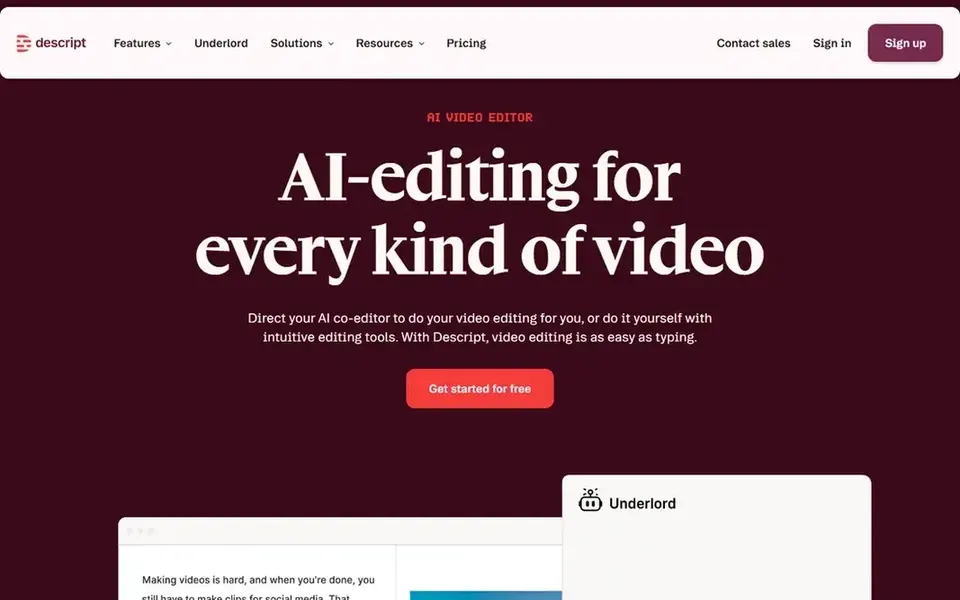
Think of Descript for editing audio by editing text. Transcript-driven edits still need a listen-through, and the approach is less suited to surgical audio repair or in-depth mixing.
In daily use, pick Descript when speed of content editing is the priority. Price to start with Descript: $16 per person per month. You can start on Descript without paying.
Where it is weaker: Automatic transcription needs review.
- Record
- Takes care of audio and video
- Less precise for deep audio repair
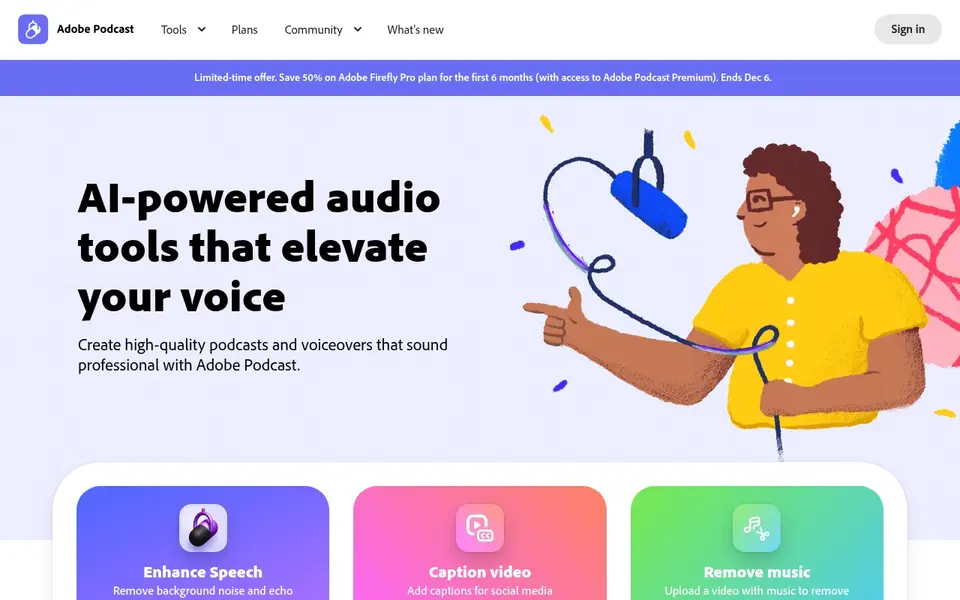
Adobe Podcast targets fast web-based recording and cleanup. Adobe Podcast is AI audio recording and editing on the web, letting you record, transcribe, edit and share with an emphasis on crisp, clear speech.
It is a practical starting point for new podcasters and for straightforward voice projects. In practice, creators who require in-depth mixing or spectral repair should move to a deeper tool. Adobe Podcast does not show a starting price in this comparison, so check the vendor site for current pricing. As for free access: Not stated.
Where it falls short: Fewer advanced controls.
Main advantages: edit and share.
- Runs in the browser
- Record, transcribe
- Web workflow may not suit long sessions
Adobe Audition is designed for in-depth multitrack and spectral editing. The depth includes a ramp-up time, and the interface can feel crowded for creators who only trim and level conversation audio.
Adobe Audition does not show a starting price in this comparison, so check the vendor site for current pricing. On free options: Not stated.
Points against: Dense interface for beginners. What works well: waveform and spectral views.
- Capable repair and mixing toolset
- Multitrack
- Heavier than straightforward editors
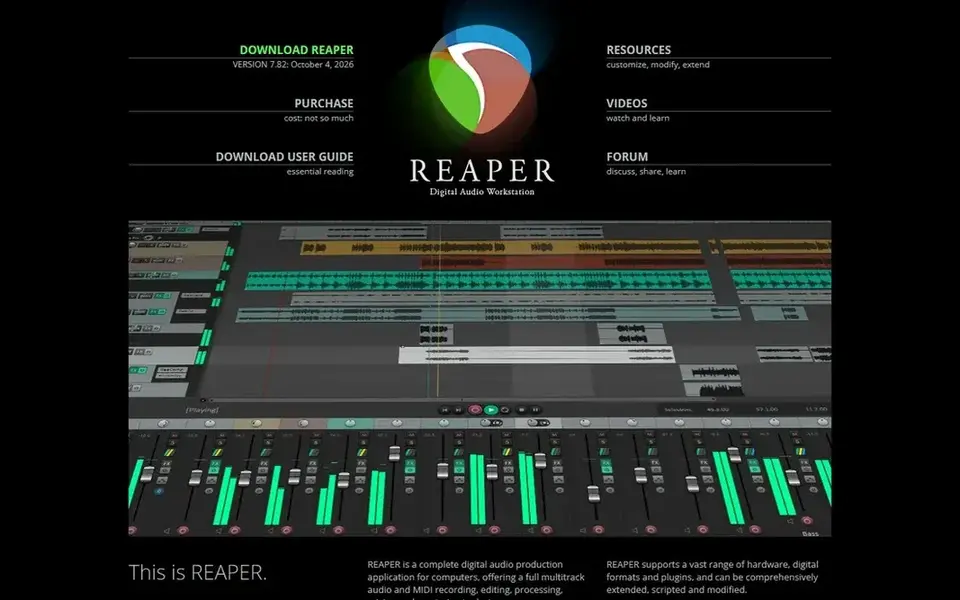
In short, Reaper is for adaptable, configurable audio production. Reaper is a digital audio workstation marketed as audio production without limits, and it is widely known for being adaptable and deeply configurable.
That adaptability means more setup and a steeper ramp-up time than guided podcast editors, and beginners may find the blank canvas daunting. Beyond that, creators who mostly cut conversation audio may prefer a transcript-based tool. Reaper does not show a starting price in this comparison, so check the vendor site for current pricing. As for free access: Not stated.
Drawbacks to consider: Setup takes time to learn.
- Fits power users
- Full production environment
- Less guided for beginners
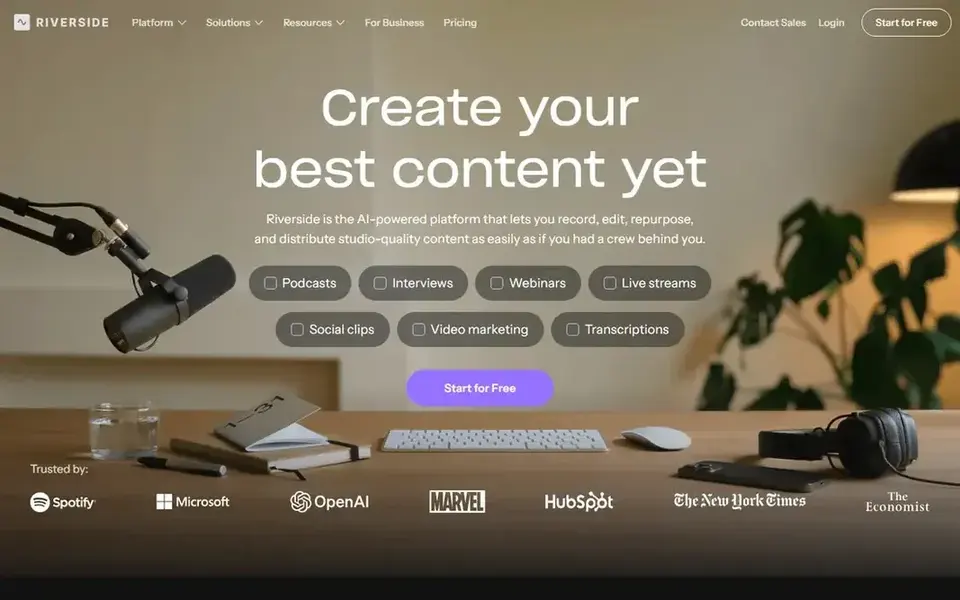
Riverside is a good fit for recording and editing in one studio. Video-first podcasters get a natural fit here. Its editing tools are pitched at conversation content instead of in-depth audio restoration, so complicated repair work may still call for a dedicated editor.
Downsides: Browser-based workflow dependence.
Pick Riverside when recording and light editing should live together. Beyond that, creators who record locally and prefer offline software may not need the online studio model. Riverside cost at the entry level: $24 per month. Riverside offers a free plan.
- Online studio for recording and editing
- Designed for remote conversations
- Editing depth is narrower than a DAW
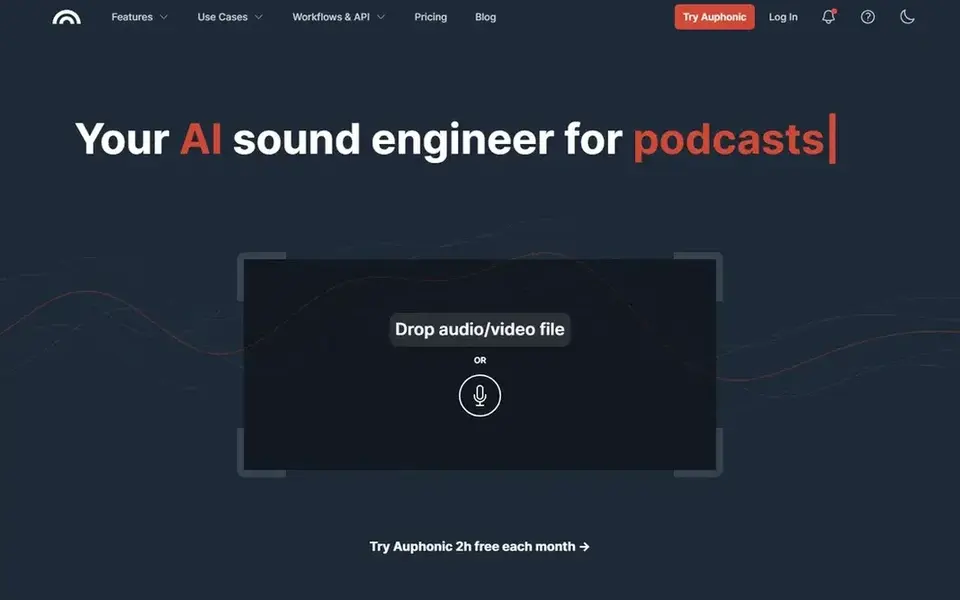
Choose Auphonic for automatic audio post production. Auphonic describes itself as the automatic audio post production webservice. It deals with repetitive finishing tasks so creators can send audio through a consistent process instead of adjusting levels by hand each time.
It is not a full editing environment, so cutting content and shaping a story still happen in another tool. Worth adding: creators who want practical control over every processing step may prefer to do that work manually in their editor. Auphonic does not show a starting price in this comparison, so check the vendor site for current pricing. Auphonic includes a free tier.
Where it falls short: Restricted manual editing control.
- Automatic post production processing
- Handy for leveling and cleanup
- Best paired with an editor
How we compared the tools
Selection started from tools commonly considered for Podcast editing software for creators, then narrowed to 6 that have clear pricing information or a clear quote process. Treat prices as a snapshot: vendors change plans often, so check the vendor site for the figure that applies today. Position on the page reflects fit for a typical buyer first, with price clarity and free access breaking ties. Treat it as a guide, not a ruling.
What to confirm before you sign up
- Get a written quote from Adobe Podcast, Adobe Audition, Reaper and Auphonic; the list shows no starting price for them.
- Read the fine print on the free plans from Descript, Riverside and Auphonic; seat, project and feature caps differ.
- Read the limits listed for Descript first: automatic transcription needs review.
- The entry price of Adobe Audition is only the starting point; model the full cost with seats and extras.
- Ask the daily users to test Reaper on a live task before you roll it out to everyone.
Frequently asked questions
Which options for Podcast editing software for creators have a free plan?
On this list, Descript, Riverside and Auphonic include a free plan. Caps on seats, usage or features are common, so test the free plan against your real workload.
How are the tools for Podcast editing software for creators ordered?
Descript sits first and Auphonic last because the order follows typical fit for Podcast editing software for creators, then price clarity and free access. It is a judgement call, so read each profile for fit and limits.
Do I need a full digital audio workstation for podcasting?
Numerous creators only cut conversation audio and level voices, which more straightforward editors deal with well. For everyday use, match the tool to the complexity of your present.
Can I try these tools before paying?
Often, yes. Descript, Riverside and Auphonic have a free plan. Use your own data and a real task during the test, and check what the free tier or trial limits before you rely on it.
What is the cheapest option for Podcast editing software for creators in this list?
On published monthly entry prices, Descript is the lowest here at $16 per person per month. Entry price is only part of the cost, because seats, add-ons and billing terms can change the total. All 6 picks in this Podcast editing software for Creators comparison list a starting price, free plan details and the main limits on their cards above.
What is the best podcast editing software for beginners?
Descript is the pick this page puts first, mainly for editing audio by editing text. If your situation differs, Adobe Podcast suits fast web-based recording and cleanup, and Adobe Audition suits in-depth multitrack and spectral editing. Compare price and limits before you decide.
Sources
See where you really rank - block by block
ProMapRanker scans Google Maps across a grid of your service area. Simple monthly plans from $19, white-label on every plan.
Start freeBrowse all guides
← AI Video Generators for YouTube Shorts: Best Picks of 2026Software for YouTube Video Automation: Best Picks of 2026 →
 best youtube analytics tools
YouTube Analytics Tools: 7 Options Compared in 2026
7 products for the best YouTube analytics tools, ranked by fit, with starting costs and free tiers. Limits and pricing notes included. Skim the table first.
Read → best subscription platforms for creators
Subscription Platforms for Creators in 2026: Top 8 Compared
Best subscription platforms for creators, compared. 8 tools with published prices, free plans and limits. Read the caveats before you buy. Quick to scan.
Read → best linkedin analytics tools
LinkedIn Analytics Tools in 2026: Top 5 Compared
Weighing the best LinkedIn analytics tools? We lined up 5 products by cost, free access and fit. Every profile names its biggest catch. Reviewed this month.
Read → adobe spark alternatives
Adobe Spark Alternatives in 2026
Compare adobe spark alternatives for social graphics, flyers, presentations, and quick design work, with free plans and paid prices compared. for small teams
Read → adobe after effects alternatives
Adobe After Effects Alternatives in 2026
Adobe after effects alternatives compared for motion graphics, compositing and animation, from free desktop tools to browser editors for social video.
Read → best social media monitoring tools
Best Social Media Monitoring Tools in 2026
Compare the best social media monitoring tools in 2026, with pricing, mention limits, sentiment, alerts and analytics for brands of every size for brands.
Read →More in Social Media & Creators · All guides A to Z by date · Latest guides