 ProMapRanker
Adobe After Effects Alternatives in 2026


Editing plus Fusion compositing · Pricing starts at: Free
Key takeaways
- DaVinci Resolve is the strongest free all-round replacement, with Fusion compositing inside a full editor.
- Blender and Natron suit compositing and 3D work, but both need time to learn node workflows.
- Jitter and Canva suit fast browser work, with Jitter offering more timeline control and Canva offering more templates.
- Apple Motion and Cavalry suit narrower jobs: Final Cut Pro titles, and procedural 2D motion, in that order.
Quick comparison
| Pick | Great for | Pricing starts at | Free tier | |
|---|---|---|---|---|
| DaVinci Resolve | Editing plus Fusion compositing | Free | Yes | Visit |
 Blender Blender | 3D motion graphics and compositing | Free | Yes | Visit |
 Natron Natron | Free node-based compositing | Free | Yes | Visit |
 Apple Motion Apple Motion | Final Cut Pro motion graphics | See website | No | Visit |
 Fusion Studio Fusion Studio | Standalone professional compositing | See website | No | Visit |
 Jitter Jitter | Browser motion design from Figma | $15 per month | Yes | Visit |
 Canva Canva | Template social video fast | Free | Yes | Visit |
 Cavalry Cavalry | Procedural 2D motion design | Free | Yes | Visit |
 Rive Rive | Interactive animation for apps | Free | Yes | Visit |
The best adobe after effects alternatives
We compared 9 options for this guide, looking at what each tool does best, what it costs, and where it falls short. The list below mixes well-known leaders with smaller options that serve a clear job well, so you can shortlist by fit rather than by fame alone.
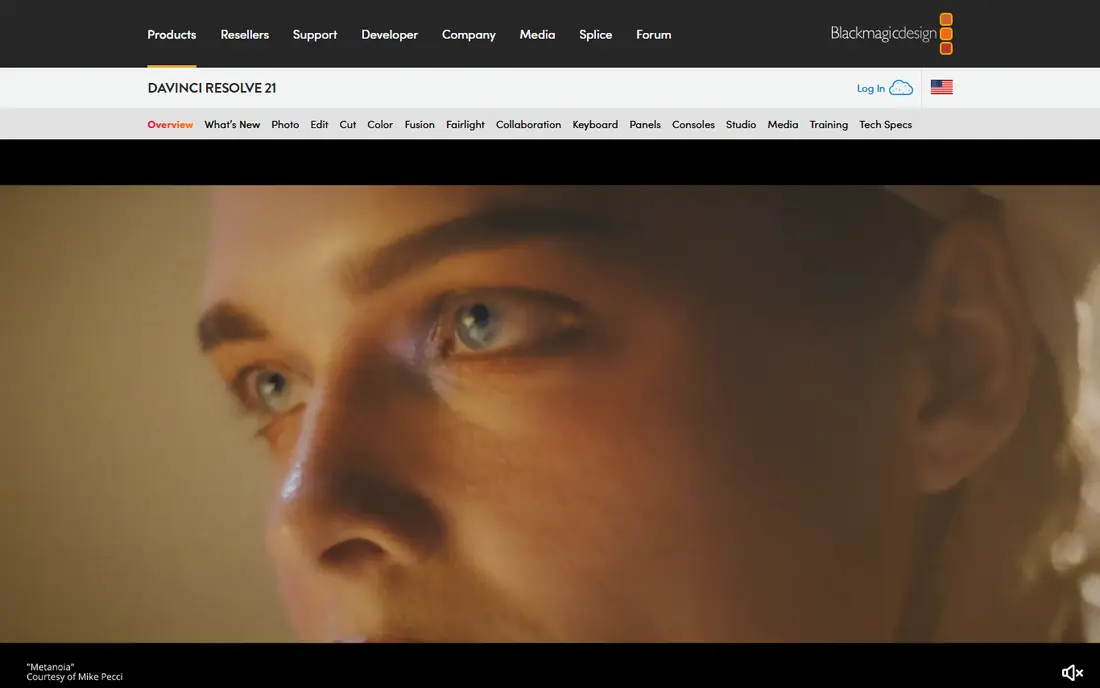
Start here if you want a clear first option to test. DaVinci Resolve is the closest free all-round replacement, with editing, colour, visual effects, and audio in a single application. It fits editors and creators who want effects and the cut in one project, without a monthly subscription. In day-to-day use, the value shows up in how much manual follow-up it removes from a normal week. The catch is the learning curve: Fusion nodes differ from After Effects layers, so allow time to relearn compositing habits. Starting at free, with a free plan status of yes, it is worth testing on a real task before you commit to a longer plan, and checking current limits on the vendor site first.
- Free version is capable for most freelance work
- Fusion page for node compositing
- Editing, colour, and audio in one app
- Node workflow needs learning
- Studio upgrade is a one-time purchase for advanced features
- System needs are real
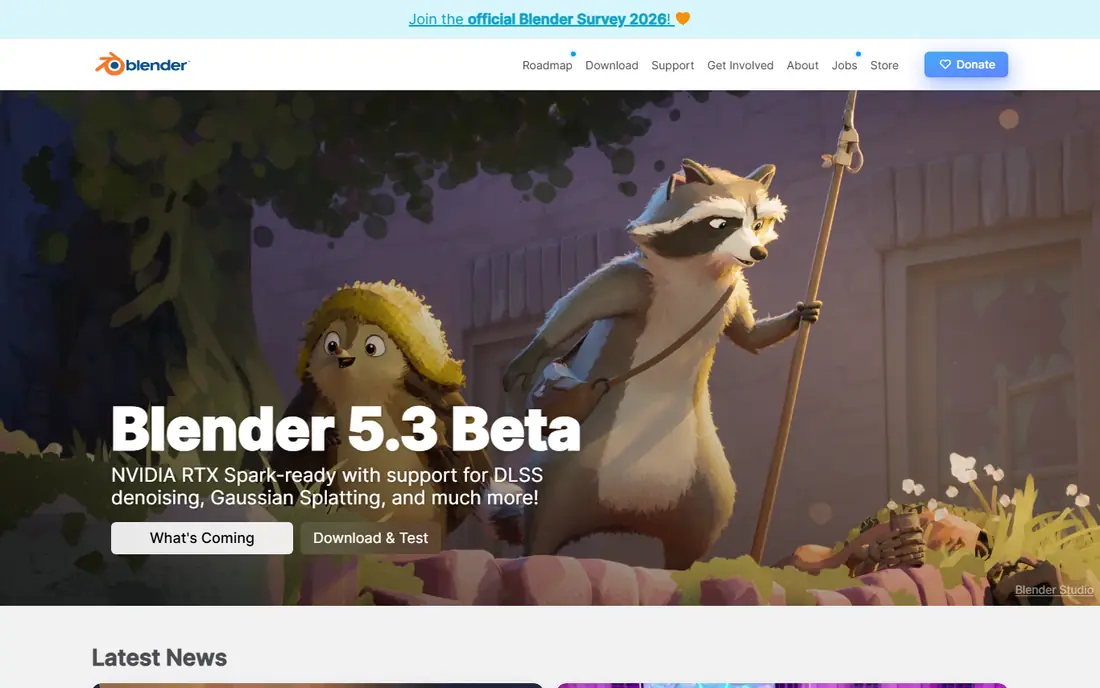
Consider this option when your current setup feels slow or scattered. Blender is a free 3D suite with a node compositor and video editor, capable of motion graphics, tracking, and effects work. It fits creators who need 3D plus compositing on a budget, and who are willing to learn a broad tool. In day-to-day use, check how it handles your most common task, not the feature list as a whole. The catch is focus: Blender can do a great deal, but pure 2D title and logo work may be faster in a dedicated motion tool. Starting at free, with a free plan status of yes, it is worth testing on a real task before you commit to a longer plan, and checking current limits on the vendor site first.
- Free and open source
- 3D animation, modelling, and compositing
- Large community and tutorials
- Interface is dense for newcomers
- 2D motion graphics need extra setup
- Workflow differs from After Effects
This pick makes sense for teams that know exactly which stage to fix first. Natron is a free, node-based compositor in the style of high-end VFX tools, with keying, tracking, and masking. It fits compositors and VFX artists who want node control without a subscription. In day-to-day use, the setup time and the learning curve matter as much as the headline features. The catch is polish: expect a steeper setup and fewer ready-made templates than After Effects or a browser tool. Starting at free, with a free plan status of yes, it is worth testing on a real task before you commit to a longer plan, and checking current limits on the vendor site first.
- Free and open source
- Node compositing with keying, tracking, and roto
- OpenFX plugin support
- Smaller plugin and tutorial range
- Interface is functional
- No built-in social export presets
Look at this one first if price or simplicity matters more than breadth. Apple Motion is a one-time purchase motion graphics tool for Mac, built to work closely with Final Cut Pro. It fits Final Cut Pro editors who need titles, transitions, and effects that drop straight into their timelines. In day-to-day use, the value shows up in how much manual follow-up it removes from a normal week. The catch is platform: Windows and Linux users need a different tool, and After Effects plugin workflows do not transfer directly. Starting at see website, with a free plan status of no, it is worth testing on a real task before you commit to a longer plan, and checking current limits on the vendor site first.
- Real-time previews
- Templates for Final Cut Pro
- 2D, 3D, and 360-degree compositions
- Mac only
- One-time purchase price needs checking on Apple pages
- Smaller plugin range than After Effects
A practical choice for buyers who want one tool to cover the core job. Fusion Studio is the standalone version of the Fusion compositor inside DaVinci Resolve, aimed at VFX and broadcast work. It fits studios and compositors who need a dedicated compositing application separate from an editor. In day-to-day use, check how it handles your most common task, not the feature list as a whole. The catch is scope: for simple titles and social videos, the free Resolve version or a browser tool may be enough. Starting at see website, with a free plan status of no, it is worth testing on a real task before you commit to a longer plan, and checking current limits on the vendor site first.
- Standalone node-based VFX
- 3D compositing and tracking
- Professional pipeline and plugin support
- Standalone price is a one-time purchase to confirm
- Node workflow needs learning
- Overkill for simple social clips
This tool stands out when you need depth in one area rather than a little of everything. Jitter is a browser motion design tool that lets designers animate Figma designs and export video or Lottie files. It fits product and social designers who want a real timeline without installing desktop software. In day-to-day use, the setup time and the learning curve matter as much as the headline features. The catch is scale: free exports are limited, and client-ready 1080p work generally needs a paid seat. Starting at $15 per month, with a free plan status of yes, it is worth testing on a real task before you commit to a longer plan, and checking current limits on the vendor site first.
- Browser timeline for motion design
- Lottie export
- Figma import for UI and social animation
- Free plan caps resolution and files
- Paid price is per editor
- Hand animation takes time for complex scenes
Choose this if you plan to grow into the tool over the next year. Canva is the fastest route to animated social content, with templates, stock media, and simple animation controls. It fits marketers and small teams who need regular social clips without learning a full motion tool. In day-to-day use, the value shows up in how much manual follow-up it removes from a normal week. The catch is control: for custom compositing, keyframing, and effects work, Resolve, Blender, or Natron offer far more depth. Starting at free, with a free plan status of yes, it is worth testing on a real task before you commit to a longer plan, and checking current limits on the vendor site first.
- Free plan with templates
- Easy animation for social clips
- Sharing and brand tools
- Template look can feel generic
- Frame-level control is limited
- Best animation features need a paid plan
For a narrower job, this option can be easier to run than a full suite. Cavalry is a dedicated 2D motion design tool, built around procedural animation for kinetic type, infographics, and data-driven scenes. It fits motion designers who want custom 2D animation with less manual keyframing. In day-to-day use, check how it handles your most common task, not the feature list as a whole. The catch is finishing: check audio export and final delivery needs, since some workflows pair Cavalry with an editor. Starting at free, with a free plan status of yes, it is worth testing on a real task before you commit to a longer plan, and checking current limits on the vendor site first.
- Free for individuals
- Procedural 2D animation
- Kinetic type and data-driven motion
- Free version cannot export audio in some reports
- Workflow differs from layer tools
- Smaller community than After Effects
The case for this tool is strongest when its main strength matches your daily work. Rive is built for interactive animation inside apps and websites, where animations respond to user input in real time. It fits product teams that need animated interfaces, characters, and interactive states, rather than rendered video clips. In day-to-day use, the setup time and the learning curve matter as much as the headline features. The catch is job fit: for a traditional video ad or title sequence, a video compositor such as Resolve fits better. Starting at free, with a free plan status of yes, it is worth testing on a real task before you commit to a longer plan, and checking current limits on the vendor site first.
- Free tier for interactive animation
- Real-time playback in apps and sites
- State machine for interactive states
- Focus is interactive app animation, not video compositing
- Paid seats start above the free tier
- Video export is not the main job
How we picked these
We compared official feature pages, pricing pages, app store listings, privacy policies, and public reviews for each product, and we kept only tools that exist and work in October 2026 and truly fit the topic. Where a price could not be verified from a vendor page or a reliable pricing summary, we wrote See website rather than guessing a number.
Choosing an After Effects alternative
Start with the work you do most often, not the longest feature list. A tool that excels at your main task will save more time than a broader tool that is only average at that task. Write down the top three jobs you need done each week, then score each shortlisted tool against those jobs alone.
Start with the work you do most
List the jobs that take the most time today, and check whether each candidate actually shortens those jobs. If a tool only helps with rare tasks, it will sit unused while the daily work stays manual.
Check the price at your team size
Model the cost for your current team and for the team you expect in a year. Include seats, storage, limits, and add-ons, and compare that total, not the headline starting price.
Frequently asked questions
What are alternatives to after effects for free?
DaVinci Resolve, Blender, and Natron are free desktop options, while Jitter, Canva, Cavalry, and Rive offer free tiers. Resolve is the best free all-round starting point for video work.
What are after effects alternatives for motion graphics?
For 2D motion graphics, Cavalry and Jitter are strong dedicated options. For motion graphics inside video projects, DaVinci Resolve with Fusion covers editing and effects in one app.
What is the best alternative to adobe after effects for beginners?
Canva suits beginners who need template social video, while Jitter suits designers who want a timeline without desktop software. Learners aiming for professional compositing should start with DaVinci Resolve and its free tutorials.
Can free tools replace After Effects for professional work?
Yes for many jobs, with limits. Resolve, Blender, and Natron handle professional compositing and 3D, but plugin libraries, templates, and team workflows differ, so test with a real client project first.
Do after effects alternatives export Lottie files?
Jitter exports Lottie, and Rive works with interactive animation formats for apps. Resolve, Blender, and Natron focus on video output, so check the export list for the format your product team needs.
Sources
See where you really rank - block by block
ProMapRanker scans Google Maps across a grid of your service area. Simple monthly plans from $19, white-label on every plan.
Start freeKeep reading
 zendesk alternatives
Best Zendesk Alternatives in 2026
Compare the best Zendesk alternatives in 2026, from budget help desks to AI-first support tools, with current pricing, free plans, and honest trade-offs.
Read → wordpress alternatives
Best WordPress Alternatives in 2026
Looking for the best WordPress alternatives? We compare 8 free and paid options for blogs, business sites, stores, and developer-led projects in 2026.
Read → which real estate company has the best training
Best Real Estate Company Training in 2026
Compare which real estate company has the best training, from Keller Williams and eXp to Compass and Coldwell Banker, by program, mentor, and fit in 2026.
Read →