 ProMapRanker
Best Software for Managing Content Operations (2026)

Governed enterprise content execution · Pricing starts at: $12 per Member/month
Direct answer
Smartsheet comes first here, mainly for governed enterprise content execution. Listed starting prices: Smartsheet from $12 per Member/month, ClickUp from $9 per user a month and Airtable from $20 per user a month. ClickUp is better for consolidating tasks, docs and goals, and Airtable is better for structured content databases and workflows. The remaining 2 options are covered below with prices and limits.
Choosing software for managing content operations usually comes down to price, fit and limits. This ProMapRanker guide sets 5 tools side by side on those three points, with the facts kept short and checkable.
Key takeaways
- Top of the list is Smartsheet, which targets governed enterprise content execution.
- A fair warning about monday.com: boards can multiply rapidly.
- Starting prices begin at $9 per user per month with ClickUp.
- Notion suits content and knowledge in one workspace.
- Free plans exist at 4 of 5 tools (ClickUp, Airtable, monday.com, Notion).
Quick comparison
| Pick | Great for | Pricing starts at | Free tier | |
|---|---|---|---|---|
| Smartsheet | Governed enterprise content execution | $12 per Member/month | Not stated | Visit |
 ClickUp | Consolidating tasks, docs and goals | $9 per user a month | Yes | Visit |
 Airtable | Structured content databases and workflows | $20 per user a month | Yes | Visit |
 monday.com | Visual boards for content pipelines | $9 per seat a month | Yes | Visit |
 Notion | Content and knowledge in one workspace | $10 per member a month | Yes | Visit |
Tool-by-tool breakdown
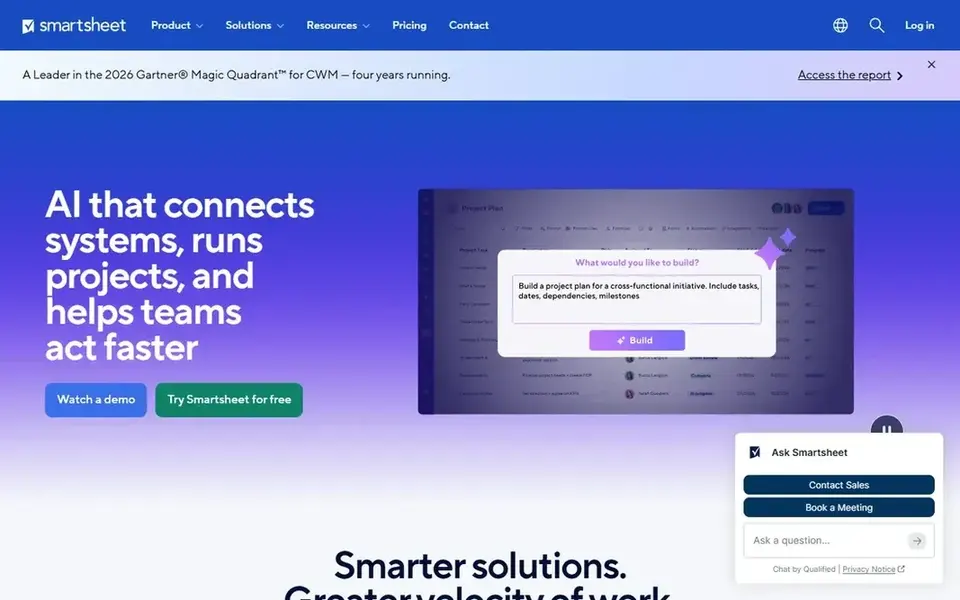
Smartsheet targets governed enterprise content execution. Smartsheet describes itself as an execution hub where people and AI get work done together, with governance and visibility for enterprises.
Limits to weigh: Interface feels utilitarian.
Its spreadsheet-like grids appeal to content operations teams that already handle plans in sheets and want more control, reporting and accountability around them. Price to start with Smartsheet: $12 per Member/month. Free options: Not stated.
- Spreadsheet-style familiarity
- Works for people and AI together
- Advanced setup needs training
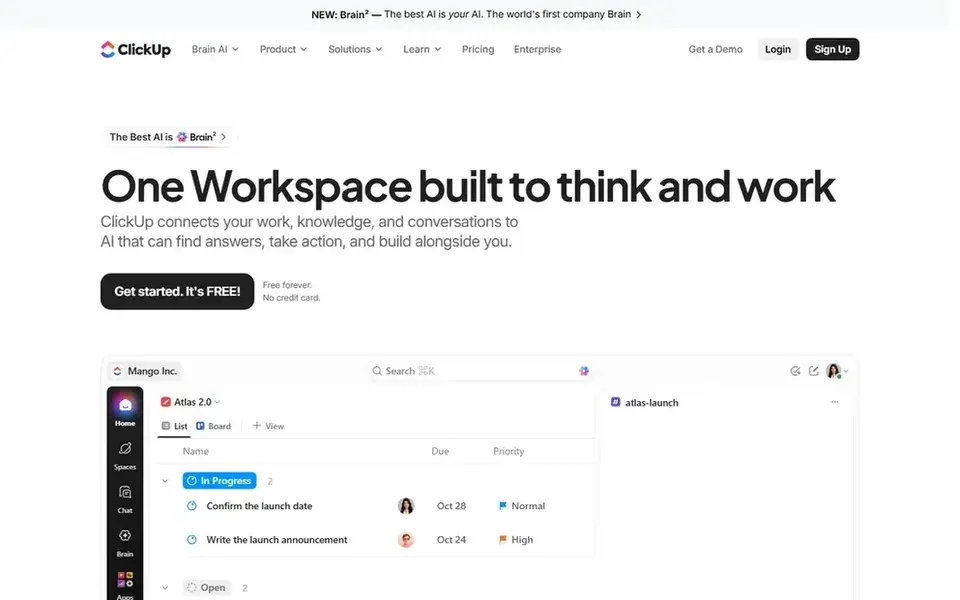
ClickUp is aimed squarely at consolidating tasks, docs and goals. ClickUp is an everything app for work, combining tasks, docs, goals and chat. On top of that, content operations teams can keep briefs, production tasks and team conversation in one place, which cuts tool switching.
Honest limits: Feature depth can overwhelm.
As for the details, the breadth of features can overwhelm new users, and without careful setup the workspace can become cluttered. Beyond that, teams needing only a narrow content calendar may find a focused tool simpler to run. On cost, ClickUp starts like this: $9 per user per month. ClickUp offers a free plan.
What users get: Wide feature coverage; Tasks, docs.
- Plenty of views for the same work
- Goals and chat together
- Needs setup discipline
Choose Airtable for structured content databases and workflows. It fits content operations groups that want structure without a rigid system.
What to check first: Large bases can get complicated.
In daily use, teams that primarily need task tracking with minimal setup may prefer a dedicated project tool. What you pay to start with Airtable: $20 per user per month. Airtable includes a free tier.
Highlights: Live team collaboration.
- Automation of repetitive tasks
- Flexible database-style records
- Setup needs planning
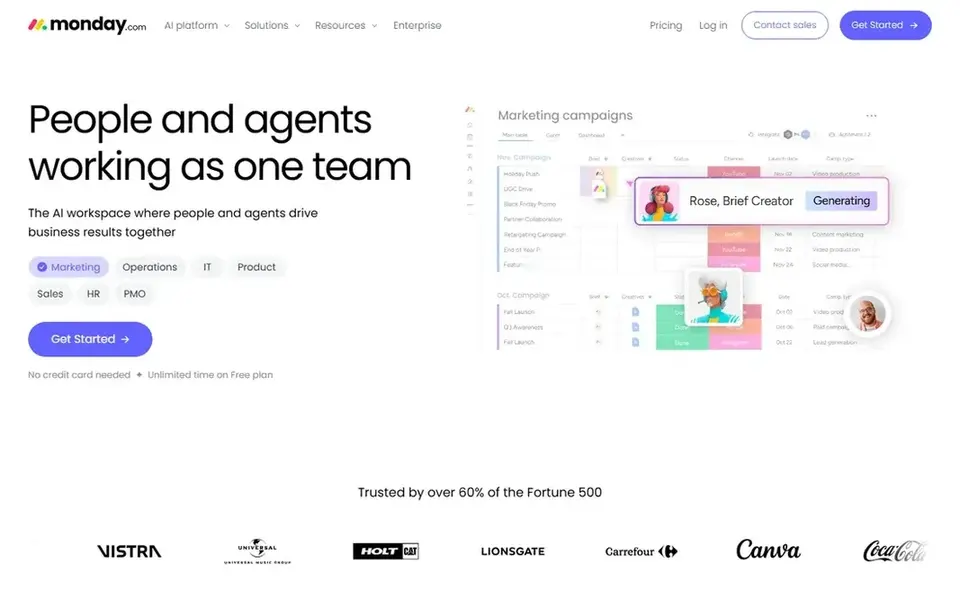
monday.com works best for visual boards for content pipelines. Content teams often use its boards to move items through stages like draft, review and publish, with status columns giving an at-a-glance view of the pipeline.
In daily use, organizations needing strict top-down governance may lean toward a more controlled system. In daily use, since boards and columns are highly customizable, teams can end up with plenty of overlapping boards that are hard to govern. Entry price for monday.com: $9 per seat per month. Free access exists with monday.com.
Downsides: Configuration takes time.
- AI agents alongside teams
- Adaptable status tracking
- Boards can multiply rapidly
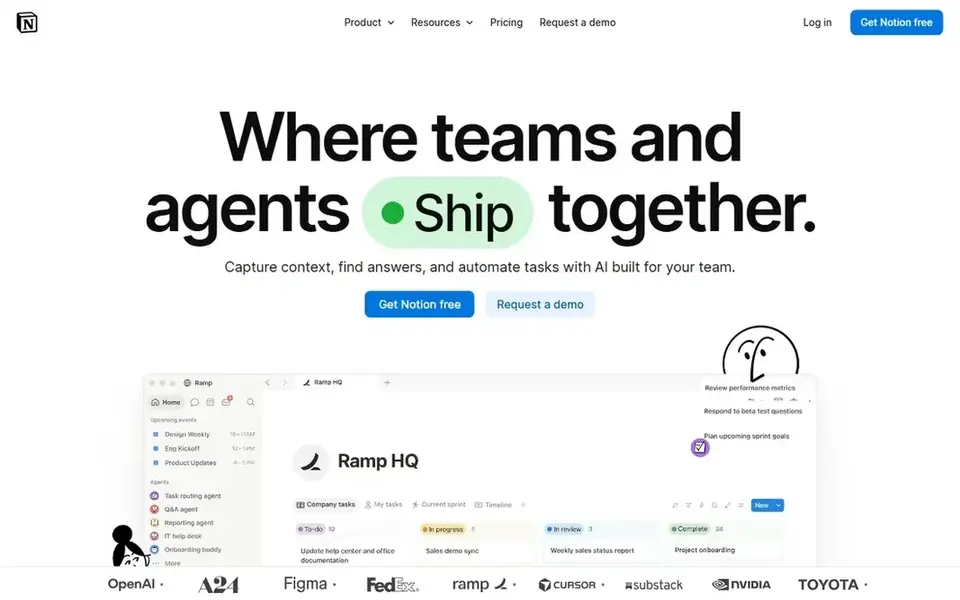
Notion is built with content and knowledge in one workspace in mind. Notion rewards disciplined structure; without it, pages and databases can sprawl and become hard to search.
Teams with complicated approval chains or enterprise governance needs may want a dedicated work management product instead. Notion is an AI workspace for building custom agents, searching across apps and automating busywork. Price to start with Notion: $10 per member per month. Notion has a free plan.
Honest limits: Heavy pages can slow navigation.
- Docs and databases together
- Custom agents and automation
- Structure needs discipline
Selection criteria
The comparison looks at four things: starting price, free access, how well the feature set matches software for managing content operations, and the main limit of each tool. Treat prices as a snapshot: vendors change plans often, so check the vendor site for the figure that applies today. Order on the page follows fit for the typical buyer first, then price transparency and free access. Your own requirements should decide the final pick.
What to confirm before you sign up
- Confirm the entry price on the vendor page: ClickUp starts at $9 per user per month, but seat counts and billing terms change the total.
- Read the fine print on the free plans from ClickUp, Airtable, monday.com and Notion; seat, project and feature caps differ.
- Read the limits listed for Smartsheet first: interface feels utilitarian.
- Work out what monday.com costs with your real seat count, add-ons and usage, not just the entry price.
- Before you load data into Smartsheet, check what an export looks like and who can run it.
Frequently asked questions
What should content operations manage first?
Start with the core flow: intake of content requests, assignment to writers and editors, review and approval, and publishing handoff. More specifically, a tool that spans this flow plainly is more valuable than one with plenty of peripheral features.
Can I try these tools before paying?
Often, yes. ClickUp, Airtable, monday.com and Notion have a free plan. Use your own data and a real task during the test, and check what the free tier or trial limits before you rely on it.
Do these tools publish their prices?
Yes. Every tool from Smartsheet to Notion shows a starting price, though seats, add-ons and billing terms still change the final cost.
Which options for software for managing content operations have a free plan?
On this list, ClickUp, Airtable, monday.com and Notion include a free plan. Caps on seats, usage or features are common, so test the free plan against your real workload.
How are the tools for software for managing content operations ordered?
Smartsheet sits first and Notion last because the order follows typical fit for software for managing content operations, then price clarity and free access. It is a judgement call, so read each profile for fit and limits.
Sources
See where you really rank - block by block
ProMapRanker scans Google Maps across a grid of your service area. Simple monthly plans from $19, white-label on every plan.
Start freeBrowse all guides
← Best Time Tracking Software for Agencies in 2026
 best content ops software for team collaboration
Best Content Ops Software for Team Collaboration in 2026
6 products for the best content ops software for team collaboration, ranked by fit, with starting costs and free tiers. Read the caveats before you buy.
Read → best ai content detectors software for remote teams
Best AI Content Detectors Software for Remote Teams (2026)
6 best AI content detectors software for remote teams, compared on pricing, free plans and best-fit use. Notes on cost and gaps for each tool. Updated for 2026.
Read → best task management software for creative agencies
Best Task Management Software for Creative Agencies in 2026
Best task management software for creative agencies, compared. 5 tools with published prices, free plans and limits. Short verdicts, no fluff. Facts only.
Read → lastpass alternatives
Best LastPass Alternatives in 2026
Looking for lastpass alternatives? We compare 9 password managers on price, free plans, security, passkeys, and family or team sharing in 2026 for you.
Read → best procure to pay software
Best Procure to Pay Software in 2026
Compare the best procure to pay software for 2026, from Coupa and SAP Ariba to Precoro and Zip, with pricing notes and practical buying guidance for buyers.
Read → best app for cargo van loads
Best App for Cargo Van Loads in 2026
Compare the best app for cargo van loads, from DAT and Truckstop to van focused boards, with honest notes on volume, rates, and broker checks, in 2026.
Read →More in Project Management & Productivity · All guides A to Z by date · Latest guides