 ProMapRanker
Best LastPass Alternatives in 2026


Open source value for individuals and teams · Pricing starts at: See website
Key takeaways
- Bitwarden is our pick for most people, thanks to open source code and a strong free plan.
- 1Password suits families and teams that want polished apps and breach monitoring.
- Proton Pass and NordPass suit privacy focused users who want simple, modern apps.
- Dashlane no longer offers a free plan in recent roundups, so check current terms before choosing it.
- Use a unique master password and turn on two factor authentication for every manager in this list.
Quick comparison
| Pick | Great for | Pricing starts at | Free tier | |
|---|---|---|---|---|
| Bitwarden | Open source value for individuals and teams | See website | Yes | Visit |
 1Password | Families and teams that want polished apps | See website | Free trial | Visit |
 Proton Pass | Privacy focused users in the Proton ecosystem | $1.99 per month | Yes | Visit |
 NordPass | NordVPN users and simple team use | See website | Yes | Visit |
 Dashlane | Premium bundle with VPN and dark web monitoring | See website | No | Visit |
 Keeper | Compliance heavy teams and enterprises | See website | Free trial | Visit |
 RoboForm | Form filling and long time users | See website | Yes | Visit |
 Enpass | Users who want to control where vaults sync | See website | Yes | Visit |
 Apple Passwords | Apple households that want built in management | Free | Yes | Visit |
The best LastPass alternatives
These password managers store, generate, and autofill passwords, passkeys, and other secrets, so you do not reuse weak passwords across sites. Alternatives to LastPass range from free open source tools to polished family and business platforms. The best LastPass alternatives for you depend on devices, sharing needs, and budget.
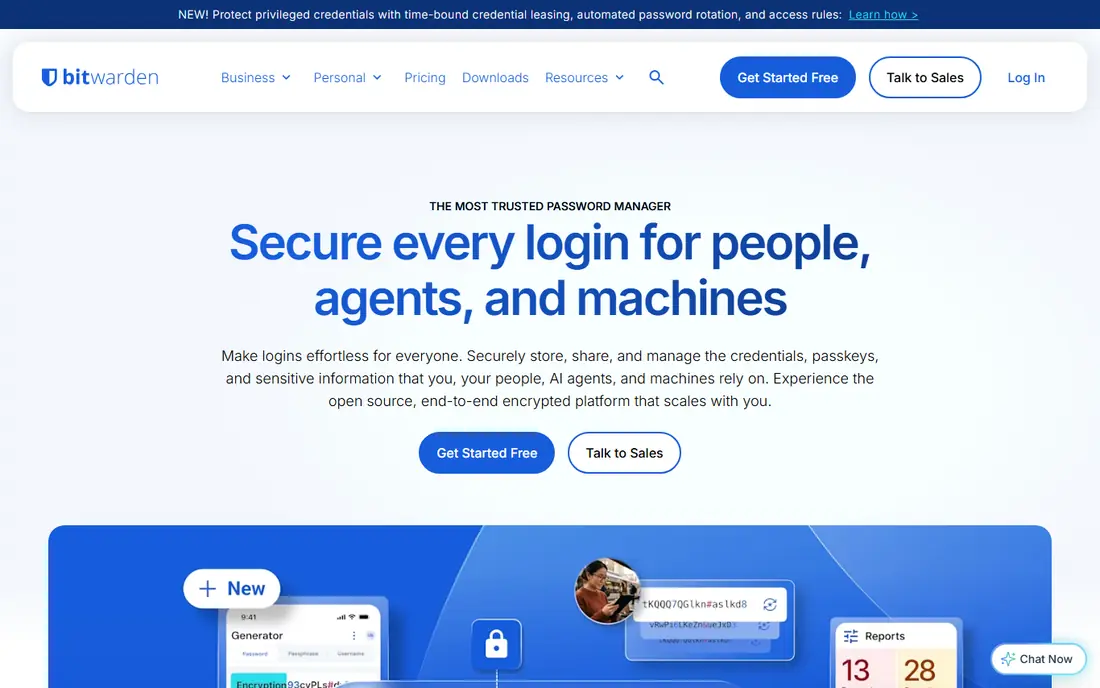
Bitwarden is the most direct LastPass replacement for most people. Its free plan covers unlimited devices and passwords, which is a clear advantage over free plans limited to one device type. Paid Premium adds more features, and Teams and Business plans add admin controls for workplaces. The open source code also gives technical users a level of transparency closed tools cannot match.
The trade off is polish. Bitwarden apps are functional and reliable, but they feel plainer than 1Password. If you want the smoothest experience and do not mind paying more, 1Password may suit you better. If you want strong security, a real free plan, and low cost, Bitwarden is hard to beat.
- Open source and audited code
- Free plan works on unlimited devices
- Self hosting option for technical users
- Interface is less polished than 1Password
- Some advanced features need a paid plan
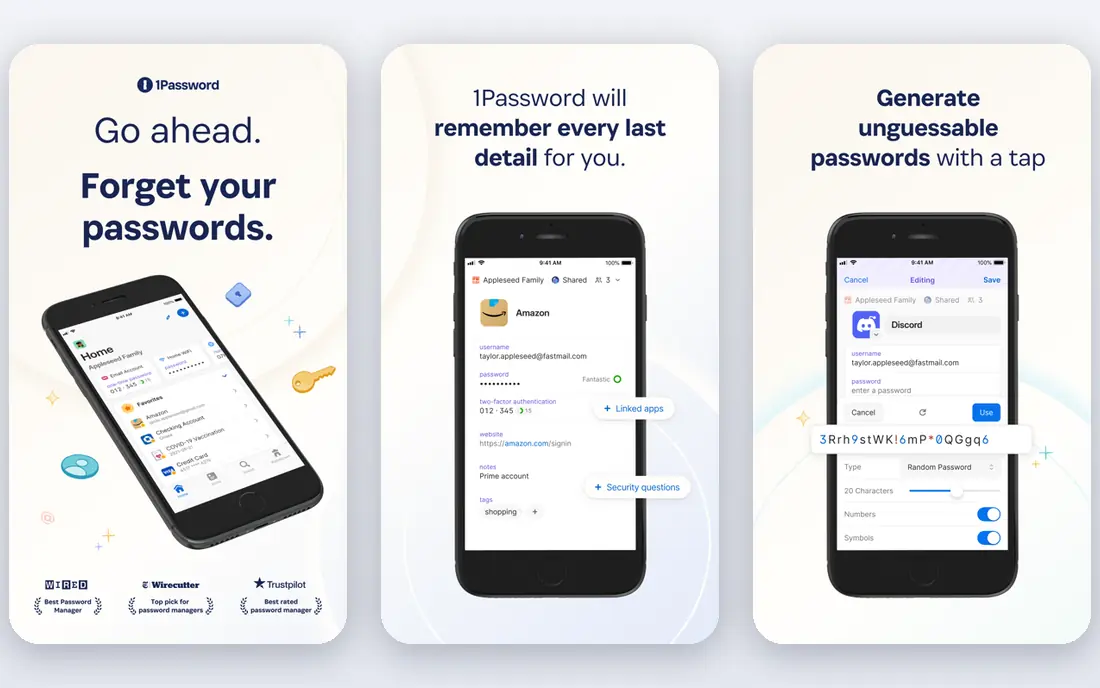
1Password is the premium pick in this list. Its apps are consistent across desktop, mobile, and browser, family sharing is simple, and Watchtower warns you about weak, reused, or breached passwords. Travel Mode lets you remove sensitive vaults from devices temporarily when crossing borders, which is a thoughtful feature for frequent travellers.
The main downside is cost and the lack of a free plan beyond a 14 day trial. Prices have changed in 2026, so confirm the current individual and family rates on the vendor site. For households and teams that will use the manager every day, the polish and support often justify the price.
- Excellent apps on all platforms
- Watchtower breach monitoring
- Travel Mode for border crossings
- No lasting free plan
- Price has risen in recent years, so check current rates
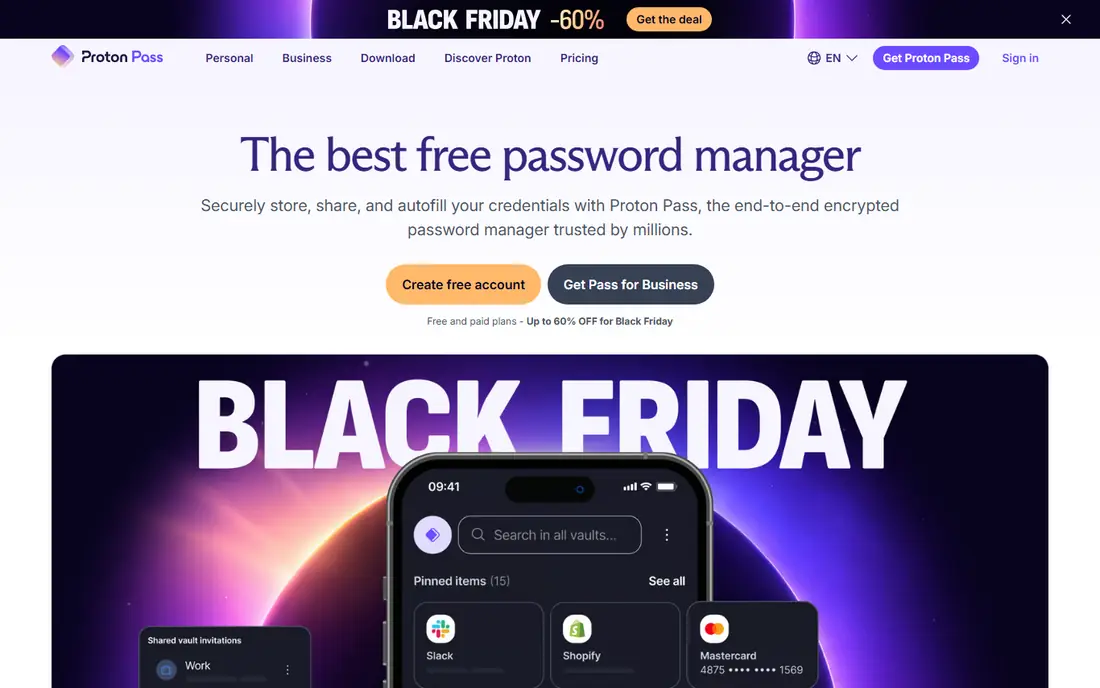
Proton Pass comes from Proton, the company behind Proton Mail and Proton VPN, and it shares that privacy first approach. Your vault is end to end encrypted, and email aliases let you sign up for sites without sharing your real address. That alias feature is genuinely useful for reducing spam and tracking.
The free plan covers basic password management, while Plus at $1.99 per month adds more aliases and features in recent roundups. Teams that need deep admin controls may prefer Bitwarden or Keeper. For individuals who already use Proton products, Pass fits naturally into the same account.
- Swiss based, end to end encrypted vault
- Email aliases to hide your real address
- Free plan for basic use
- Business admin features are lighter than Bitwarden or Keeper
- Some Proton features need higher plans
NordPass is a clean, easy manager from Nord Security, the company behind NordVPN. It uses modern XChaCha20 encryption, offers password health checks, and includes encrypted file storage on some plans. If you already pay for NordVPN, NordPass can feel like a natural add on.
The free plan is limited to one device, which is a real limit for people who use both a phone and a computer. Paid plans remove that limit and add sharing and business features. Check current pricing on the vendor site, since recent roundups differ on monthly rates.
- Simple, modern interface
- XChaCha20 encryption
- Free basic plan for one device
- Free plan is limited to one device
- Some business features are lighter than Keeper
Dashlane is a polished manager with a focus on password health and monitoring. It scores your passwords, scans the dark web for compromised details, and bundles a VPN on premium plans. That bundle suits users who want several security tools in one subscription.
The key change in 2026 is the free plan. Recent roundups report that Dashlane killed its free plan entirely, leaving only a trial before paid plans. Confirm current terms on the vendor site before choosing Dashlane for free use. For paid users who want health insights and a VPN, it remains a strong option.
- Strong password health scoring
- Dark web monitoring
- Bundled VPN on premium plans
- Free plan was discontinued in recent roundups
- Premium price is higher than budget rivals
Keeper is a strong business pick, especially for teams with compliance needs. It offers detailed role controls, audit logs, and BreachWatch dark web monitoring, plus secure file storage and sharing. Those controls help IT teams manage hundreds of users without losing track of who can access what.
Individual users may find Keeper less friendly than 1Password or Bitwarden, since the product leans toward business use. Pricing varies by personal, family, and business plans, so check the vendor site for your tier. For regulated teams, Keeper is often the safest shortlist choice.
- Granular access controls and audit logs
- BreachWatch monitoring
- Strong compliance credentials
- Personal pricing should be confirmed on the site
- Interface can feel business focused
RoboForm has been around for years, and its form filling remains a standout. It can fill long web forms, checkout fields, and login pages with saved identities, which saves time for users who fill many forms each week. The free plan covers one device, while paid Premium adds sync across devices.
The interface is less modern than 1Password or Proton Pass, and some users may prefer a fresher design. If form filling is your main daily need, RoboForm is still a strong pick. If you want the most modern apps, shortlist 1Password or Proton Pass instead.
- Excellent form filling for web forms
- Free plan for one device
- Long track record
- Free plan is limited to one device
- Interface feels older than newer rivals
Enpass takes a different approach to sync. Instead of storing your vault on Enpass servers, it lets you sync through your own iCloud, Dropbox, Google Drive, or WebDAV storage. That control appeals to users who do not want another company holding their encrypted vault, even in encrypted form.
The trade off is setup. You need to choose and manage your own sync location, and mobile free features are limited compared with desktop. Check current pricing and lifetime options on the vendor site, since plans have changed over time. For control focused users, Enpass is a unique and credible alternative.
- Desktop free plan
- Sync through your own cloud or WebDAV
- Lifetime purchase option in past plans
- Sync setup needs more care than cloud managers
- Mobile free features are limited
Apple Passwords is the built in manager for Apple devices, and for an all Apple household it is the simplest choice. It stores passwords and passkeys, autofills in Safari and apps, and syncs through iCloud Keychain at no extra cost beyond your Apple account. There is nothing to install and no new subscription to manage.
The limit is cross platform use. Windows and Android support is weaker than dedicated managers, and family sharing and business controls are limited. If your household mixes Apple, Windows, and Android devices, Bitwarden or 1Password will serve you better. If everyone uses Apple, Passwords may be all you need.
- Built into iPhone, iPad, and Mac at no extra cost
- Syncs through iCloud Keychain
- Passkey support
- Weakest on Windows and Android
- Sharing and business features are limited
How we picked these
We compared official feature and pricing pages, plus public product descriptions, for password managers live in October 2026. We favoured managers with end to end encryption, passkey support, autofill, and sharing, and we mixed free, budget, and premium options. We did not claim hands on testing, and prices that changed during 2026 are shown as See website where vendor confirmation is needed.
How to switch safely from LastPass
First, export your LastPass vault and import it into your new manager, then check that logins, secure notes, and shared items all arrived correctly. Do this on a trusted device and delete the export file after import, since an unencrypted export is a security risk if left on disk.
Next, turn on two factor authentication for the new manager itself, and choose a strong, unique master password that you do not use anywhere else. Write down the recovery key or code if the manager provides one, and store it somewhere safe offline.
Finally, change your most important passwords first, starting with email, banking, and cloud accounts, then work through the rest over a few weeks. Turn on passkeys where sites offer them, and review the new manager health report to find reused or weak passwords. Do not cancel LastPass until the new vault is verified and working on all your devices.
Frequently asked questions
What are the best LastPass alternatives?
Bitwarden is our pick for most people, thanks to its free plan and open source code. 1Password suits families and teams that want polish, Proton Pass suits privacy focused users, and Keeper suits compliance heavy teams. The best LastPass alternatives depend on devices, sharing, and budget.
Is Bitwarden really free?
Yes, Bitwarden free plan covers unlimited devices and passwords for personal use. Paid Premium adds extra features, but the free tier is a genuine daily manager, not just a trial. That makes it the strongest free alternative in this list.
Which password manager is best for families?
1Password Family is a strong pick for households, with easy sharing and Watchtower monitoring. Bitwarden Families is a lower cost option with open source transparency. Apple Passwords also works well for all Apple households at no extra cost.
Do these managers support passkeys?
Yes, most managers in this list support passkeys, including Bitwarden, 1Password, Proton Pass, NordPass, Dashlane, Keeper, and Apple Passwords. Passkey support varies by platform and browser, so check the vendor page for your devices before relying on it.
Is it safe to switch password managers?
Yes, if you export and import on a trusted device, delete the export file after import, and turn on two factor authentication for the new manager. Change your most important passwords first, and keep the old manager until the new vault is verified.
What happened to Dashlane free plan?
Recent roundups in 2026 report that Dashlane discontinued its free plan, leaving a trial before paid plans. Check the current Dashlane site for the latest terms, since plans can change. If you need a lasting free plan, choose Bitwarden, Proton Pass, or Apple Passwords instead.
Sources
See where you really rank - block by block
ProMapRanker scans Google Maps across a grid of your service area. Simple monthly plans from $19, white-label on every plan.
Start freeKeep reading
 zoho inventory alternatives
6 Alternatives to Zoho Inventory, Compared on Price and Fit
Zoho Inventory alternatives: 6 tools compared on price, free plans and fit. Katana leads the list for manufacturers. Fit and flaws are laid out for each entry.
Read → zoho crm alternatives
Best Zoho CRM Alternatives (2026)
Need Zoho CRM alternatives? We compare 7 tools on cost, free access and who each suits. Every pick gets a straight assessment. Built for quick decisions.
Read → zelle alternatives
Best Zelle Alternatives in 2026
Compare the best Zelle alternatives for sending money to friends, paying sellers and moving funds abroad, with honest notes on fees, speed and safety in 2026.
Read →