 ProMapRanker
Best Content Ops Software for Team Collaboration in 2026

Writing, wikis, and planning in one workspace · Pricing starts at: $10 per member per month
Direct answer
This list puts Notion first for writing, wikis, and planning in one workspace. Listed starting prices: Notion from $10 per member per month, Asana from $10.99 per user per month and Airtable from $20 per user a month. Alternatives: Wrike for enterprise work delivery with control, and Asana for work and project management for content teams. The other 3 tools in the list cover narrower or pricier cases.
ProMapRanker compared 6 tools for content ops software for team collaboration. The goal is a practical shortlist: published prices, free plan facts, best-fit use cases and honest limits for every entry.
Key takeaways
- The list opens with Notion, aimed at writing, wikis, and planning in one workspace.
- Free plans exist at 4 of 6 tools (Notion, Asana, Airtable, ClickUp).
- ClickUp is the one to check for consolidating tasks, docs, goals, and chat.
- A fair warning about Airtable: setup needs planning and structure.
- ClickUp is the lowest-priced starter here at $9 per user per month.
Quick comparison
| Pick | Great for | Pricing starts at | Free tier | |
|---|---|---|---|---|
| Notion | Writing, wikis, and planning in one workspace | $10 per member per month | Yes | Visit |
 Wrike | Enterprise work delivery with control | See website | Not stated | Visit |
 Asana | Work and project management for content teams | $10.99 per user per month | Yes | Visit |
 Airtable | Adaptable content databases and automation | $20 per user a month | Yes | Visit |
 Smartsheet | Governed enterprise content execution | $12 per Member/month | Not stated | Visit |
 ClickUp | Consolidating tasks, docs, goals, and chat | $9 per user a month | Yes | Visit |
Content Ops Software for Team Collaboration profiles
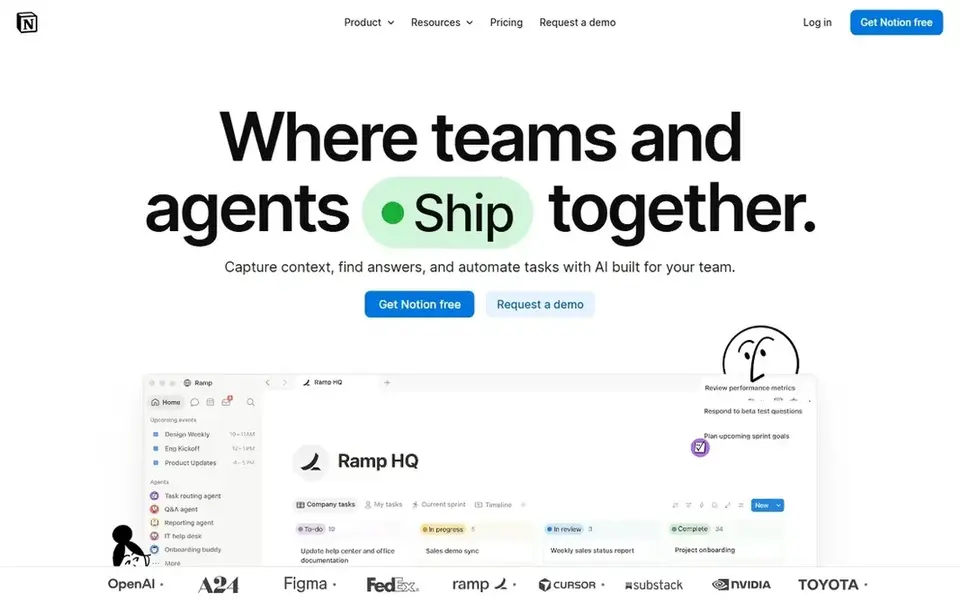
Notion is aimed squarely at writing, wikis, and planning in one workspace. It suits editorial and marketing groups that value documentation and light structure over heavy project machinery.
On cost, Notion starts like this: $10 per member per month. You can start on Notion without paying.
Where it is weaker: Database views can feel restricted for complicated ops.
- Custom agents and cross-app search
- Databases together
- Large workspaces need careful organization
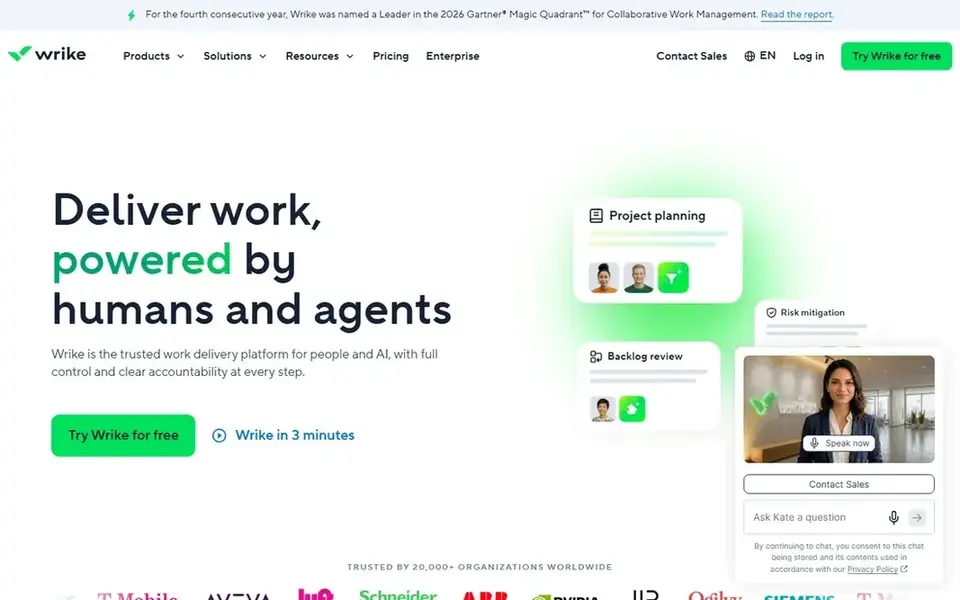
Wrike is aimed squarely at enterprise work delivery with control. Organizations prioritizing straightforward document collaboration may find a lighter workspace simpler to adopt.
Limits to weigh: Feature depth can overwhelm new users.
On top of that, content operations teams can coordinate requests, reviews, and delivery across departments with structured workflows. Wrike describes itself as an AI-powered enterprise work management system and a trusted work delivery product for people and AI, helping enterprises reach outcomes quicker without losing control of how work gets done. Wrike does not show a starting price in this comparison, so check the vendor site for current pricing. Trial and free access: Not stated.
- Focus on control and outcomes
- Supports complicated cross-team workflows
- Configuration takes planning
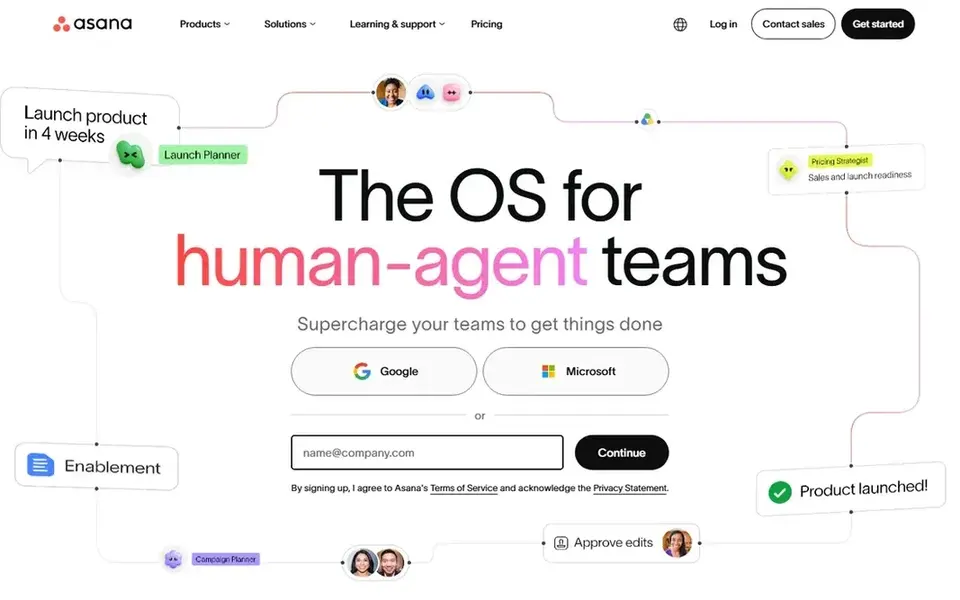
Asana makes the most sense for work and project management for content teams. Asana is work management software for teams and AI agents, built to plan, automate, and execute critical workflows together.
What works well: Support for human and agent collaboration.
Smaller teams with straightforward pipelines may find the structure heavier than necessary. Starting cost for Asana: $10.99 per user per month. Asana includes a free tier.
What to check first: Complicated portfolios need setup effort.
- Clear task and project tracking
- Automation of critical workflows
- Less suited to rich document authoring
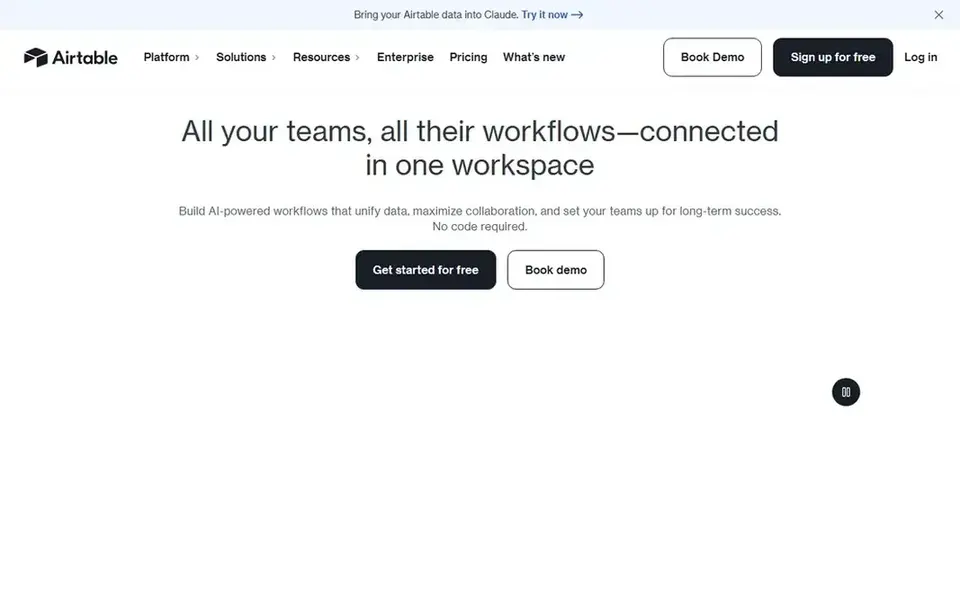
Airtable is a good fit for adaptable content databases and automation. Airtable is an adaptable system for building databases, apps, and AI workflows that support live collaboration.
What to check first: Complicated bases can become hard to maintain.
Beyond that, the tradeoff is that flexibility demands discipline: without naming conventions and clear ownership, bases can sprawl and confuse contributors. Starting cost for Airtable: $20 per user per month. You can start on Airtable without paying.
- Custom bases for briefs, calendars, assets
- Live collaboration and task automation
- Setup requires planning and structure
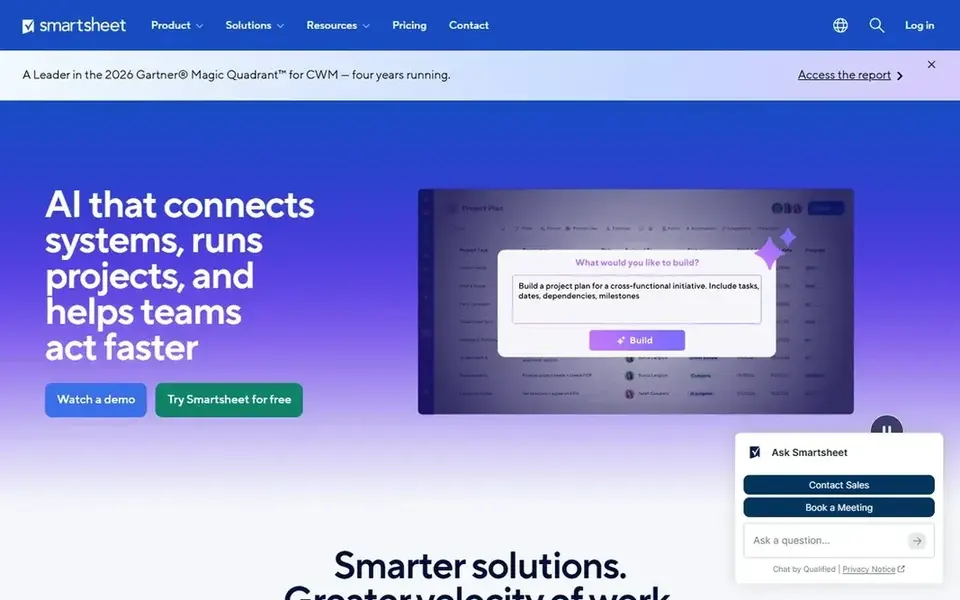
Smartsheet was built for governed enterprise content execution. Content operations teams can run calendars, campaigns, and approvals in structured sheets and views that resemble familiar spreadsheets.
It suits enterprises that require oversight, auditability, and consistent process across plenty of contributors and stakeholders. Smartsheet pricing: $12 per Member/month. Free options: Not stated.
Watch-outs: Less natural for creative drafting.
- Governance and visibility for enterprise work
- Spreadsheet-style views familiar to numerous
- Interface can feel dense for new users
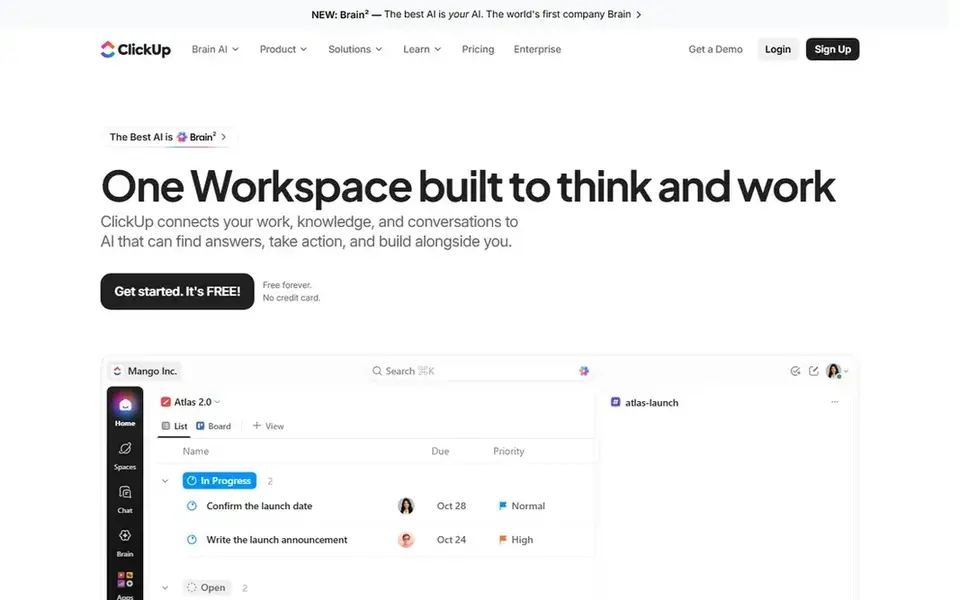
ClickUp works best for consolidating tasks, docs, goals, and chat. The breadth of features can overwhelm new users, and without deliberate setup the workspace can become cluttered.
What to check first: Needs configuration to avoid clutter.
As for the details, teams that require only a focused editorial calendar or a straightforward document hub may prefer a narrower tool. The starting price for ClickUp: $9 per user per month. You can start on ClickUp without paying.
Upsides: chat in one app.
- AI features across the workspace
- Wide coverage of everyday work
- Breadth can feel overwhelming at first
How we built this list
ProMapRanker looked at what each vendor publishes: pricing, plan limits, feature coverage for content ops software for team collaboration and stated drawbacks. No hands-on testing is claimed. Prices and plan limits come from vendor pages and can change, so confirm them on the vendor site before you buy. The order reflects how well each tool fits the most common buying scenario for content ops software for team collaboration, then price clarity, then free plan access. It is a starting point, not a verdict.
Before you commit
- Ask Wrike for a written quote, since no starting price is shown.
- Check what the free option really includes: Notion, Asana, Airtable and ClickUp offer a free plan, and usage caps differ.
- Read the limits listed for Notion first: large workspaces need careful organization.
- Ask Notion which support channels and response times come with the plan you would buy.
- Make sure Wrike lets you export your data in a format another tool can read.
Frequently asked questions
Can I try these tools before paying?
Often, yes. Notion, Asana, Airtable and ClickUp have a free plan. Use your own data and a real task during the test, and check what the free tier or trial limits before you rely on it.
Do these tools publish their prices?
Not all of them. Wrike publishes no starting price, so expect a quote request for it. The rest, Notion included, show a starting price, though seats and billing terms still change the final cost. For the full picture, the cards above cover all 6 entries of this content ops software for team collaboration list, including price, free plan and limits.
Which options for content ops software for team collaboration have a free plan?
On this list, Notion, Asana, Airtable and ClickUp include a free plan. Caps on seats, usage or features are common, so test the free plan against your real workload.
What should content operations teams look for in collaboration software?
Look for shared visibility into briefs, drafts, approvals, and publishing status, plus automation for repetitive handoffs. Beyond that, governance and permissions matter as teams grow, and integration with writing and publishing tools keeps the workflow connected.
What is the cheapest option for content ops software for team collaboration in this list?
On published monthly entry prices, ClickUp is the lowest here at $9 per user per month. Entry price is only part of the cost, because seats, add-ons and billing terms can change the total. Prices, free plan details and limits for all 6 tools in this content ops software for team collaboration roundup sit on the individual cards above.
Sources
See where you really rank - block by block
ProMapRanker scans Google Maps across a grid of your service area. Simple monthly plans from $19, white-label on every plan.
Start freeBrowse all guides
← Best AI Content Detectors Software for Remote Teams (2026)Best Time Tracking Software for Agencies in 2026 →
 best task management software for creative agencies
Best Task Management Software for Creative Agencies in 2026
Best task management software for creative agencies, compared. 5 tools with published prices, free plans and limits. Short verdicts, no fluff. Facts only.
Read → best content collaboration platforms for distributed teams
Best Content Collaboration Platforms for Distributed Teams (2026)
Best content collaboration platforms for distributed teams: 6 tools compared on price, free plans and fit. Concise write-ups of every option. Plain facts.
Read → best content calendar software for teams
Content Calendar Software for Teams in 2026: Top 5 Compared
Best content calendar software for teams in 2026: 5 tools with starting prices, free plans and limits. Each profile ends with a plain caveat. No filler.
Read → what's the best weight loss app for medication
What Is the Best Weight Loss App for Medication in 2026
We compared what's the best weight loss app for medication, covering GLP-1 programs, tracking apps, coaching, costs, limits and safety notes in plain terms.
Read → best day planner app
Best Day Planner App in 2026: 8 Apps Compared
Find the best day planner app for your schedule and work style. We compared 8 planners on tasks, calendar views, reminders, and free plans for 2026. now
Read → best exterior paint for lime render services
Best Exterior Paint for Lime Render Services in 2026
Best exterior paint for lime render services compared: 8 mineral, silicate and breathable paints for lime render, with lime compatibility notes for 2026.
Read →More in Project Management & Productivity · All guides A to Z by date · Latest guides