 ProMapRanker
7 Notion Alternatives Compared (2026)
Direct answer
For privacy-first Notion-style objects, Anytype is where this list starts. Alternatives: Joplin for open-source self-hosted notes, and Logseq for Outliner-first daily notes. All 7 tools are compared below on price, free plan and limits.
This ProMapRanker guide covers 7 options for Notion Alternatives Without AI. Each profile lists a starting price, free plan details, strengths and drawbacks, so you can drop poor fits quickly.
Key takeaways
- Anytype sits first on this list: privacy-first Notion-style objects.
- 7 of the 7 tools have a free plan, including Anytype, Joplin, Logseq and Zettlr.
- Trilium Notes fits self-hosted hierarchical notes.
- Before buying Joplin, weigh this: interface functional but dated.
Quick comparison
| Pick | Great for | Pricing starts at | Free tier | |
|---|---|---|---|---|
 Anytype | Privacy-first Notion-style objects | Free | Yes | Visit |
 Joplin | Open-source self-hosted notes | Free | Yes | Visit |
 Logseq | Outliner-first daily notes | Free | Yes | Visit |
 Zettlr | Academic Markdown writing | Free | Yes | Visit |
 Standard Notes | Privacy above everything | Free | Yes | Visit |
 Obsidian | Local Markdown knowledge graph | Free | Yes | Visit |
 Trilium Notes | Self-hosted hierarchical notes | Free | Yes | Visit |
The best Notion Alternatives Without AI
In short, Anytype is for privacy-first Notion-style objects. The trade is maturity and vocabulary: it has its own terms for objects, sets, and spaces with a genuine learning curve, and polish is still catching up to ambition.
Starting cost for Anytype: Free. A free plan is available with Anytype.
Main advantages: Closest Notion object and relation model local-first. Drawbacks to consider: Own vocabulary with ramp-up time; Still maturing.
- Offline-first
- End-to-end encrypted
- Premium plans add network storage
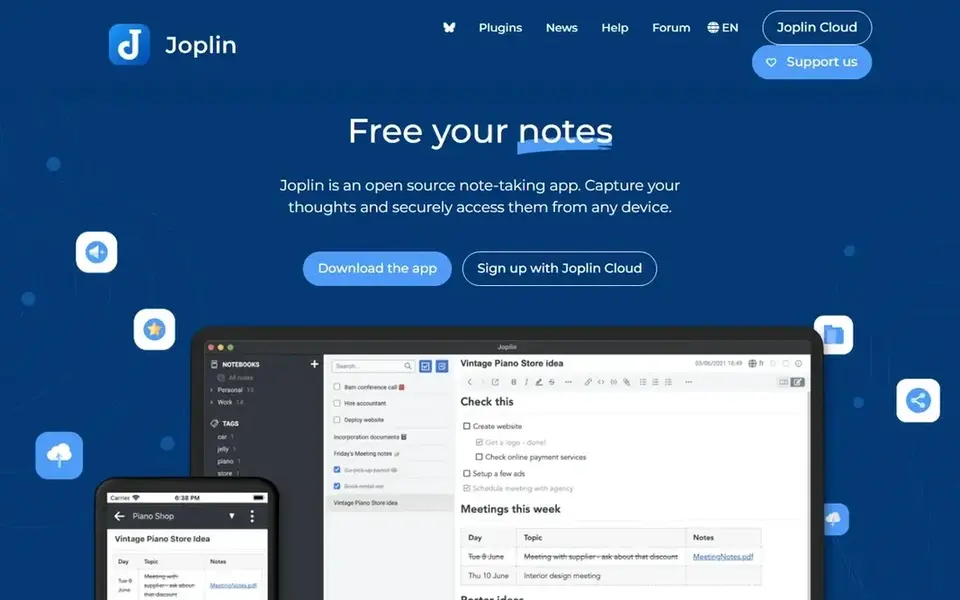
Choose Joplin for open-source self-hosted notes. Joplin is the open-source Evernote replacement, completely self-hostable with end-to-end encryption and no built-in AI assistant.
Drawbacks to consider: Interface functional but dated.
Upsides: Fully open source. It gives you Markdown notes, notebooks, tags, and search, with sync through a personal cloud, Nextcloud, or premium Joplin Cloud starting near $3 a month for Basic. Starting cost for Joplin: Free. A free plan is available with Joplin.
- No built-in AI
- Self-hostable
- Setup takes time for self-hosting
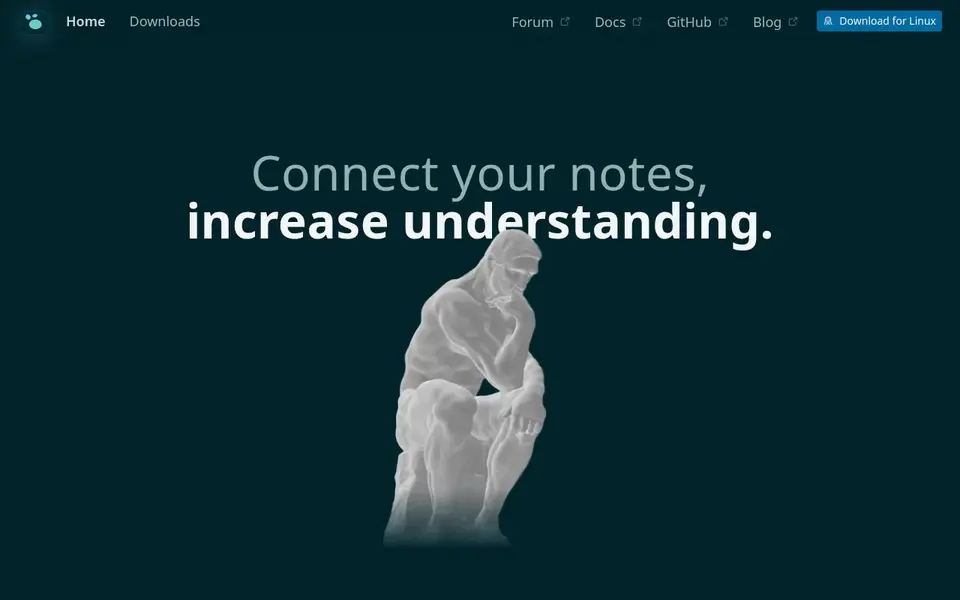
Logseq is built with Outliner-first daily notes in mind. Pricing is free and open source, with an optional cloud sync service in early access at about $5 a month in one source.
As for the details, performance degrades with very large graphs, and mobile apps lag, but outliners and daily-notes thinkers should choose Logseq. The daily journal workflow shines, since opening the app starts typing into today page, and tags and references build an organic knowledge graph without upfront organization. Starting cost for Logseq: Free. Logseq has a free plan.
Points against: Performance degrades with very large graphs over 10,000 pages. Where it shines: Daily journal workflow.
- Block-first referencing
- Local Markdown files
- Smaller plugin ecosystem near 200
Zettlr works best for academic Markdown writing. Zettlr fits academic writers who want Markdown notes and long-form writing with citation support, without AI features.
Drawbacks to consider: Academic focus means databases absent; Interface plain.
It is free and open source, keeps notes as local files, and runs on Windows, Mac, and Linux, with Zotero integration for references and export to typical academic formats. The starting price for Zettlr: Free. Zettlr includes a free tier.
- Local files
- Cross-platform
- Setup takes learning for citation workflows
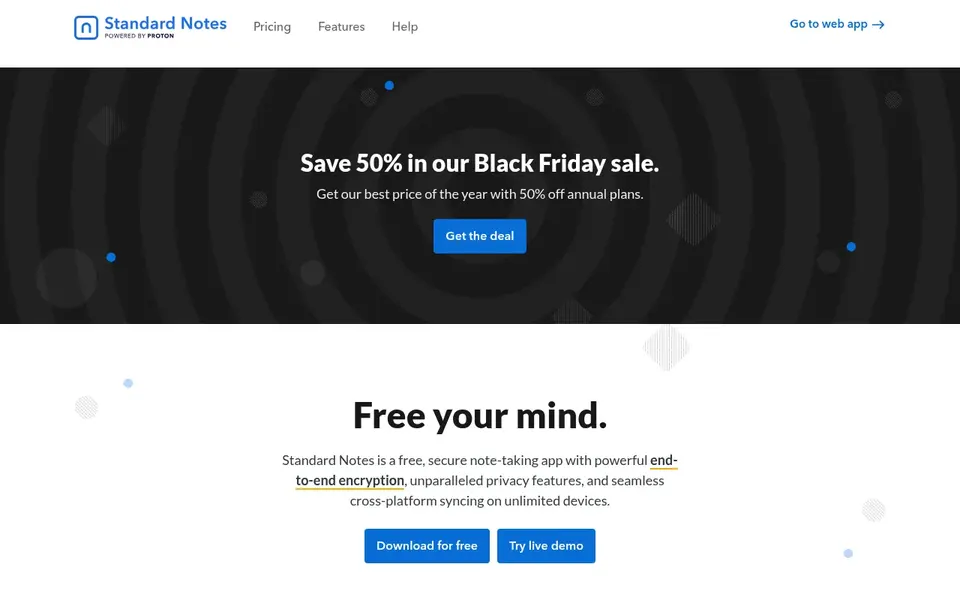
In short, Standard Notes is for privacy above everything. For users who want encrypted notes that just work, with no AI and no complexity, Standard Notes is the best choice.
Standard Notes starts at: Free. A free plan is available with Standard Notes.
Drawbacks to consider: premium features needed for richer editors; Smaller ecosystem.
- Straightforward durable notes
- Freemium model with premium extensions
- More straightforward feature set than Notion
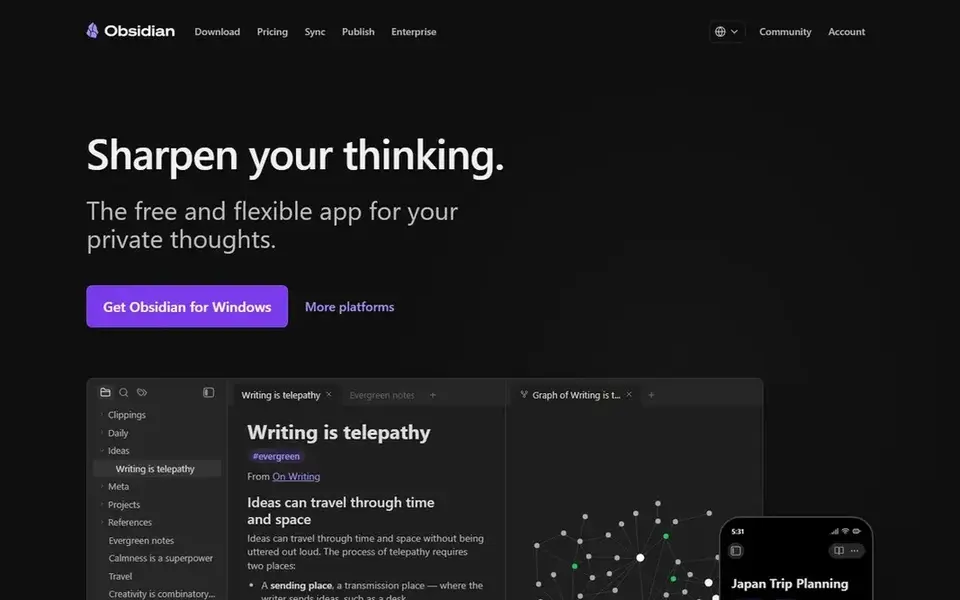
Obsidian targets local Markdown knowledge graph. Your notes are plain Markdown files in a folder you choose, the plugin ecosystem can turn it into almost anything, and it costs nothing for personal use. On top of that, sync costs $4 a month billed annually in one source and about $5 a month in another, whereas commercial use costs about $50 per user a year.
In practice, solo thinkers who value ownership and speed over team collaboration should choose Obsidian. As for the details, there is no built-in AI assistant in the core app, though external plugins can add AI features. So users who want a completely AI-free setup should simply not install AI plugins. The starting price for Obsidian: Free. Obsidian includes a free tier.
Where it is weaker: Setup time on vaults, themes, plugins; Editor displays Markdown syntax.
- Graph view
- No built-in AI assistant
- Workshop, not finished tool
Where Trilium Notes fits: self-hosted hierarchical notes. It is free and open source, runs on a personal server or desktop, and supplies web access, scripting, and note cloning across branches.
Self-hosters who want a tree-structured knowledge base without AI should test Trilium Notes. Trilium Notes pricing: Free. A free plan is available with Trilium Notes.
Watch-outs: Setup takes technical skill; Smaller community than Obsidian.
- Scriptable
- Hierarchical tree structure
- Interface technical
What went into this list
The comparison looks at four things: starting price, free access, how well the feature set matches Notion Alternatives Without AI, and the main limit of each tool. Prices and plan limits come from vendor pages and can change, so confirm them on the vendor site before you buy. The sequence is a judgement call: typical use case first, then pricing transparency, then free access. Use the profiles to check fit.
Questions to settle before buying
- Check the current price for Anytype, Trilium Notes and the rest on each vendor page, since seats and billing terms change the total.
- Check what the free option really includes: Anytype, Joplin, Logseq and others offer a free plan, and usage caps differ.
- Before choosing Anytype, weigh its main limit: still maturing.
- Price Zettlr for your actual team size; headline prices rarely include add-ons or overage.
- Before rolling out Joplin, verify the integrations your workflow depends on.
Frequently asked questions
Is Anytype the right pick for everyone comparing Notion Alternatives Without AI?
No single tool suits every team. Anytype comes first because it fits privacy-first Notion-style objects, while Joplin suits open-source self-hosted notes and Logseq suits Outliner-first daily notes. Match the tool to your own size, budget and workflow before deciding.
Can I try these tools before paying?
Often, yes. Anytype, Joplin, Logseq and others have a free plan. Use your own data and a real task during the test, and check what the free tier or trial limits before you rely on it.
Do these tools publish their prices?
Yes. Every tool from Anytype to Trilium Notes shows a starting price, though seats, add-ons and billing terms still change the final cost.
Which Notion alternative without AI is closest to Notion databases?
Anytype is closest to Notion object-and-relation model that runs local-first, with encrypted on-device data and peer-to-peer sync. It carries a ramp-up time for its object vocabulary, but it preserves database-style structure without Notion cloud.
Is Joplin really free?
Yes, Joplin is free and open source, with self-hosting at no cost. Premium Joplin Cloud starts near $3 a month for Basic, which brings hosted sync without self-hosting setup.
Which options for Notion Alternatives Without AI have a free plan?
On this list, 7 of 7 tools include a free plan, among them Anytype, Joplin, Logseq and Zettlr. Caps on seats, usage or features are common, so test the free plan against your real workload.
Sources
See where you really rank - block by block
ProMapRanker scans Google Maps across a grid of your service area. Simple monthly plans from $19, white-label on every plan.
Start freeBrowse all guides
← 6 Best Live Transfer Service for AI Receptionists in 2026AI Native Business Analytics Software: Best Picks of 2026 →
 best enterprise platforms for unified data and ai
7 Best Enterprise Platforms for Unified Data and AI Options (2026)
Best enterprise platforms for unified data and AI: 7 contenders ranked by fit, with entry costs and free tiers. Every pick includes one clear drawback.
Read → best all in one ai workspace tool
Best All in One AI Workspace tool: 2026 Prices and Picks
Comparing the best all in one AI workspace tool? 6 contenders, each with entry cost, free tier and best-fit buyer. Prices and drawbacks included. Start here.
Read → best ai tools for enterprise with secure data
AI Tools for Enterprise with Secure Data: Best Picks of 2026
Searching for the best AI tools for enterprise with secure data? Here are 8 options with prices and free plans. Each entry gets a plain verdict. Details below.
Read → airdna alternatives
AirDNA Alternatives in 2026: 9 Tools Compared
AirDNA alternatives compared for 2026: Mashvisor, PriceLabs, Rabbu, and more short-term rental analytics and pricing tools for hosts and investors today.
Read → best data loss prevention tools
Best Data Loss Prevention Tools in 2026
Compare the best data loss prevention tools for endpoint, email, and cloud protection, with deployment options, pricing notes, and honest limits explained.
Read → people data labs alternatives
People Data Labs Alternatives in 2026
Compare people data labs alternatives for B2B contact data, enrichment and prospecting, with pricing, credit rules and compliance notes in one guide today.
Read →More in Data & Analytics · All guides A to Z by date · Latest guides