 ProMapRanker
Best Live Transfer Service for AI Receptionists in 2026

Key takeaways
- A live transfer is only useful if context travels with the caller, so favor services that pass a summary and reason for the call.
- Warm transfers, where the AI briefs your team before connecting, beat blind transfers for sales and urgent service calls.
- Upfirst offers the lowest entry price with warm transfers on every plan, while Smith.ai adds live human backup for complex calls.
- Dialzara, Rosie and Goodcall charge by minutes, calls or callers, so compare the billing unit, not only the headline price.
- Test the transfer path before you go live: call your own number, check what your team hears, and confirm the fallback when no one answers.
Quick comparison
| Pick | Great for | Pricing starts at | Free tier | |
|---|---|---|---|---|
 Smith.ai | AI plus live human backup | Free | Yes | Visit |
 Upfirst | Low cost warm transfers | $24.95 per month | No | Visit |
 Dialzara | Simple prompt based receptionist | $29 per month | No | Visit |
 Goodcall | Per-caller billing without minute meter | $79 per month | No | Visit |
 Rosie | Low entry price per minute bucket | $49 per month | No | Visit |
 Vendasta AI Receptionist | Multi-location local businesses | See website | No | Visit |
 RingCentral AI Receptionist | RingCentral phone customers | $49 per month | No | Visit |
 Frontdesk | Phone plus CRM, SMS and chat | $99 per month | No | Visit |
 Meera | Sales lead live transfers | See website | No | Visit |
 Ruby | Human receptionists with transfer | See website | No | Visit |
The best live transfer service for AI receptionists
Live transfer means an AI receptionist answers, qualifies or greets a caller, then connects that caller live to a person on your team, instead of taking a message for later. The best services pass context with the transfer, such as who is calling, why they called and what was already discussed, so your team does not start from zero. We compared official pricing pages, transfer descriptions and public comparisons, and we did not claim hands-on testing. Billing units differ sharply in this category, so compare minutes, calls and callers carefully before choosing.
Smith.ai is the hybrid pick: AI answers first, and live North America based agents can take over when a call gets complex or when a caller asks for a person. That backup matters for law firms, medical offices and service businesses where a missed nuance can lose a client..
The cost is the limit. Per-call pricing is higher than per-minute rivals once volume grows, and human answered plans start at a much higher monthly price. For low volume businesses that want a safety net of real people behind the AI, Smith.ai.
- Free tier with 25 AI calls a month
- Live human agents can take over complex calls
- Warm transfer with a caller summary
- Per-call pricing rises fast at higher volume
- Human plans cost far more than AI-only rivals
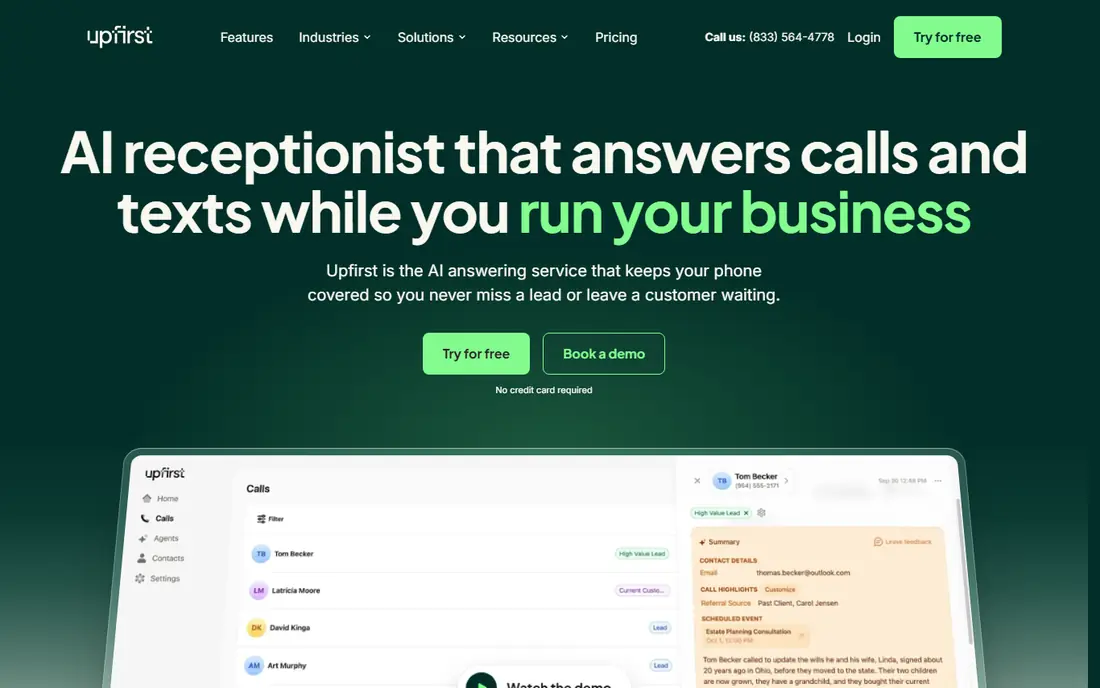
Upfirst is our pick for most small businesses that want live transfer without a high entry price. Its starter plan costs $24.95 a month for 30 calls and includes warm transfers, scheduling, in-call texting, spam blocking and Zapier integration on every plan, rather than reserving transfers for a premium tier..
The main limit is that there are no live human agents behind the AI, so a caller who insists on a person will still deal with the AI or a message. Onboarding is also self-serve on lower plans, which suits confident users but not teams that want a guided setup..
- Warm transfers on every plan, including the starter plan
- Books into major calendars
- 35 plus languages with automatic detection
- No live human agents
- White-glove onboarding only on higher plans
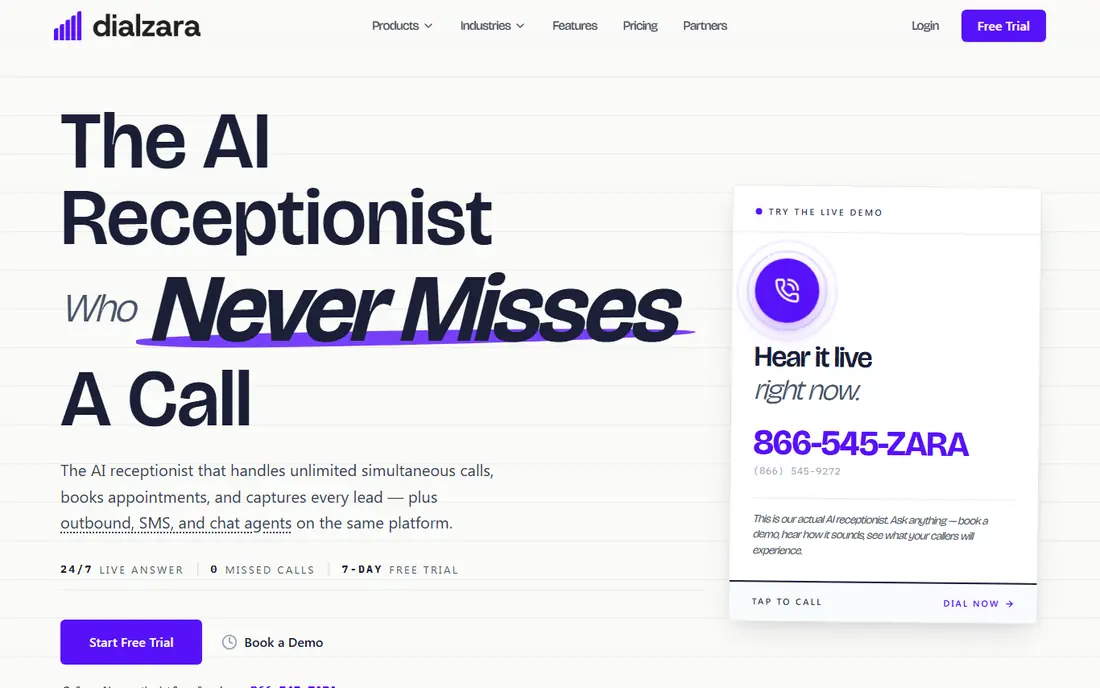
Dialzara suits teams that want to control the AI with a single prompt style guide, including budget, timeline and project type questions for lead qualification. Its entry plan costs $29 a month for a small minute bucket, which is a low cost way to test AI answering, and its higher plans add more minutes, Spanish answering and calendar sync..
The transfer catch matters. Warm transfers and calendar sync only arrive from the $99 plan, while the entry plan offers a blind transfer, which connects the caller without briefing your team first. If live transfer quality is your main reason for buying, budget for the $99 plan rather than the entry price..
- Simple prompt editor for qualification questions
- Low entry price for a minute bucket
- Webhook and Zapier connections
- Warm transfers and calendar sync only from the $99 plan
- Entry plan transfer is blind, not warm
Goodcall charges by unique caller rather than by minute, which is a genuine advantage for businesses with long calls, such as home services, legal intake or medical offices. A 20 minute call from one caller costs the same as a 2 minute call from that caller, up to the caller limit on the plan, so the monthly bill is easier to predict when call length varies..
The entry price is higher than Upfirst or Dialzara, so low volume businesses may pay more for callers they do not use. Transfer and booking details also need a close read by plan, since not every feature is spelled out the same way on every tier..
- Billing by unique caller, not by minute, so long calls do not raise the bill
- Transfers to your chosen team members
- Simple setup
- Higher entry price than per-minute rivals
- Booking and transfer details vary by plan and need a close read
Rosie is a low cost entry point for businesses that want AI answering with a generous minute bucket. Its professional plan costs $49 a month for 250 minutes, which covers a solo operator or small team with modest call volume, and it handles message taking, basic answering and Spanish calls..
The transfer limit is the key point. Direct calendar booking and live transfers require the $149 plan, so the $49 entry price does not buy the live transfer feature this guide focuses on. Readers who only need message taking can start low, but readers who need transfers should budget for the higher tier..
- Low entry price for 250 included minutes
- Simple message taking and answering
- Spanish answering available
- Direct calendar booking and transfers require the $149 plan
- Overage rate is not published on the pricing page we checked
Vendasta AI Receptionist suits local businesses and multi-location operators that already use Vendasta tools or want voice, chat and SMS in one system. It answers calls, qualifies leads with plain language instructions, books against a connected calendar during the call and transfers directly to your team, with CRM sync to Vendasta CRM, HubSpot and Zapier..
The drawback is pricing transparency. We did not find a simple published starter price in the sources we checked, so readers need a quote, and the best value comes when the receptionist sits inside the wider Vendasta platform rather than as a standalone tool..
- Direct live transfer with calendar booking during the call
- Voice, chat and SMS channels
- Native CRM and HubSpot connections
- Price is not published as a simple starter figure
- Best value sits inside the wider Vendasta platform
RingCentral AI Receptionist is the natural choice for teams already on RingCentral, because it transfers calls inside the same phone system, with a summary passed to the receiving team member. It answers, qualifies and routes calls using existing RingCentral numbers, routing rules and integrations, so there is no second phone system to manage..
The limit is the underlying cost. The AI receptionist price sits on top of a RingCentral plan, so the total monthly bill is higher than a standalone AI receptionist, and non-customers gain little by switching phone systems just for this add-on. If your team already uses RingCentral and wants AI answering with live transfer inside that system, this is a clean fit, but standalone buyers should compare Upfirst or Smith.ai.
- Transfers inside the RingCentral phone system with a call summary
- Works with existing RingCentral numbers and routing
- Add-on pricing for current customers
- Requires a RingCentral plan underneath, so the total bill is higher
- Standalone value is limited for non-customers
Frontdesk, formerly My AI Front Desk, sells its phone receptionist inside a bundle with web chat, two-way SMS, an AI native CRM and automations. It answers around the clock in many languages, books into live calendars and warm transfers to staff, with caller context carried into the CRM..
The price is the drawback for phone-only buyers. At $99 a month for 200 voice minutes on the plan we found, it costs more than Upfirst or Dialzara if you only need answering and transfer, and credit based overage is harder to predict than a simple per-call or per-minute rate..
- Phone receptionist bundled with CRM, SMS and web chat
- Books into live calendars
- Warm transfers to staff
- Higher price if you only need phone answering
- Credit based overage is harder to predict than a flat minute bucket
Meera is built for sales teams that want live transfers from warm leads, not for general front desk answering. It reaches out by text and voice when a lead arrives, holds a real conversation, answers basic questions and qualifies intent, then transfers the prospect live to the next available rep only when the prospect is ready to talk..
The limits are price and scope. Pricing is quote based rather than a published starter plan, and the product is designed for sales lead flow rather than appointment booking for a clinic or a service business..
- Conversation-first qualification before transfer
- Live transfer only when the prospect is ready
- CRM and dialer integrations
- Price is quote based, not published as a starter plan
- Built for sales teams, not general receptionist use
Ruby is included as the human benchmark, because some callers still prefer a person, and some businesses want a human to screen and transfer every call. Its live receptionists answer in your business name, follow custom workflows, screen callers and transfer live to your team after explaining who is calling..
The cost is higher than AI services, because per-minute human answering is priced as a premium service, and the AI receptionist side of Ruby is less central than its human team. For businesses where every call is high value and a human touch matters, Ruby is worth the premium, and it pairs well with an AI service for after-hours coverage. For cost sensitive teams, an AI receptionist with warm transfer will handle most calls at a lower price.
- Live human receptionists answer and transfer after screening
- Custom workflows for each business
- HIPAA compliant option with a signed agreement
- Per-minute pricing costs more than AI-only services
- AI features are newer and less central than the human service
How we picked these
We compared services that offer a live transfer path from an AI or hybrid receptionist, using official pricing pages, transfer descriptions and public comparisons, and we left out tools that only take messages or only offer a blind dial without caller context. We favored services that pass a caller summary with the transfer, offer a warm transfer option, provide a fallback when no one answers, and publish a clear billing unit, whether minutes, calls or callers. We did not claim hands-on testing, and we flagged where transfer features sit on a higher tier than the entry price.
How to set up live transfer without losing callers
Start by writing down who should receive which calls, and in what order, before you turn the service on. A sales call, an urgent service call and a billing question should not all go to the same person, and each route needs a fallback: a second team member, then a message with a callback promise. Test the path yourself by calling your own number at different times of day, and listen to what your team hears when the transfer arrives. If the briefing is vague, rewrite the AI instructions to include the caller name, reason and any booking details already discussed.
Next, set the rules for when not to transfer. Spam calls should be blocked, not transferred, and callers who only need an address, hours or a link should get that answer without tying up a team member. Train your team on the handoff: answer with the caller context in mind, confirm the reason for the call, and avoid asking the caller to repeat everything the AI already collected. Review transfer logs weekly at first, and adjust routing, hours and qualification questions based on which transfers turned into bookings and which ones wasted team time.
Frequently asked questions
What is the difference between a warm transfer and a blind transfer?
A warm transfer briefs your team before connecting the caller, so the person who picks up knows who is calling and why, while a blind transfer connects the caller without that briefing. Warm transfers are better for sales and urgent calls, because the caller does not have to repeat their story, and your team can prepare. Blind transfers are faster to set up but often lead to a confused first minute on the call.
Does an AI receptionist transfer calls to a real person?
Yes, if the service offers live transfer, the AI can connect the caller to a team member during the call, either as a warm transfer with a summary or as a direct transfer to a chosen number. Some services also offer human backup, where a live agent takes over if the AI cannot help. Check whether transfer is included on the plan you buy, because some entry plans only take messages.
How much does an AI receptionist with live transfer cost?
Entry prices in this guide range from free for a small Smith.ai tier to $24.95 a month for Upfirst, $29 for Dialzara, $49 for Rosie and $79 for Goodcall, with higher tiers needed for warm transfer on some services. The total depends on billing by minute, by call or by unique caller, so model your real call volume and length before choosing. Quote based services such as Meera and Vendasta need a direct quote.
What happens if no one answers a live transfer?
A good service tries backup numbers, detects voicemail and then takes a message with a callback promise, rather than dropping the caller. Upfirst, for example, tries backup numbers and takes a message if no one picks up, while other services send the caller to voicemail. Test the fallback yourself before going live, and set clear callback times so transferred callers who miss your team still get a prompt reply.
Can an AI receptionist book appointments during a transfer?
Some services book during the call before transferring, while others transfer first and let your team book. Upfirst, Smith.ai, Vendasta and Frontdesk all offer calendar booking, but the exact calendars supported and the tier required vary. Check that your calendar, whether Google, Outlook, Calendly or a practice system such as Clio, is supported on the plan you buy.
Sources
See where you really rank - block by block
ProMapRanker scans Google Maps across a grid of your service area. Simple monthly plans from $19, white-label on every plan.
Start freeKeep reading
 zoro.to alternatives
Best Zoro.to Alternatives in 2026
We compare the best zoro.to alternatives in 2026, listing only legal licensed anime streaming services, from Crunchyroll to free options for fans today.
Read → zip alternatives
Best Zip Alternatives in 2026
We compare the best zip alternatives for buy now, pay later in 2026, covering pay-in-4 plans, fees, spending limits, and credit reporting options today.
Read → yesware alternatives
Best Yesware Alternatives in 2026
Compare the best yesware alternatives for sales email tracking, templates, and sequences, with current pricing and honest tradeoffs for small sales teams.
Read →